
Runway ML
runwayml is a convenient AI video creation and editing website.
Descript is a high-efficiency content creation platform that integrates AI audio and video editing, transcription, subtitling, and collaboration.
 Descript
Descript is an AI tool that revolutionizes traditional content editing.,passOne-stop functions including text-driven audio and video editing, AI transcription, and voice cloning.This greatly improves the video and audio production efficiency of content creators, educators, and enterprise users.Supports multiple languages, automatic subtitles, collaboration, and multi-platform export, covering all scenarios from beginners to enterprise-level needs.Descript, with its innovative AI-powered writing tool, ushers in a new era of efficient content production.
2024 saw a proliferation of AI tools, but few products resembled...DescriptThat would simultaneously change the experience of audio and video editing, transcription, and content automation. As...One-stop content creation platformDescript has become a powerful tool for content creators, educators, businesses, and media teams. This article will provide a comprehensive analysis of Descript's features, pricing, usage methods, and target audience from multiple perspectives, presenting key points intuitively in tables and checklists to offer valuable reference for those aspiring to improve their content productivity.
Official Case Study: Want to experience Descript directly? Click here.Descript official website。
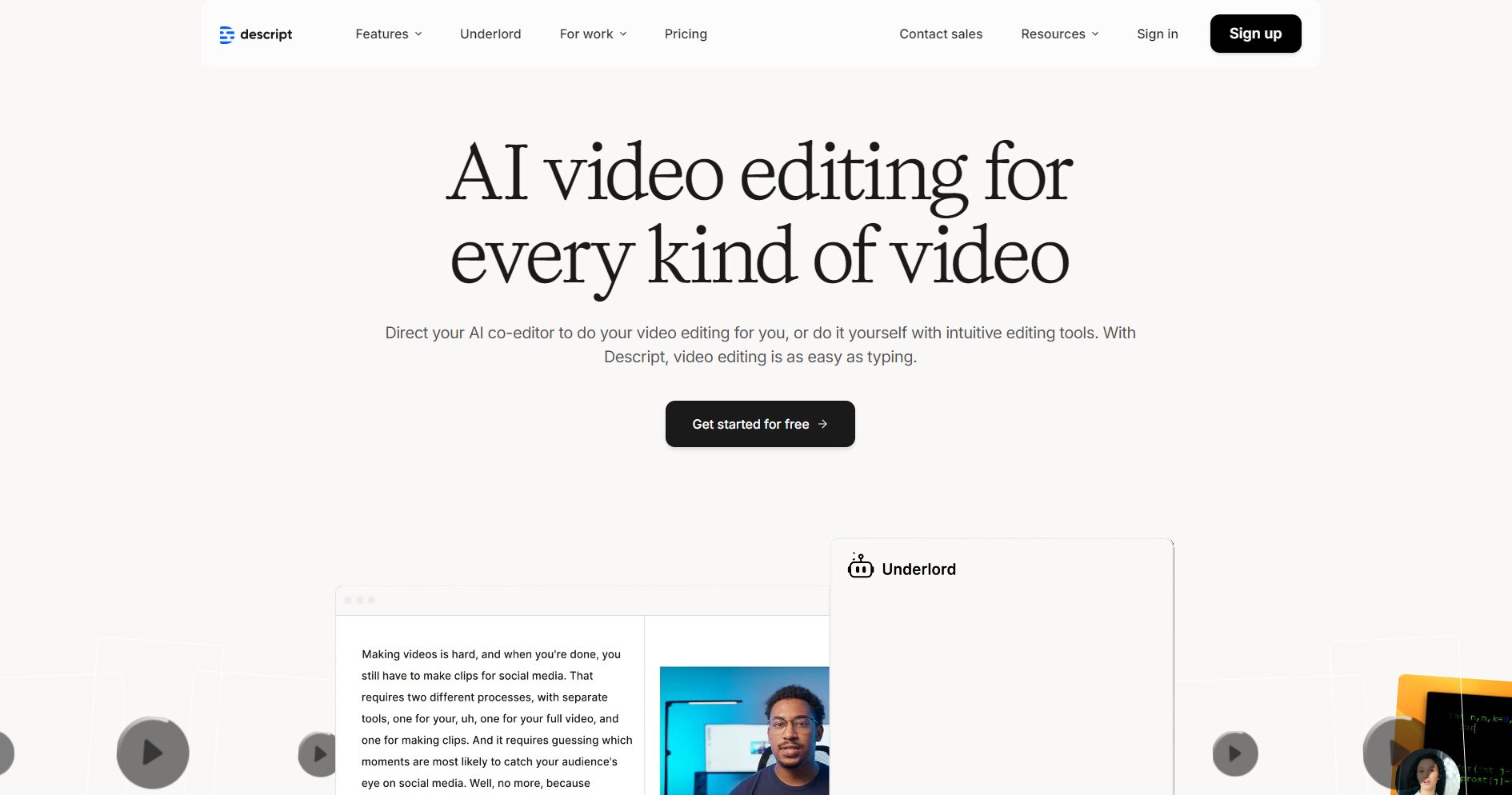
The biggest highlight of Descript isEdit audio and video with text.It simplifies the previously complex editing process into "editing video like editing a document," and all of this is AI-driven. Its key features include:
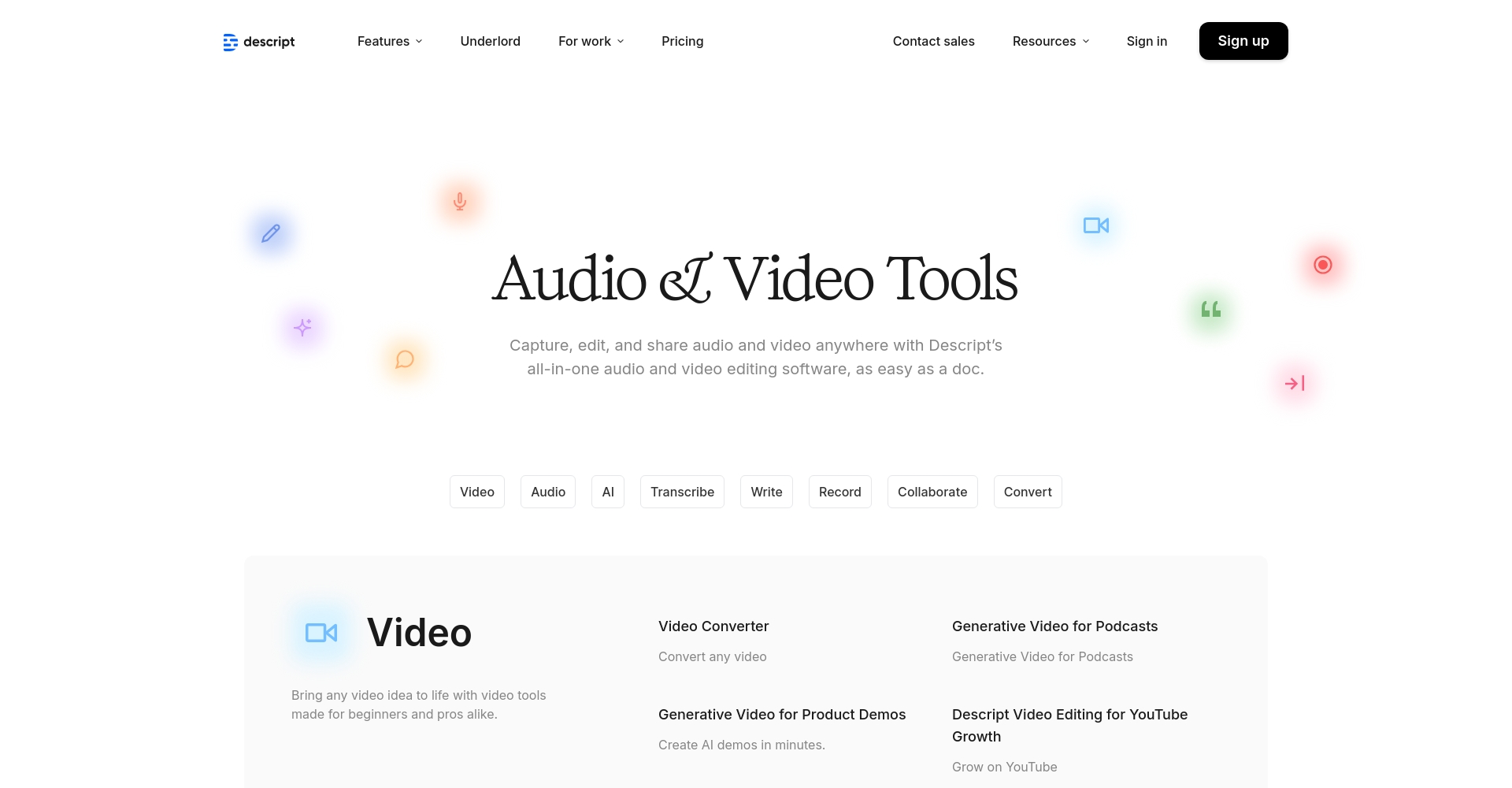
DescriptAI audio toolsIts capabilities are one of its leading advantages, encompassing powerful functions such as noise reduction, brightness enhancement, and AI voice synthesis.
Descript Official Function Navigation Page
| Functional modules | Detailed features |
|---|---|
| edit | Text-driven editing, timeline refinement, automatic removal of blank segments, and word filler removal. |
| Audio processing | Studio Sound noise reduction and brightening, phoneme-level voice repair |
| Visual enhancement | Eye Contact, Green Screen Keying, Automatic Subtitle Addition |
| AI authoring tools | Script generation, automatic summarization, voice cloning, AI virtual human |
| Collaboration and Output | Shared projects, team comments, export in multiple video sizes and formats |

Descript adheres to a "free + subscription" model, flexibly meeting the diverse needs of everyone from complete beginners to enterprise-level teams. The table below shows the latest pricing and feature tiers for 2024:
| plan | Monthly fee (annual payment) | Core Functions | Target audience |
|---|---|---|---|
| Free version | $0 | Transcription per hour/month, 720p watermark export, partial AI trial. | dabblers, beginners |
| Hobbyist | $16/person/month | Transcription every 10 hours/month, 1080p watermark-free, basic AI functions | Personal content creation, podcasts |
| Creator | $24/person/month | Transcription every 30 hours/month, 4K watermark-free, full AI functionality | Small collaborative teams, self-media personalities |
| Business | $50/person/month | 40 hours/month transcription, priority support, corporate collaboration, brand management | Enterprise Content Marketing and Collaboration |
| Enterprise Edition | custom made | Unlimited transcription, customized permissions, security and integration, individual account manager | Large media groups and educational institutions |
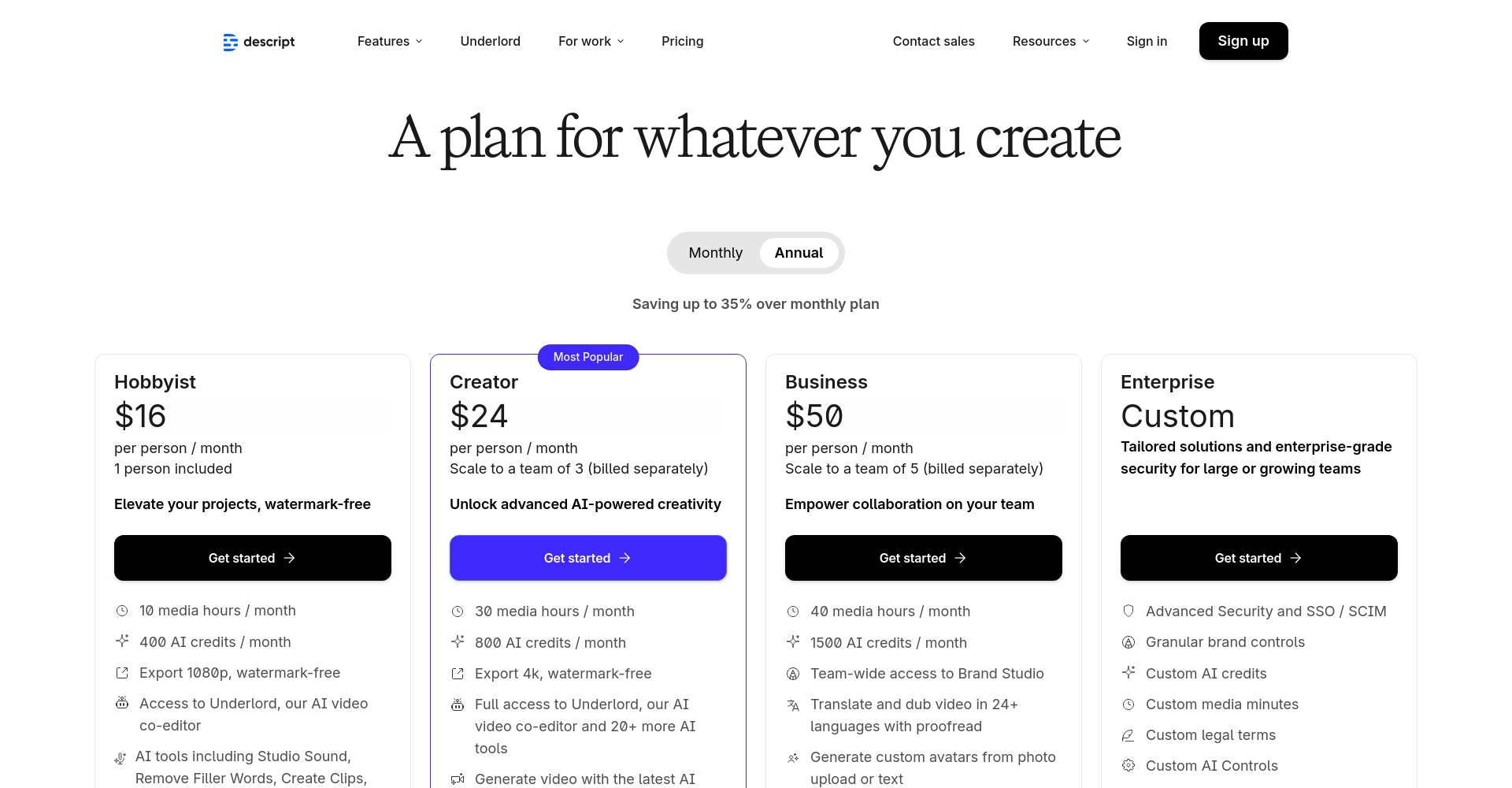
For detailed pricing and comparisons of different plans, please refer to:Descript official pricing page
| Features/Packages | Free version | Hobbyist | Creator | Business | Enterprise Edition |
|---|---|---|---|---|---|
| Transcription duration/month | 1h | 10h | 30h | 40h | unlimited |
| Export resolution | 720p (with watermark) | 1080p | 4K | 4K | 4K |
| AI Functions | part | Base | all | All + Team | all |
| Voice clone Overdub | × | √ | √ | √ | √ |
| Collaboration and Sharing | × | limited | √ | √ | √ |
| Team Management | × | × | part | √ | custom made |
Whether you're using a Mac, Windows, or a browser, Descript is extremely user-friendly.
The design philosophy of Descript is "content creation is easy for everyone." Its main applicable scenarios are as follows:
| Application areas | Main users | Corresponding Descript function |
|---|---|---|
| Podcast Production | Host, editor, guests, post-production team | Multitrack editing, audio AI enhancement, speech synthesis |
| Video Marketing | Advertising and marketing, brand promotion, new product introduction | Script generation, B-roll, brand visuals |
| Education and Training | Lecturer, Lecture Notes Production, Courseware Development | Screen recording, subtitles, and case reuse |
| Media/News | Interviews, report editing, on-site recording | High-speed transcription, batch export, one-click noise removal |
| Corporate Communication | Training videos, HR interview records, meeting minutes | Conference transcription, content summary, team collaboration |
Descript supports custom avatars, combined with AI voice-over and script generation, allowing for the easy creation of content such as special reports, news broadcasts, and tutorials without requiring real people to appear on screen. This significantly reduces shooting and post-production costs.
With the help of automated tools such as AI Clips and Batch Processing, users can slice long videos into short videos to adapt to platforms such as TikTok, Reels, and Bilibili.
Descript's biggest innovation lies in text-driven video editing.It does not require experience in complex timeline editing (such as Premiere or Final Cut Pro). Instead, it allows users to directly slice, splice, and remove content by editing text, greatly lowering the barrier to entry and making it suitable for beginners and creators with large amounts of content.
Descript AI transcriptionIndustry-leading accuracyIt offers excellent support for Chinese, English, and multiple languages, and can recognize complex accents and technical terms. It is particularly well-suited for podcasts, conferences, and multi-guest interviews. See details below.Transcription function page。
In today's era of information overload and short-video content,Descript With its innovative paradigm of "AI + text-driven content production," Descript is empowering self-media creators, small and medium-sized teams, enterprises, and educational institutions to embark on a more efficient and intelligent path to content creation. Whether you want to quickly edit podcasts, create high-quality courses, or mass-produce short videos for social media, Descript is an unmissable new engine of digital productivity in 2024, worthy of attention and in-depth exploration by every content creator.
Experience a new era of AI-driven content creation. Visit us now! Descript official website Start your free trial!
This site's AI-powered navigation is provided by Miao.DescriptAll external links originate from the internet, and their accuracy and completeness are not guaranteed. Furthermore, AI Miao Navigation does not have actual control over the content of these external links. As of 8:21 PM on November 7, 2025, the content on this webpage was compliant and legal. If any content on the webpage becomes illegal in the future, please contact the website administrator directly for deletion. AI Miao Navigation assumes no responsibility.
