

Opus Clip
Opus Clip is an AI-powered automatic short video editing tool that can efficiently convert long videos into short videos suitable for platforms such as TikTok and YouTube Shorts with just one click.
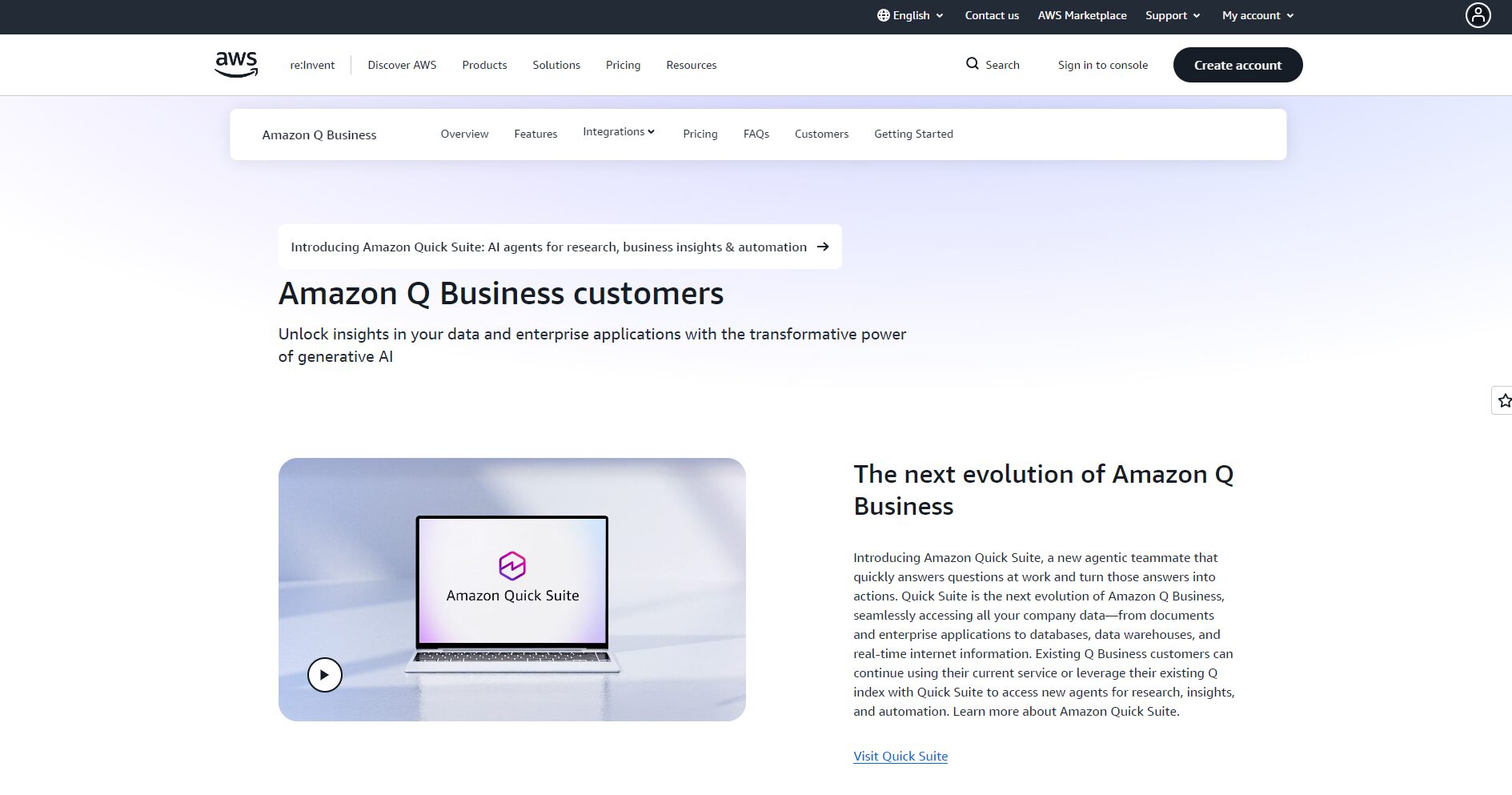
As enterprise demand for generative AI assistants surges, Amazon Web Services (AWS) has launched Amazon Q, designed to help business teams, developers, and operations personnel quickly gain data insights, write code, and build applications using natural language.
 Amazon Q
With the surge in enterprise demand for generative AI assistants, Amazon Web Services (AWS) launched Amazon Q, designed to help business teams, developers, and operations personnel quickly gain data insights, write code, and build applications using natural language. This article will delve into its product features, pricing plans, usage flow, target audience, and comparisons with mainstream... AI Programming ToolsThe comparison will help you determine whether this "enterprise-grade AI assistant" is right for your organization.
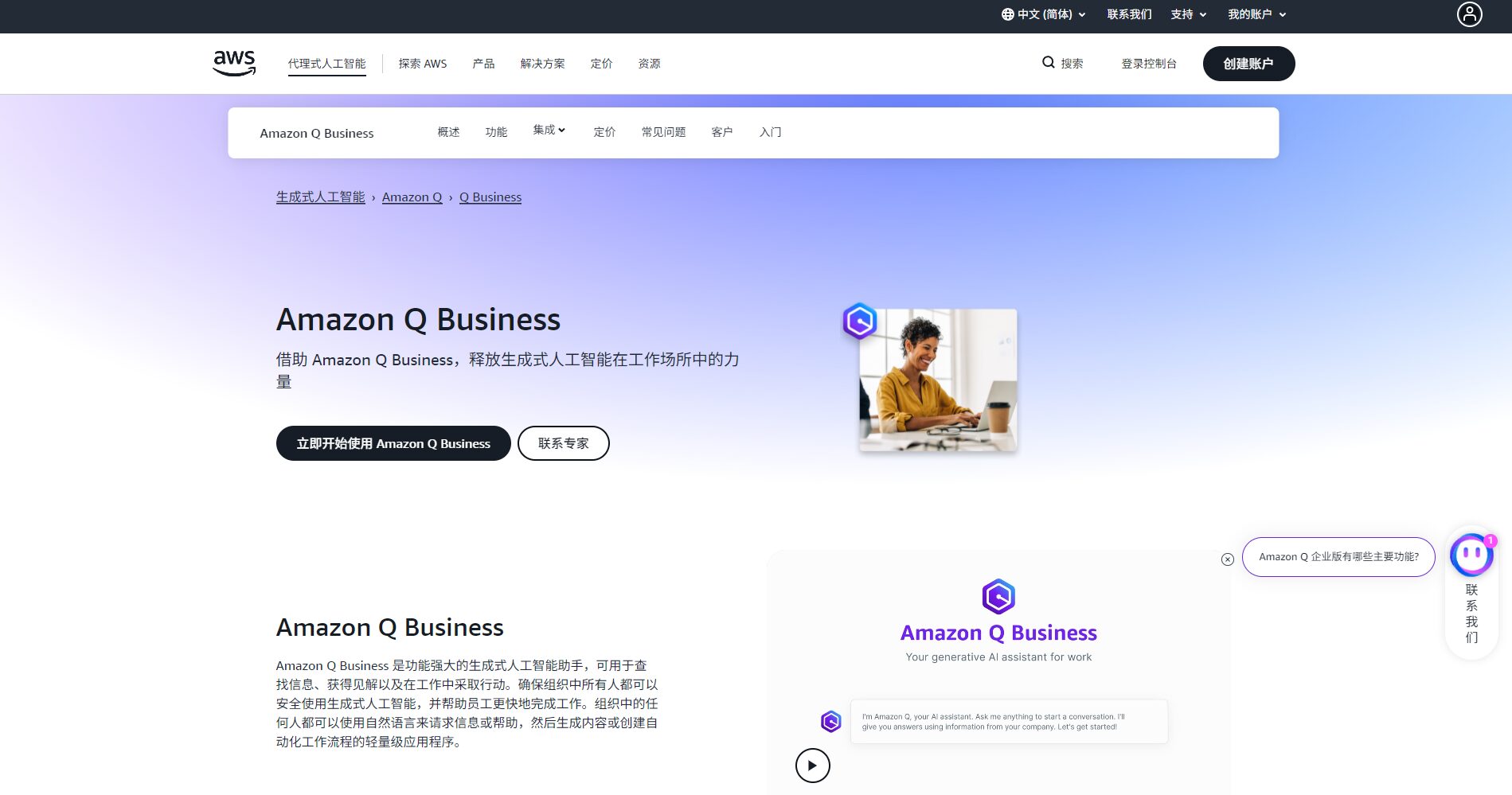
Official website:https://aws.amazon.com/q/
As a generative AI assistant positioned for enterprises and developers,Amazon Q It covers multiple functions such as business Q&A, code assistance, knowledge base retrieval, and automated task execution.
Access link: Amazon Q feature introduction pageAWS Q Assistant – Enterprise Generative AI – AWS Cloud Services
Main Functions and Advantages
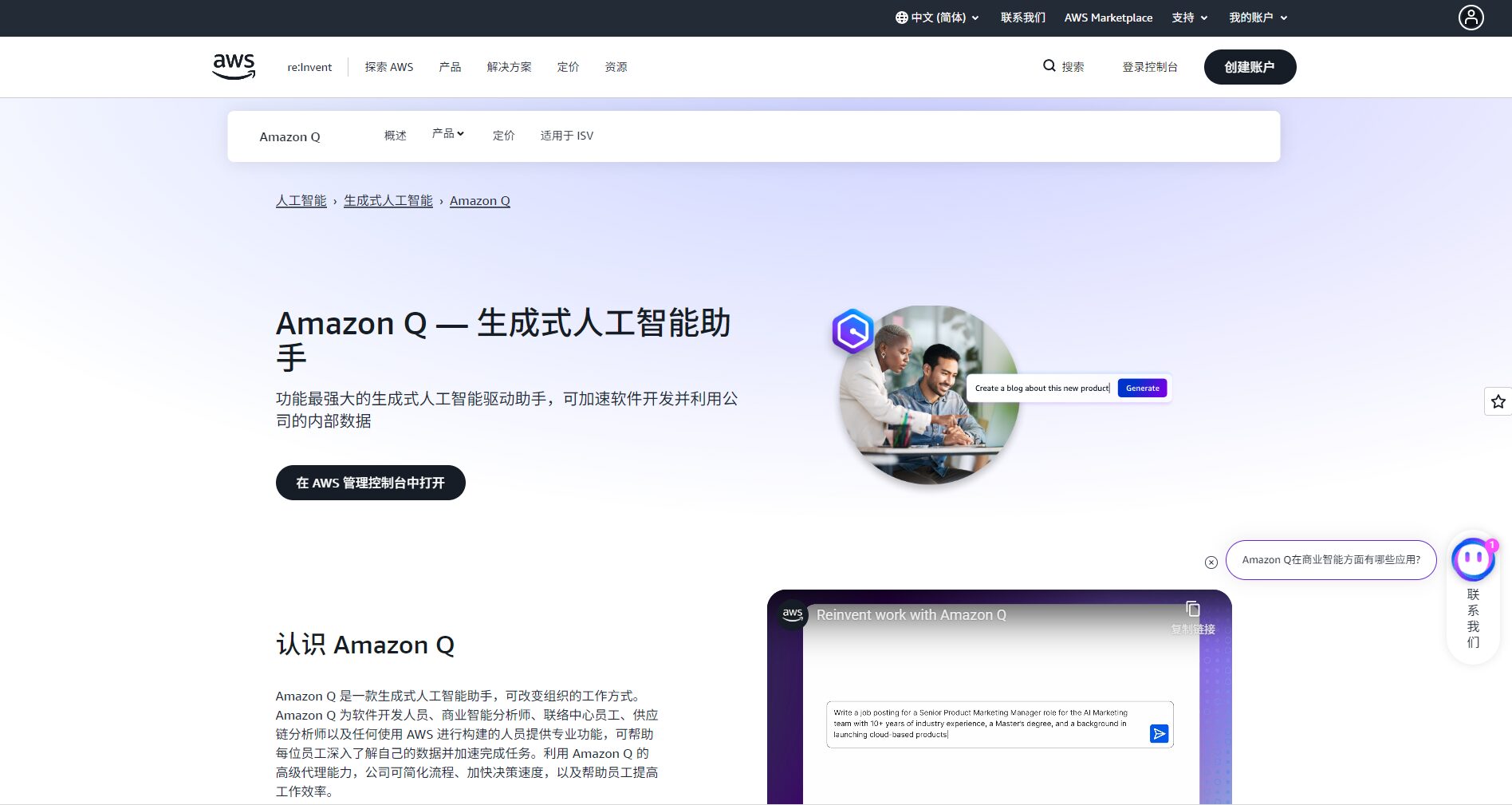
See detailsOfficial solution page(Login required to view)
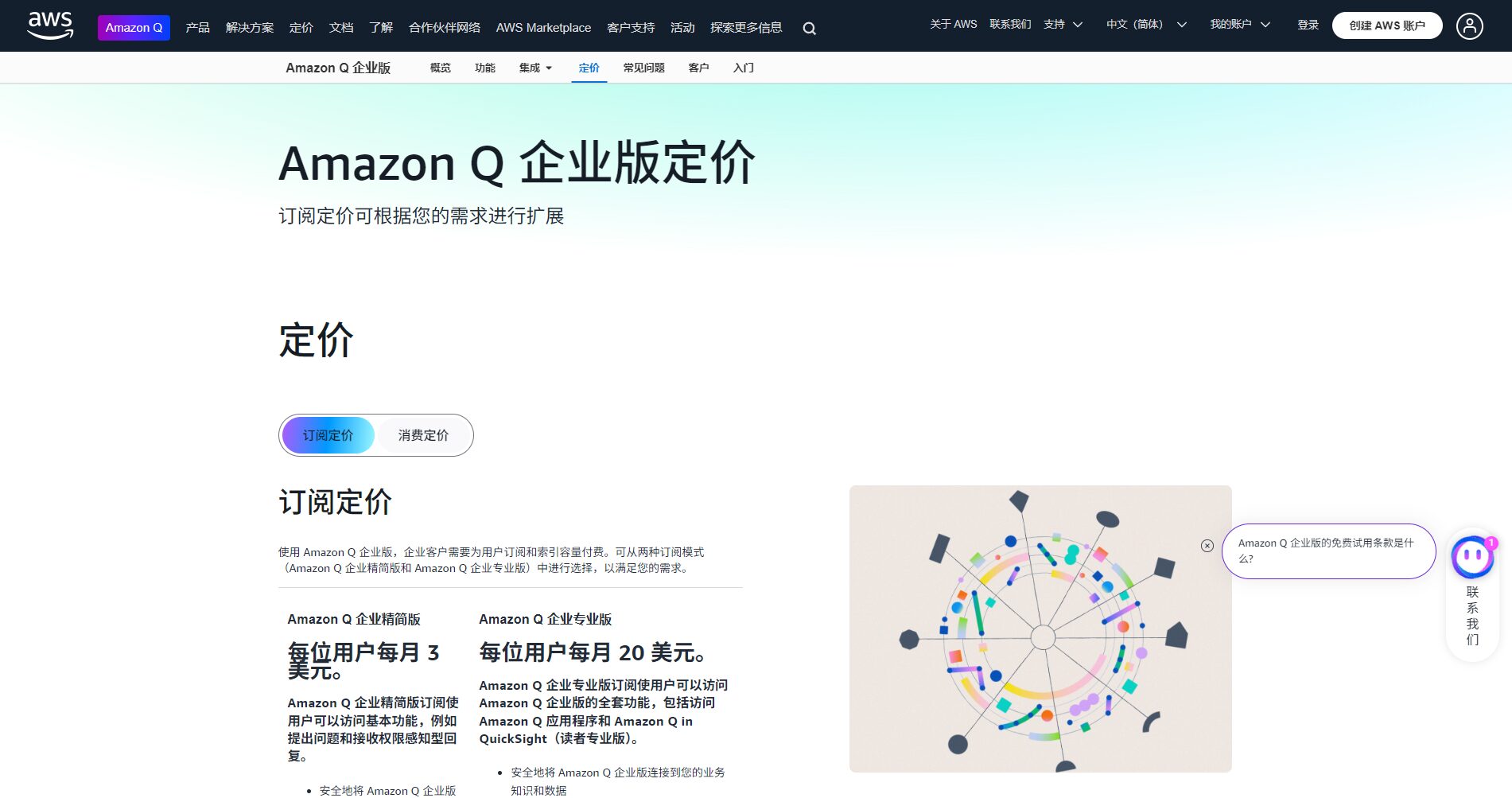

| Package Name | Target audience | Main AI functions | Key features | Price (for reference) |
|---|---|---|---|---|
| Q Developer Free/Pro | Developers, AWS resource users | Code suggestions, refactoring, AWS resource analysis | IDE plugins + console chat + code security scanning | Starts free (50 Agentic questions/month) |
| Q Business | Employees of various departments and corporate clients | Data Q&A, summarization, and AI application generation | Connecting to multiple data sources, enterprise permissions, and AI application building tools | Billed per person per month, enterprise-level pricing (publicly available pricing is less common). |
Note: While a free developer starter edition is available, it is recommended to consult with AWS sales and assess long-term costs for large-scale enterprise deployments or generative AI application building.
The following is a typical onboarding process, suitable for first-time users or those conducting research:
Amazon Q caters to users across different roles. The following are typical user profiles and their application scenarios:
| User type | Application scenarios | Typical requirements |
|---|---|---|
| Business Analyst/Department Staff | Quickly view internal data, generate reports, and automate daily tasks. | Access data using natural language and reduce search time |
| AWS Architect/Developer | Build new systems, optimize existing resources, and write infrastructure code. | Get advice quickly and reduce configuration errors |
| Enterprise IT/Operations Team | Fault diagnosis, access control, cost control, and security vulnerability detection | Instant suggestions, automated workflows |
| Product Manager / PMO | From concept generation internal tools, mini-programs, or smart assistants | Zero-code/low-code rapid prototyping |
If your organization has highly private resources, requires fully offline deployment, or has extremely complex custom systems, be sure to evaluate Amazon Q’s online model training policy and data isolation capabilities in advance.
In the field of AI programming/assistive tools, Amazon Q differs from tools such as GitHub Copilot and Replit AI. The following is a comparison:
| Tool Name | Free Plan | Coverage/Resource Scope | Integrated Environment | Enterprise features | Unique advantages |
|---|---|---|---|---|---|
| Amazon Q | (Developer Start-up) | Full support for enterprise knowledge base + code + AWS resources | AWS console, IDE, business systems | Strong enterprise access control, data source connection, and multi-role support | A cross-departmental, business-plus-development integrated AI assistant |
| GitHub Copilot | (Students/Open Source) | Focus on code completion and generation, and use it instantly within the editor. | VS Code, JetBrains, Neovim | Enterprise Edition: Code Compliance and IP Protection | The most powerful real-time code completion experience, deeply integrated with the GitHub ecosystem. |
| Replit AI | There is a free version. | Online IDE environment + multi-language support | Browser IDE | Educational/Lightweight Project Friendly | Ready to use out of the box, requires zero local configuration, and is user-friendly for rapid prototyping. |
Overall, Amazon Q's advantages lie in its "dual coverage of enterprise data and development, and cross-role support"; GitHub Copilot focuses more on "coding moments"; and Replit AI leans more towards "online development environments." You should choose the most suitable tool based on your organization's technology stack, role distribution, and data access needs.
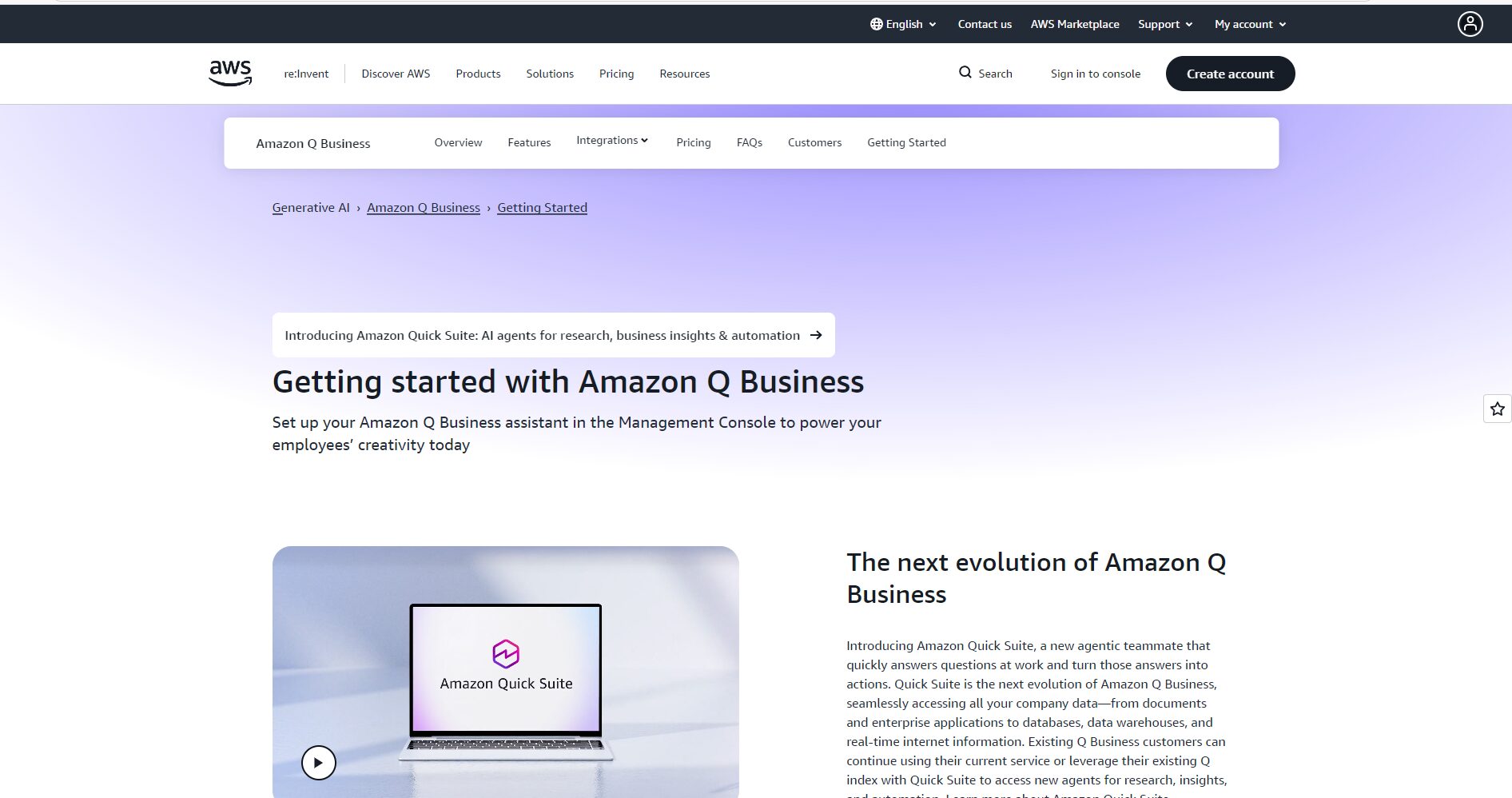
I. Advantages and Highlights
II. Limitations and Precautions
In summary, Amazon Q is an enterprise-grade generative AI assistant positioned for "cross-business + development." It is highly attractive to organizations looking to enable different roles (business analysts, developers, operations personnel) to use the same platform to improve efficiency and accelerate the data-to-code process. However, if your focus is on "code completion" or "educational development," you may need to pair it with a dedicated tool such as GitHub Copilot.
This site's AI-powered navigation is provided by Miao.Amazon QAll external links originate from the internet, and their accuracy and completeness are not guaranteed. Furthermore, AI Miao Navigation does not have actual control over the content of these external links. As of 6:35 PM on November 6, 2025, the content on this webpage was compliant and legal. If any content on the webpage becomes illegal in the future, you can directly contact the website administrator for deletion. AI Miao Navigation assumes no responsibility.
