

Compose AI
Compose AI is a Chrome browser-based plug-in AI writing platform that helps users quickly improve their writing efficiency through auto-completion and AI generation.
In today's rapidly developing digital entertainment and content creation landscape, AI face-swapping technology has become a new hot topic for creative professionals and general users. Among them, Reface, as a professional and commonly used AI image tool, has become the preferred platform for many users in creative, entertainment, and personal image editing due to its powerful multi-format support, advanced AI algorithms, and extremely simple operation process.
 Reface
In today's era of rapid development in digital entertainment and content creation,AI face-swapping technologyIt has become a new hot topic among creative professionals and general users. Among them, Reface, as a professional and commonly used AI image tool, has become the preferred platform for many users in creation, entertainment and personal image editing due to its powerful multi-format support, advanced AI algorithms and extremely simple operation process.
This article will provide a detailed analysis from multiple aspects, including tool functionality, pricing plans, usage process, and target audience. RefaceIt also provides authoritative answers to common questions and outlines the most cutting-edge AI face-swapping application experience for readers.
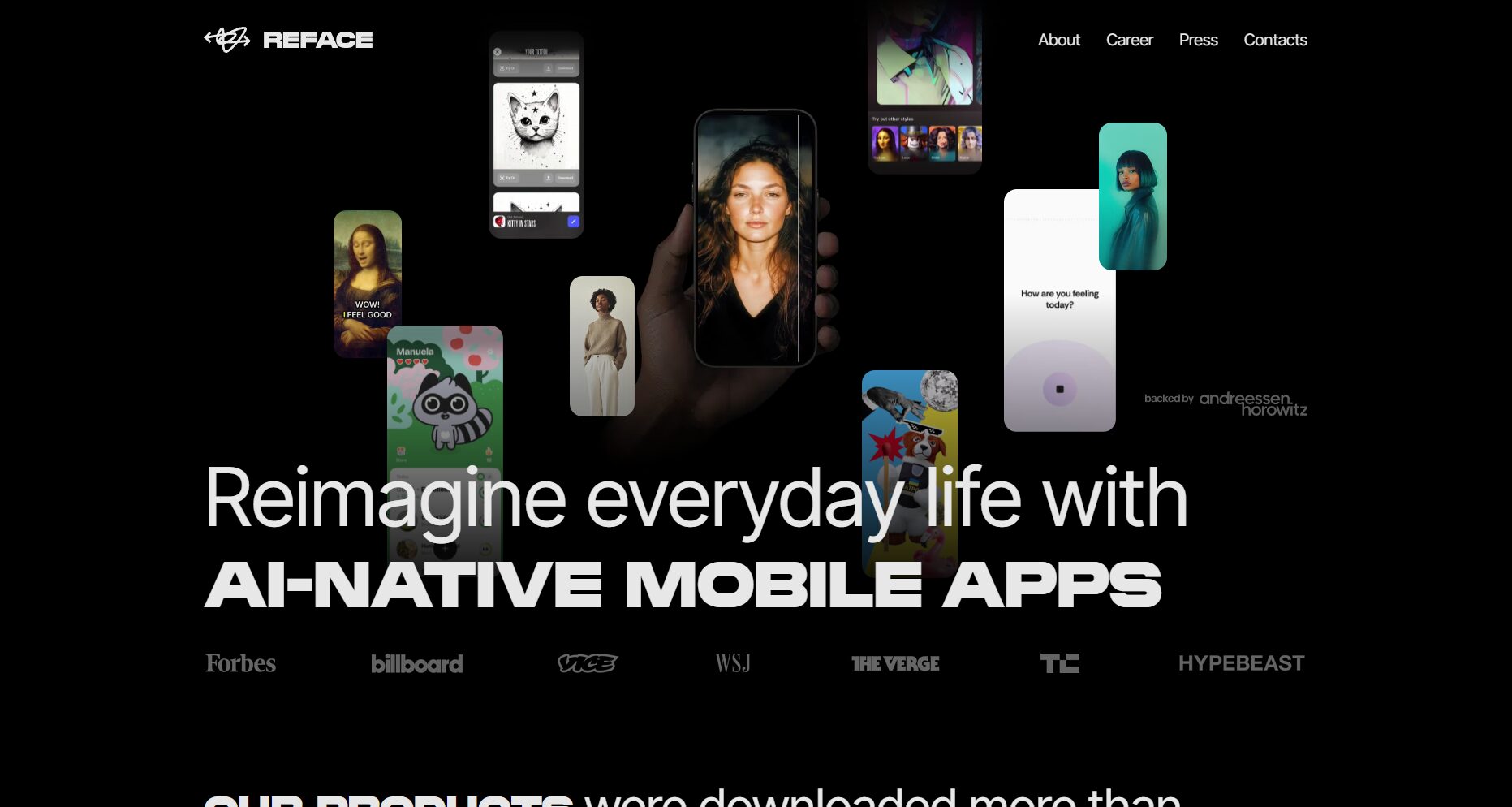
Reface official website:Reface
Reface allows users to seamlessly replace faces in photos, videos, and even GIFs without any image processing experience. Key highlights include:

Detailed feature descriptions are available at [website address].Official feature page。
| Function Name | Supported objects | How to use | Generation speed / Notes |
|---|---|---|---|
| Face swapping | JPG/PNG, etc. | Upload photo → One-click face swap | Completed in seconds to tens of seconds, supporting multiple users and multiple styles. |
| Video face swap | MP4/MOV, etc. | Upload video → Replace face/Insert person clip | Processing time depends on video length (in minutes). |
| GIF face swap | GIF animation | Upload GIF → Replace Face | Suitable for entertainment purposes, such as creating emojis. |
| Gender/Age/Hairstyle Change | JPG/PNG | Upload photo → Select transformation type | Quick preview of different styles |
| Avatar/Cartoonization | Photos/Videos | Choose an avatar or cartoon template. | Extremely simple process, suitable for social entertainment |

Use face-swapping feature for free:
| Solution Name | price | Supported features | Advertising/Customer Support | Target audience |
|---|---|---|---|---|
| Free Plan | $0/year | Basic face-swapping function, some templates | Contains advertisements and may contain watermarks. | Light users/new users |

Paid subscription plans (subject to the official website):
Note: Prices may vary depending on region, event, currency, etc. Please refer to the official website for the final price.

For detailed instructions, please refer to the official user page.
| Tool Name | face swapping methods | Video support | GIF support | AI-powered clothing/hairstyle change | Watermark status | Points/Free Quota |
|---|---|---|---|---|---|---|
| Reface | Photos/Videos/Animations | ✔ (Video clip) | ✔ (Animated) | ✔ (Hairstyle/Hair Color Experiment) | Paid watermark-free | The free version contains ads/watermarks. |
Whether you're a short video creator, a social media entertainment enthusiast, or a digital content creator, Reface offers a one-stop, highly efficient, and surreal AI face-swapping tool experience. As a leading AI image tool, Reface is sparking a new wave of creative content production in the digital age with its superior features and streamlined workflow. Visit the Reface website now and start your AI face-swapping journey!
This site's AI-powered navigation is provided by Miao.RefaceAll external links originate from the internet, and their accuracy and completeness are not guaranteed. Furthermore, AI Miao Navigation does not have actual control over the content of these external links. As of 6:23 PM on November 4, 2025, the content on this webpage was compliant and legal. If any content on the webpage becomes illegal in the future, you can directly contact the website administrator for deletion. AI Miao Navigation assumes no responsibility.
