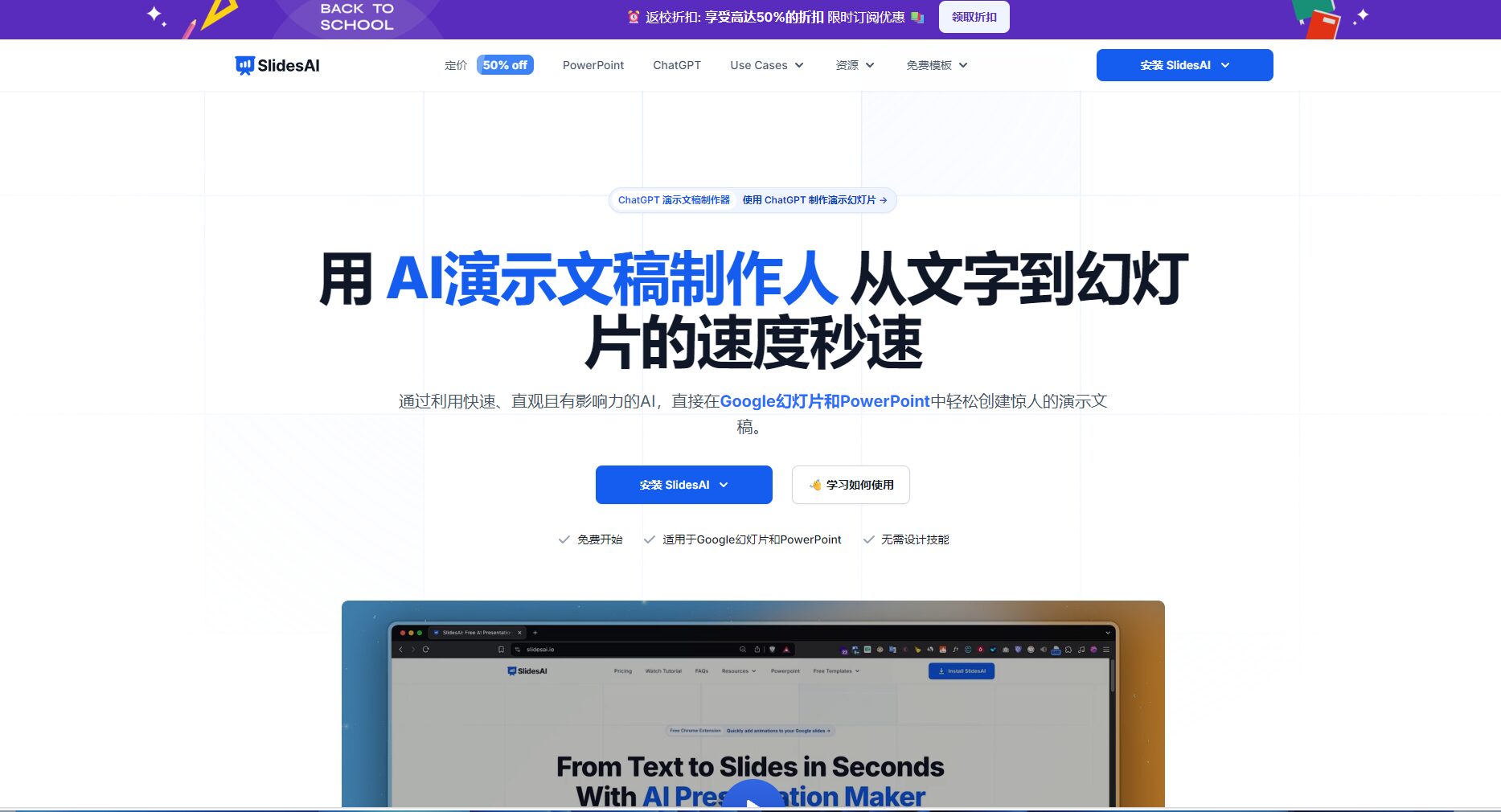
SlidesAI is an AI-powered intelligent presentation generation platform that can automatically and quickly convert text into professional PPT/Google Slides, supporting multiple platforms and languages, and greatly improving the efficiency of slide creation.
SlidesAIIt is a rapidly growing global productAI presentation auto-generatorSimply enter the text to...Generate a well-structured, aesthetically pleasing, and customizable PowerPoint presentation within seconds.No design background is required.Supports Google Slides and PowerPoint platformsIt boasts powerful intelligent text-to-PPT conversion, multi-language (100+) adaptation, AI theme customization, visual editing, as well as team collaboration and security features.SlidesAIOffering free tiered upgrade packages, suitable for various fields such as education, business, and scientific research, and further...Extremely easy to use, highly intelligent, and rich in use casesIt has become a popular choice for AI-powered office work and content creation.
A Comprehensive Analysis of SlidesAI, the AI-Powered Office Assistant: A Smart Presentation Generation Platform
(News report in July 2024)
As AI technology continues to be applied in office automation, an increasing number of tools are dedicated to improving efficiency and content creation. Recently, AI-powered slideshows and presentation tools have garnered significant industry attention.SlidesAI(https://www.slidesai.io/SlidesAI has officially launched in the domestic market, attracting widespread attention from professionals in education, business, research, and other fields. What are the highlights of SlidesAI? How can you use it to improve your PPT productivity? This article will take you on an in-depth exploration of this intelligent tool platform.
What is SlidesAI? — An intelligent presentation engine for the AI era
SlidesAIIt is one of the world's fastest-growing AI presentation generators, focusing on efficiently and automatically generating professional PPT, Google Slides, and other presentations from text content. Users only need to input the topic, text, or key points, and SlidesAI can automatically generate a well-structured, visually appealing, and customizable PPT presentation within seconds.
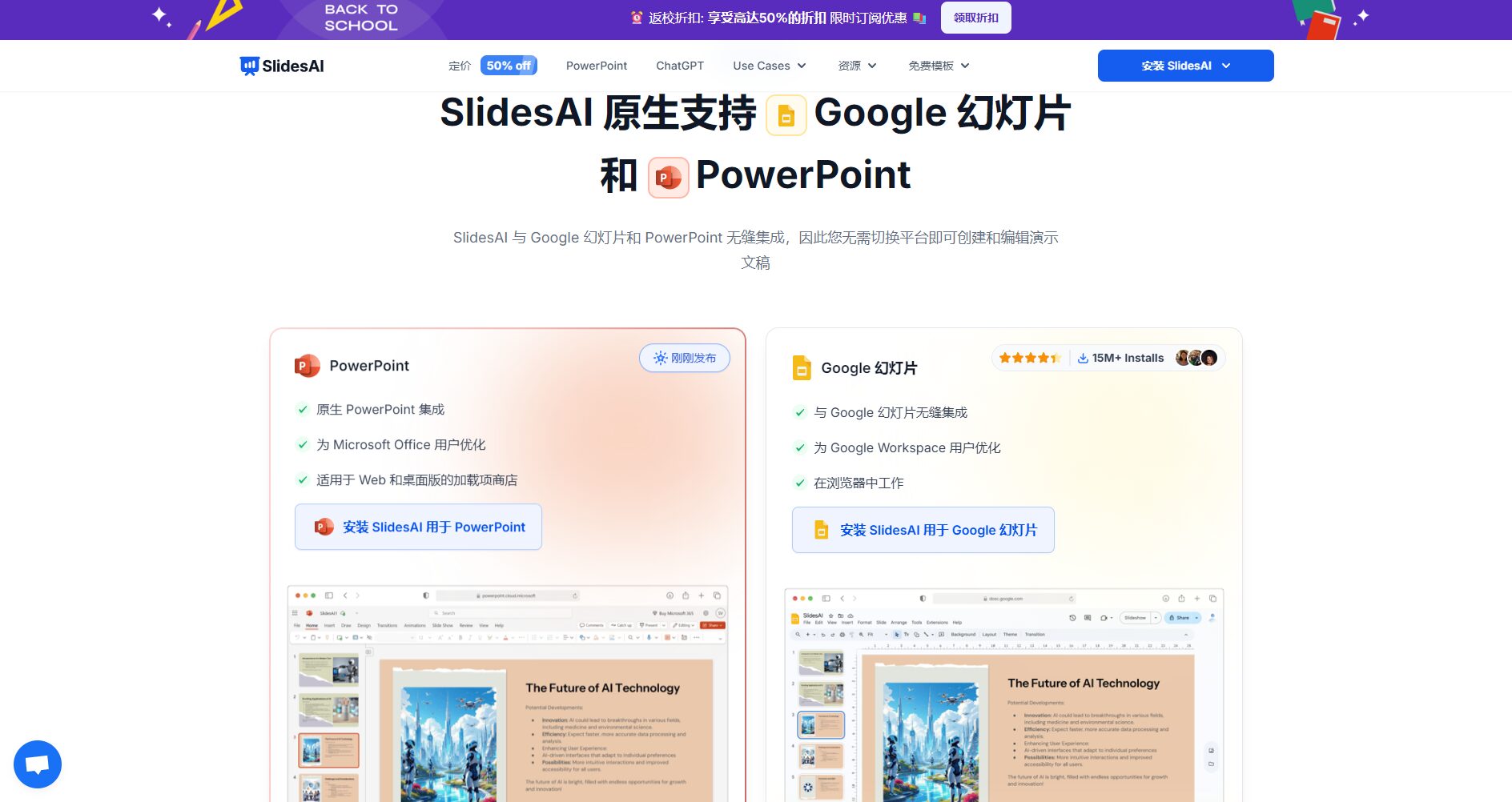
Supports integration with both Google Slides and PowerPoint platforms.Seamlessly integrates with mainstream presentation software.
AI-driven intelligent content organizationIt intelligently breaks down paragraphs, outlines, and other text into slide highlights, resulting in a clearer structure.
Extremely strong multilingual adaptabilityIt currently supports more than 100 languages, adapting to the needs of globalization.
No design background requiredIt automatically generates professional-grade visual styles and layouts.
Personalized theme editing and mixed text and image layoutIt adapts to the company's brand colors and logo, and features a rich image library and AI image generation capabilities.
As a rising star in the field of AI-powered slides and presentations, SlidesAI...Minimalist, efficient, and intelligentBased on the core design concept, its main functions are as follows:
Smart Text to Slideshow
Input content in various formats such as themes, scripts, and documents, and it can be converted into a structured presentation outline with one click.
It intelligently breaks down paragraphs, extracts key points, and polishes the content based on emotional tone.
Image/Official Website Function Introduction
Seamless integration across multiple platforms
SlidesAI now natively supports Google Slides (installed via the official plugin) and Microsoft PowerPoint (BETA download is available), allowing users to create and edit PPTs smoothly without switching platforms.
Function
Google Slides
PowerPoint
Remark
Intelligent Text to PPT
✔ Fully supported
✔ BETA Support
Primarily supports English; other languages are being expanded.
AI Theme Customization
✔ Support
✔ Supported (under testing)
Expand color scheme/font selection & upload your company's proposal
Interact with a vast array of 2D and 3D characters and experience truly unlimited AI role-playing dialogue. Join now! New users receive 6000 points upon login!
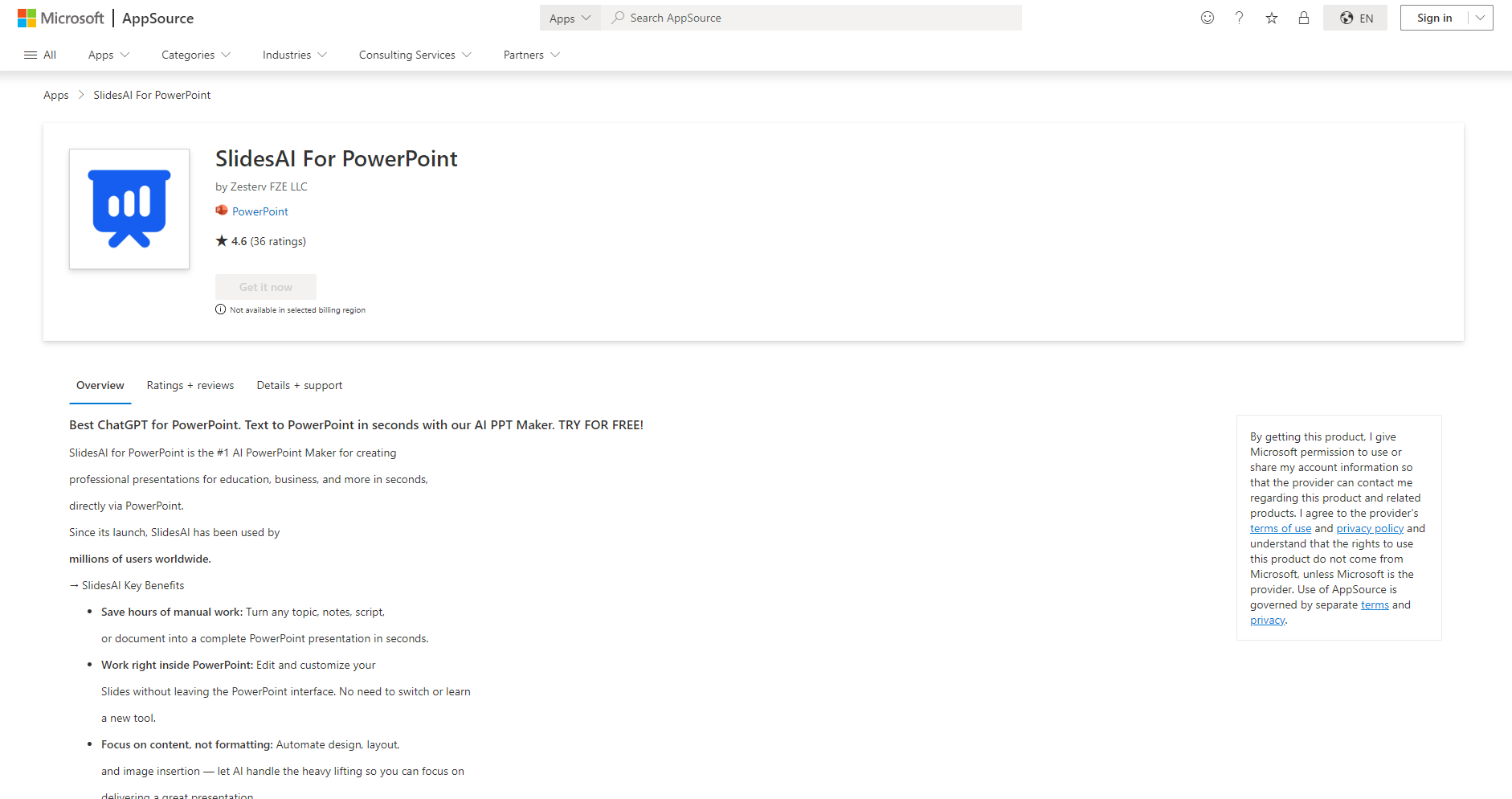
Install the corresponding plugin. – Google Slides users: Download and install "SlidesAI.io – Create Slides With AI" from the official marketplace.Click to go directly)。 – PowerPoint users: Download the PowerPoint extension (Beta version entrance)。
Input content Paste your text, script, notes, or simply enter a sentence (e.g., "Marketing Product Launch"). Text uploads are supported.
Select template/style/number of pagesGenerate a presentation outline with one click.
Fine-tune the content and visualsIt can be enhanced with AI features such as "Remix/Shorten/Rewrite/Translate", and brand parameters can also be customized.
Export and Share PPTs can be previewed, modified, and exported in Google Slides/PowerPoint, and can also be converted to PDF or video (coming soon).
SlidesAIIts biggest highlight is the direct integration of Google/PowerPoint workflows, resulting in accurate, well-structured, diverse themes and high AI empowerment.
Image/Workflow Access Support
Real Reviews and Frequently Asked Questions
Since its launch, SlidesAI has been downloaded over 15 million times globally, achieving [a significant milestone].4.8/5.0 high rating, positive reviewsSelected FAQs:
Do I need a Google Workspace account? No! A regular Gmail account is sufficient. See details.Official FAQ。
Which languages are supported? Supports 100+ languages, including Chinese, English, Japanese, Spanish, French, German, etc.Official Multilingual Overview
How can I cancel or upgrade my subscription? Self-service operation on the account page.Unsubscribe Guide
Does it support enterprise customization and team collaboration? Support includes collaborative editing, branded package management, and more.
Can PowerPoint presentations be exported as PDF/PPT? It is supported and easy to share and back up.
Can it be used without Google/PowerPoint? The web version can also quickly generate content and import it into other tools.
More innovative features and future plans
AI Video ExportSoon, it will support one-click conversion of PPT to video.
AI Voice/Animation GenerationIntelligent multimedia capabilities are under development.
In the future, we will upgrade AI collaboration and team management, and continue to lead the new trend of automated presentation slides.
Conclusion
SlidesAI stands out in the AI-powered office software market thanks to its agile text generation, powerful personalized visual system, and seamless platform compatibility. Whether you're a beginner or an industry veteran, simply click...Official websiteYou can experience it.AI enhances efficiency and unleashes creativity.The allure of AI-powered slideshows and presentations. The evolution of AI-powered slideshows and presentations has officially begun!
Interact with a vast array of 2D and 3D characters and experience truly unlimited AI role-playing dialogue. Join now! New users receive 6000 points upon login!
SlidesAIThe number of visitors has reached 32. If you need to check the site's ranking information, you can click ""5118 Data""Aizhan Data""Chinaz data""Based on current website data, we recommend using Aizhan data as a reference. More website value assessment factors include:"SlidesAIAccess speed, search engine indexing and volume, user experience, etc.; of course, to evaluate the value of a website, the most important thing is to base it on your own needs and requirements, and some specific data will need to be obtained from [research institutions/resources].SlidesAIWe will negotiate with the website owner to provide information such as the website's IP addresses, page views (PV), and bounce rate.
aboutSlidesAISpecial Announcement
This site's AI-powered navigation is provided by Miao.SlidesAIAll external links originate from the internet, and their accuracy and completeness are not guaranteed. Furthermore, AI Miao Navigation does not have actual control over the content of these external links. As of 6:14 PM on October 31, 2025, the content on this webpage was compliant and legal. If any content on the webpage becomes illegal in the future, you can directly contact the website administrator for deletion. AI Miao Navigation assumes no responsibility.