
Lucidpic
Lucidpic is an AI-powered image generation tool that allows for highly customizable virtual avatars in various styles, making it suitable for content creators, designers, and others for commercial and creative purposes.
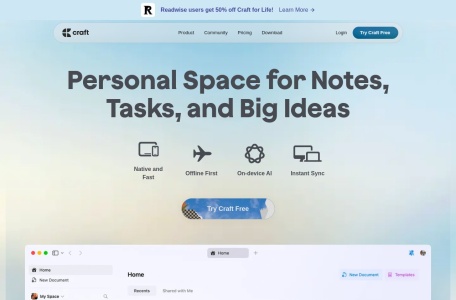
Craft AI Assistant is an intelligent AI office tool that integrates writing generation, document summarization, proofreading and translation, and team collaboration, supporting efficient office work across multiple platforms.
 Craft AI Assistant
Craft AI AssistantAs a new favorite in the fields of efficient office work and creative work, it integratesIntelligent writing, content extraction, and real-time collaborationFeatures such as these greatly enhance productivity. It supports...Multi-platform useWith multilingual translation capabilities and robust data security, it's suitable for content creators, business professionals, educators, and corporate teams. A variety of subscription plans offer flexible options, and the AI assistant efficiently assists with writing, organizing, and knowledge retrieval, making it a powerful tool for both professional and creative endeavors.Visit the official website to experience it。
In the fields of efficient office work and content creationAI Document AssistantIt has become an indispensable tool for productivity.Craft AI AssistantAs an AI-powered office tool favored by professionals and content creators, Craft AI Assistant brings users a brand-new experience in writing, management, and collaboration with its intelligent, efficient, and convenient features. This article will provide a comprehensive overview of Craft AI Assistant's functions, pricing, target audience, and frequently asked questions, helping you fully understand and get started with this intelligent assistant.
Tool platform official website:https://www.craft.do
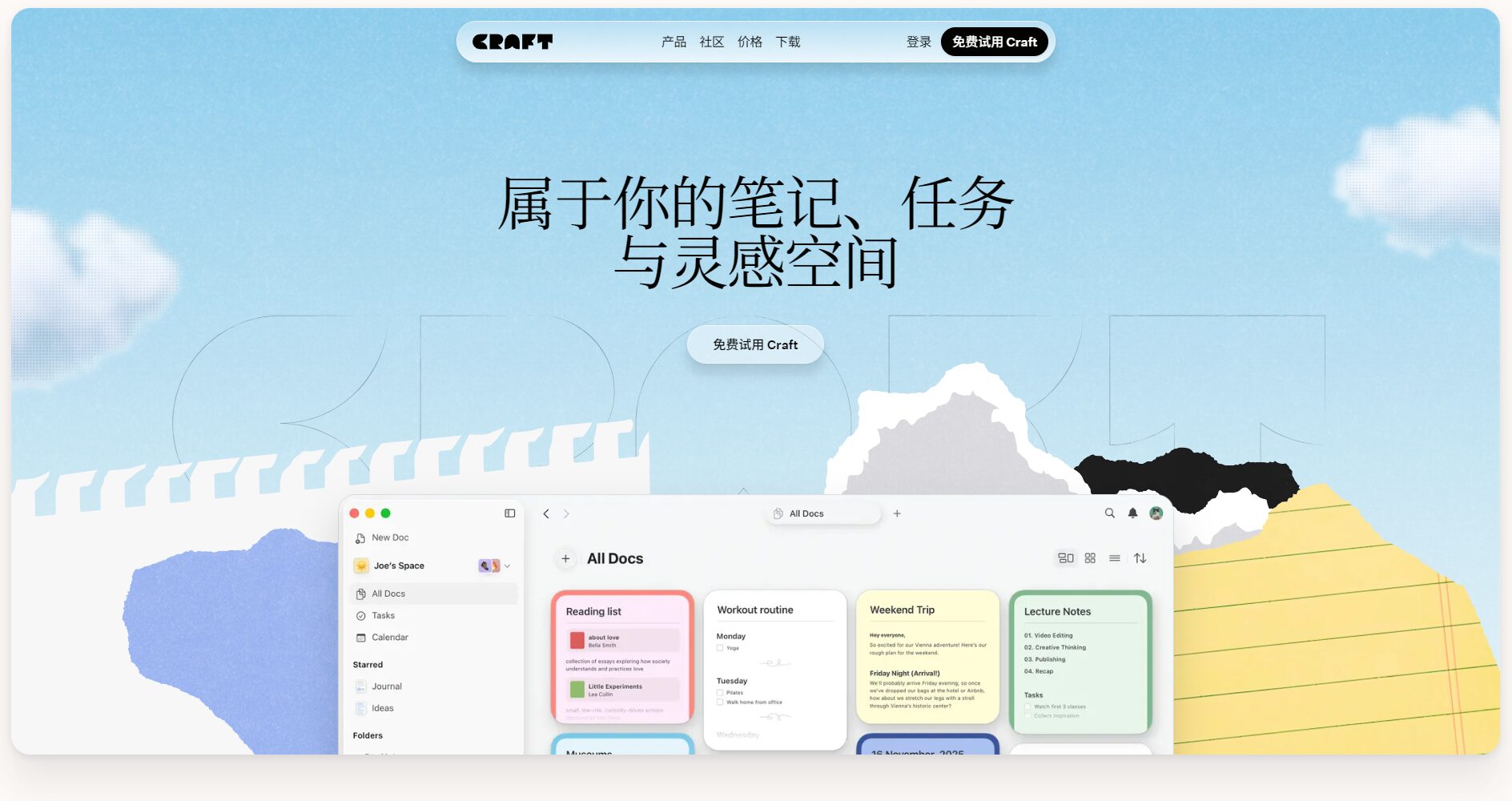
Craft AI Assistant is an AI assistant launched by the well-known document and note-taking platform Craft. Based on OpenAI models, it integrates writing and summarizing functions, greatly improving productivity. To experience all the features of Craft AI Assistant in detail, please visit its website.Official website。
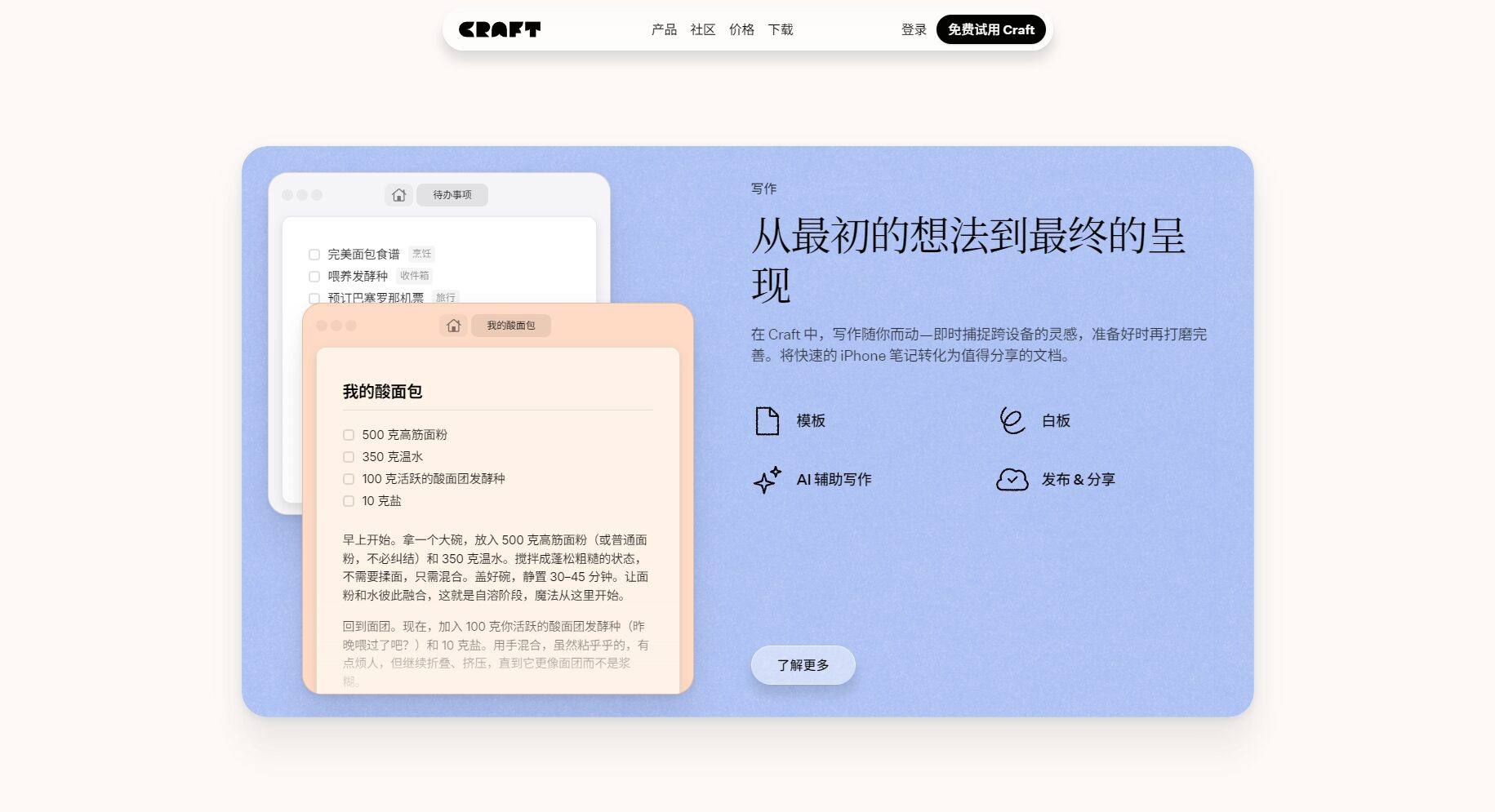
Craft AI Assistant can quickly generate various types of content, including but not limited to:
A simple one-line tip can help you overcome writing blocks and increase your content production speed.
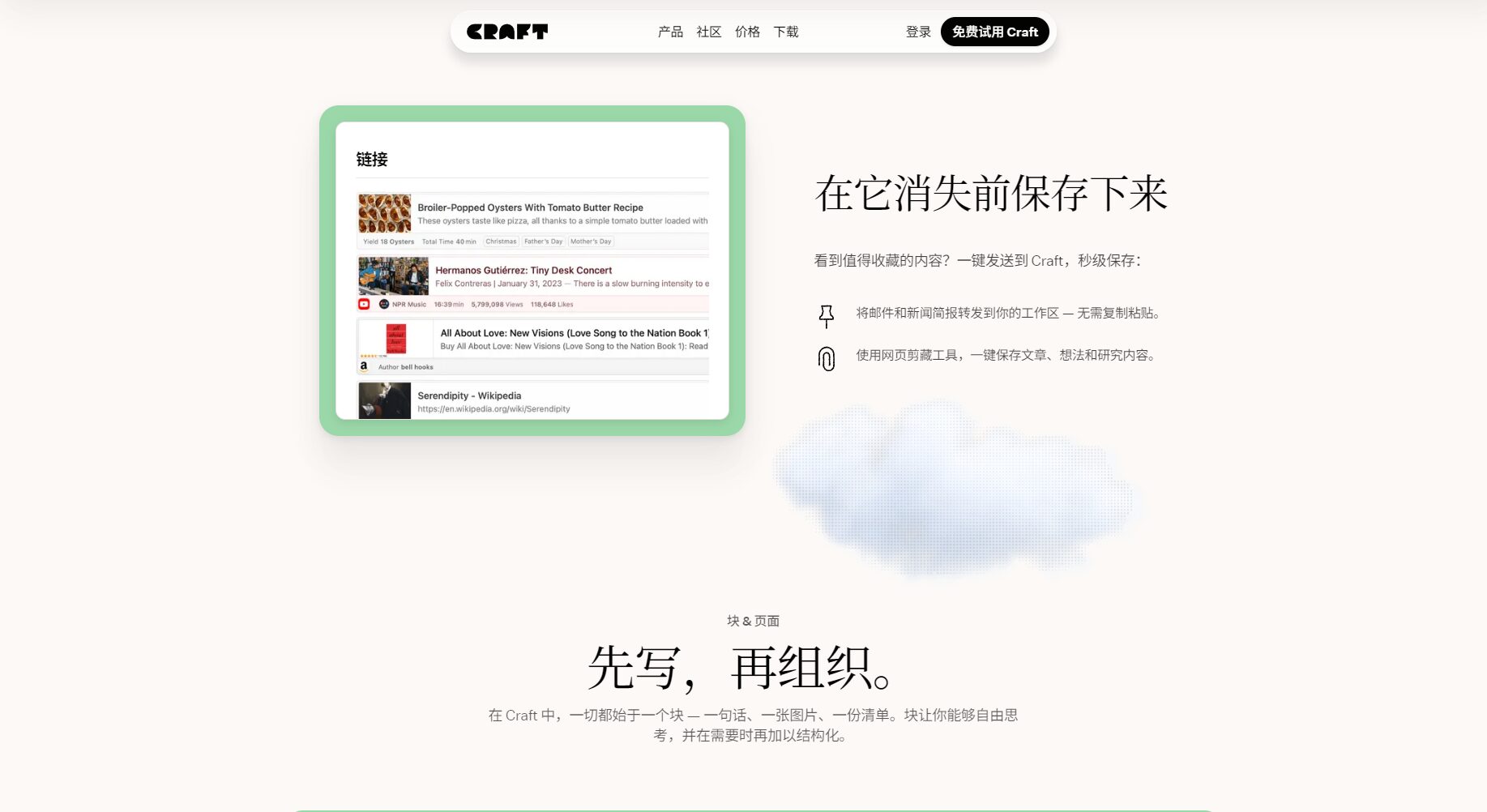
For long documents or complex reports, Craft AI Assistant can:
It greatly reduces the time spent on organizing and summarizing, making efficient information processing possible.

| Functional type | Functional Examples | Application scenarios |
|---|---|---|
| Content generation | Press releases, emails, copywriting | Creative writing, business communication |
| Text Summary | Document summary and key points extraction | Learning report, data compilation |
Craft AI Assistant offers flexible subscription plans for individual and team users to meet diverse needs. Specific pricing and limitations can be found on their website.Price page。
| Solution Name | Price (per month) | AI request count | Suitable for | Solution Description |
|---|---|---|---|---|
| Free Plan | ¥0 | 50 times/30 days | Lightweight personal users | All basic functions |
| Plus Plan | $8 | 500 times/30 days | Daily office | Advanced features + more requests |
| Family Plan | $15 | 500 times/30 days | Family/Small Team | Multiple accounts, collaboration features |
| Team Project | $25 | 2500 times/30 days | Small and medium-sized enterprises | Team collaboration and access control |
| Business | $50 | 2500 times/30 days | Enterprises and organizations | Large Organization Data Management |
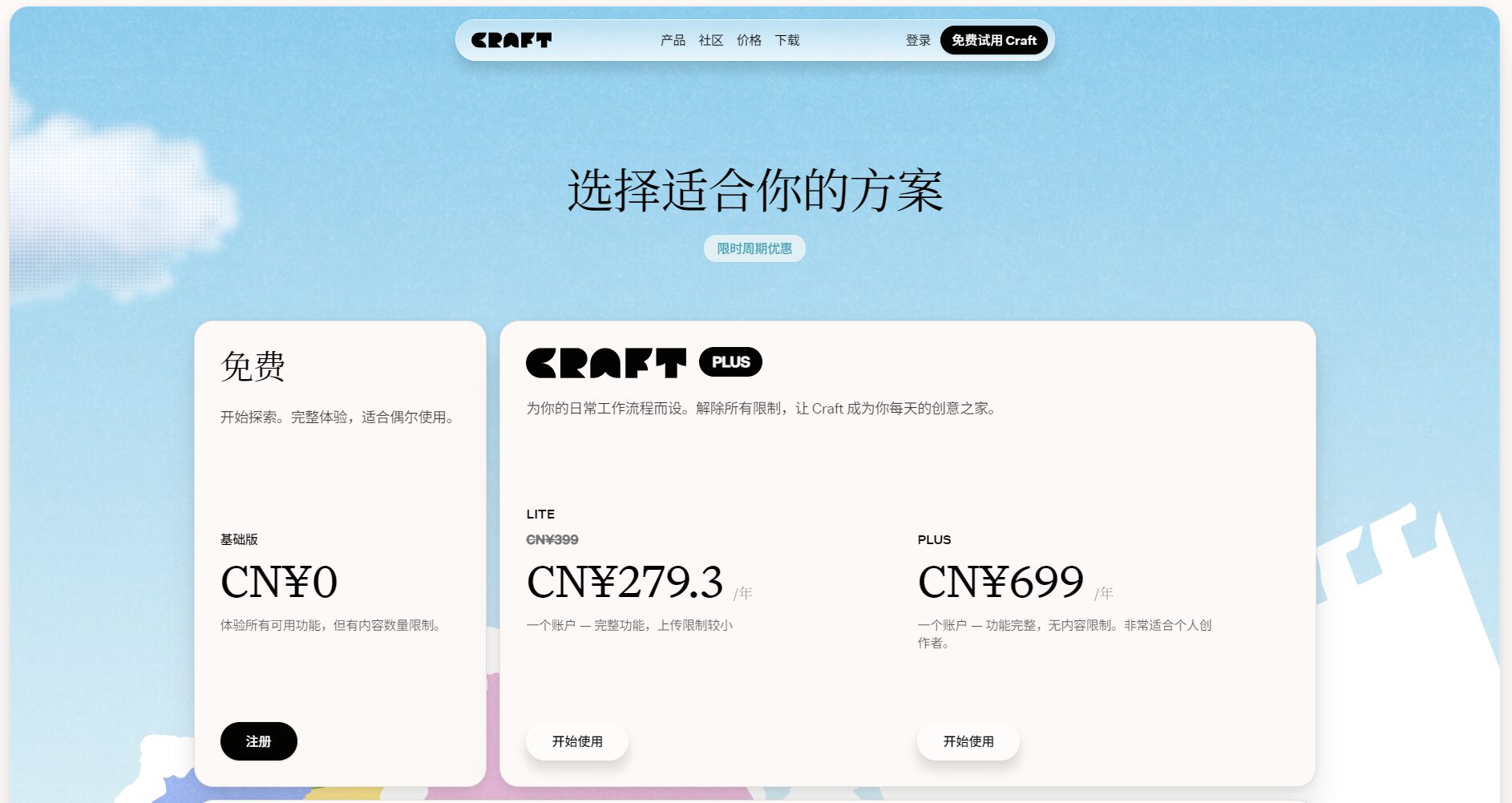
Remark:The "request count" for the AI Assistant refers to each action performed by the AI Assistant, such as generating content, asking questions, or translating text, as counted as one request. For more requests, you can upgrade your plan or contact the official support.
Craft AI Assistant is easy to use and supports all platforms (Mac, iOS/iPadOS, Web/Windows). See detailed tutorials below.Official Help Center。
/(slash), select "Assistant" to bring up the AI dialog box.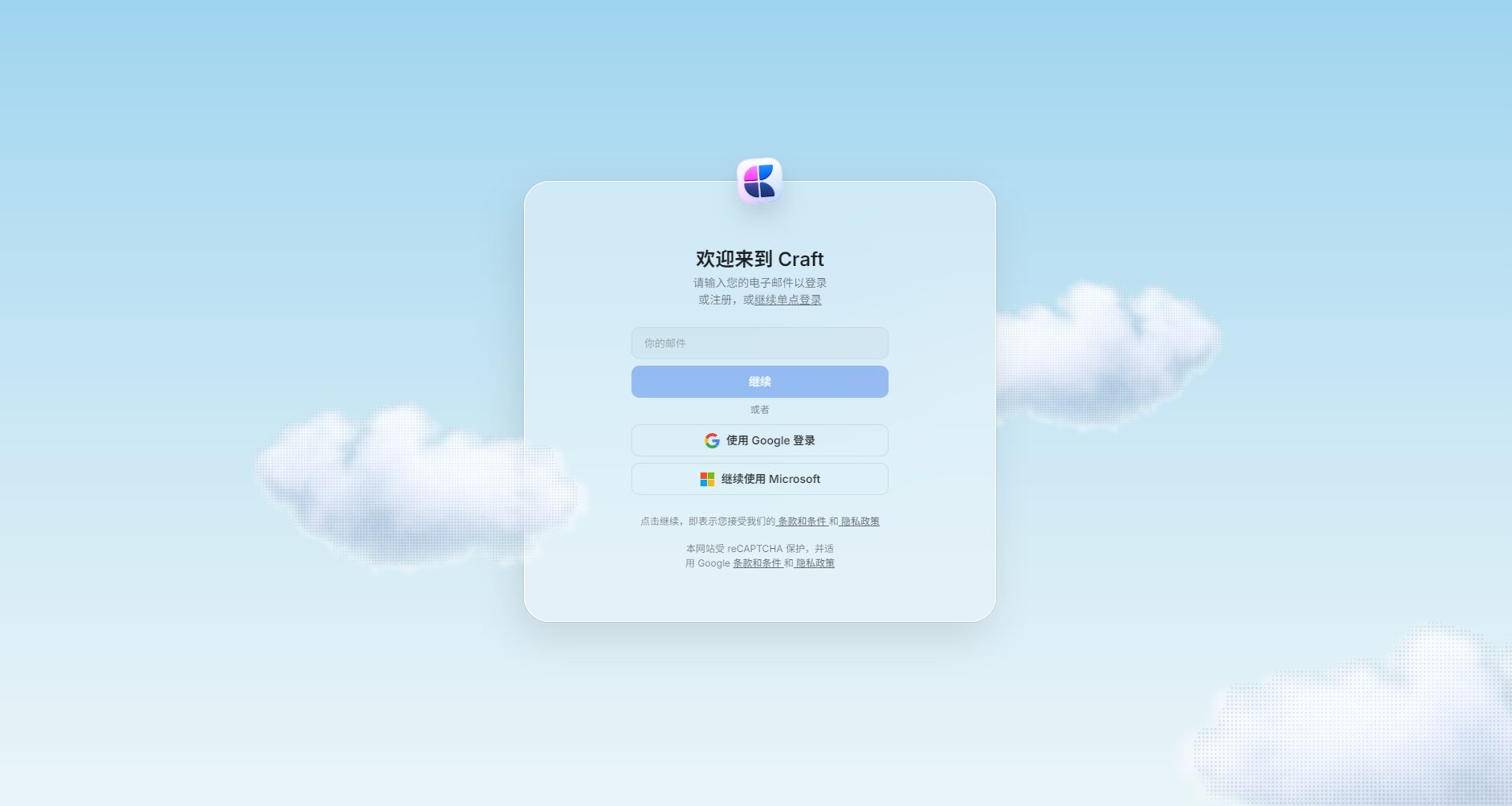
Cmd/Ctrl + Enter The AI assistant function can be brought up directly.Click here for a detailed beginner's guide:Getting Started Tutorial
With the increasing popularity of AI office tools, Craft AI Assistant is serving a wide range of creators and professionals.
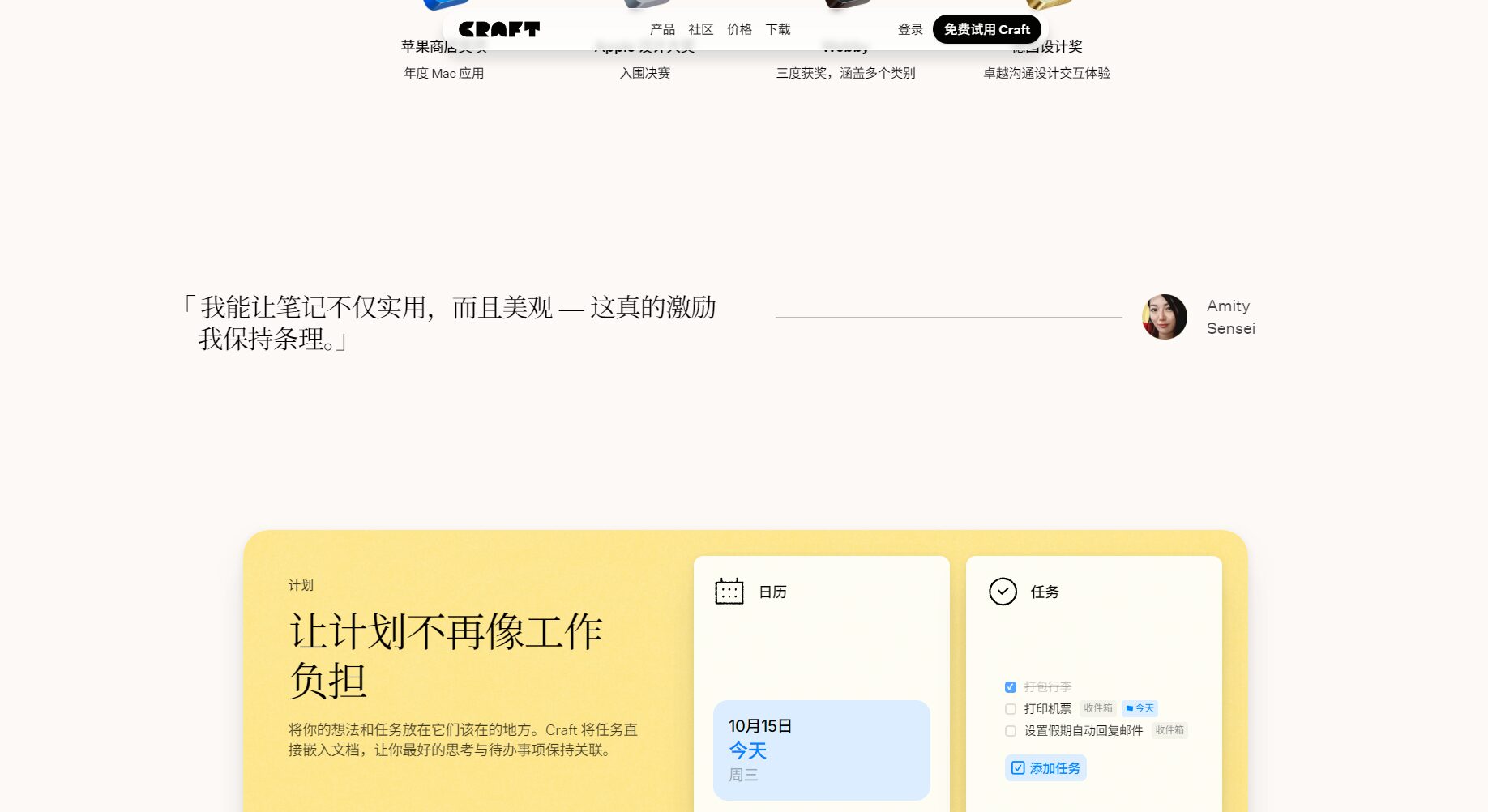
| User type | Usage example | Improvements brought by AI assistants |
|---|---|---|
| Writing blogger | Daily notes, tweets, and article generation | Inspire and improve content quality |
| Product Manager | Requirements document, feature description, team Q&A | Save time on writing and communication |
| Students/Teachers | Course notes, assignments, and materials organization | Knowledge organization and quick summary |
| Corporate Team | Project management, meeting minutes, knowledge retrieval | Reduce information loss and improve collaboration efficiency |
Craft AI Assistant utilizes the latest OpenAI GPT-4o mini capabilities and also supports users selecting the local AI model DeepSeek R1 (on select Mac/iOS devices). Users can switch between different models based on their privacy and data security requirements.
Craft AI Assistant now supports Mac/iOS/iPadOS/Windows and Web platformsUsers can synchronize documents and utilize AI features using the same account—see details. Client download page。
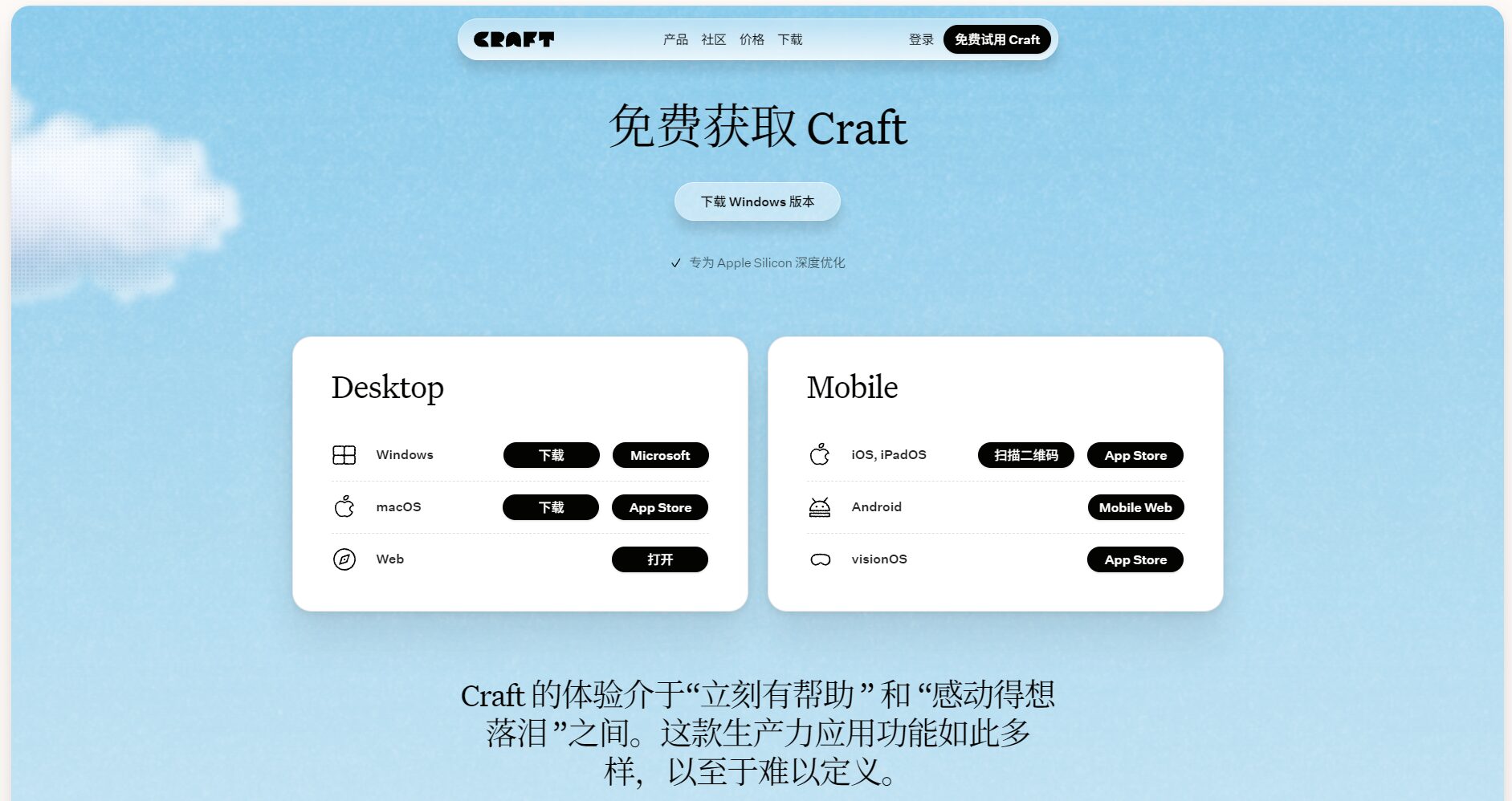
The AI request limit for different solutions is as follows:
| plan | AI request count (refreshed every 30 days) |
|---|---|
| Free version | 50 times |
| Plus/Family | 500 times |
| Team/Business | 2500 times |
Once the limit is exceeded, you can upgrade your plan or wait for it to automatically recover after the periodic refresh.
Users can find this in "Home View > Space Name > Settings > Assistant".Customize whether to enable AI assistant functionIt can flexibly adapt to different security and usage needs.
All content is encrypted. The AI assistant is only used for service generation and does not save your document content. Please read on.Official Privacy PolicyGet more information.
Craft AI Assistant supports includingChinese, English, French, German, Japanese, SpanishIt supports mainstream languages such as English and provides support for international teams and multilingual creation.
More FAQ content can be found at [website address]. Official help documentation。
With AI-powered office solutions becoming a trend,Craft AI AssistantWith its multi-platform compatibility, efficient writing capabilities, powerful collaboration features, and robust data protection, Craft AI Assistant has become a leader in the field of AI-powered office tools. Whether you're a copywriter, a professional, or a learning enthusiast, Craft AI Assistant can be an intelligent assistant that empowers your work. For more information and a free trial, please visit [website address].Craft Official Website。
This site's AI-powered navigation is provided by Miao.Craft AI AssistantAll external links originate from the internet, and their accuracy and completeness are not guaranteed. Furthermore, AI Miao Navigation does not have actual control over the content of these external links. As of 8:25 PM on October 15, 2025, the content on this webpage was compliant and legal. If any content on the webpage becomes illegal in the future, you can directly contact the website administrator for deletion. AI Miao Navigation assumes no responsibility.

