

Stockimg AI
Stockimg AI is a creative platform that uses artificial intelligence to automatically generate various types of images such as logos, illustrations, and covers. It is easy to use and requires no design background.
Cursor is an AI code editor based on VSCode that integrates various large models and supports features such as intelligent completion, code refactoring, and question-and-answer retrieval, facilitating efficient development.
 Cursor
CursorA collectionAI-powered code completion, code generation, refactoring, and global search.An innovative code editor that integrates VSCode and other technologies.GPT-4 and other modelsIt supports installation on multiple platforms and is suitable for...Students, programmers, and corporate teamsMultiple needs. AdoptFree + Paid UpgradesPricing, GuaranteePrivacy and securityWhether for beginners or for efficient team collaboration, Cursor can significantly improve development efficiency.
A New Revolution in AI Programming: In-depth Analysis of the Cursor Platform, an AI Code Editor
In the wave of artificial intelligence reshaping developer workflows, the selection of AI programming tools has become particularly crucial. Cursor, as a highly innovative AI code editor, is rapidly gaining popularity among developers worldwide for its efficiency, intelligence, and user-friendliness. This article will provide an in-depth analysis of Cursor's main features, pricing structure, target audience, usage methods, and frequently asked questions, helping developers fully understand the value of this AI tool platform.
Visit the Cursor website to get the latest version:https://www.cursor.com
Cursor's main functions
Cursor is essentially an AI-driven integrated development environment (IDE) based on Visual Studio Code. It combines large-scale model intelligence (GPT-4, Claude 3 series, etc.) and provides powerful features such as auto-completion, code generation, refactoring, debugging, contextual understanding, and natural language command support. It allows AI to accompany developers in programming like a human, greatly improving productivity.
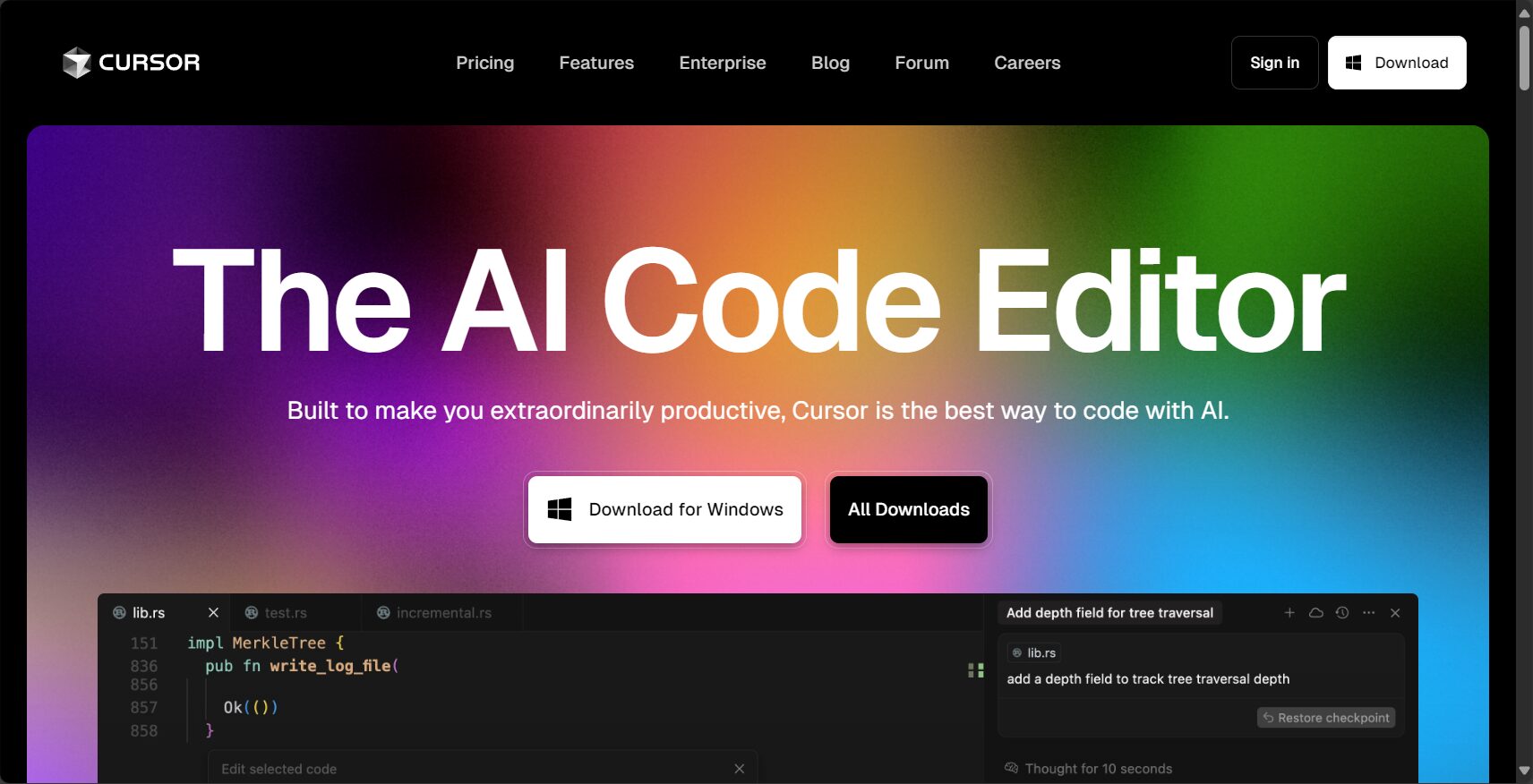
For a list of features and details, please see:https://www.cursor.com/features
Key Features
– AI-powered code auto-completion: multi-line prediction, understanding context, significantly outperforming traditional editors.
– Intelligent Conversation: Talk to AI to perform code queries, generate code, and reference documentation.
– Code rewriting and auto-correction: After selecting a code snippet, describe your requirements in natural language, and AI will automatically complete the refactoring or correction.
– Global code repository search: Automatically creates a search index for the entire project, allowing you to quickly locate logic or function definitions in complex projects.
– Multi-model and large window support: Supports multiple large models such as GPT-4 and Claude, and allows for model extensions.
– Natural Language Instructions and Code Generation: Describe the target directly in everyday language, and AI will automatically convert it into target code.
| Function | Introduction | Applicable Scenarios |
| Auto-completion and prediction | Context-based intelligent recommendation of multi-line code snippets | For routine development and repetitive feature writing |
| Intelligent code rewriting and batch refactoring | Supports batch updates, refactoring, and fixes | Code refactoring and style consistency |
| Code repository search and Q&A | Supports global natural language search and code location | Complex project maintenance |
| Multi-model switching and custom API integration | Supports mainstream large model APIs and local private models | Sensitive data/specific tasks |
| Plugin ecosystem interoperability with VSCode | Compatible with the VSCode plugin system, supporting rich extensions | Unified environment |
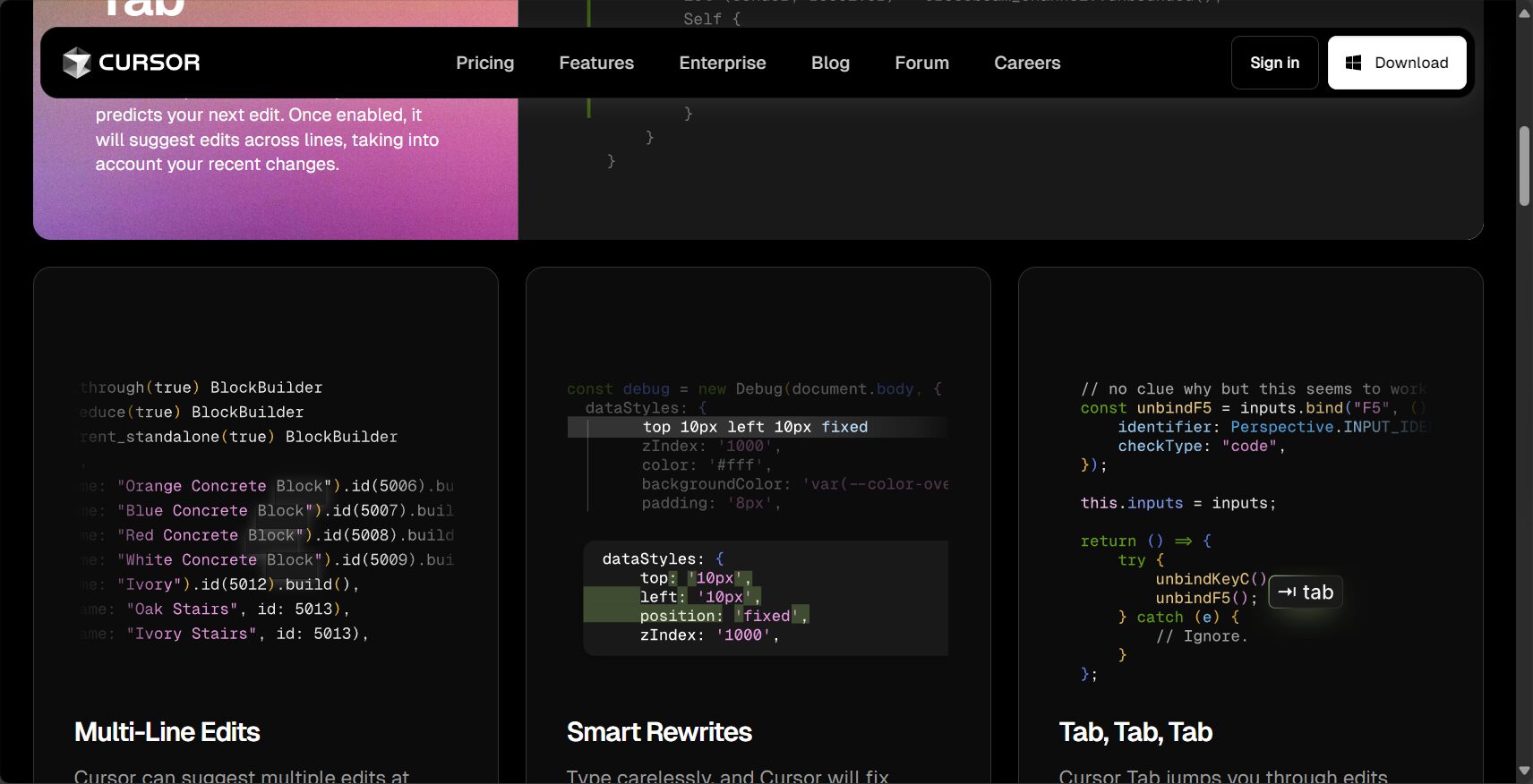
For more practical examples, see the ten hands-on tutorials for DataCamp.
Cursor pricing & plans
Cursor's pricing takes into account different user levels, adopting a "free start + paid upgrade" model, allowing developers at every stage to use AI to assist programming at a reasonable cost.
For the latest plan, please refer to:https://www.cursor.com/pricing
Pricing Plan Overview
| Plan | Monthly/Annual Payment Pricing | Key Features | Target Audience |
| Hobby (Free) | Free | 2000 AI completions/month, 50 slow requests/month, two-week Pro trial | For students/part-time users |
| Pro | $20/month ($16/year) | Unlimited auto-completion, 500 fast requests/month, Max mode, unlimited slow requests | Freelance/Professional Development |
| Business | $40/person/month ($32/year) | Includes all Pro features, supports team management, SAML login, admin dashboard, and organizational-level privacy | Team/Enterprise |
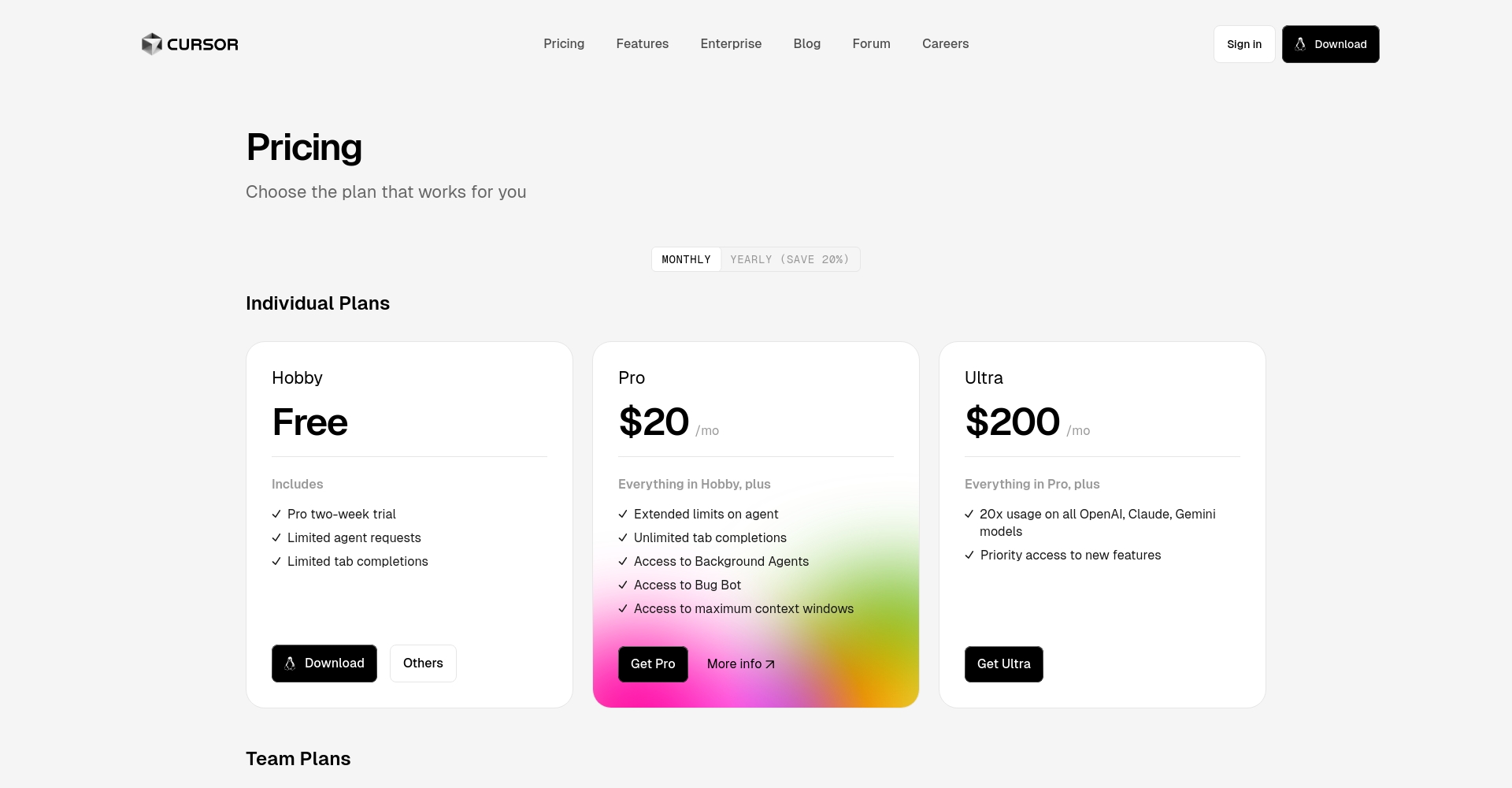

Request mechanism explanation:
– Fast Request: Prioritized processing, primary quota for paid users.
– Slow Request: Free slow queue, used after Fast quota is exhausted.
– Max mode: High-performance, large-scale model, consumed by token, suitable for complex applications.
For detailed billing mechanisms, please refer to Apidog's interpretation of Cursor request quotas and modes.
How to use Cursor
Cursor supports three major platforms: Windows, macOS, and Linux. It operates similarly to VSCode and is extremely easy to use.
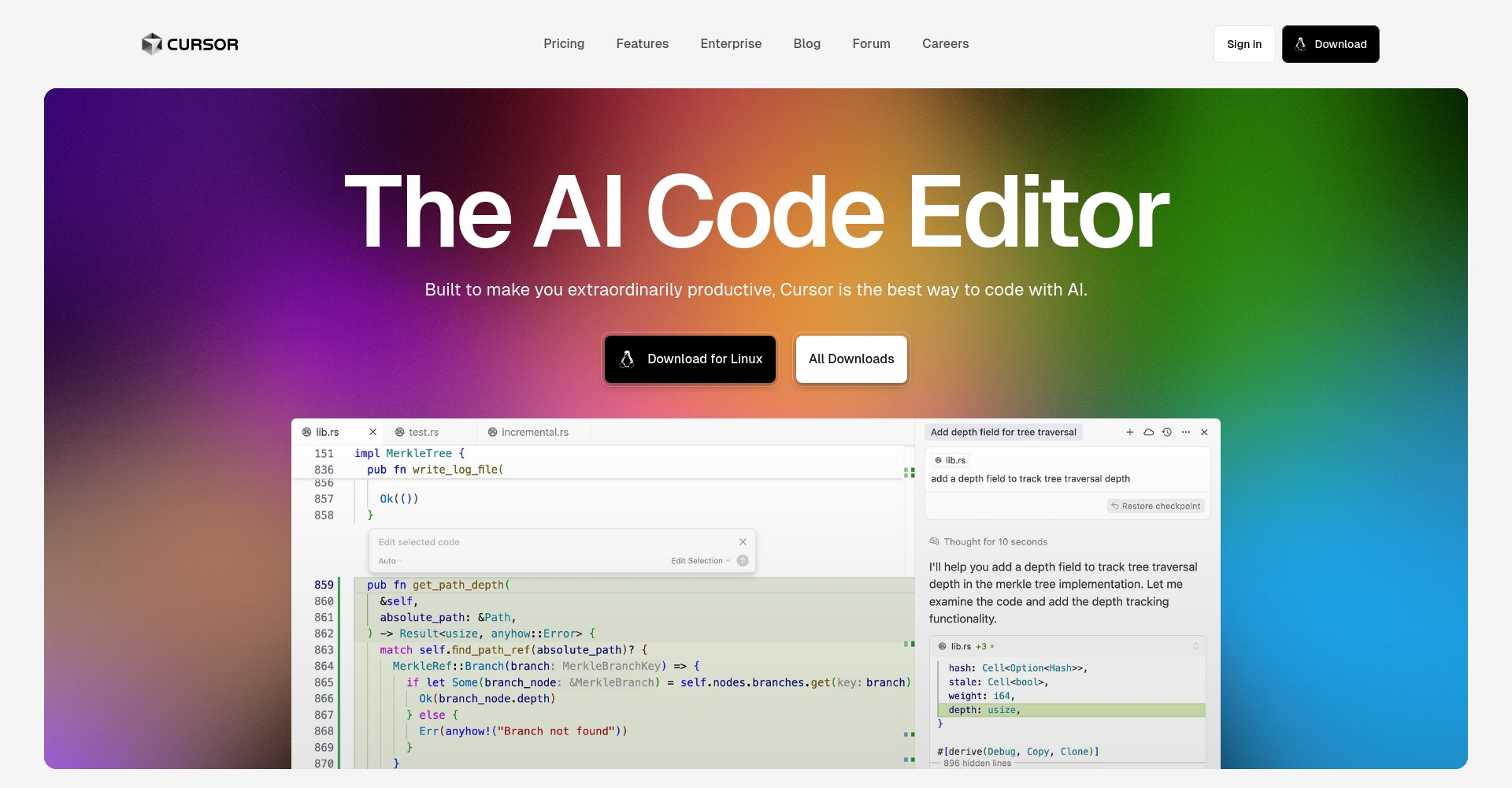
For installation and user manuals, please refer to the official website download page.
Installation steps
1. Visit the official website and select your system version to download.
2. Windows/Mac: Double-click the installation package and follow the instructions to complete the installation.
3. Linux: Download AppImage, grant execute permissions, and then run it.
4. After startup, follow the prompts for quick configuration, such as keyboard shortcuts, AI language, and terminal integration.
Basic usage
– Code generation/editing: Select the code, Ctrl/Cmd+K, enter a natural language description, and AI will generate/correct the code.
– Ask questions in the global code: Open the chat window (Ctrl/Cmd+L), ask a question, and the AI project will globally search and locate the results.
– Multi-model switching: Create a new API Key in the settings to support OpenAI, Anthropic, etc.
See the DataCamp usage examples for a demonstration video.
Who is Cursor suitable for?
Cursor is suitable for individual developers and enterprise teams. It benefits everyone from beginners to cutting-edge R&D.

Typical application scenarios:
– For college students and programming enthusiasts: The Hobby version meets their daily learning needs.
– Professional programmers & freelancers: Pro helps with efficient development and large-scale projects.
– Business and R&D teams: Strengthen collaboration, security and compliance.
| User Segmentation | Recommendation Solution | Key Requirements |
|—————|————|——————–|
| College Students/Beginners | Hobby | Free Features, Learn Programming |
| Small team/individual development | Pro | Primarily for development and production applications |
| Enterprise/R&D Team | Business | Privacy Compliance, Team Collaboration |
Cursor's technical principles and security compliance guarantees
Technical Architecture
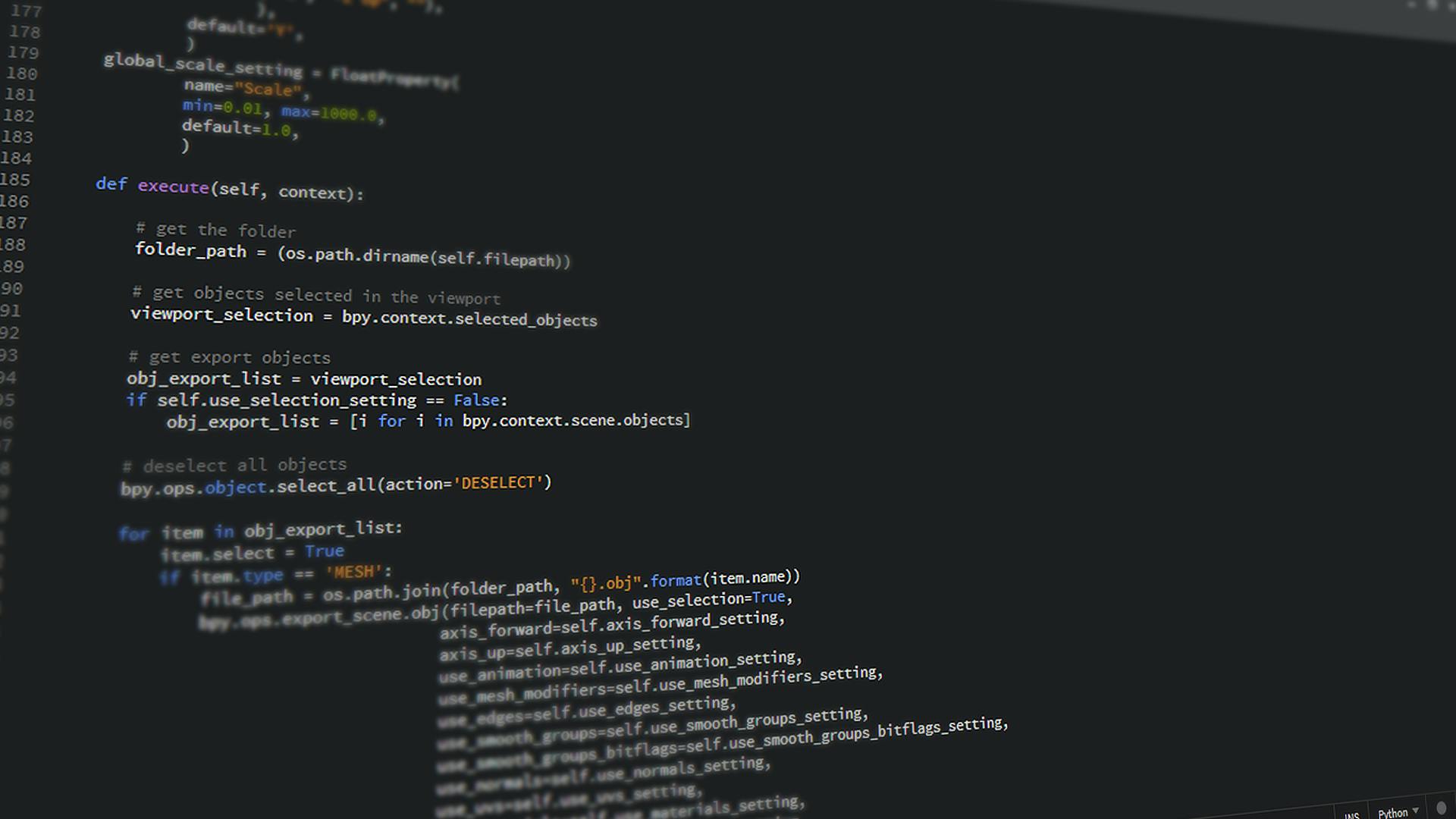
Based on VSCode fork source code and self-developed intelligent agent, it integrates multiple mainstream models, is compatible with mainstream languages such as Python, JS, Java, and C++, and supports terminal and remote development.
Privacy and security
– Privacy Mode: Local code processing, SOC2 authentication, can be forcibly enabled by organizations.
– AI requests only transmit limited code snippets and are not used for training.
– Supports granular permissions, SAML/OIDC single sign-on, and data isolation.
For detailed safety instructions, please refer to the Cursor safety instructions page.
Comparison of Cursor with mainstream AI programming tools
Cursor differs significantly from AI programming assistants like GitHub Copilot in areas such as kernel integration, team management, and privacy.
| Dimensions | Cursor | GitHub Copilot |
| Platform | Independent VSCode branch, with deep AI integration | Plugin-based, compatible with IDEs like VSCode |
| AI Model | Supports GPT-4/Claude/Custom APIs, allowing flexible switching | Based on OpenAI Codex |
| Pricing | Free + Pro/Business on-demand billing, reasonable configuration | Starting from $10 per month |
| Supported Languages | All major languages, accurate context understanding | Multilingual support, mainly for completing parts |
| Privacy/Security | Enterprise-level privacy mode, SOC2, data compliance | Upload code, some restrictions |
| Team collaboration and management | Includes administrators, statistics, and access control | Primarily designed for individual developers |
For detailed comparative evaluation, please refer to D.ailyDev Special Report.
Cursor's unique features and ecosystem expansion
Plugin and documentation support
- Compatible with VSCode plugins, supporting tools such as Lint, Git, and Docker.
– Customizable project/library documentation; AI-powered search for third-party or private API descriptions.
– Supports image drag-and-drop, web search, and more, improving development efficiency.

Code quality and efficiency improvement
Official and developer feedback shows that Cursor 30%-126% improves the efficiency of repetitive development tasks and significantly improves code quality and bug rate.
See the Forbes feature article for specific examples.
Frequently Asked Questions
1. Which programming languages does Cursor support? Can it automatically identify the language?
A: Cursor is compatible with most mainstream programming languages. The editor automatically determines and switches the code output model based on the file type/content. Python, JavaScript, TypeScript, Java, C++, and others are all supported.
2. How to manage and purchase Cursor request quotas, and what are the differences between Max mode and Normal mode?
A: Normal mode consumes data based on the number of requests, with a free slow channel and a Pro fast channel. Max mode is priced per token, suitable for large-scale context/complex tasks, offering greater flexibility. All quotas can be monitored in real time and switched to usage-based billing.
3. Will Cursor upload my code to the cloud? What privacy protections are provided?
A: When privacy mode is enabled, all code is processed locally and not retained on the server. Enterprises can uniformly enforce privacy, which is already SOC2 certified. AI requests only temporarily transmit fragments; the protocol is not used for training.
As a next-generation AI programming tool platform, Cursor is accelerating the transformation of the development industry towards an "AI + developer co-creation" paradigm. From the free Hobby plan to various Pro/Business plans, coupled with leading intelligent capabilities and a user-friendly interface, Cursor is undoubtedly worth developers' attention and trying. In the future, Cursor is expected to become the standard in the AI-assisted development industry.
Experience and download now:https://www.cursor.com
This site's AI-powered navigation is provided by Miao.CursorAll external links originate from the internet, and their accuracy and completeness are not guaranteed. Furthermore, AI Miao Navigation does not have actual control over the content of these external links. As of 4:04 PM on July 18, 2025, the content on this webpage was compliant and legal. If any content on the webpage becomes illegal in the future, you can directly contact the website administrator for deletion. AI Miao Navigation assumes no responsibility.
