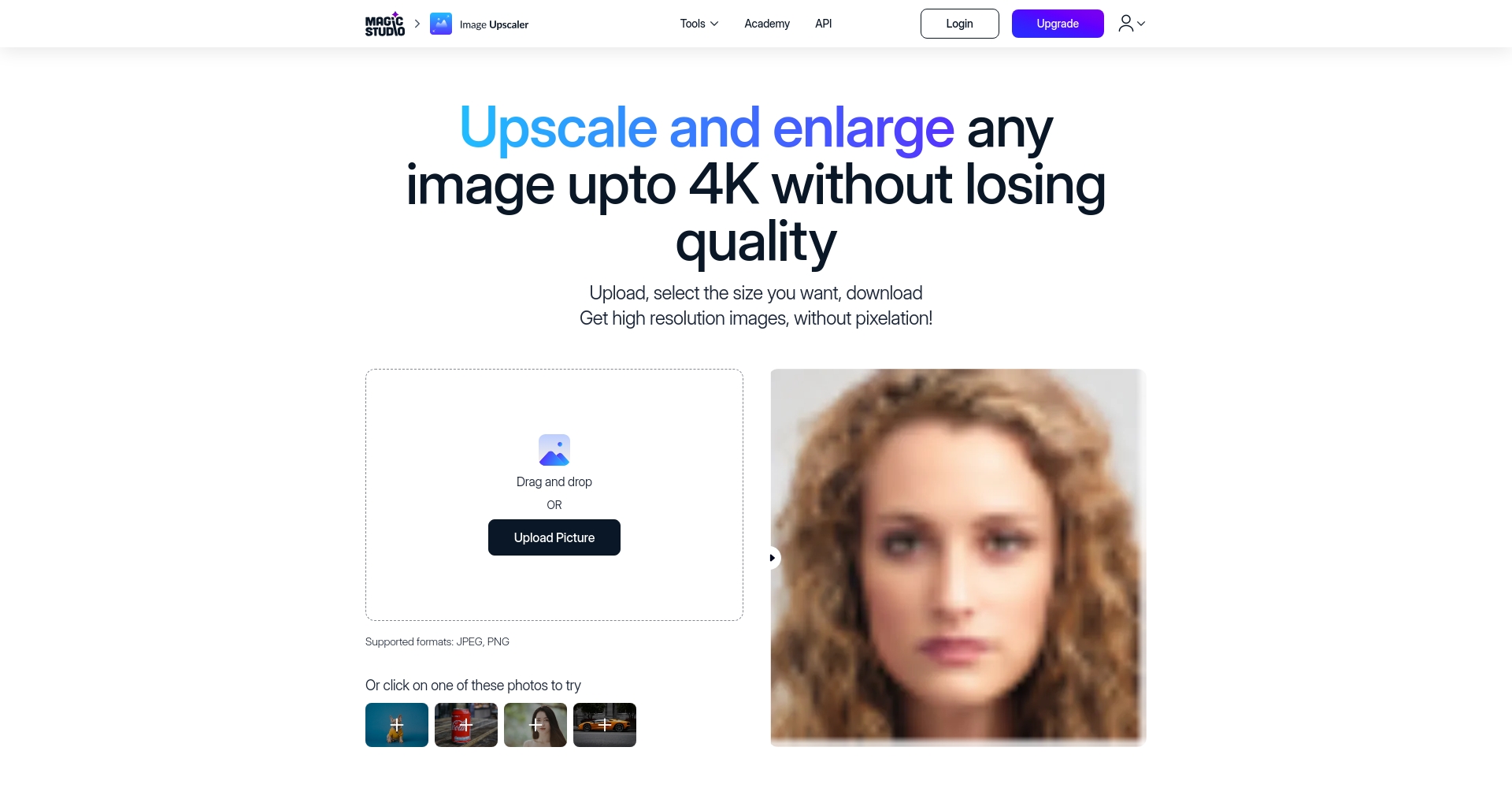
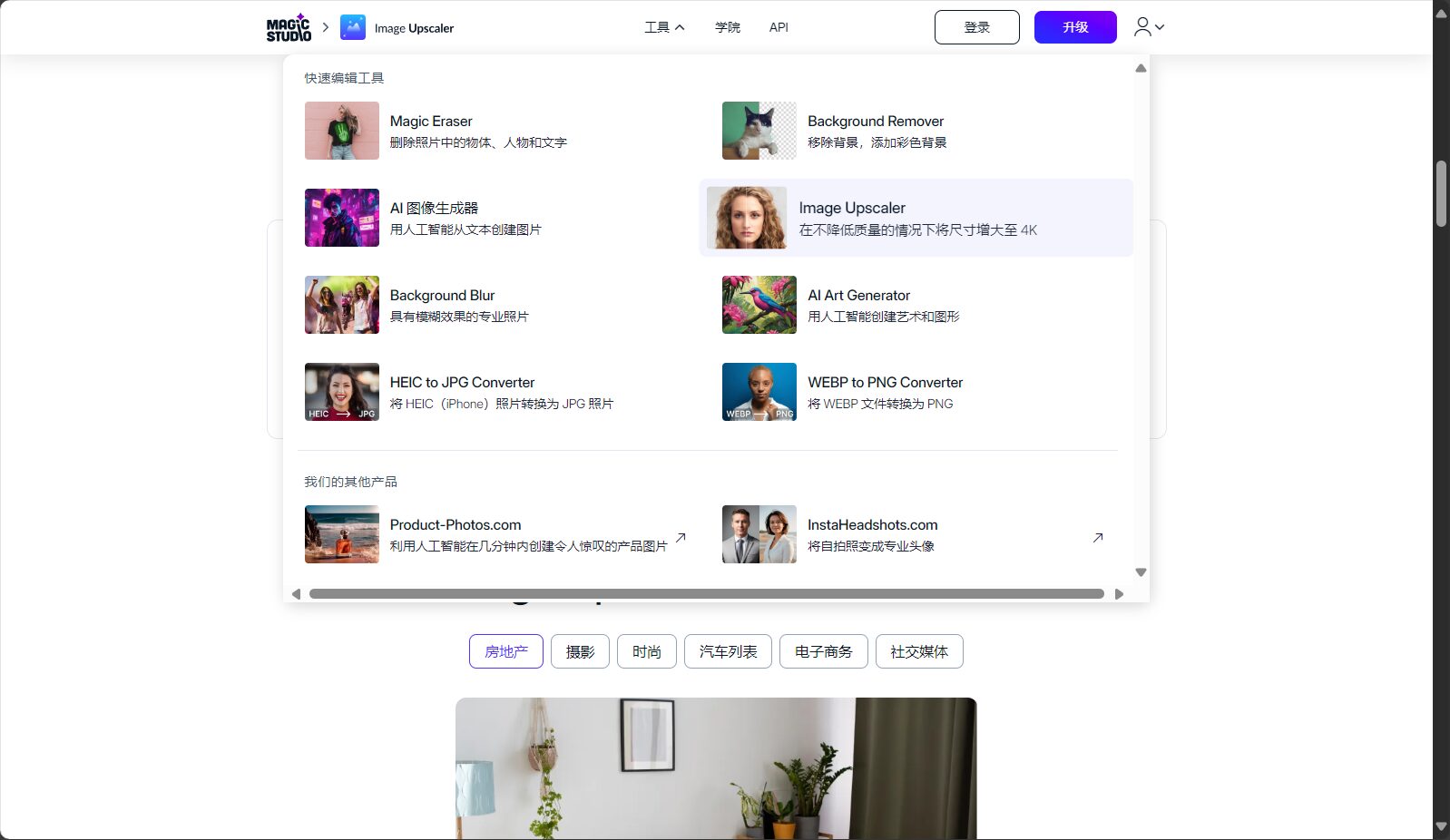
IMAGE ENLARGER is an online AI image upscaling tool that supports batch high-definition upscaling, intelligent noise reduction, and no ad watermarks. It is suitable for designers, e-commerce businesses, and individual users.
IMAGE ENLARGERIt is a product developed by Magic StudioAI-powered intelligent image upscaling toolIt enables one-click ultra-high-definition lossless upscaling, supports multiple formats, batch processing, and intelligent noise reduction, providing...Designers, e-commerce professionals, photographers, etc.The platform delivers a high-quality, efficient image upgrade experience for users.Easy to use and secure privacyIt offers free trials and a professional version, covering various needs from individuals to enterprises, and is a representative of efficient AI image tools in the current market.
In today's digital age,High-definition imagesThe demand is growing, and both individual users and commercial designers need it in their work and creative processes.High-quality large-size imagesRecently, the field of AI image tools has seen the emergence of an innovative product—IMAGE ENLARGERIt brings users [benefits] through advanced artificial intelligence technology.Convenient, efficient and professionalThis article provides a detailed report on the tool platform, covering its functions, pricing, operation process, target audience, and other aspects to help readers fully understand its value and application scenarios.
Introduction to the IMAGE ENLARGER platform
IMAGE ENLARGERIt is a technology based on artificial intelligence (AI).Online image magnification toolUsers can easily achieve this without any professional skills.High-quality lossless amplification。
As one of Magic Studio's flagship products, IMAGE ENLARGER is known for its...Simple operation, fast processing and high-definition output,becomeDesigners, photographers, social media operators, etc.The ideal choice for people.
High-definition lossless magnificationIt supports up to 4K resolution, increases pixel density, and eliminates pixelation and distortion.
Batch processing functionUpload multiple images at once and quickly enlarge them in batches.
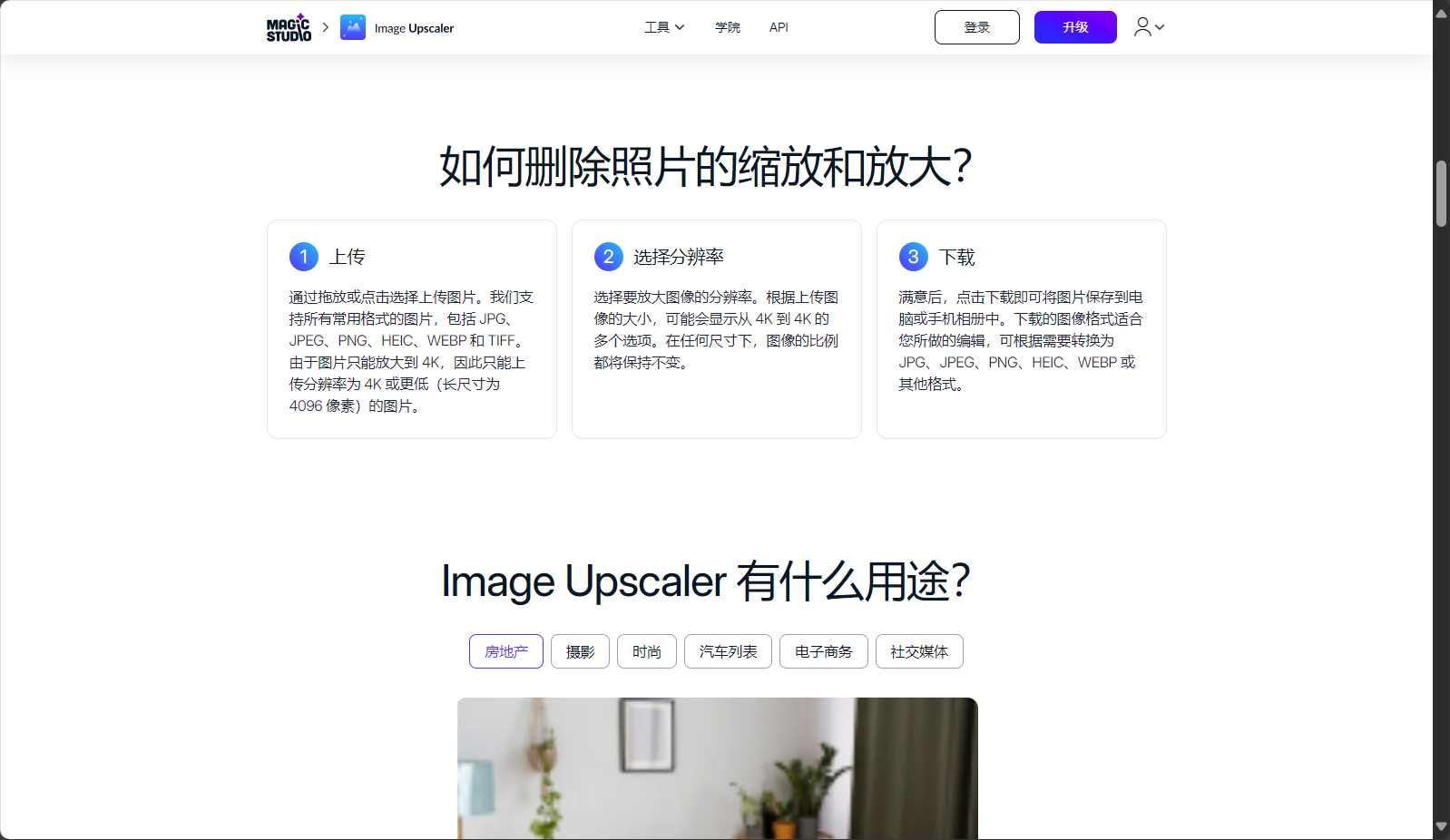
Multi-format supportIt is compatible with mainstream formats such as JPEG, PNG, HEIC, WEBP, and TIFF.
Intelligent noise reduction and sharpeningAutomatically improves image clarity.
Proportional AdaptiveMultiple size options available, original image proportions remain unchanged.
Application securityImages will be automatically deleted within 24 hours after processing to protect privacy.
also,IMAGE ENLARGERIt can also be used with Magic Studio.Background removal, old photo restoration, AI generationUse tools in conjunction with each other.
Interact with a vast array of 2D and 3D characters and experience truly unlimited AI role-playing dialogue. Join now! New users receive 6000 points upon login!
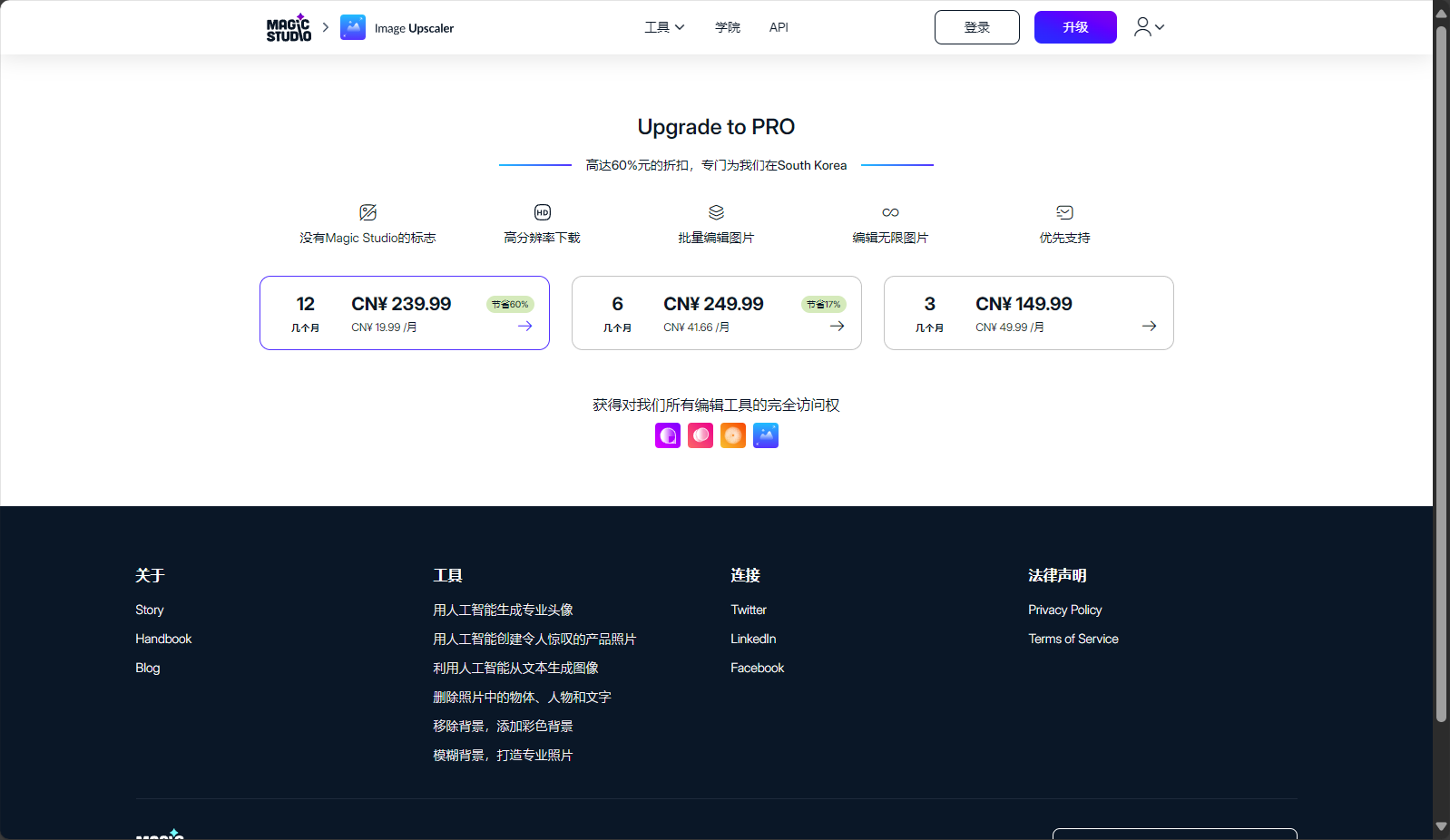
Free versionSingle file magnification, limited resolution and functionality, downloads have watermarks, experience basic capabilities.
Premium version (Pro)Supports batch processing (50 images), removal of ads and watermarks, downloading high-resolution (4K) images, support for more formats, and priority technical support.
Users can flexibly choose a plan according to their own needs. Free users are suitable for trial, while professional users are recommended to subscribe to Pro.
Currently supports mainstream image formats such as JPEG, PNG, HEIC, WEBP, and TIFF. See details below.Official website。
2. Is the data I uploaded safe?
Yes. The platform uses encryption technology, and all images are automatically deleted within 24 hours.Protect privacy and never leak it.。
3. Are there any limitations to batch processing?
Batch processing is exclusive to the Pro version, allowing up to 50 images, each up to 4K resolution. The free version does not support batch processing or ultra-high resolution. Upgrading is recommended for frequent users.
Whether you areDesigners, e-commerce operators, or everyday users,IMAGE ENLARGERBoth can bring a revolutionary AI image upgrade experience.Easy to use, significantly improved image quality, and privacy guaranteed.I recommend experiencing it for yourself.IMAGE ENLARGER official websiteExperience the new AI upgrade for visual content!
Interact with a vast array of 2D and 3D characters and experience truly unlimited AI role-playing dialogue. Join now! New users receive 6000 points upon login!
IMAGE ENLARGERThe number of visitors has reached 34. If you need to check the site's ranking information, you can click "..."."5118 Data""Aizhan Data""Chinaz data""Based on current website data, we recommend using Aizhan data as a reference. More website value assessment factors include:"IMAGE ENLARGERAccess speed, search engine indexing and volume, user experience, etc.; of course, to evaluate the value of a website, the most important thing is to base it on your own needs and requirements, and some specific data will need to be obtained from [research institutions/resources].IMAGE ENLARGERWe will negotiate with the website owner to provide information such as the website's IP addresses, page views (PV), and bounce rate.
aboutIMAGE ENLARGERSpecial Announcement
This site's AI-powered navigation is provided by Miao.IMAGE ENLARGERAll external links originate from the internet, and their accuracy and completeness are not guaranteed. Furthermore, AI Miao Navigation does not have actual control over the content of these external links. As of 4:48 PM on August 13, 2025, the content on this webpage was compliant and legal. If any content on the webpage becomes illegal in the future, please contact the website administrator directly for deletion. AI Miao Navigation assumes no responsibility.