
A Complete Guide to Using ebsynth: A Must-Have Guide to Efficient Frame-by-Frame Automation Tools for Video Animators (Including Introductory Steps)
ebsynthIt is the currentAI-automated video renderingOne of the most popular open-source tools in the field, designed specifically for video animators and high-efficiency self-media producers. It can automatically transfer and apply hand-drawn or AI-style keyframes to the entire video, achieving...Efficient conversion of live-action videos to anime/art style animationThis article provides a comprehensive overview of ebsynth's product positioning, technical principles, professional advantages, and complete operational steps (deconstruction/table import/techniques), guiding beginners to quickly get started and reach new heights in video AI animation creation!
What is ebsynth? Who is it suitable for?
ebsynth Product Overview
ebsynthIt is a computer vision-based video style transfer tool that can convert user-defined video styles into digital images.Single-frame art styleAutomatically maps to every frame of the entire video. Highly automated and with high performance stability, it is especially suitable for:
- Video Animator
- Dynamic illustrator, short video creator
- Film and television post-production staff who want to efficiently convert live-action footage into animation or special effects
What can ebsynth do?
The core purpose isThe style of static template paintings can be quickly applied to the entire film, enabling AI to automatically draw frame by frame.Common scenarios are as follows:
| Application scenarios | illustrate |
|---|---|
| Live video turned into animation | Live-action dance converted into anime short film |
| Artistic Stylization | Transform live-action videos into animations in the artistic styles of Van Gogh, Monet, and others. |
| Fast rendering of animated short films | Draft sketch + a few keyframes with coloring, then batch animation after automatic tweening. |
| Batch coloring of sketches/comics | AI automatically completes the sketches and line drawings to create a full-style content. |
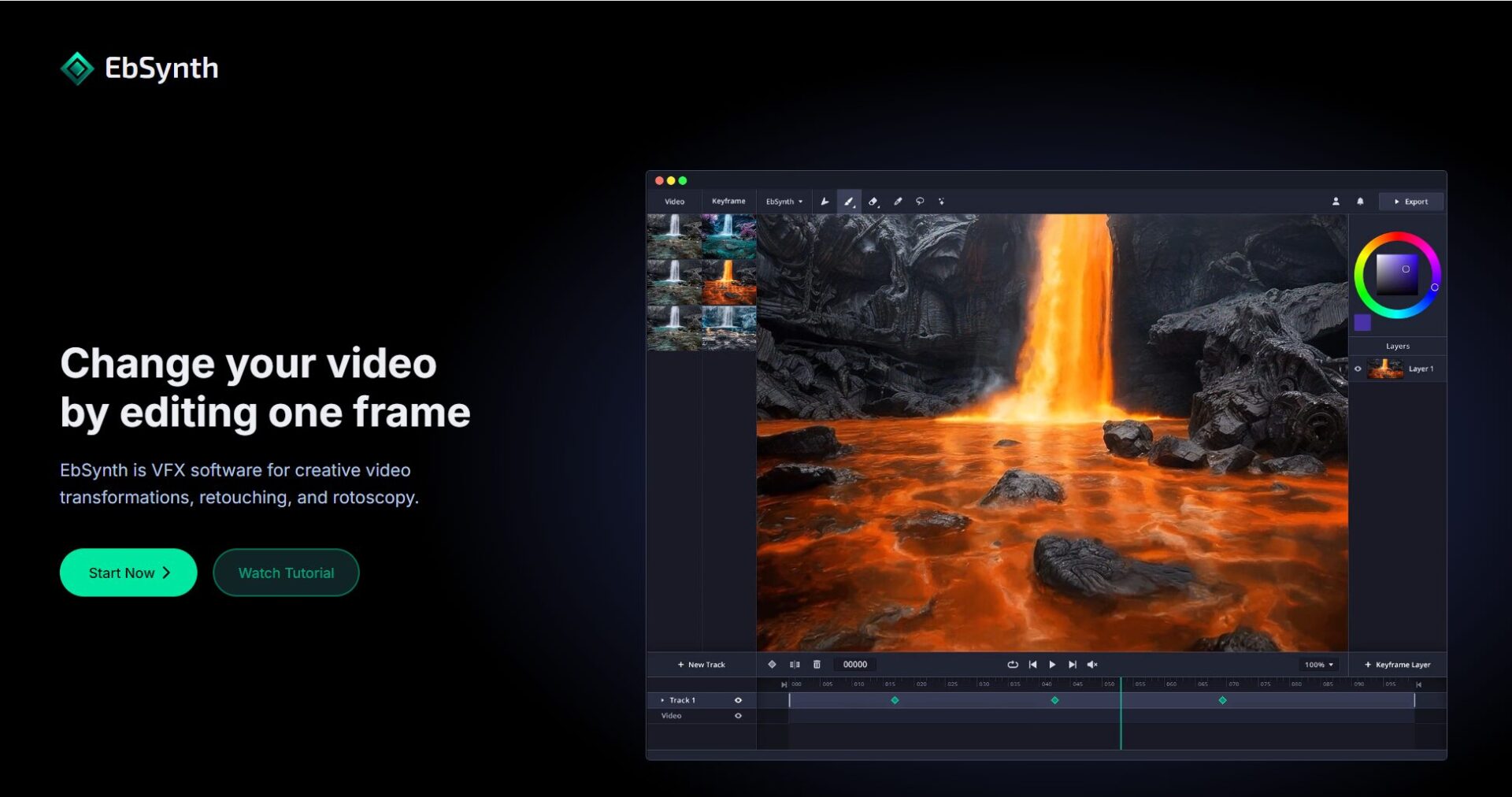

Biggest advantage: It can save more than 90% of manual frame-by-frame rendering costs, and maximize the restoration of the original video's smoothness and details.
ebsynth's core principles and professional advantages
AI-driven automatic keyframe tweening
- Input the original video and split it into frames as images.
- A small number of keyframes are drawn manually or by AI.
- ebsynth intelligently detects the mapping relationship between each frame and keyframe.
- The algorithm automatically interpolates each frame, ultimately synthesizing a dynamic file (which can restore the original audio track).
| Technical points | describe |
|---|---|
| Image registration | The style transitions precisely from keyframe to all target content. |
| Optical flow technology | Based on continuous interpolation of pixel motion, flickering is effectively reduced. |
| Mask/Partition Settings | Supports localized stylization with flexible and controllable parameters. |
Professional Evaluation Highlights
- Excellent smoothnessFlickering/distortion generated by end-to-end AI
- Respect the dominant hand-drawn styleAI as an efficient aid
- Easy-to-control detailsManually add keyframes as needed to correct AI deficiencies.
Complete breakdown of the ebsynth process (including system deployment)
1. Environment Preparation (Tool Configuration Checklist)
| tool | How to obtain | effect |
|---|---|---|
| ebsynth | Official website | Automatic Style Rendering Core |
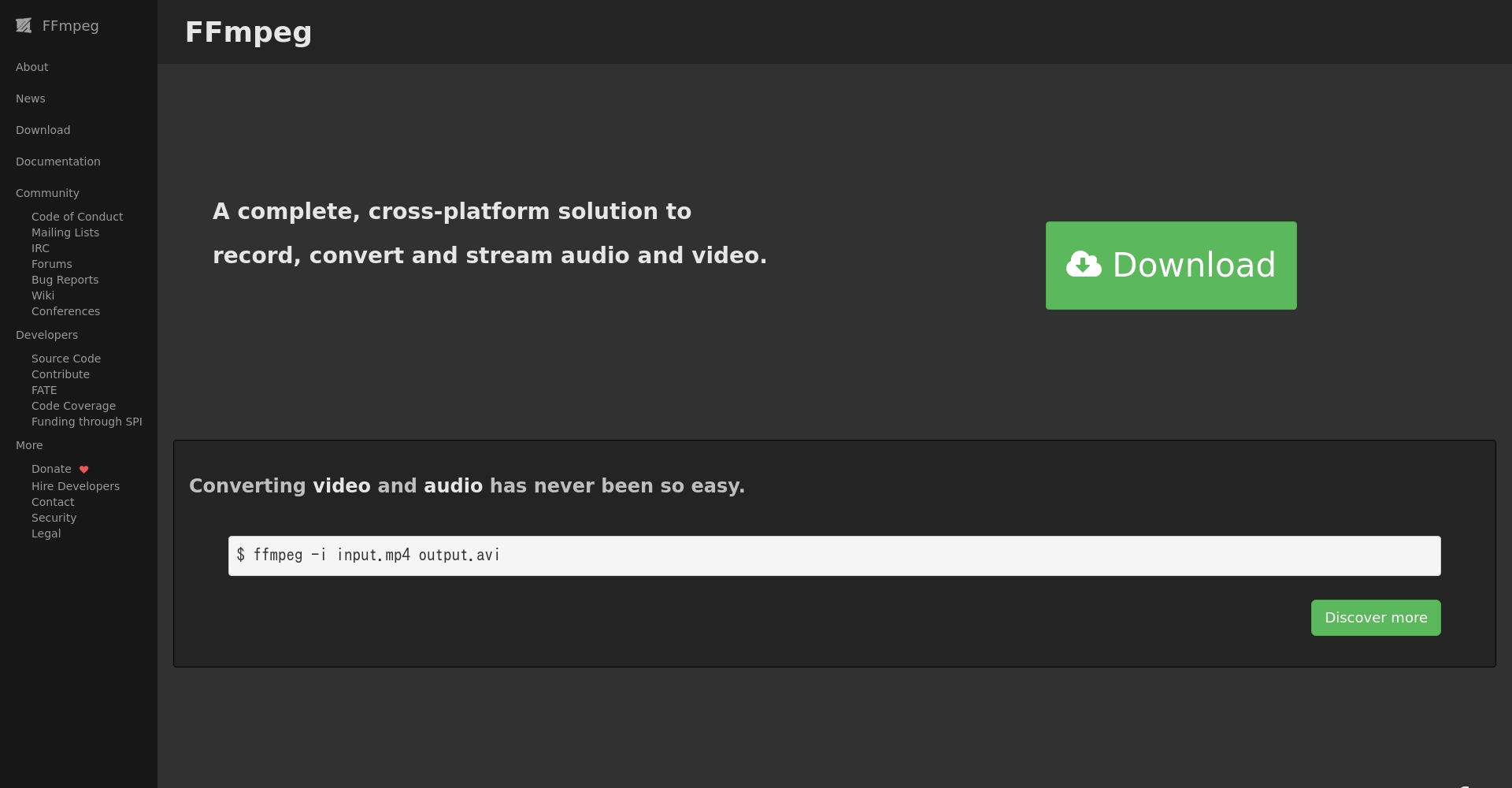
| FFmpeg | Official website | Video frame splitting and compositing |
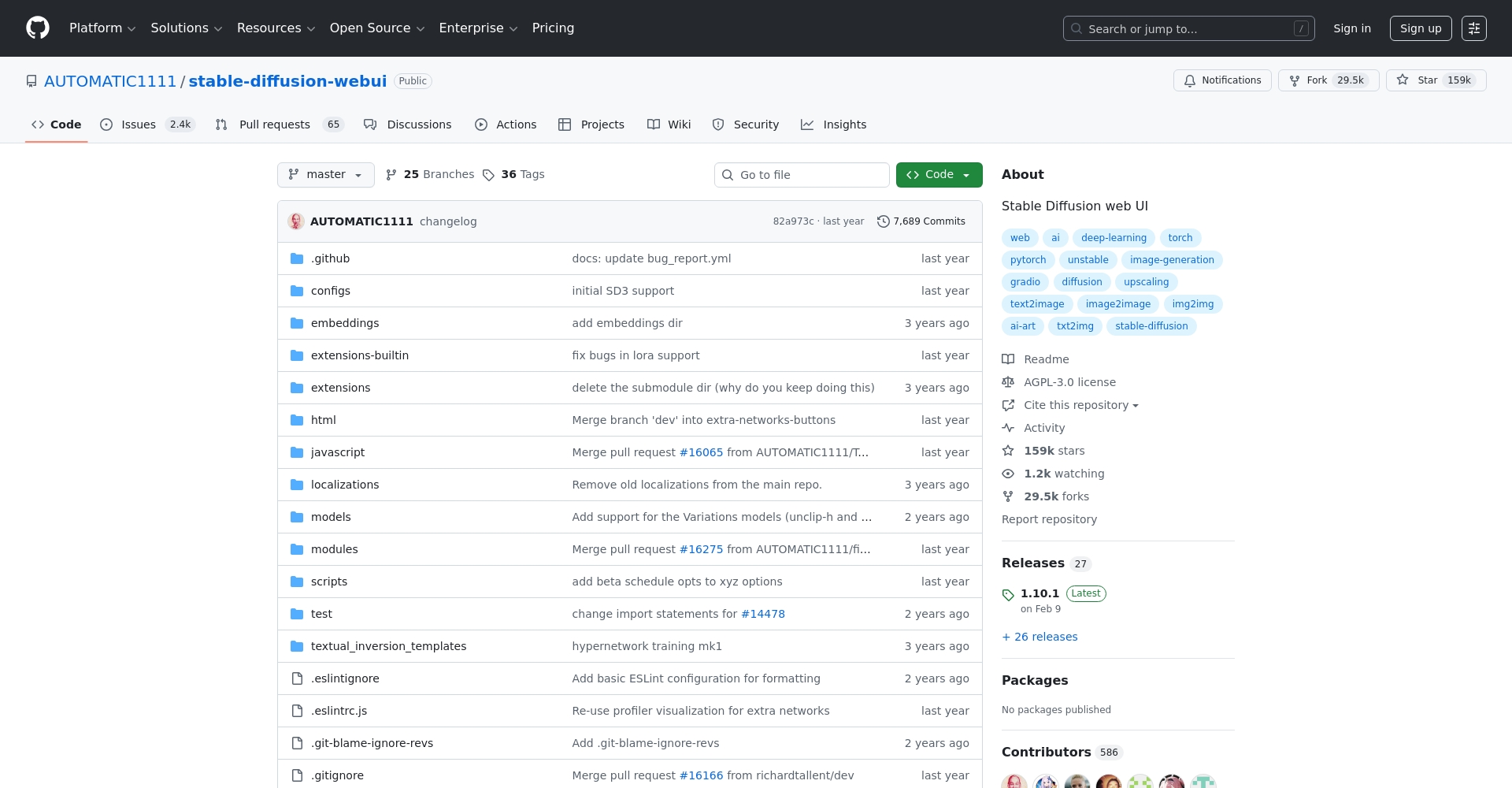
| Stable Diffusion WebUI | GitHub | AI-stylized drawing |
| TemporalKit | GitHub | continuous interpolation |
Note: Windows platform is recommended. Do not use Chinese characters in the names of any folders!
2. Breakdown of Operation Steps
2.1 Video Frame Segmentation and Background Removal/Keying
- Use FFmpeg to split the original video into frames and output it as a PNG sequence.
- Use tools like transparent-background to cut out images (main/background) and create masks in batches.
2.2 Keyframe Extraction and Colorization
- Extract typical frames from the frame sequence (it is recommended to select 1 key frame from 2 to 10 frames).
- Stylized secondary coloring/direct manual drawing using AI such as Stable Diffusion
Tip:The number of keyframes is controlled between 5% and 10%; ControlNet is used to ensure continuous motion; and all images maintain the same size and resolution.
2.3 ebsynth Automatic Tweening Rendering
- Start ebsynth and load the Keyframes and original frame sequences.
- Set the output directory and run with one click (Run All).
- Automatically generate all intermediate animation frames for tweening
2.4 Post-production enhancement and video compositing
- You can use magnification/denoising tools to improve resolution quality.
- Use FFmpeg to synthesize the rendered sequence into a video and blend it with the original audio track.
Practical Tips & Common Problem Solving
| Frequently Asked Questions | Solution Recommendations |
|---|---|
| Animation bounce/flicker | Increase keyframe density, especially in dynamic scenes. |
| Blurry image | Improve keyframe resolution and style details |
| Slow processing speed | Segmented processing to avoid multi-task congestion |
| Path error | All project directories should be named using only alphanumeric characters. |
Typical Case Studies
Case 1: Live-Action Dance Adapted into Anime
- Workflow: Popular dance video → FFmpeg frame segmentation → image cutout → AI colorization keyframes → ebsynth automatic rendering → audio-visual compositing
- The main feature can be completed in three hours with 30 seconds of smooth 2D animation, with natural movements and no flickering.
Case Study 2: Prototype Production of Animated Trailer
- Workflow: Animation storyboard sketch → Annotation/coloring of key frames → ebsynth fully automatic tweening animation
- High-quality testing achieved with 1/10 scale original artwork length.
Advanced usage and future expansion
- Integration with AI such as Stable DiffusionBatch generation of styled content
- Support for complex scenes with multiple shots and charactersMulti-channel keyframe partitioning ensures smooth operation even in advanced scenes.
- Mass production of short videos/self-mediaAlmost zero manual operation required for "one-click anime" video creation.
Conclusion:With the advent of the AI-automated animation trendThe ebsynth+SD ecosystem is reshaping the barriers to video productivity.Whether you're a professional animator or a new media producer, mastering this process will unlock limitless creative possibilities, making you the next generation of AIGC!
© Copyright notes
The copyright of the article belongs to the author, please do not reprint without permission.
Related posts



No comments...
