
A Comprehensive Analysis of the 7 Most Practical AI PDF Intelligent Processing Platforms in 2025
With the continuous acceleration of digital office workAIPDF toolIt has become an essential tool for improving knowledge management and work efficiency. This article, from a professional news guide perspective,A Roundup of 7 of the Most Popular AI PDF Processing Platforms of 2025It covers mainstream functions such as OCR recognition, AI summarization, intelligent question answering, translation and automation API, helping you accurately select the most suitable platform!

Overview of 7 Mainstream AI PDF Platforms Recommended in 2025
The table below summarizes the recommendations in this article.7 AI PDF PlatformsKey features and target audience information to help you quickly compare and choose:
| Platform Name | Core AI Functions | Features and Highlights | Suitable for | Official website link |
|---|---|---|---|---|
| ChatArt | Intelligent reading/summary/question-answering/translation | Multilingual models, document interaction | For both academic and office use | ChatArt |
| LightPDF | AI OCR, text extraction | Simple, ad-free, and safe | Students, basic business | LightPDF |
| Foxit PDF Online | Intelligent conversion, OCR | High compatibility, free features | Mid-to-high-level office | Foxit Online |
| UPDF | AI Chat, OCR, PDF Editing | High integration of AI | High-end enterprises, deep collaboration | UPDF |
| Adobe Acrobat AI | AI Search/Summary/Enhancement | Industry standard, fully functional | Professionals and institutional users | Adobe Acrobat |
| PDFelement AI | AI assistant processing, PDF editing | Batch processing, rich templates | Small and medium-sized enterprises, educators | PDFelement |
| LightPDF AI | API, batch processing, custom conversion | Unlimited pages, cloud computing | Business automation, high-frequency demand | LightPDF AI |
Detailed Analysis of 7 Major AI PDF Intelligent Processing Platforms
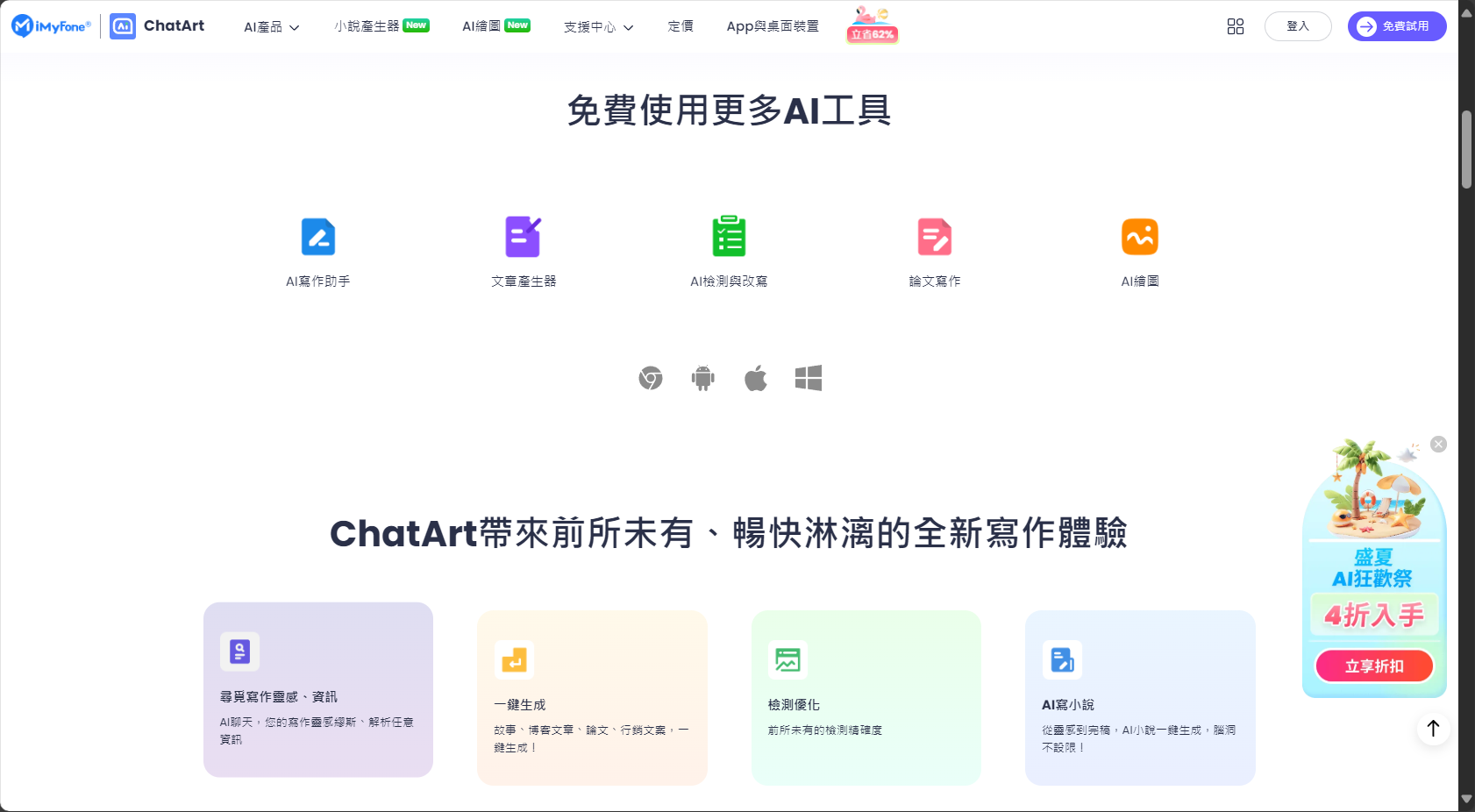
ChatArt: A comprehensive AI-powered document reading and conversational interaction tool
ChatArtThis emerging AI-powered PDF platform deeply integrates AI chat, document understanding, multilingual translation, and summarization capabilities to enable "intelligent dialogue" with PDFs. It supports all devices and various model sizes, and is compatible with both native and scanned PDFs. After users upload documents, the AI can execute commands such as "summarize," "translate," and "clarify," significantly improving the efficiency of processing academic materials, contracts, and conference data.
- HighlightsBatch processing of multiple files, support for 100 languages, AI writing templates
- Automatic annotation of important content and structured reorganization
- Suitable forResearchers, lawyers, teachers, multinational corporations

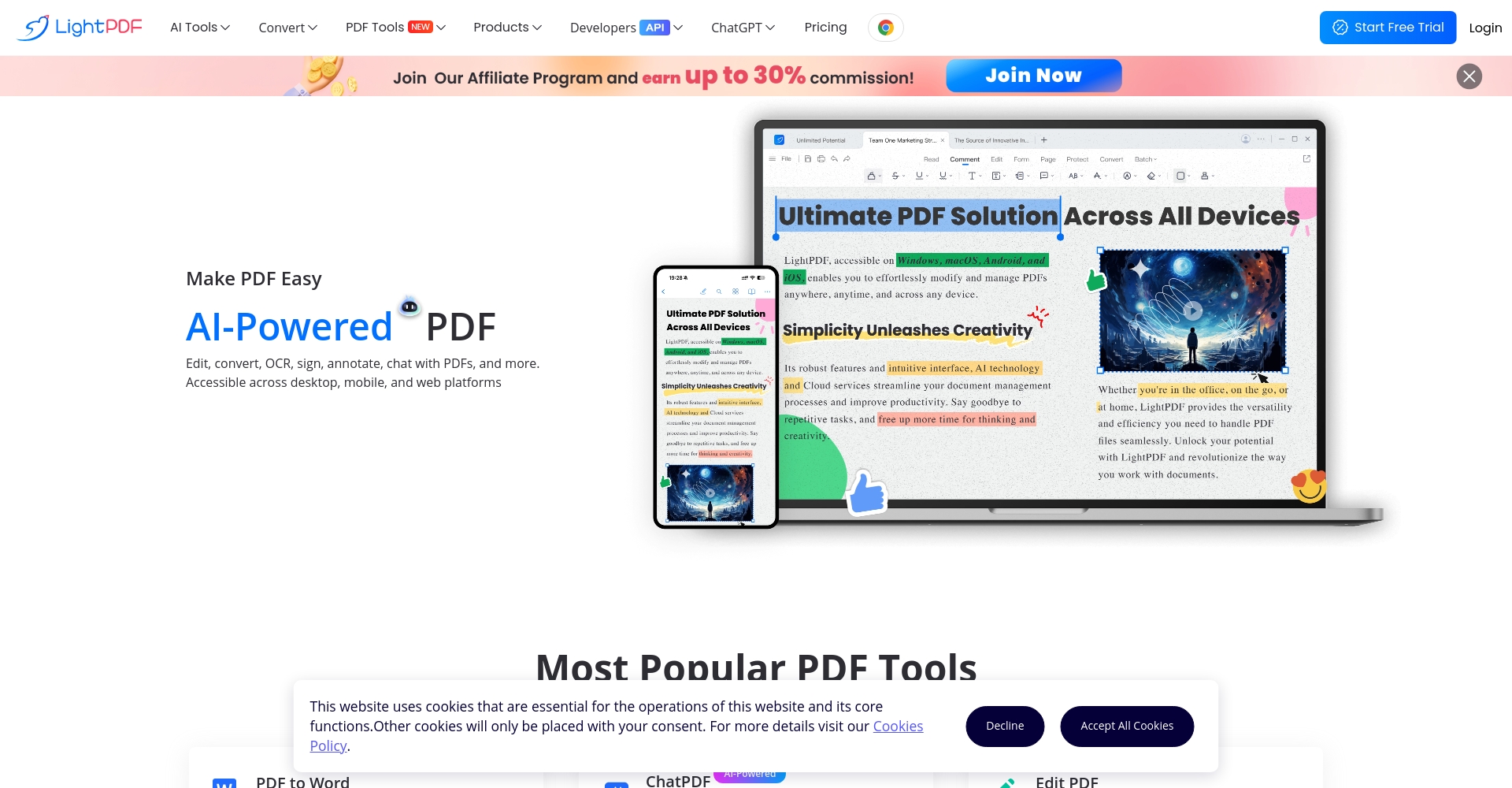
LightPDF: Ultra-fast AI OCR Recognition and Multifunctional Conversion
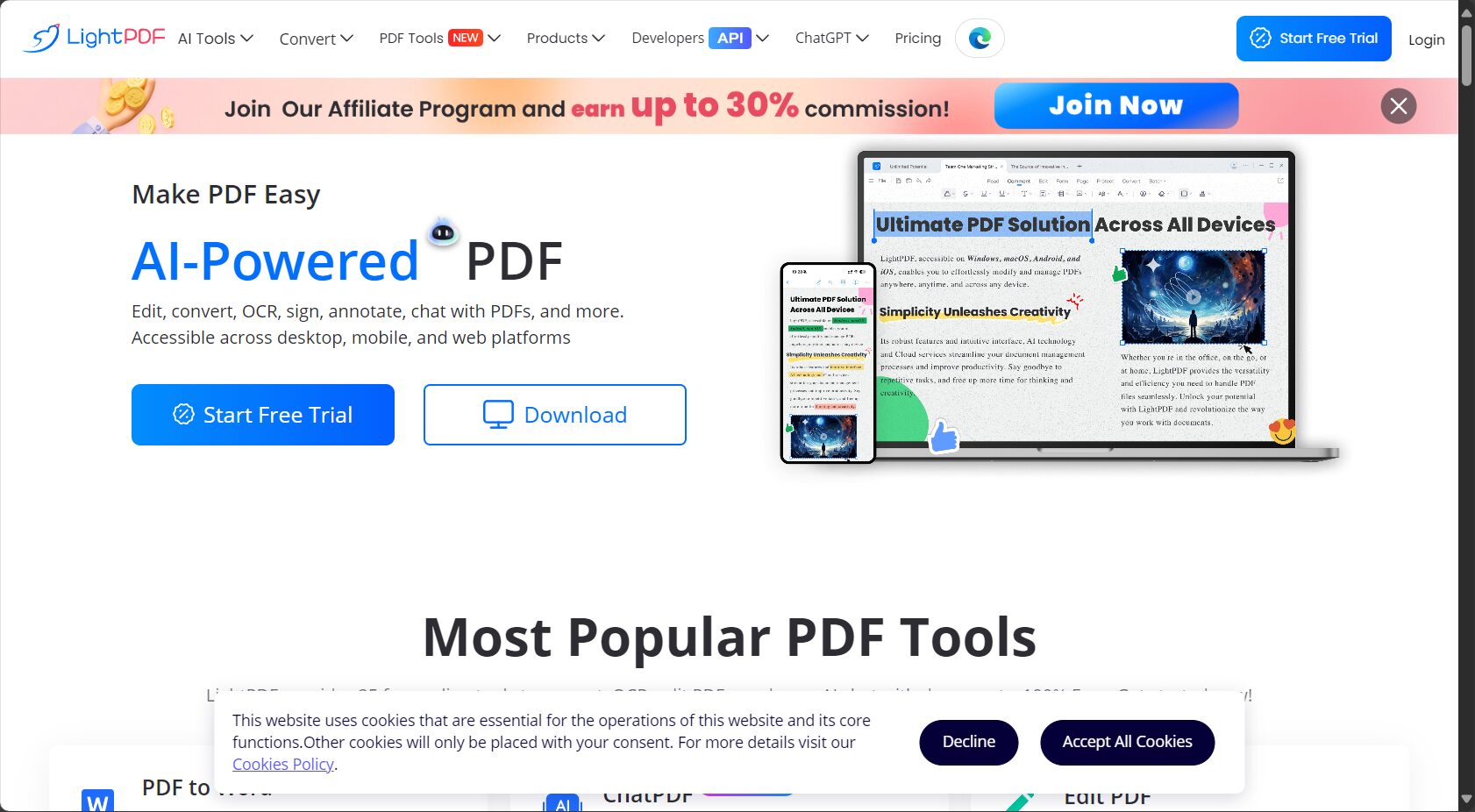
LightPDFKnown for its free AI OCR, it supports image recognition in 25 languages and can convert scanned PDFs into editable text or Word/Excel files with a single click.Minimalist interface, no ads and privacy-friendlyIt is highly favored by environments that prioritize security and ease of use. Additional features include merging, compression, and commenting; it also supports API integration, facilitating enterprise process automation.
- Batch text and table recognition
- Cross-device support (Web/PC/Mobile)
- Preserve the original layout.Unlimited page count and file size
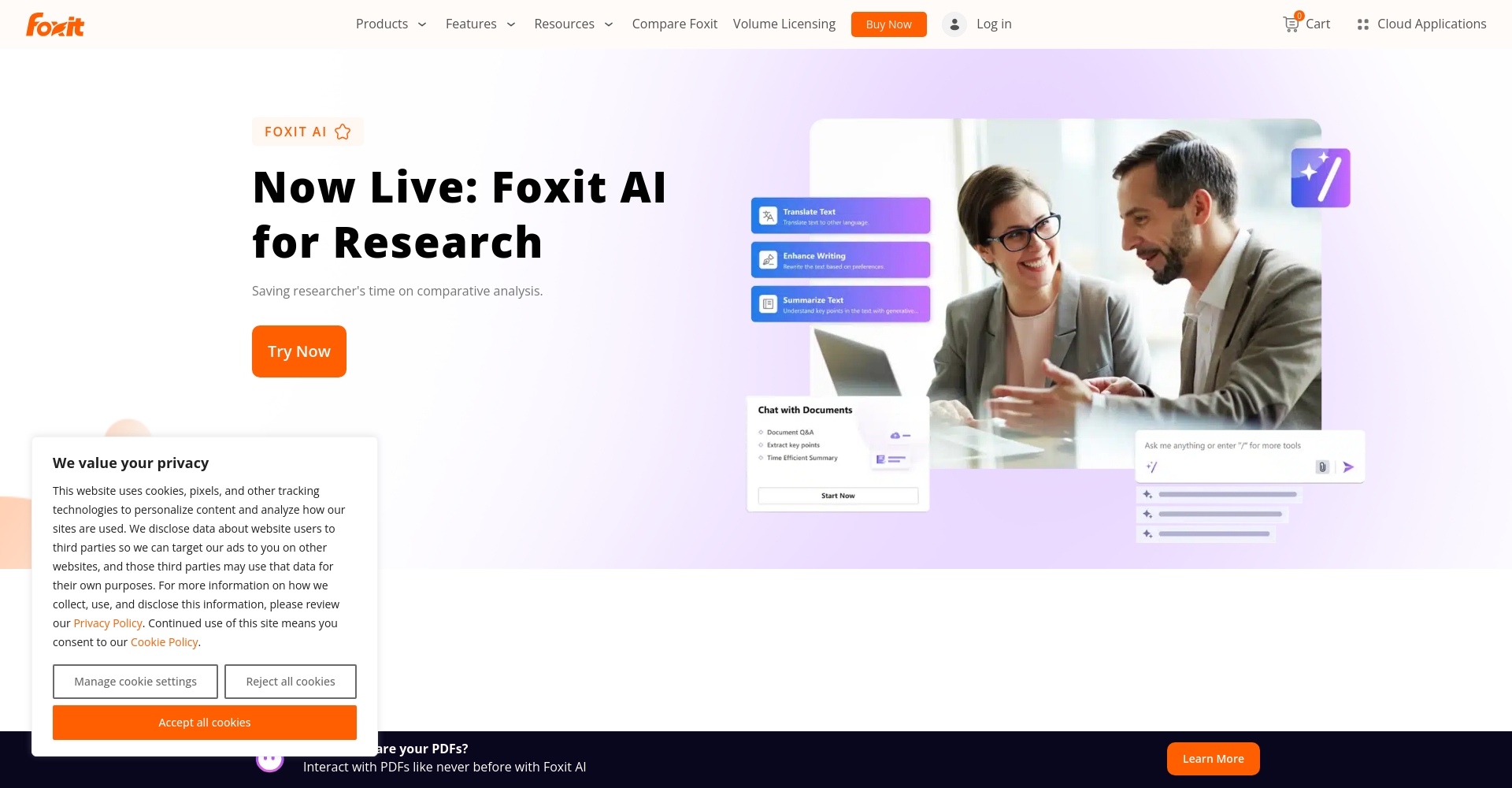
Foxit PDF Online: A powerful and compatible cloud-based AI PDF tool
Foxit OnlineWith years of experience in professional PDF software, its cloud-based features include AI-driven PDF format conversion, OCR text extraction, and multi-format merging. Its intelligent OCR adapts to diverse contexts, meeting various PDF recognition and bidirectional conversion needs, and offers VIP packages for batch and advanced analysis services.
- Free coverage for conversion between mainstream formats, with excellent batch processing capabilities.
- Advanced AI analysis requires a paid subscription.
- Suitable for large and medium-sized teams and professional office work
【Compare the unique features】
| tool | OCR of scanned documents | Multilingual AI Dialogue | Free features | Paid upgrade |
|---|---|---|---|---|
| ChatArt | ✔ | ✔ | ✔ | ✔ (No watermark, bulk) |
| LightPDF | ✔ | part | ✔ | ✔ (API) |
| Foxit Online | ✔ | ✘ | ✔ | ✔ (Advanced Tools) |
UPDF: AI Full-Text Recognition and Professional PDF Editing Integration
UPDFDesigned for enterprise and advanced users, it features a built-in AI chat assistant that supports content questioning, summarizing, translation, and batch format conversion. Available on both PC and mobile devices, it is suitable for diverse business and academic scenarios.
- HighlightsReal-time AI dialogue for quick summarization and annotation of long documents
- Features OCR full-text translation, multilingual translation, and advanced batch editing.
- Modern interface, suitable for professional document workflow

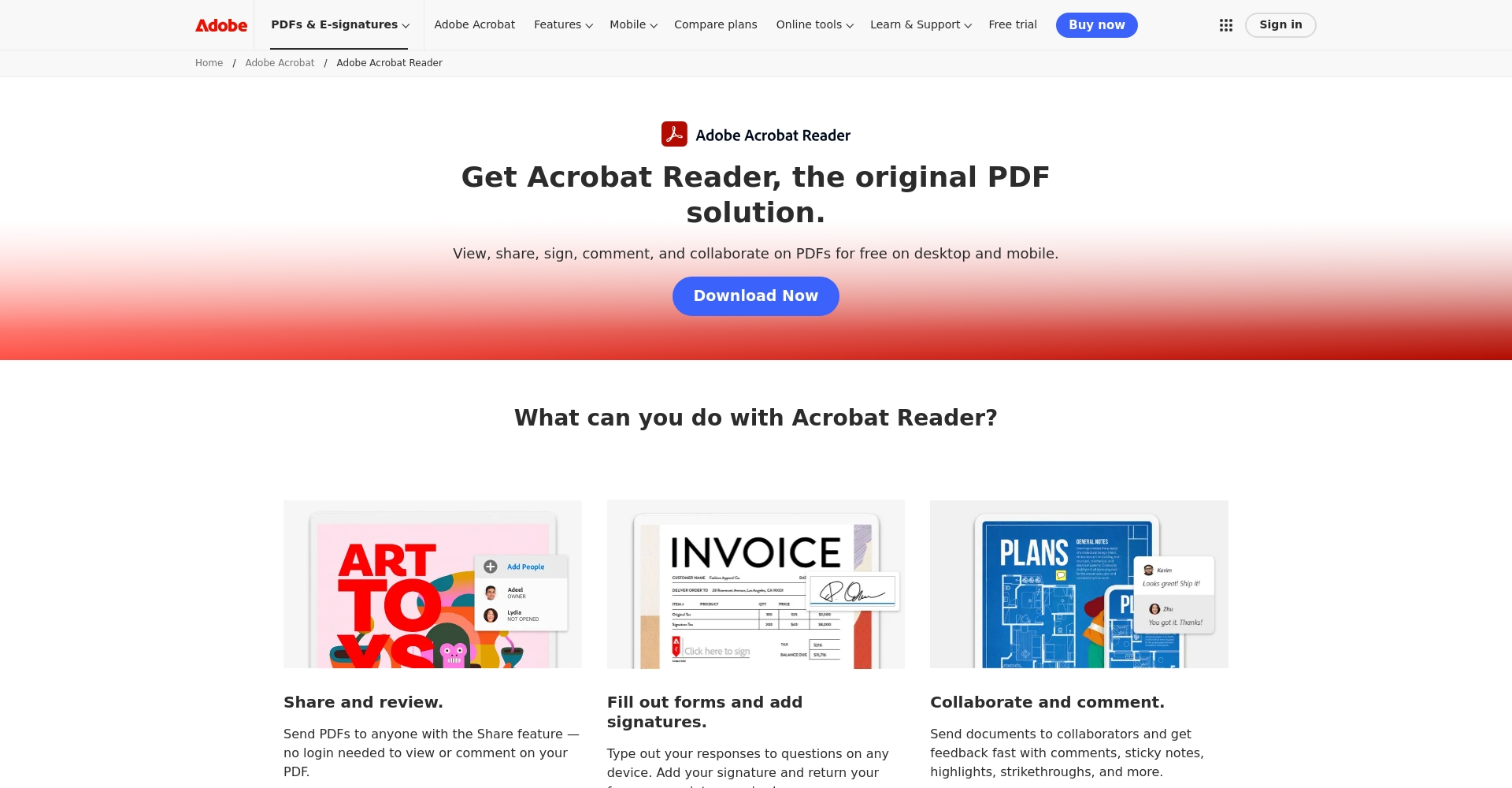
Adobe Acrobat AI: An industry-leading AI PDF enhancement tool
Adobe Acrobat AIAs the creator of the PDF format, we launched AI Assistant in 2024, which includes AI summarization, question search, highlighting, and formatting. It integrates annotation, cloud storage, signing, and other full-featured functions to deeply meet the needs of professional office work.
- Deep learning models automatically label answers, and AI can search for them.
- Compatible with all platforms, extremely secure
- Full functionality requires a Creative Cloud subscription.
PDFelement AI: A Multifunctional Batch Processing and Intelligent Writing Assistant
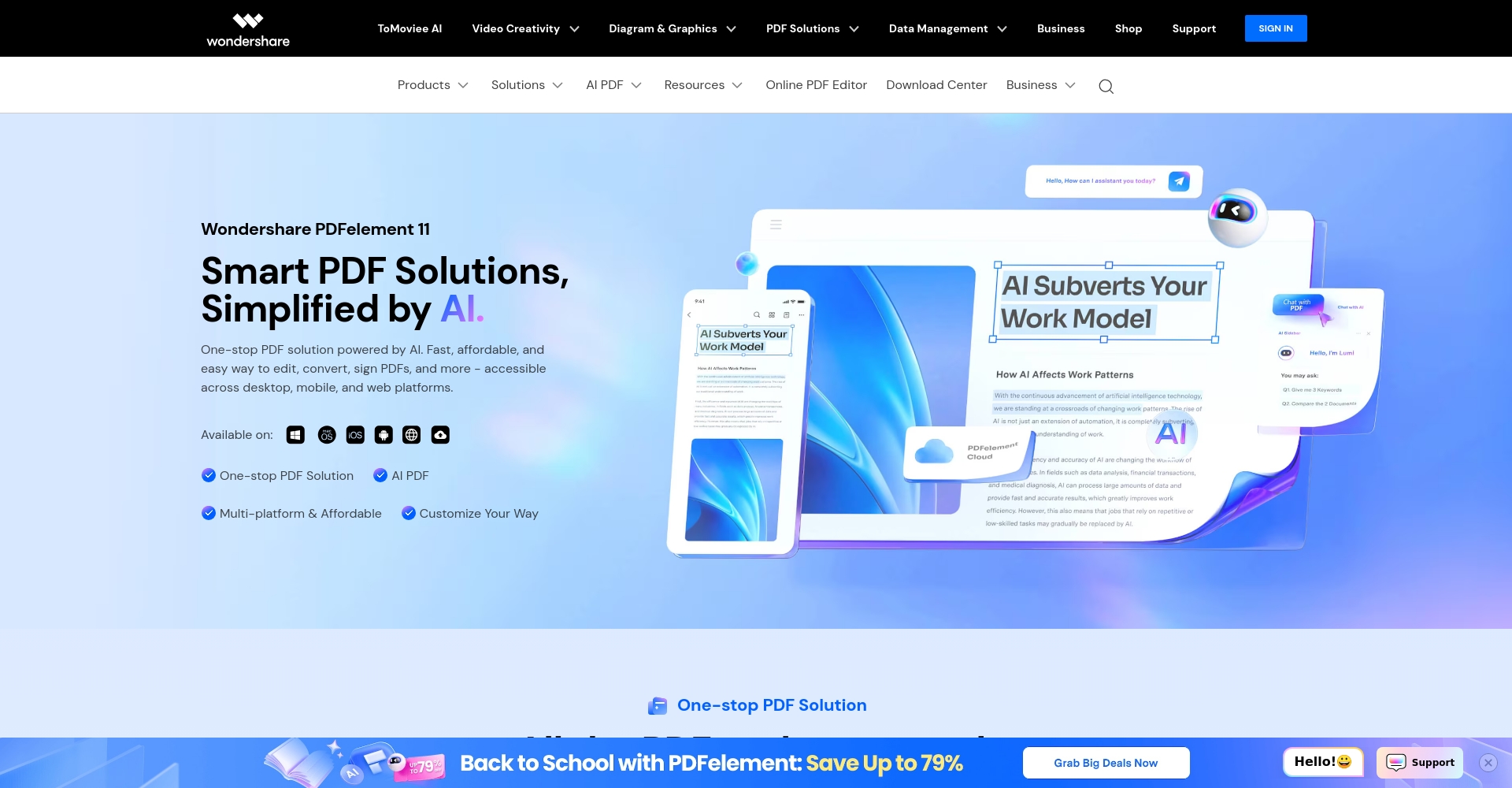
PDFelement AIIt integrates intelligent OCR, AI dialogue, batch conversion, and templates, automatically converting image PDFs into editable formats and monitoring and optimizing document writing style.
- featureIntelligent AI assistant, batch approval/annotation, cloud collaboration
- API automation, flexible expansion of business processes
LightPDF AI: The Preferred Choice for APIs and Automated Processes
LightPDF AIDesigned specifically for high-volume, automated PDF processing, it offers AI API interfaces, cloud deployment, custom batch splitting and merging, full-text search, and data structuring. It primarily serves IT projects, e-commerce platforms, and knowledge system integration.
- advantageUnlimited page count/frequency, customizable computing engine
Common Scenarios and Selection Recommendations for AI PDF Platforms
User needs vary, and common scenarios include:
- Academic staff:Choose platforms that support semantic summarization, multilingual retrieval, and cross-device synchronization, such as ChatArt and UPDF.
- Corporate and Legal Affairs:For those prioritizing efficiency and security, Adobe Acrobat AI and PDFelement are recommended.
- Educational users:I prefer simple interfaces and free OCR conversion; I also like to view LightPDF and Foxit Online.
- Automation/IT:For large-scale automated integration, LightPDF AI is the top choice.
Comparison table of core functions of AI PDF tools
| platform | Intelligent OCR | Batch processing | AI Summary Dialogue | Document Translation | Batch merge | Performance/Price Ratio |
|---|---|---|---|---|---|---|
| ChatArt | ✔ | ✔ | ✔ | ✔ | ✔ | 高 |
| LightPDF | ✔ | ✔ | part | ✔ | ✔ | 优 |
| Foxit Online | ✔ | ✔ | ✘ | part | ✔ | 中 |
| UPDF | ✔ | ✔ | ✔ | ✔ | ✔ | 高 |
| Acrobat AI | ✔ | ✔ | ✔ | ✔ | ✔ | Upper-middle |
| PDFelement | ✔ | ✔ | ✔ | ✔ | ✔ | 优 |
| LightPDF AI | ✔ | ✔ | part | ✔ | ✔ | 高 |

AI PDF Intelligent Processing Development Trends
AIPDF toolThe AI PDF market will evolve from traditional recognition and conversion to intelligent understanding, semantic analysis, data extraction, and natural dialogue. Platforms will continue to introduce large-scale models and multilingual innovations, driving rapid growth in the AI PDF market in 2025. We recommend thoroughly testing the AI services of various platforms based on your needs, comparing user experience, security, and efficiency to select the most suitable intelligent PDF productivity platform!
With the continuous advancement of AI and natural language processing, AI PDF has evolved from simple conversion into a highly efficient tool integrating content restructuring, voice assistant, multilingual translation, and data extraction. By 2025, both office and academic knowledge management will heavily rely on AI PDF intelligent platforms. Choosing the right AI tool will greatly enhance the PDF file processing experience and improve the quality of work and life.
© Copyright notes
The copyright of the article belongs to the author, please do not reprint without permission.
Related posts




No comments...
