
Goland Comprehensive Guide: Essential Tips and Techniques for Go Developers in 2025 - Choosing an Efficient Editor
Goland has become the preferred IDE for Go developers to improve efficiency and project quality by 2025.This article systematically reviews Goland's core functionalities and provides a comprehensive comparison with mainstream editors.Revealing how to overcome development bottlenecks using Goland's intelligent autocomplete, visual debugging, and efficient dependency management.Supplemented by commonly used shortcut keys, plugins andAI AssistantIn-depth skills to help beginners and architects master the winning tools of the cloud-native and microservices era!

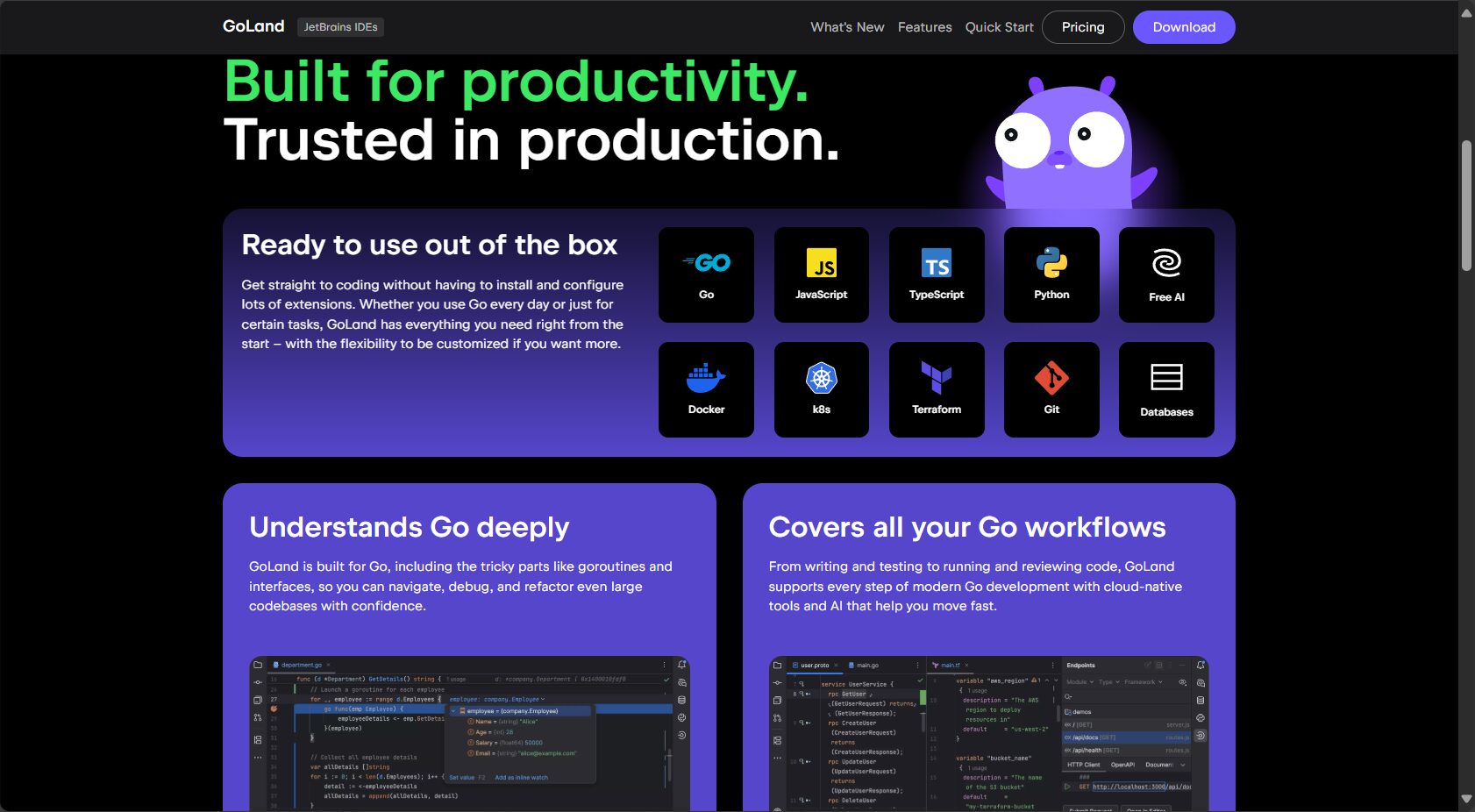
Goland addresses the core pain points of Go development.
- Code suggestions and completion are not intelligent
- The debugging experience is unsatisfactory, making it difficult to quickly locate problems.
- Project management is cumbersome and dependency management is difficult.
- Multi-platform collaboration, code generation, and refactoring lack automated tools.
- Insufficient support for cloud-native and microservices
Goland brings high efficiency improvements
- Intelligent code completion and refactoring
- Integrated debugging, testing and operation environment
- Dependency auto-management and visual project structure
- Rich plugins andAIIntegration capabilities(like JetBrains AI Assistant )
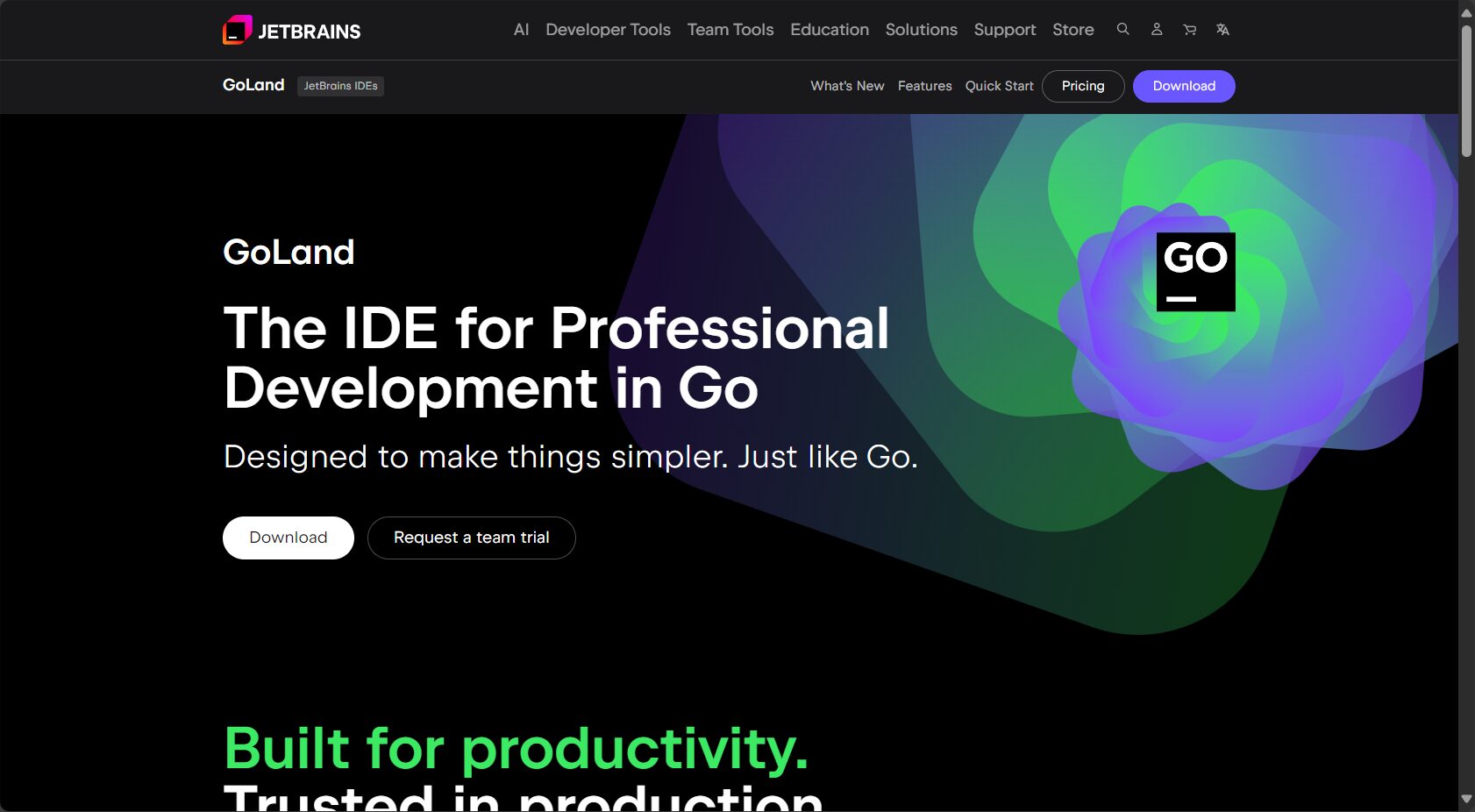
Go development editor selection: a comprehensive comparison.
| Editor/IDE | Code completion and refactoring | Debugging function | Dependency Management | Shortcut key support | Go native support | Plugin extension | Learning curve | price |
|---|---|---|---|---|---|---|---|---|
| Goland | Advanced (Intelligent Recommendation + Auto-completion) | Built-in, excellent performance | Automatic dependency detection | Rich | Yes | powerful | Easy to get started | Paid (including trial) |
| VS Code + Go Plugin | Normal (requires plugin assistance) | Plug-in type, with rich functionality | Manual/Plug-in Management | Rich | Better after configuration | Excellent | Learn quickly | free |
| Vim/Neovim + Go plugin | Basic completion | Plugin support, configuration is slightly complex. | Manual/Plug-in Management | Customizable strong | Better after configuration | Excellent | Learning steep | free |
| LiteIDE | Basic completion | Base | Manual Management | Basic support | Yes | small amount | Easy to get started | free |
| Sublime+Go plugin | Normal completion | Plugin support | Manual/Plug-in | Rich | Multiple configurations | Excellent | Learn quickly | Paid |

Table 1: Comprehensive Comparison of Mainstream Go Development Tools in the Market (2025)
Goland's core highlights and basic usage in 2025
1. Project Management and Dependency Visualization
Goland throughStructured Project Management PanelIt can quickly browse and organize files, and automatically parses and installs dependency packages. New version.Dependency VisualizationThis feature supports intuitive graphical representation of dependencies, greatly improving the rationality of dependencies in large projects.
Practical TipsRight-clicking the project in the "Project" window allows you to directly synchronize Go Modules with a single click, greatly simplifying dependency updates.
2. Intelligent code completion and error detection
The Goland engine can intelligently achieve IDEA-level performance based on context, usage history, and type information.Automatic code completionCombined with real-time syntax checking, all potential vulnerabilities can be exposed immediately and located with a single click.
3. One-stop compilation, running, and debugging support
JustClick the Run buttonAlternatively, you can use the keyboard shortcut (Shift+F10) to automatically compile and run your Go application using Goland. When encountering exceptions, you can directly insert breakpoints, monitor variables, stack traces, and output in real time; debugging supports:
- Step Over、Step Into、Step Out Multiple debugging stepping methods
- Call stack and coroutine visualization
- Supports remote and local debugging, and automatic variable capture.
Example: Breakpoint debugging operation
package main import "fmt" func main() { a := 10 b := 20 sum := a + b // Set breakpoint here fmt.Println("Sum:", sum) }
Operation: After inserting a breakpoint to the left of the sum line, click the debug button. The program will pause at this point, and the developer can see the real-time values of a, b, and sum in the window.
Essential Goland Development Techniques (with Keyboard Shortcuts)
Code optimization and quick fixes
- Automatic code formatting(Ctrl+Alt+L): Consistent style, reducing manual layout time.
- Quick Repair and ImportCode underlines indicate potential errors; press Alt+Enter to fix them and automatically import the necessary packages.
- Batch renaming/refactoringShift+F6 safely batch renames and refactors all references to prevent omissions.
A list of commonly used keyboard shortcuts
| shortcut key | Function Description |
|---|---|
| Ctrl+Shift+F10 | Run the current file quickly |
| Shift+F9 | Debugging program |
| Ctrl+Alt+L | Formatting code |
| Ctrl+Space | Intelligent code completion |
| Ctrl+Shift+T | Find/Generate Test Files |
| Ctrl+Shift+F | Global Search |
Table 2: List of commonly used Goland keyboard shortcuts
Code generation and batch selection improve efficiency
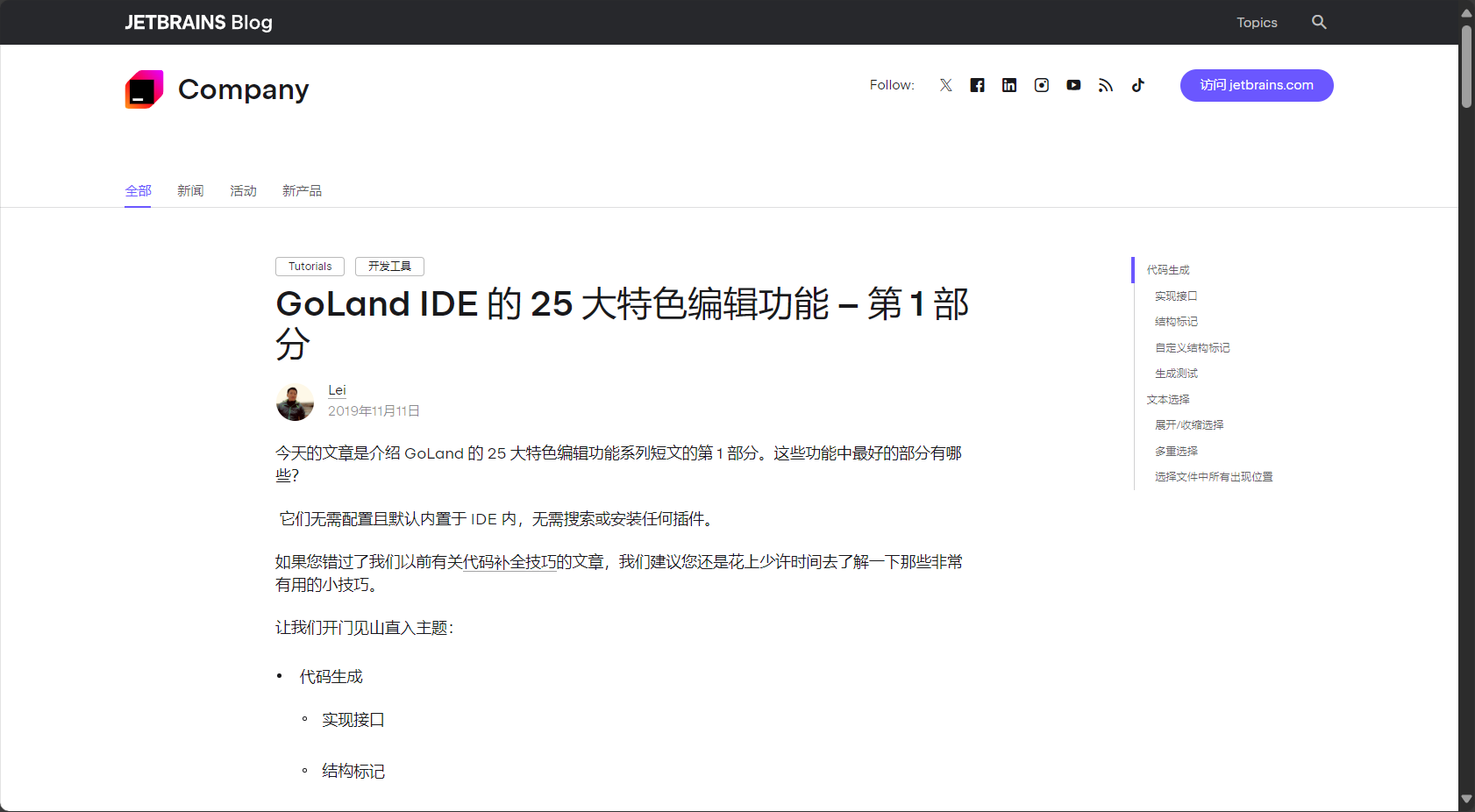
- Implement interface(Ctrl+I): Automatically generate the signatures of all methods that implement a given interface.
- Batch editing of structure tags: Enter the struct field and then type
json或xml, directly generate serialized tags. - Multiple selection/batch renaming(Alt+J / Ctrl+R): Edit multiple identical variables simultaneously.
- Suggested reference:More Goland code editor tips
In-depth analysis of Goland's powerful features and usage scenarios
Structured navigation and project outline
- Switch File/Switcher(Ctrl+Tab) allows you to seamlessly switch between multiple files without clicking the mouse.
- Structure pop-up/Type HierarchyQuickly analyze project structure, type hierarchy, and call chain.
- Reference search (Ctrl+B/Alt+F7)It aggregates all references and call locations with one click, making it suitable for complex refactoring.
Go Modules and Multi-Version Compatibility Support
- It supports multiple Go versions (including Go 1.22+) and automatically identifies the Go version of the project, eliminating the need to manually switch environments.
- Go Modules management, version upgrades, and dependency conflict detection can all be done in one place.
AI Assistant and AutoDoc Document Generation
integrated JetBrains AI AssistantIt can automatically generate comments, provide optimal code refactoring suggestions, and improve the level of document and code collaboration.
Goland Debugging FAQs
| Frequently Asked Questions | Professional answer |
|---|---|
| How to set/remove breakpoints | Click the gray area to the left of the row number, then click again to cancel. |
| How to troubleshoot runtime failures | Check the Go version, dependencies, and environment variables; view the console and debug output. |
| Unable to autocomplete/highlight | Check GOPATH/MODULE settings and project SDK configuration. |
| How to generate/jump to test code | Press Ctrl+Shift+T to select either generate or jump to the corresponding test function. |
| Are there differences between Mac and Windows keyboard shortcuts? | Most keyboard shortcuts are customizable; on Mac, Cmd/Option can replace Ctrl/Alt. |
Table 3: Overview of Goland Debugging FAQs
In-depth comparison and analysis of Goland with other mainstream IDEs
| characteristic | Goland | VS Code+Go Plugin | Vim/Neovim+Go plugin |
|---|---|---|---|
| Professional Go support | Optimal(Native compilation, debugging, and refactoring) | Some require plugins. | part |
| Debugging capabilities | Powerful and fully built-in | Plugin support | Plugins and limited functionality |
| Dependency Management | Automatic visualization | Manual/Plug-in | Manual |
| Learning curve | gentle | Plugin configuration required | steep |
| Team collaboration/configuration | Best configuration, exportable and cloud-syncable. | Manual operation required | Manual operation required |
| Plug-in Extensibility | powerful | powerful | Extremely high (but requires maintenance) |
| Payment details | Paid (Official Trial) | free | free |
Table 4: In-depth capability analysis of Goland and mainstream editors
FAQ: Quick answers to frequently asked questions for Goland beginners
Q1: Where can I download the latest 2025 version of Goland? Which operating systems does it support?
– Available JetBrains Goland Official Website Available for download, supporting Windows, macOS, and Linux (including ARM64).
Q2: How well does it support new features in Go 1.22~1.25?
Goland supports new versions of the Go language as soon as they are released, requiring only configuration of the project or the global Go SDK.
Q3: Does it support cloud-native, Docker, and Kubernetes development?
– Natively built-in Docker and Kubernetes plugins allow you to directly orchestrate containers, manage Pods, and remotely debug cloud services within the IDE.
Conclusion
Goland has become the top choice for Go engineers to improve productivity in 2025.It not only provides top-tier language support, comprehensive debugging and project management, but also meets the development needs of modern cloud-native and large-scale microservice teams through AI integration, plugin extensions, and continuous innovation. Whether you're a Go beginner or a seasoned architect, if you value code quality and efficiency, Goland is worth learning in depth and investing in long-term. If you're still undecided about which Go development tool to use, download the latest version of Goland and experience it for yourself, seizing the high ground of the Go ecosystem's benefits!
© Copyright notes
The copyright of the article belongs to the author, please do not reprint without permission.
Related posts



No comments...
