Copilot Download Guide: How Beginners Can Quickly Install and Activate the AI Assistant (Latest 2025 Version)
Copilot download and installationThis will directly impact whether developers can smoothly get started with AI programming. This article starts from...Introduction to Copilot, subscription plans, plugin installation, activation process, and advanced usage.From frequently asked questions to detailed step-by-step instructions on how to quickly configure the VS Code AI Assistant environment, enabling even beginners to experience it efficiently.AI code generationFeatures include intelligent dialogue and team collaboration. The latest 2025 version includes workflows, diagrams, and resources, allowing you to seamlessly begin intelligent development!
Introduction and Core Advantages of Copilot
GitHub CopilotCopilot is an intelligent AI code assistant jointly launched by GitHub and OpenAI, capable of automatically generating code snippets, functions, comments, and unit tests. Its core relies on globally available open-source code and large AI models, easily supporting mainstream development environments such as VS Code, JetBrains, and Neovim. Copilot brings developers:
- Multi-platform supportIt covers mainstream IDE usage scenarios.
- AI code auto-completionEnter the function signature or comment to automatically generate the implementation code.
- Code comment generationAutomatically completes documents and inline comments, improving team communication efficiency.
- One-click test/refactoring generationAI modifications, optimizations, and tests can be completed with a single click.
- Copilot Chat Intelligent CollaborationA conversational multi-file AI assistant that supports natural language interaction.
Copilot Download and Installation Process
Pre-installation preparation
- Have a GitHub account(Free registration available)
- Update to the latest version of VS Code editor
- Ensure a stable network connection for accessing GitHub.
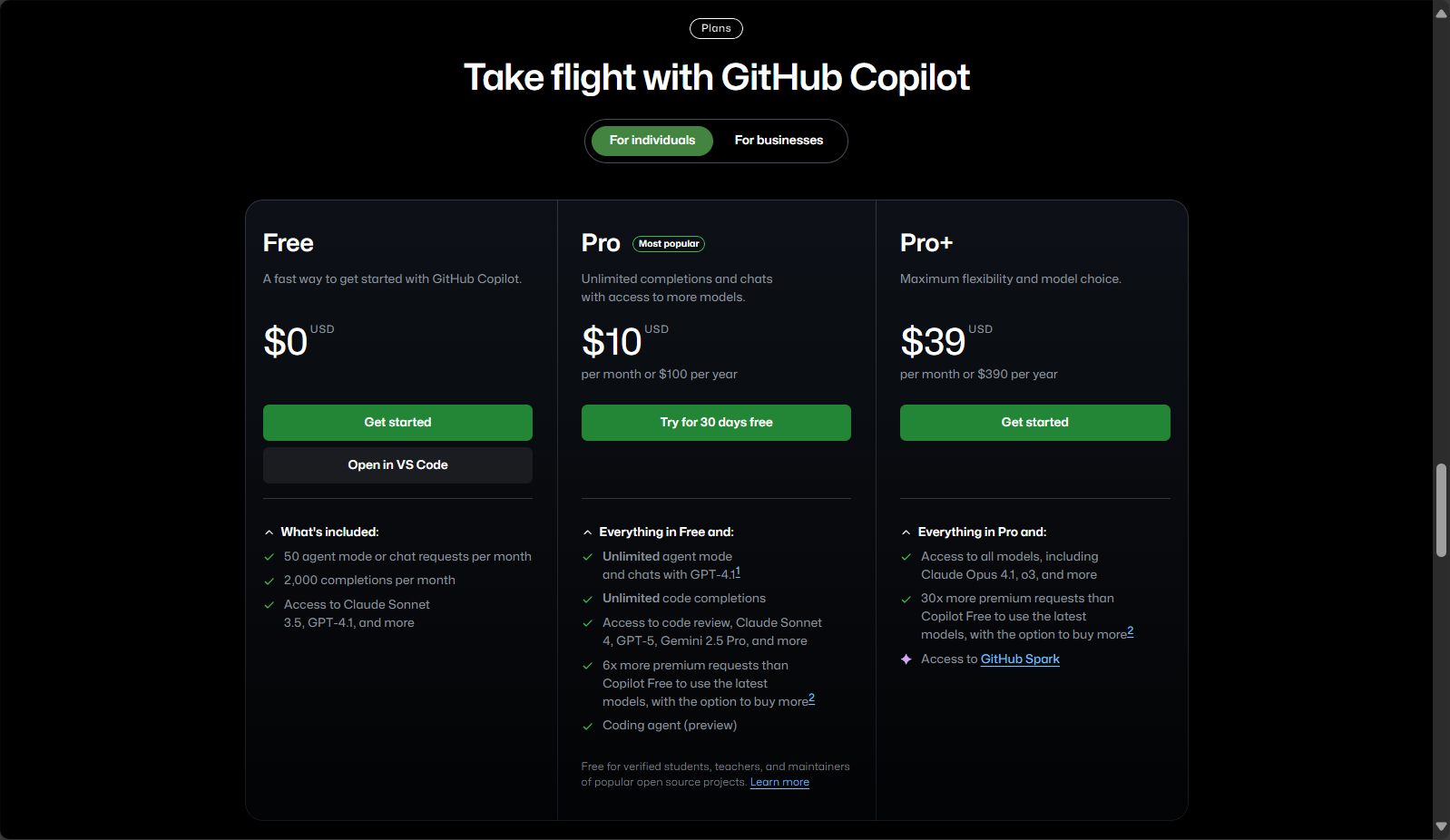
Latest subscription plan table
| Project Name | price | Functions & Target Audience |
|---|---|---|
| Free | Partially free | Daily limit, suitable for beginners/students |
| Pro | $10/month or $100/year | Unlimited AI suggestions, supports Copilot Chat |
| Business | $19/user/month | Team permissions and senior management |
| Enterprise | Customization | Private model, enterprise-specific security, customized extensions |

Students/teachers and well-known open-source maintainersThe Pro version is available for free.
Copilot plugin installation & activation steps
- Open VS Code and click on the Extensions tab.
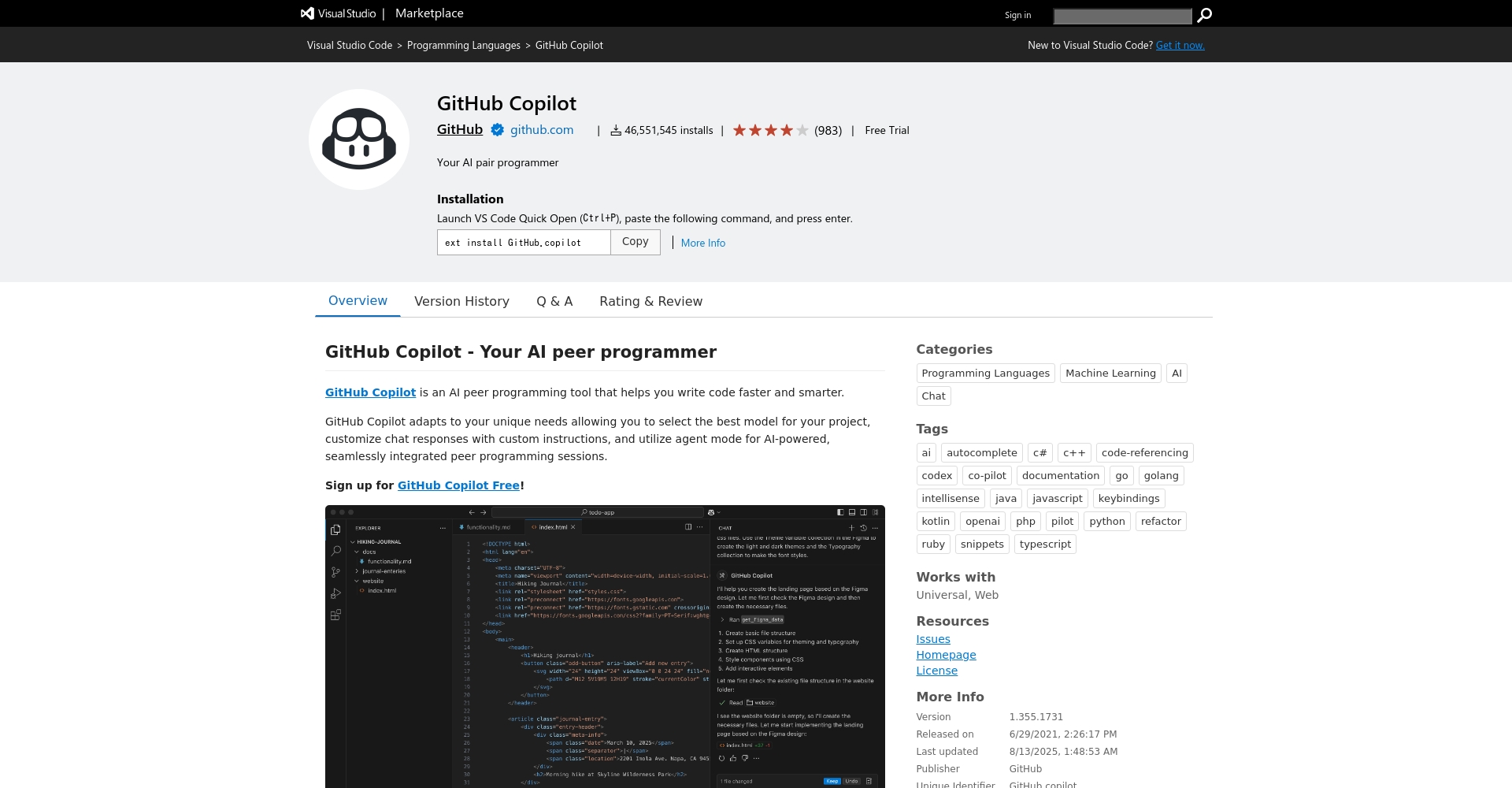
- Search for "GitHub Copilot" to findOfficial plugin pageAnd click "“Install”。
- For chat functionality, you can install "Copilot Chat" simultaneously.
- After installation, follow the prompts.Log in to GitHub and authorizeAfter success, the Copilot icon will appear in the status bar.
First-time experience and personalized configuration
- Create any new code file, enter comments or functions, and Copilot will display automatic suggestions.
- Advanced personalization can be achieved by adjusting parameters such as autocomplete frequency, language type, and number of suggestions through the "Settings" interface.
Copilot Chat conversation experience
- Install the "GitHub Copilot Chat" plugin from the extension marketplace.
- Open the "Copilot" chat window in the left sidebar, enter your questions, and you can interact with AI, automatically explain code, perform batch refactoring, and more.
Detailed flowchart
| step | illustrate | Key Entry Point |
|---|---|---|
| Editor preparation | Upgrade/Install VS Code | VS Code official website |
| extension plugin | Search and install Copilot/Copilot Chat from the marketplace. | Official Homepage |
| Login Authorization | GitHub account login authorization | Subscription Management |
| Advanced configuration | Personalized AI suggestions/style | VS Code settings |
Copilot Core Functions Explained and Practical Application
- Inline code suggestionsEnter a comment or function signature, and AI will automatically complete the full implementation. You can select directly using Tab/Esc.
- Smart annotation generationAutomatically generates detailed JSDoc, Python, and multilingual comments.
- Automatic test generation and code refactoringIt supports mainstream testing frameworks, and AI can use natural language to make batch modifications and refactorings with one click.
- Copilot ChatMulti-file cross-project dialogue and collaboration, with commands such as /explain /optimize /repair to quickly handle complex development tasks.

Copilot Chat Common Command List
| instruction | effect | Example |
|---|---|---|
| /help | List all available AI commands | /help |
| /explain | Explain the meaning of the code | /explain this loop |
| /tests | Generate unit test code | /tests for getSum() |
| /fix | Automatically find and fix bugs | /fix |
| /optimize | Optimize performance or structure | /optimize for speed |
Frequently Asked Questions and Tips for Improving Efficiency for Beginners
| Problem Type | Typical Situation | Handling suggestions |
|---|---|---|
| Unable to download from the network | Plugin download is slow or fails | Check the scientific network or switch nodes. |
| Plugin not activated | Login error/icon not lit | Update VS Code, restart, or log in again. |
| No autocomplete pop-up | Unrecognized file type/configuration error | Change file type, check settings, reinstall plugins |
| Inaccurate completion | The suggestion does not match the needs. | Add detailed, structured annotations to guide AI. |
- Make good use of chat and structured annotationsImprove the quality of Copilot recommendations
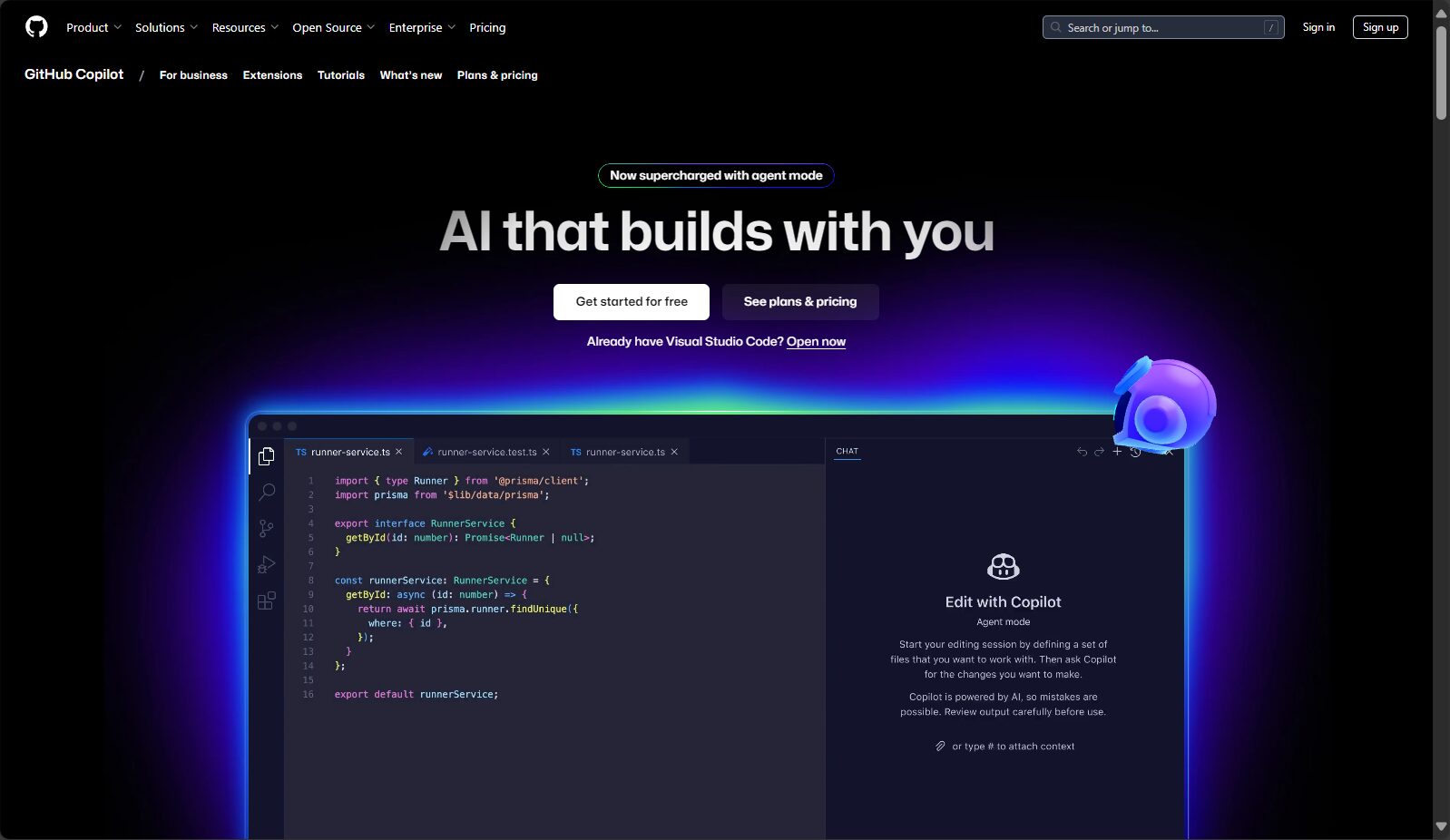
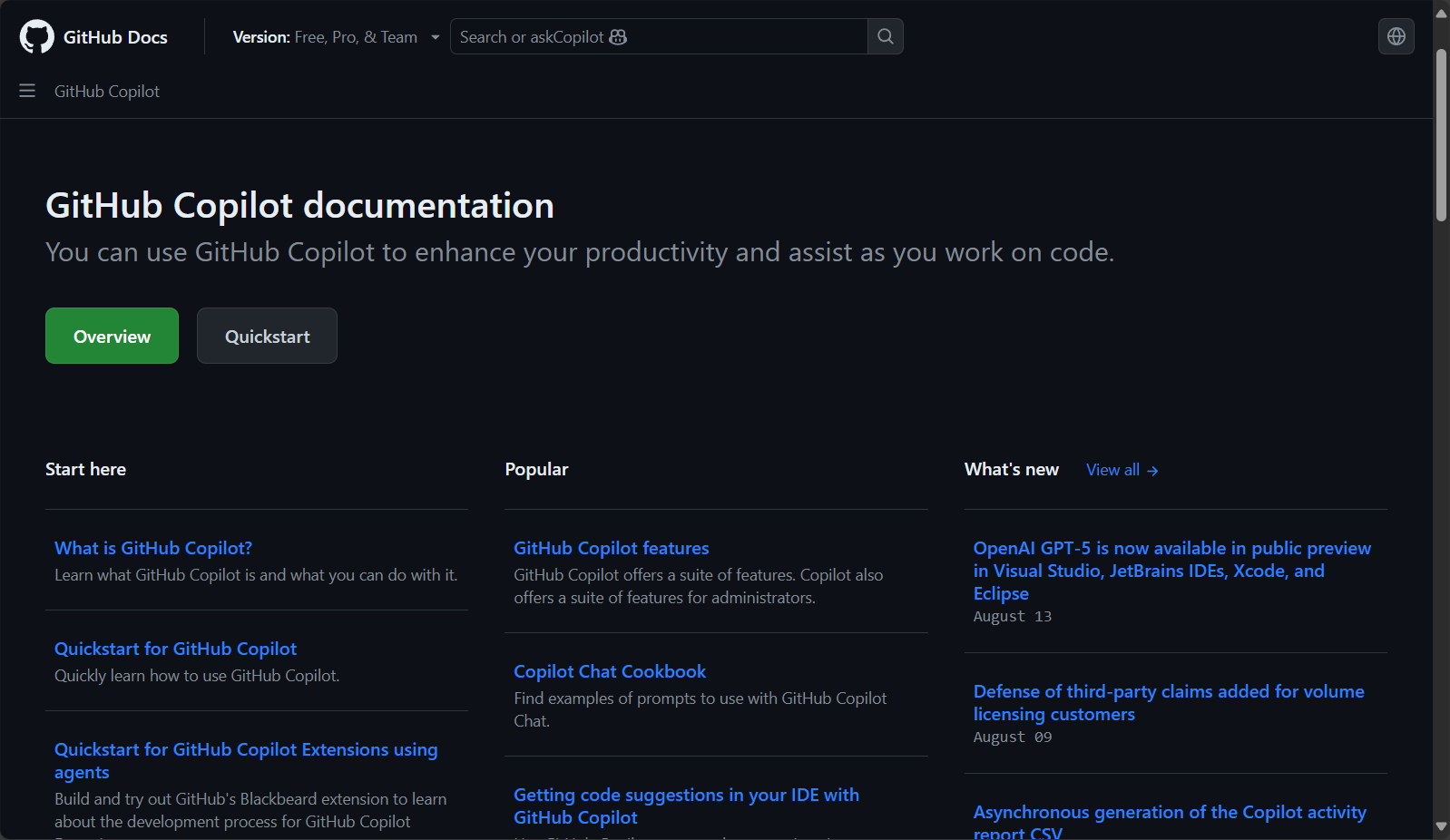
- Timely referenceCopilot official documentationGet tutorials and updates
Quick resource access
- Copilot official homepage:https://github.com/features/copilot
- VS Code Extension Marketplace Copilot:Download link
- Copilot Chat Download:Download link
- Subscription Management/Pricing Plans:Price details
By 2025, AI development tools will continue to evolve.Just follow this guideComplete the download, installation, and activation of Copilot with no barriers. Whether you are a beginner or an experienced user,Everyone can enjoy the development efficiency and innovation experience brought by AI assistant empowerment.For enterprise-level Copilot customization, team collaboration, or private deployment services, please feel free to contact us. Nextlink Cloud Gain access to enterprise deployment and professional customization capabilities.Copilot helps you usher in a new era of AI-powered intelligent development!
© Copyright notes
The copyright of the article belongs to the author, please do not reprint without permission.
Related posts





No comments...
