
WebStorm User Guide: Essential Speed-Up Techniques and Practical Plugin Recommendations for Developers in 2025
In 2025,The challenges faced by front-end and full-stack developers are increasing daily.,High-efficiency toolsThis is key to improving development efficiency.WebStormAs JetBrains' flagship IDE, WebStorm continuously optimizes the development experience through AI assistance, keyboard shortcuts, smart plugins, and comprehensive front-end ecosystem support. This article provides an in-depth overview of WebStorm efficiency-enhancing techniques and selects must-have high-performance plugins for 2025 to help developers achieve even greater efficiency!
WebStorm 2025: A Productivity Engine for Developers
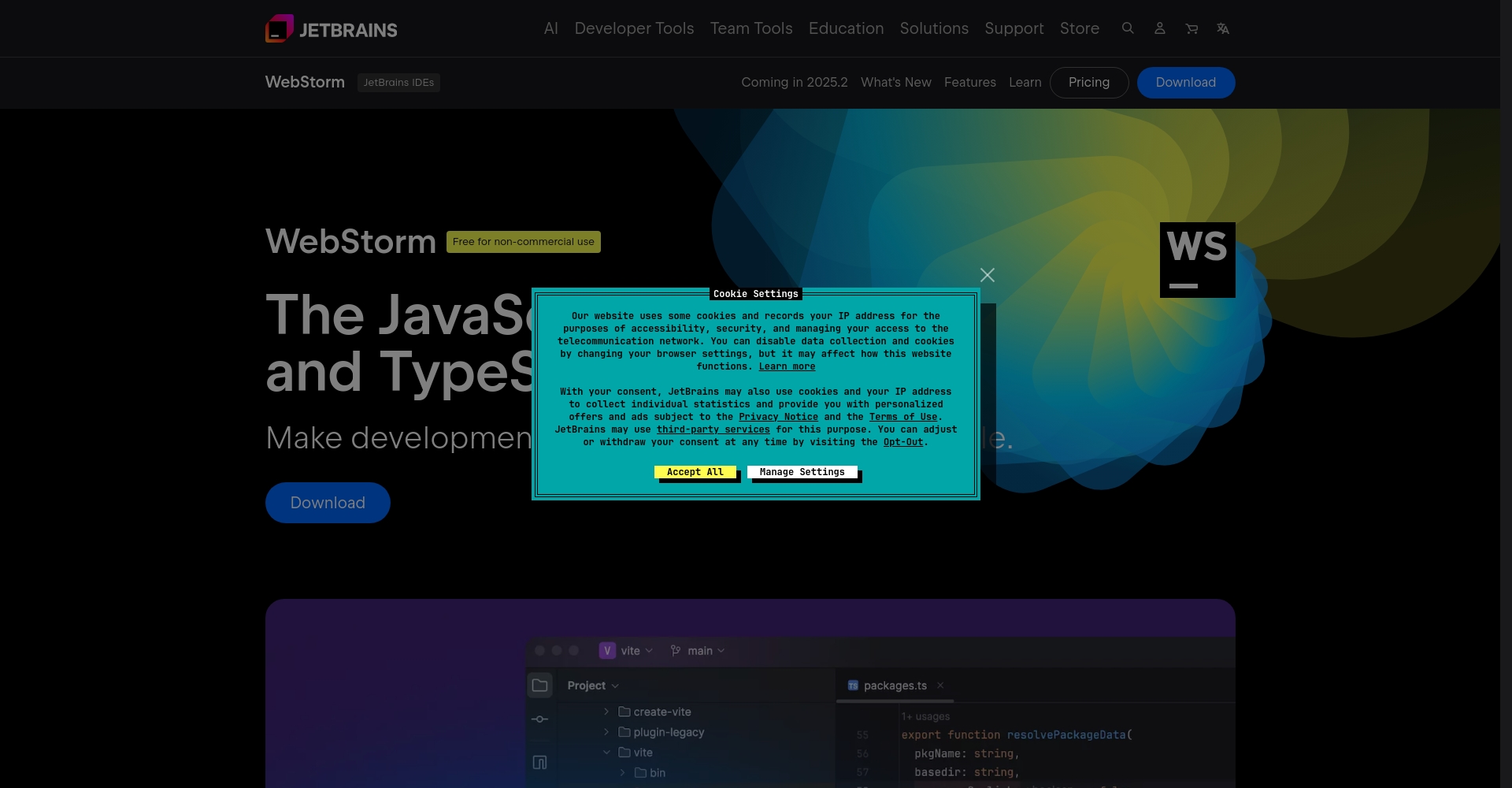
WebStormSince its release, it has been constantly innovating, and the 2025 version covers a number of brand-new features such as AI integration, code completion, intelligent refactoring, and breakpoint debugging, which greatly optimizes the development experience for front-end and full-stack applications.
- Intelligent code completion and refactoring
- Deeply supports JavaScript/TypeScript and mainstream front-end frameworks
- Comprehensive debugging and testing tools
- Rich plugin ecosystem
- Seamless integration with DevOps tools such as Git and Docker
- Comprehensive UI themes and customizable configurations
Official website link:https://www.jetbrains.com/webstorm/
Commonly used high-efficiency speed-up techniques
1. Keyboard shortcuts significantly accelerate the development process.
WebStorm has a large number of built-in keyboard shortcuts. Familiarity with and proper customization of these shortcuts can significantly reduce unnecessary mouse movements.Development focused on smoothness。
| shortcut key | Function Description |
|---|---|
| Ctrl + E | Recently edited file |
| Ctrl + Shift + N | Quickly open any file |
| Shift + Shift | Global search and commands |
| Ctrl + / or Ctrl + Shift + / | Comments (single/multi-line) |
| Alt + Enter | Smart Repair Suggestions |
| Ctrl + Alt + L | Quick code formatting |
| Ctrl + D / Ctrl + Y | Copy/Delete a line |
| Ctrl + B / Ctrl + Click | Jump to definition |
hint:The keyboard shortcuts may vary slightly depending on the operating system. You can customize them in Settings > Keymap.
2. AI-enabled: Code assistance and automatic repair
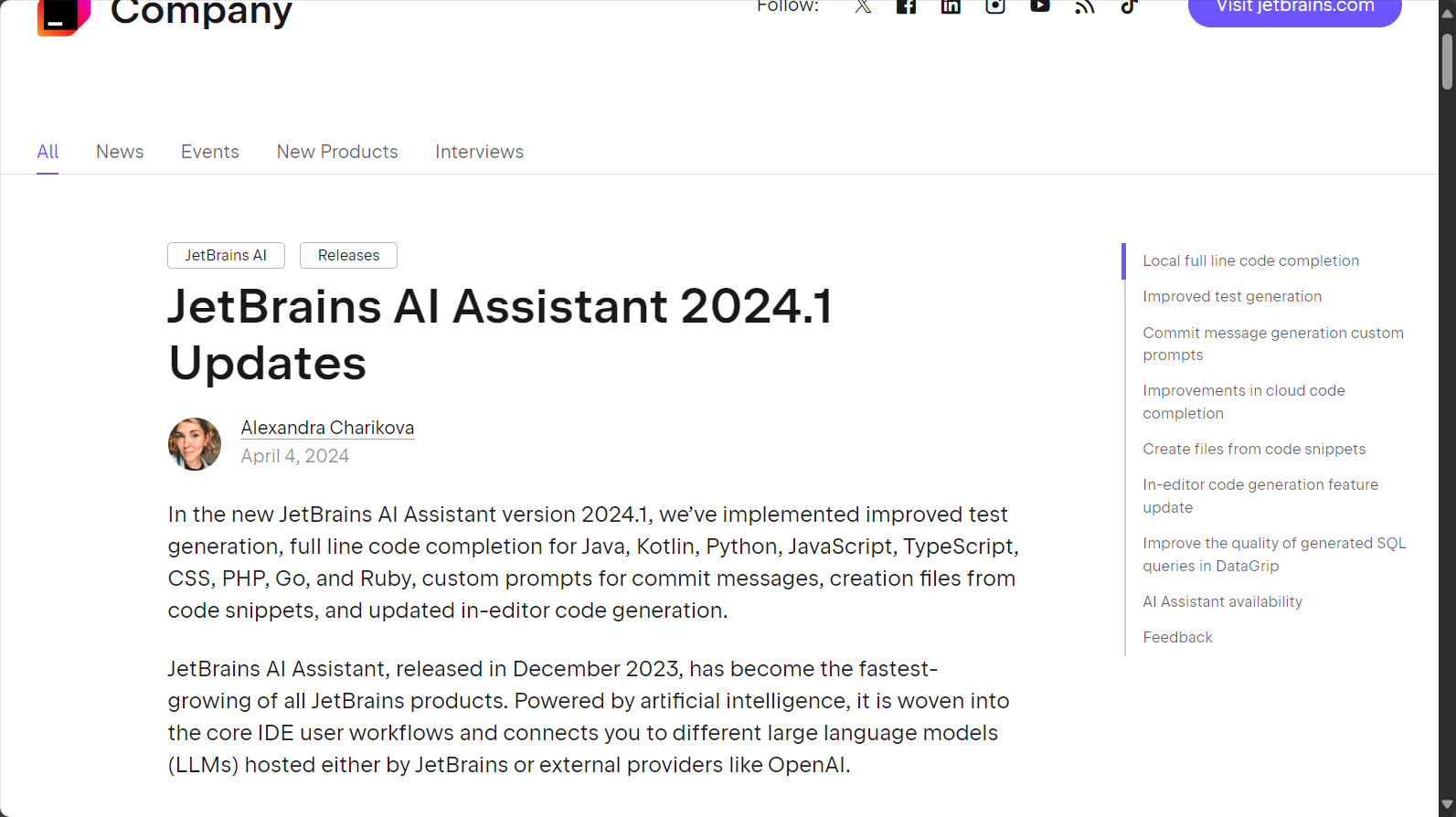
WebStorm 2025 IntegrationJetBrains AI AssistantAI tools can be used to provide intelligent question answering, contextual code suggestions, and automatic code repair. Selecting a code block will provide explanations and refactoring suggestions, allowing...Human-machine collaborative coding becomes the new normal。
Recommended AI code assistants:JetBrains AI Assistant Introduction and Documentation

3. Project configuration management and multi-environment adaptation
- Configuration file templateQuickly build React/Vue/Node architectures by using New Project from Template.
- Multi-environment operation configurationUse Run/Debug Configurations to manage multi-environment startup parameters.
- Dependency ManagementDirectly manipulate package.json to automatically identify dependency security and version issues.
Recommended WebStorm plugins (latest list as of 2025)
The plugin ecosystem is one of WebStorm's biggest features.
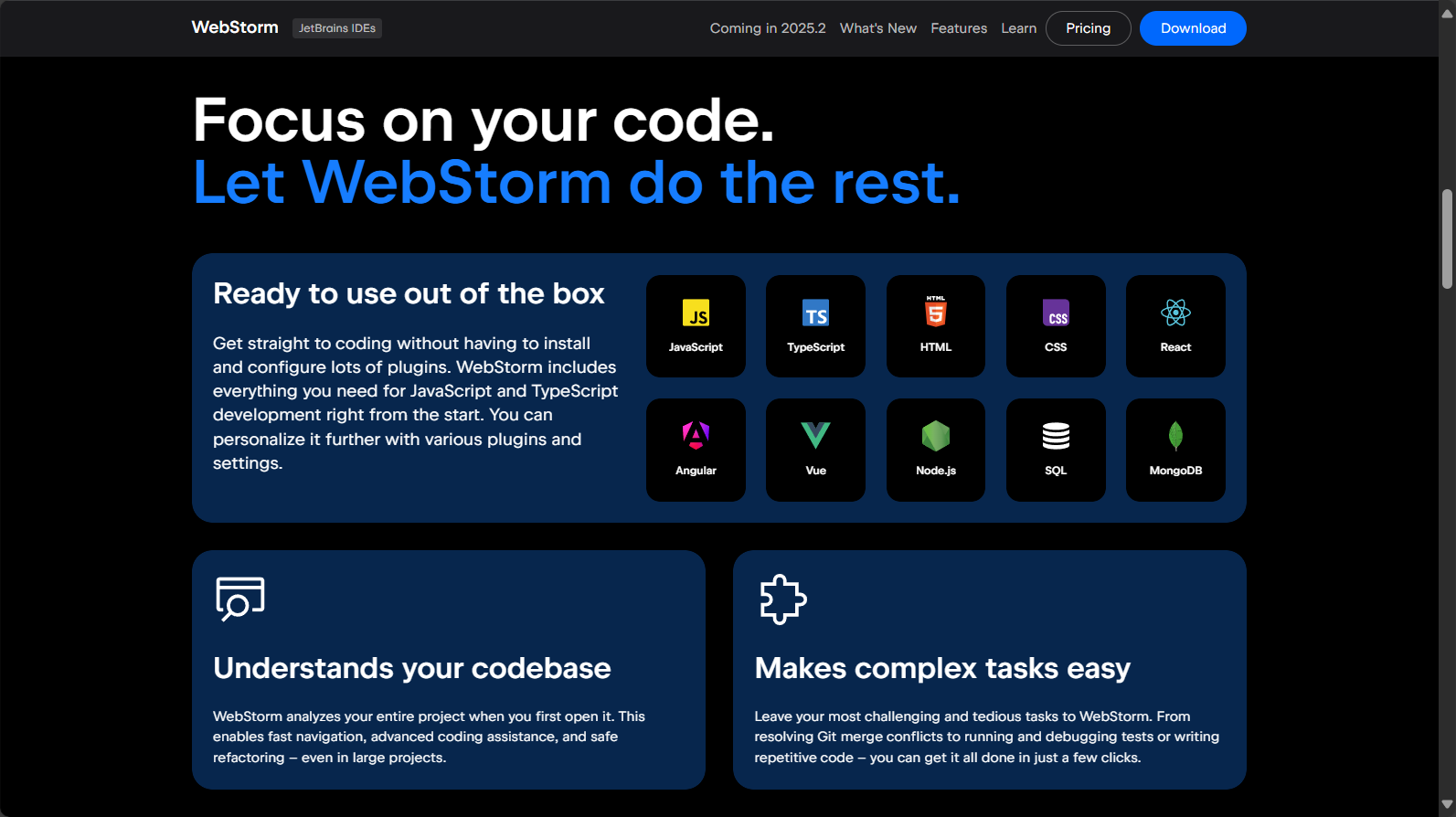
| Plugin Name | Main functions | Recommended scenarios | How to obtain |
|---|---|---|---|
| HTML CSS Support | HTML/CSS support | All Web projects | Plugin Marketplace Search |
| ESLint | Code style check | Essential for JS/TS projects | Plugin Official Website |
| Path Autocomplete | Intelligent path completion | Frequent reference scenarios | Plugin Marketplace Search |
| Prettier | Automatic code formatting | Multi-person collaborative projects | Plugin Official Website |
| Vue.js Plugin | Vue development support | Vue project | Plugin Marketplace Search |
| ReactJS Plugin | React development support | React project | Plugin Marketplace Search |
| JavaScript Debugger | JS breakpoint debugging | debug | The new version has it built-in. |
| Emmet | HTML/CSS Quick Sketch | Layout writing | Plugin Marketplace Search |
| File Watchers | Automatic build | Preprocessing automation | Plugin Marketplace Search |
| GitToolBox | Git Enhancement | Teamwork | Plugin Official Website |
| CodeGlance Pro | Code thumbnail | Large Project Reading | Plugin Marketplace Search |
In-depth analysis of plugin highlights
HTML CSS Support – Smartly Driven Front-End Code“
This plugin brings highlighting, intelligent completion, error detection, and formatting to HTML and CSS, and also supports preprocessing languages such as LESS/SCSS.It is an irreplaceable helper when developing web page UI structures.
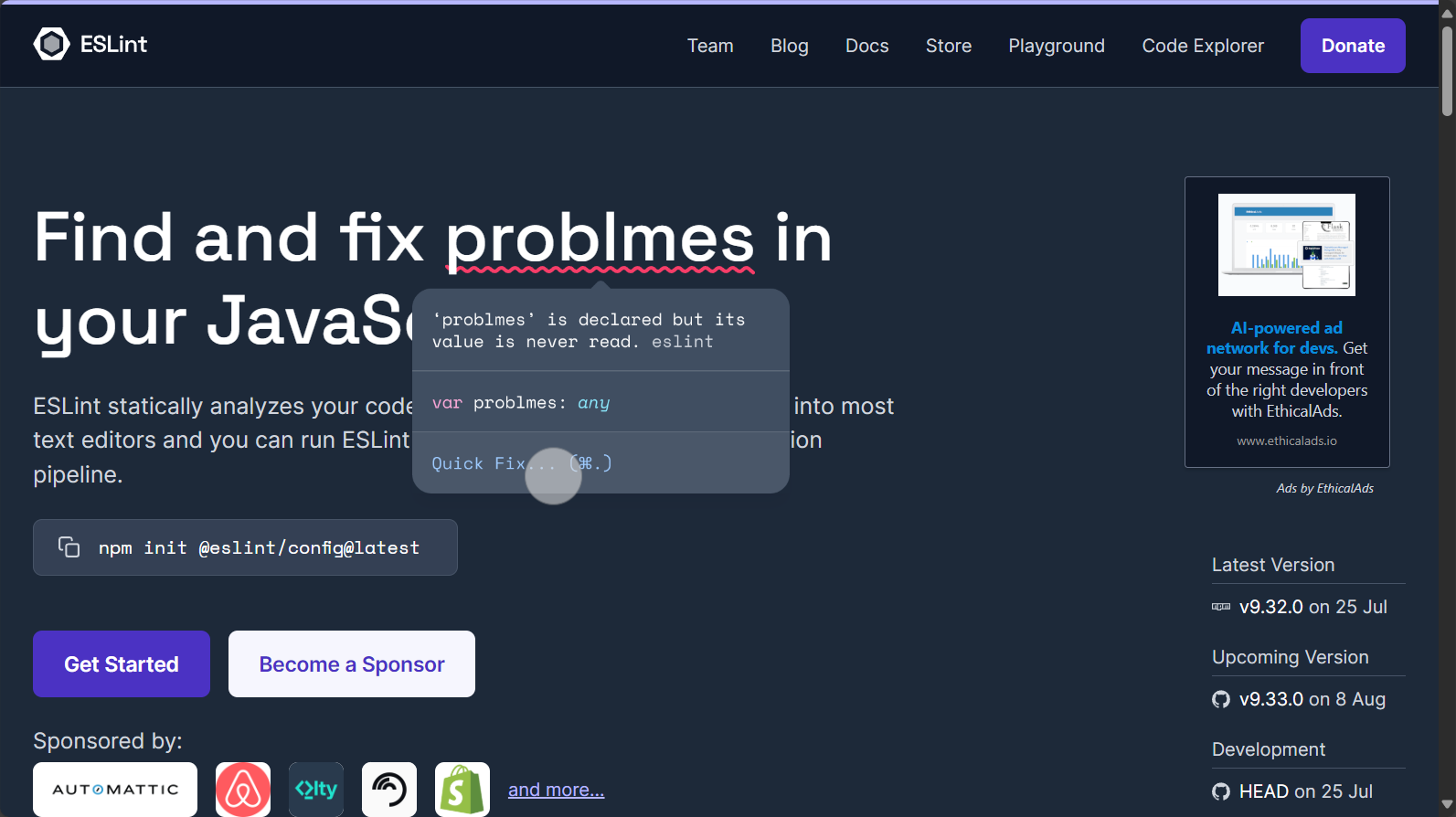
ESLint – A powerful tool for code standardization and quality control
ESLintReal-time scanning of JS/TS/JSX style, errors, and risks; works best when used in conjunction with tools such as Prettier and Webpack.
Path Autocomplete – Zero Errors in Path Writing
In large-scale front-end projects with abundant resources, you can complete the path simply by entering the first letter, greatly reducing path spelling errors.
Prettier – A "Format Guardian" Out of the Box“
PrettierOne-click fixes all non-standard formatting, unifies team coding style, and reduces merge conflicts.
Vue.js/ReactJS Plugins – Essential for Mainstream Front-End Frameworks
Both Vue and React have official plugins that support code highlighting, code snippets, and Props/State hints.

Advanced Practice: High-Level Skills and Modern Team Collaboration
1. A powerful version control tool for multi-user collaboration
WebStormGit integrationExtremely powerful. Recommended plugins include GitToolBox and GitGraph for intuitive display of branch history and changes.
2. File monitoring and automated build
File WatchersBy combining it with front-end engineering tools, it can automatically compile Sass/Less and compress images, saving repetitive work.
3. Improved code visualization and reading efficiency
CodeGlance ProGenerate VS Code-style code thumbnails for a quick overview of the overall structure.
Efficiency Multiplication: The Collaborative Future of WebStorm and AI Tools
In 2025,WebStorm continues to expand its AI capabilitiesIt integrates AI plugins such as Tongyi Lingma, enabling intelligent code generation and comment completion, helping developers create code efficiently.
Appendix 1: List of Outstanding WebStorm Plugins in 2025
| Plugin Name | type | Recommended star rating | Main function | AI-enabled support |
|---|---|---|---|---|
| JetBrains AI Assistant | Smart Assistant | ★★★★★ | Code explanation/refactoring/generation | 是 |
| ESLint | Code quality | ★★★★★ | Style/Error Prevention | 否 |
| Prettier | format | ★★★★★ | Code formatting correction | 否 |
| GitToolBox | Version control | ★★★★☆ | Git Change Display/Enhancement | part |
| CodeGlance Pro | Code browsing | ★★★★☆ | Code thumbnail | 否 |
| Emmet | Quick layout | ★★★★☆ | HTML/CSS Quick Sketch | 否 |
| File Watchers | Automatic build | ★★★★☆ | Resource translation | 否 |
Latest Features and Future Outlook
在Front-end AI development, code hosting automation, and other fieldsWebStorm 2025 demonstrates its strong extensibility. Through its plugin marketplace, WebStorm continues to embrace new technology ecosystems such as React, Vue, Svelte, and Node.AI programming assistant, unit test generation, security detection, intelligent scoringThese will gradually become standard features.
WebStorm is no longer just an IDE, but a powerful technology engine for modern developers.The growing plugin ecosystem and the continuous integration of AI enable developers to create fully customized and efficient workflows. In 2025, let's usher in a new era of intelligent and efficient development with WebStorm!
For related news leads, plugin updates, and the latest AI tool developments, please feel free to leave a comment at the end of the article.
© Copyright notes
The copyright of the article belongs to the author, please do not reprint without permission.
Related posts




No comments...
