
Stable Diffusion 1.5 Complete Analysis: A must-understand model advantages and application guide for AI drawing enthusiasts
Stable Diffusion 1.5 (SD1.5) is a go-to tool for AI drawing creators with its open source, flexibility, and strong community. This paper systematically sorts out the latest progress and high-end practical strategies of SD1.5 from multiple dimensions such as model technology principles, hardware deployment, parameter settings, ecological support, and application scenarios, so as to help novices and experienced users quickly get started and create advanced creations. Includes hardware configuration recommendations, mainstream WebUI plug-in tools, model management specifications, advanced practical processes and core community resource navigation.

Stable Diffusion 1.5 model overview and technical progress
What is Stable Diffusion 1.5?
Stable Diffusion 1.5 is an open-source diffusion generative model launched by Stability AI and LAION, using LDM architecture to empower AI drawing efficiently and with low thresholds.
| version | Key features: | Recommended video memory | Output size | Business authorization |
|---|---|---|---|---|
| 1.4 | Open source, community ecology | 4GB | 512×512 | Commercial |
| 1.5 | Diverse styles to optimize synthesis quality | 4GB/6GB | 512×512 is better | Commercial |
| 2.1 | Stronger text understanding | 6GB+ | 512×512 and above | Commercial |
| SDXL series | High resolution | 8-12GB | 1024×1024 | Commercial |
SD1.5 has become the mainstream for a long time with its diverse style and highly fine-tuned compatibility.
SD1.5 compared with similar AI models
Opening source deployment, unlimited customization and rich community expansion make SD1.5 ahead of Midjourney, DALL· E3 and other closed-source tools.
| model | Price | Whether it is open source or not | Deployable on-premises | Customization capabilities | Community resources |
|---|---|---|---|---|---|
| Midjourney | subscribe | not | not | low | Official/Limited |
| DALL· E 3 | Pay | not | not | Extremely low | official |
| SD1.5 | Free/donate | be | be | Extremely high | Abundance (Civitai, etc.) |
| SDXL | gratis | be | be | high | Grow fast |

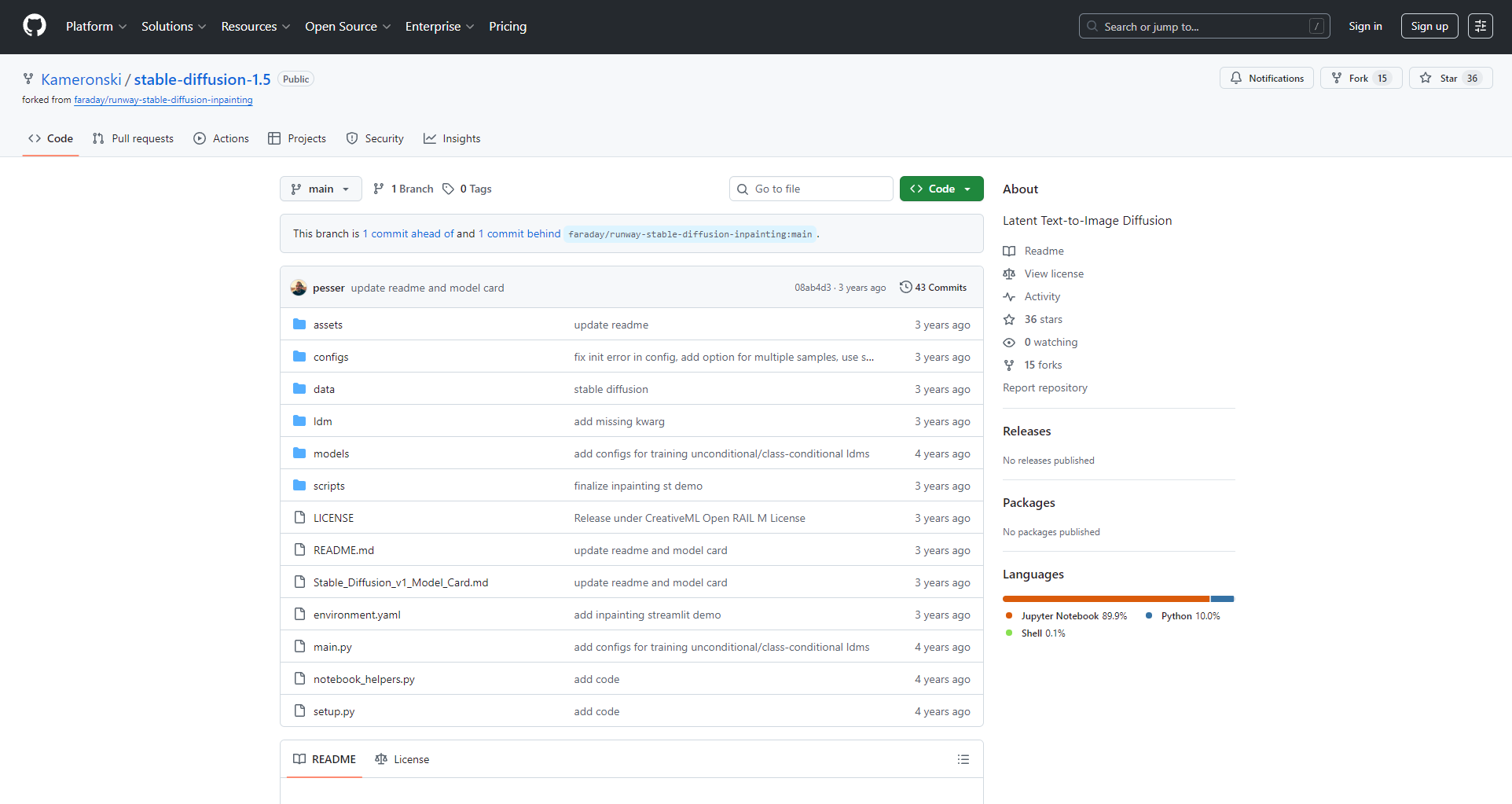
SD1.5 is the core of the secondary development of AI drawing ecology and LoRA and ControlNet standards.
Stable Diffusion 1.5 hardware and software configuration requirements
Hardware configuration recommendation
| demand | minimum | recommend |
|---|---|---|
| system | Win10/11/Linux | Windows 11 |
| Graphics | NVIDIA 4GB | NVIDIA 8GB+ |
| processor | Quad-core Intel/AMD | 6/8 core |
| memory | 8GB | 16GB+ |
| storage | 10GB | SSD 20GB+ |
Highly recommended independent graphics card, NVIDIA (supports CUDA) is the best.
Software deployment recommendations
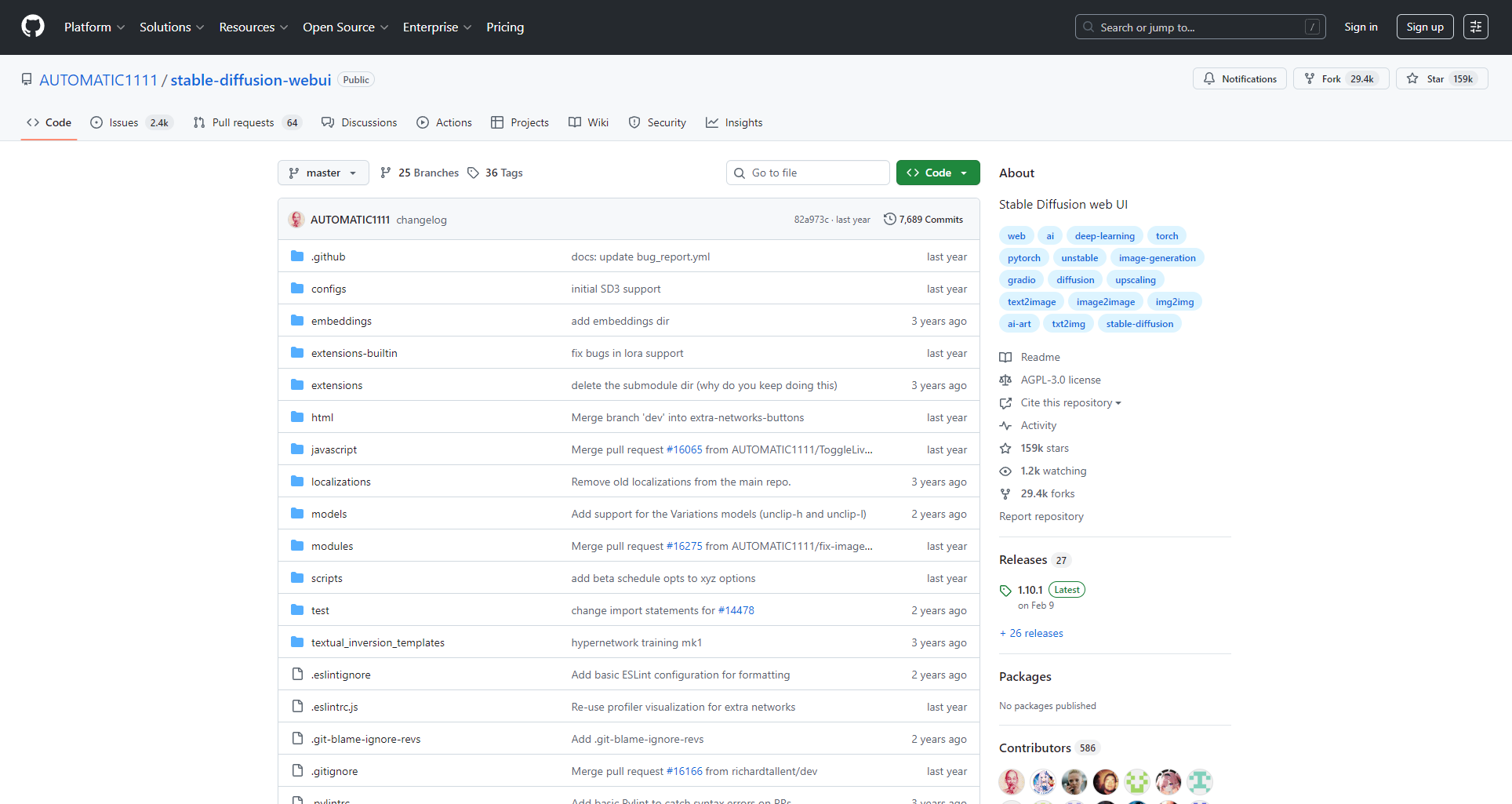
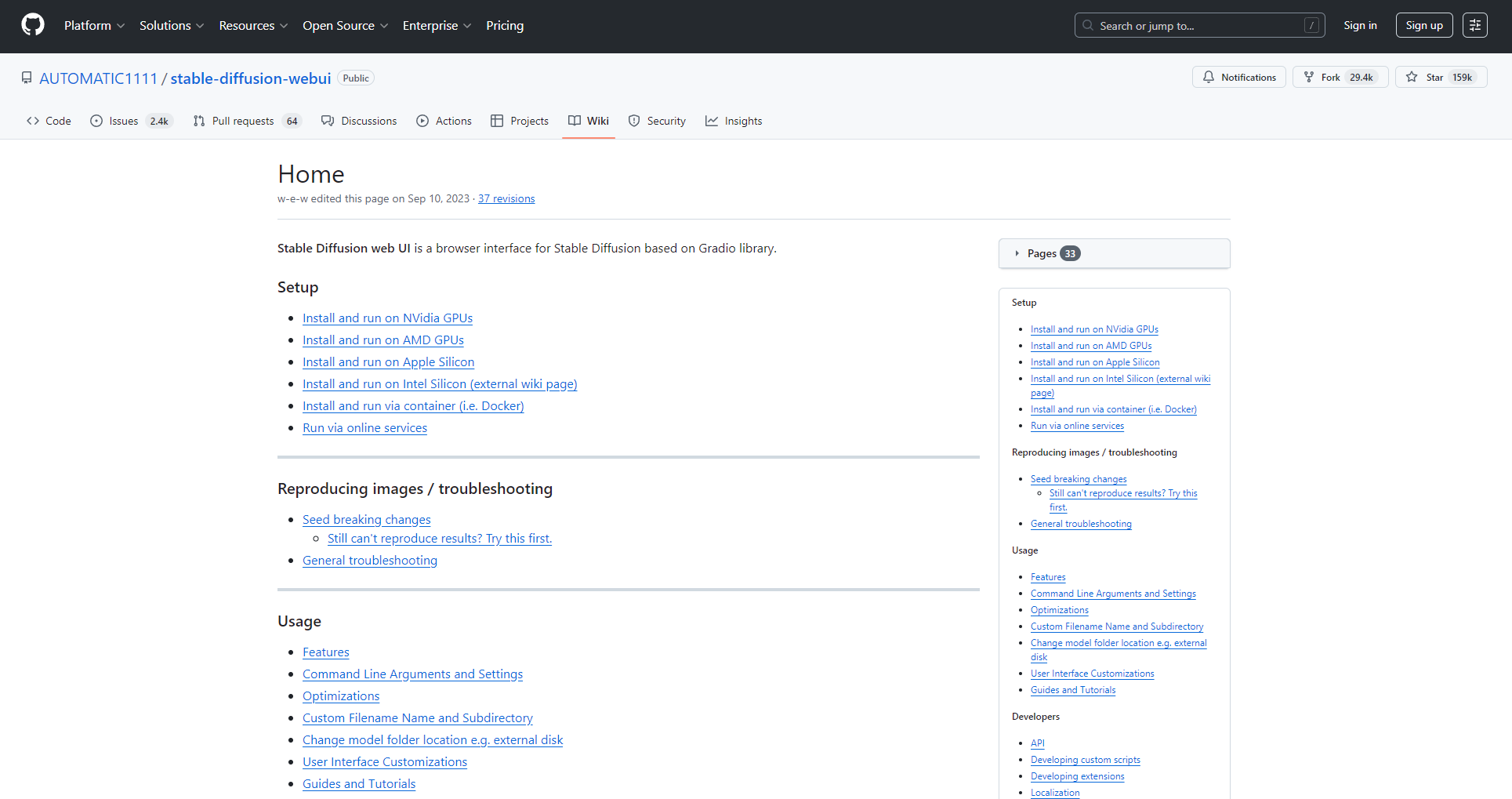
For newbies, it is recommended to use the “Akiba aaaki integration package” orthe AUTOMATIC1111 WebUIone-click package:
- Unzip to the hard disk, double-click the main program, and the browser can access the http://127.0.0.1:7860/ to operate the web.
- If you don’t have local hardware, you can use mainstream cloud GPUs such as “Nimbus” to easily deploy a large graphics card experience.
Detailed explanation of Stable Diffusion 1.5 core functions and parameters
Main interface and parameter logic
- Prompt/Negative Prompt: Describe expectations and avoidance elements.
- Sampling method: affects different styles and fineness (Euler, DPM++, etc.).
- Steps: Generally 20-40 steps, too much and small income.
- Resolution: 512×512 mainstream, the bigger it is, the more you eat the graphics card.
- High-resolution restoration (Hires. Fix): Helps to enlarge the details of the secondary enhancement.
| parameter | example | illustrate |
|---|---|---|
| Prompt | best quality, 8k, masterpiece, … | The key description is that the power is high |
| NegativePrompt | bad-hands-5, watermark, blurry | Filter out bad details |
| Steps | 20-30 | Balance output quality |
| Sampler | Euler/DPM++ | Different styles are used differently |
| CFG Scale | 7 | Adjust prompt impact |
Model Ecology and Advanced Application Guide
Model types and functions
| type | function | folder | use |
|---|---|---|---|
| Checkpoint(CKPT) | Master model | models/Stable-diffusion/ | Decide on the basic style |
| LoRA | Small volume style fine-tuning | models/lora/ | Characters and styles are superimposed |
| VAE | Color enhancement | models/VAE/ | Sharpness and transparency are improved |
- LoRA model: Quick switching of some styles/characters
- VAE Module: Optimizes color and clarity
- ControlNet and other plug-ins: lineart, pose, and composition control
Mainstream resource download: Civitai, HuggingFace, OpenArt, etc.

WebUI tools and plugin ecosystem
| tool | Key features: | peculiarity | Applicable people |
|---|---|---|---|
| AUTOMATIC1111 | One-stop management and generation | Many plugins and continuous updates | Full level |
| sd-webui-aki-v4 | Multilingual | Minimalist and worry-free | greenhorn |
| ComfyUI | Node workflows | Freedom to be highly customized | High |
- Recommended plugins: ControlNet, Lora Block Weight, Tiled Diffusion/VAE, etc.
Practical advice on LoRA and model management
- Classification and naming, recording source parameters for easy reproducibility
- Multi-model weights can be mixed and calls are more flexible
- Make full use of the combination of Tag and weight
Standard application process Step-by-step
- Select the master model
- Overlay LoRA style
- Prompt design, suitable for sampling and step count
- Enable ControlNet when there is a reference image
- You can start a high-score repair
- Generate, adjust, and export in bulk
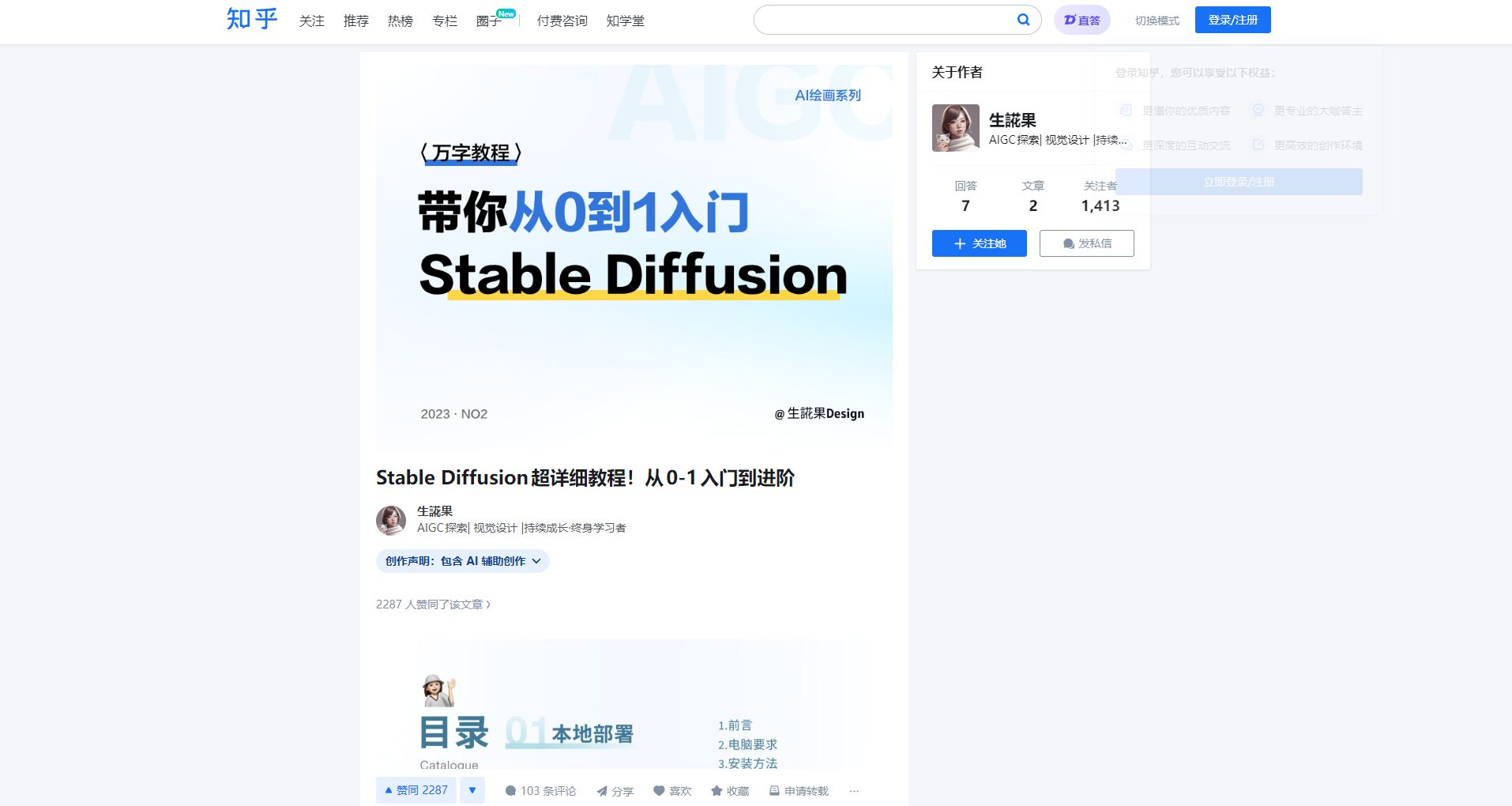
Details can be found here
Zhihu advanced tutorial
Stable Diffusion 1.5 Usage Effects and Application Scenarios
Comparison of actual combat effects
| Prompt Scene | SD1.5 | FLUX/majicMIX |
|---|---|---|
| Two-dimensional | Clear details and easy to customize | Full and true |
| photography | The realism is second only to the higher-order new model | FLUX is better than realism |
| Style transfer | The community LoRA is extremely rich | Compatibility needs to be tested |
SD1.5 is suitable for custom creatives such as anime, illustrations, wallpapers, NSFW, etc.
List of typical application scenarios
| scenario | user | use | Recommended tools |
|---|---|---|---|
| Illustration creation | Illustrator | Characters, posters | SD1.5+LoRA+ControlNet |
| Product design | E-commerce/new media | T-shirts, goods | SD1.5 + VAE + amplification plug-in |
| Architectural concept | Architecture/3D design | Sketches, effect concepts | ControlNet+ComfyUI |
| Self-media | Self-media owner | Official account cover, short video picture | Bulk plug-in + Tag reference |
| NSFW | Adult creation | Multi-style, personalized | LoRA dedicated + high-level prompts |
Continuously optimize and learn from community resources
- Civitai: Maximum LoRA/Model Station
- A1111 Wiki: Deployment and plugin manual
- Zhihu detailed experience
- Bilibili UP practical demonstration
Each generation of SD1.5 has given rise to new styles, LoRA innovations, and pushed the infinite possibilities of AI drawing.
Embrace open-source AI, make reasonable use of plugins and massive model libraries, and let your inspiration soar with AI!
© 版权声明
文章版权归作者所有,未经允许请勿转载。
相关文章

暂无评论...
