
Comprehensive Analysis of VanceAI Image Enhancer: A Practical Guide on How to Enhance Image Quality Efficiently
In 2025, with the rapid development of AI image processing, VanceAI image enhancer has become the best solution for image quality improvement with its innovative AI algorithms and simple and user-friendly operation experience. This article provides an in-depth analysis of the core functions, application scenarios, and market comparisons of VanceAI tools, providing detailed guidance on how to efficiently improve image quality.
Comprehensive Analysis of VanceAI Image Enhancer: A Practical Guide on How to Enhance Image Quality Efficiently
In 2025, with the continuous advancement of artificial intelligence and image processing technology, VanceAI image enhancer has become the preferred solution for many users to improve the quality of their photos with its excellent AI algorithms and innovative features. This article will provide an in-depth analysis of its features, operation methods, applicable scenarios, and actual experience to help you achieve efficient image optimization.
Overview of VanceAI Image Enhancer
What is VanceAI Image Enhancer?
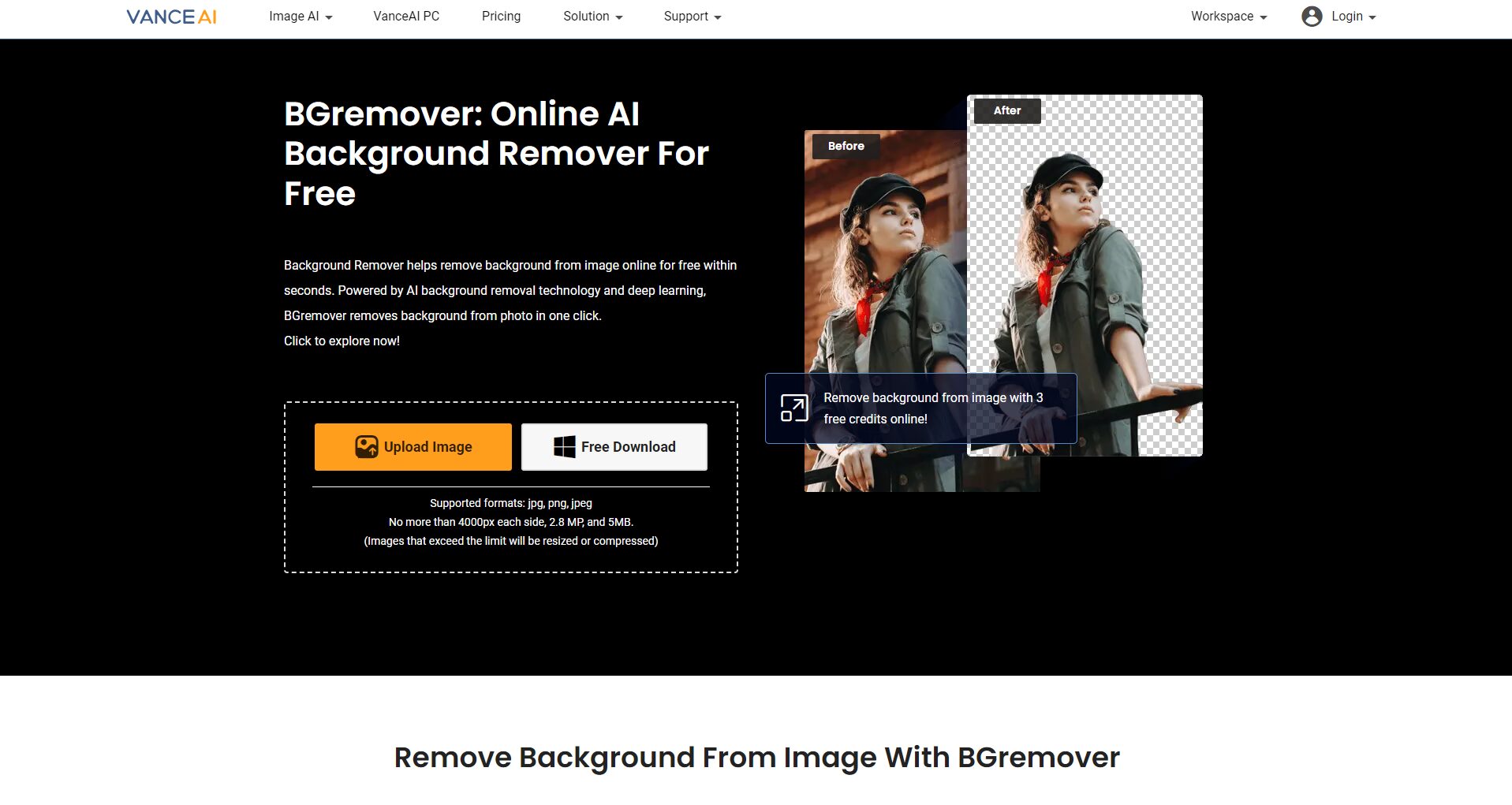
VanceAI Image Enhancer is an image optimization platform based on advanced AI technology, with various functions such as image clarity enhancement, noise removal, lossless upscaling, color restoration, etc., to achieve one-click intelligent processing and improve the details and quality of various types of photos.
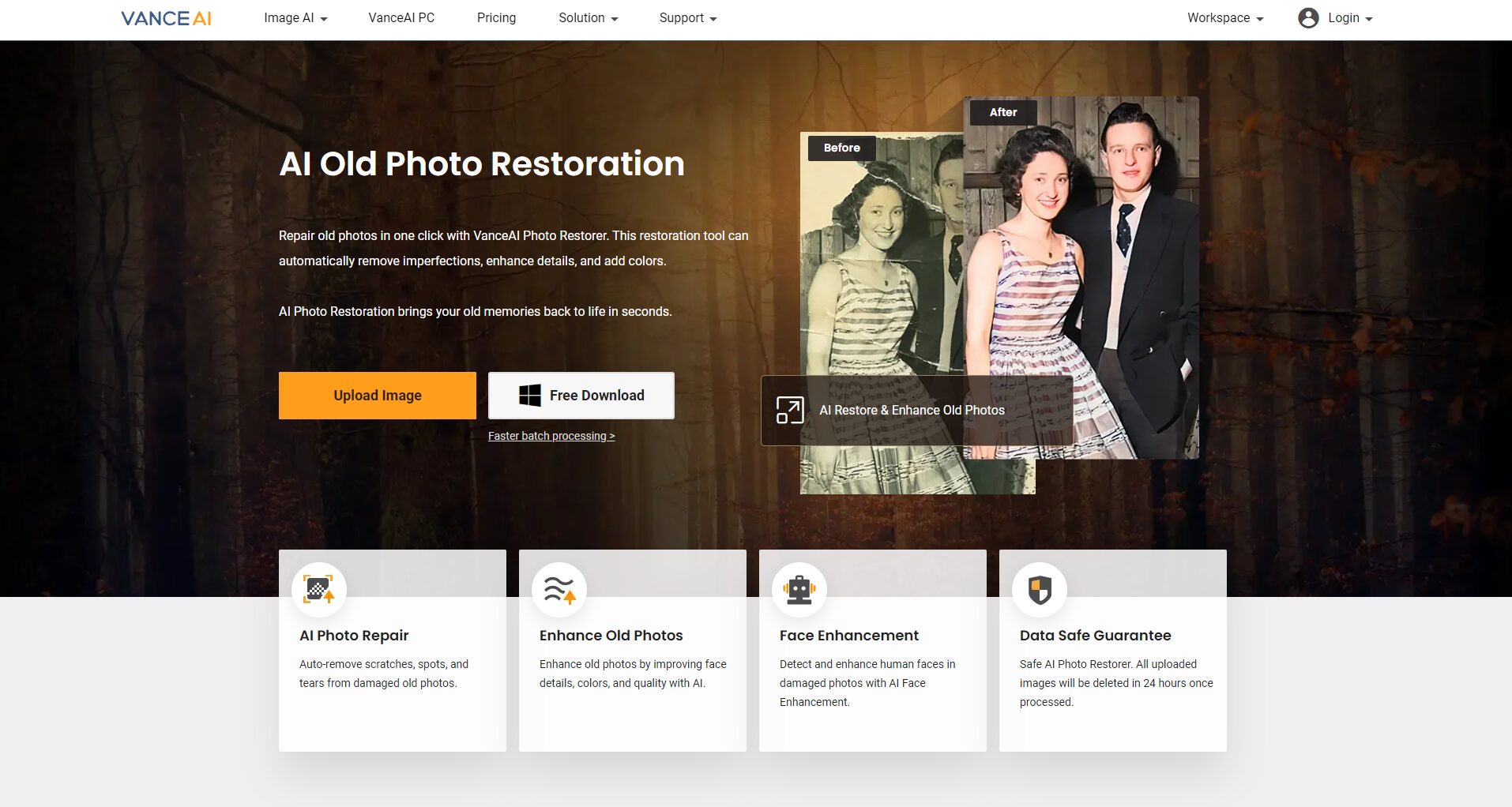
VanceAI Image Enhancer official website
| Functional modules | Main uses: | Adapt to the scenario | Whether it is automated |
|---|---|---|---|
| Image clarity enhanced | Improve photo detail and sharpness | Landscapes, portraits, product drawings | be |
| Image enlarged losslessly | Resolution increased to 2/4/8x | E-commerce, design, printing | be |
| Intelligent noise reduction and color fill-up | Remove noise and restore color | Old photos, night scene photos | be |
| Detail restoration and restoration | Fix defects, blurred areas | Old photos and artworks are restored | be |
| One-click cutout/switch for background | Remove/replace complex backgrounds | Commercial, product photos | be |
| Multi-format compatibility | Support JPG, PNG, BMP, etc | Various applications | be |

Introduction to core functions and AI enhancement technology
(1) The clarity of the picture is enhanced
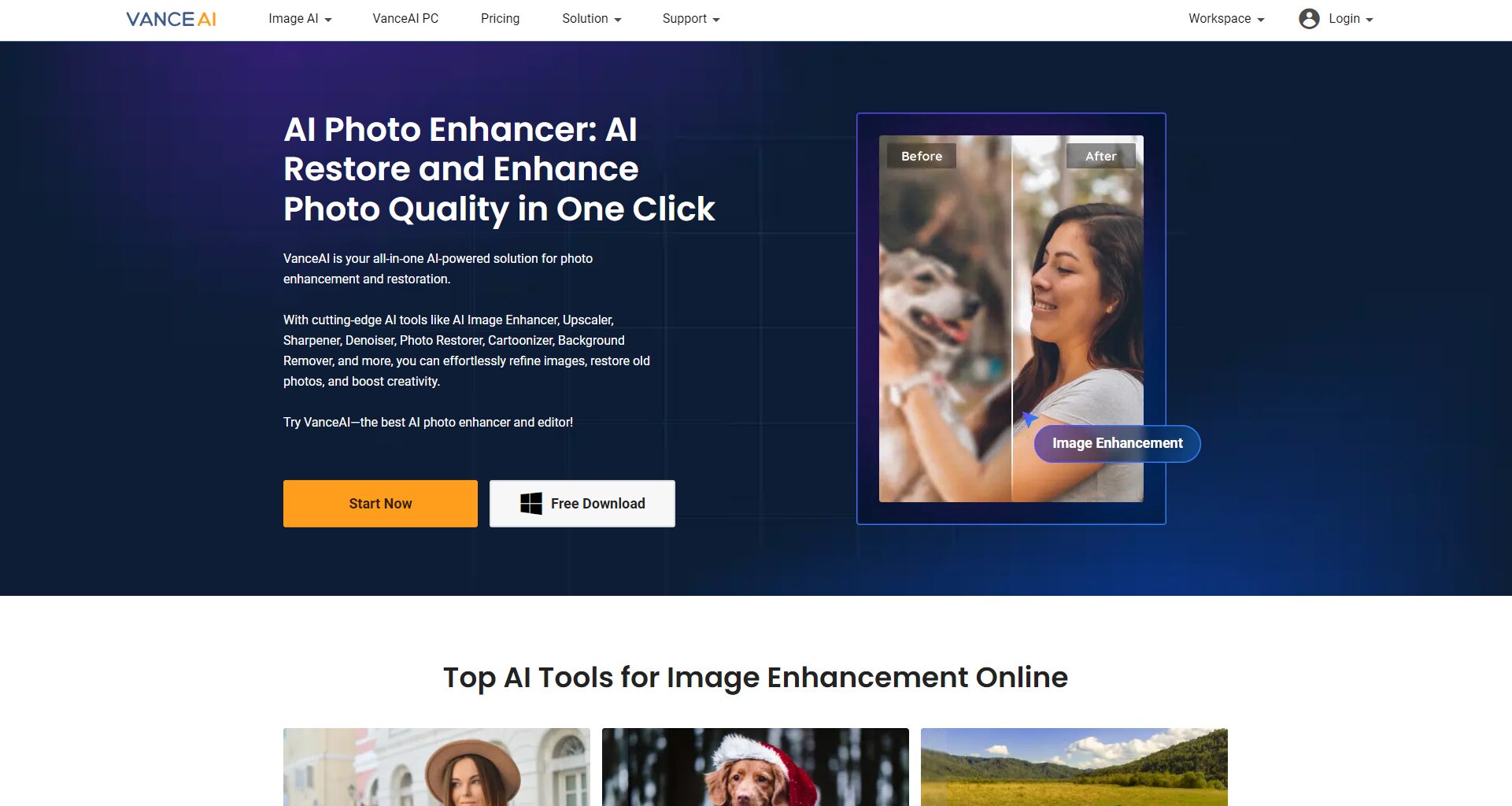
Intelligent sharpening is the highlight of VanceAI, with unique AI algorithms that recognize faces, edges, and local high-definition enhancement details, which can be easily achieved with one click:
- Upload an image and click “Enhance” to optimize it automatically.
【Product Entrance: VanceAI Image Enhancement Official Website】
(2) Lossless enlargement of the picture
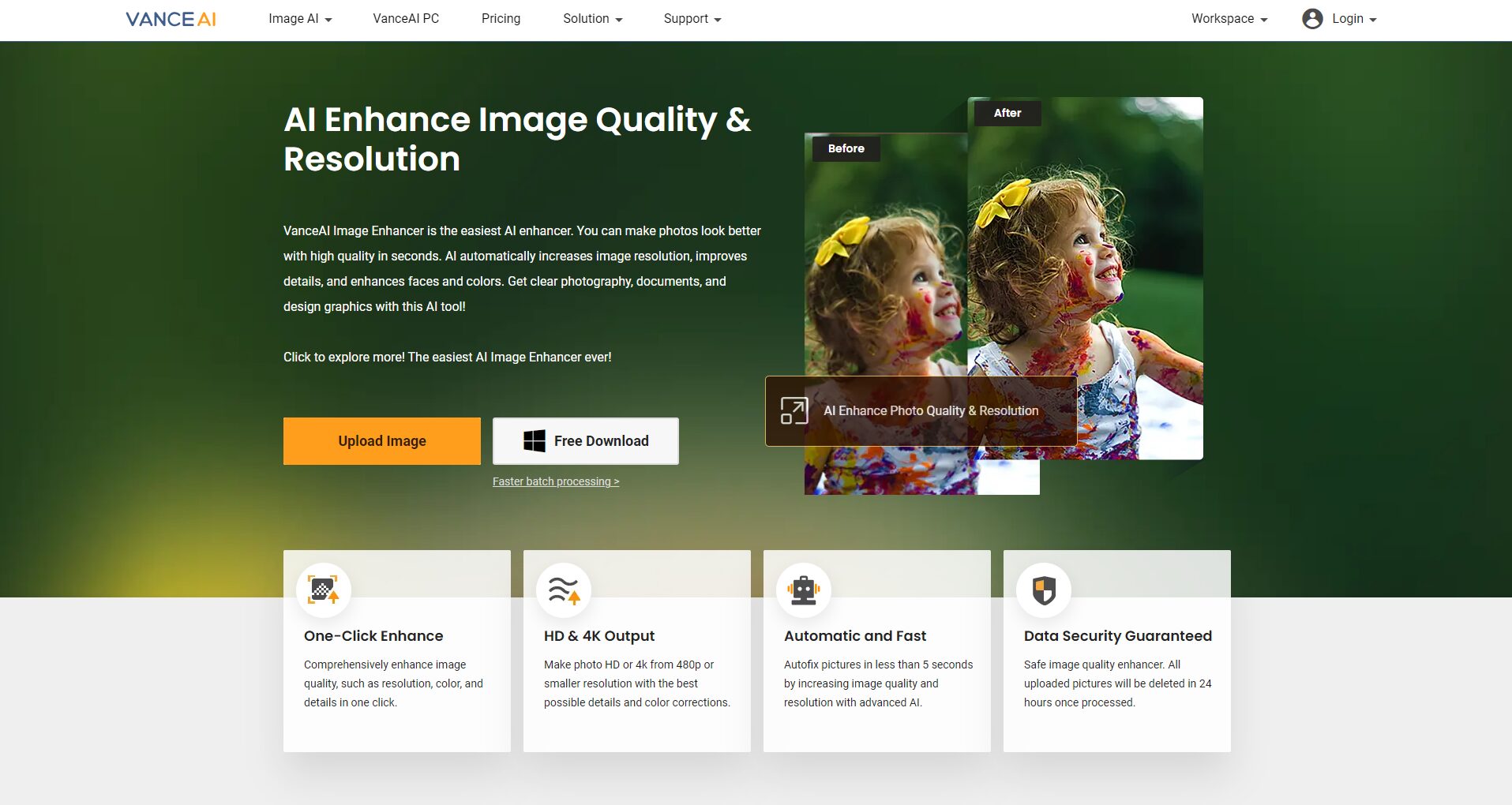
Different from traditional interpolation methods, VanceAI uses AI reasoning to precisely complete details, supporting 2/4/8x magnification without distortion. Suitable for: ID card/certificate, low-definition avatar, main image printing and other needs.
- Upload the image you need to enlarge
- Select multiples
- Download high-definition images after automatic processing
(3) Intelligent noise reduction and color supplementation
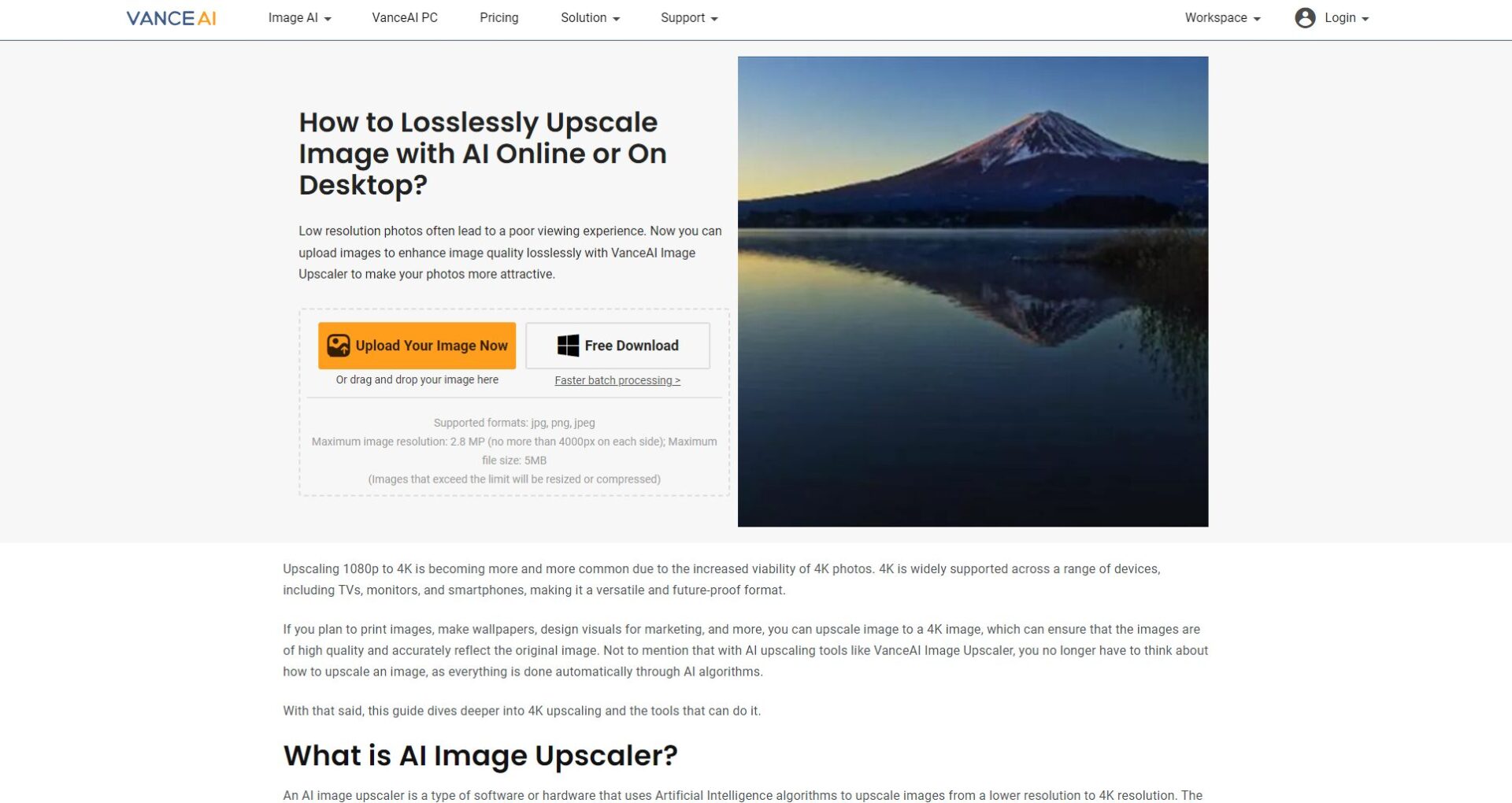
AI deep learning models identify noise, efficiently purify colors and details, and restore the natural brilliance of images. Typical applications such as low light in night scenes, old photos, and high ISO noise reduction for digital shooting.
(4) Detail restoration and background cutout
AI repair automatically fills in cracks and spots, background cutout separates portraits or objects with one click, and can quickly change the background.
Practical guidelines and processes for using VanceAI efficiently
(1) Detailed explanation of the operation steps
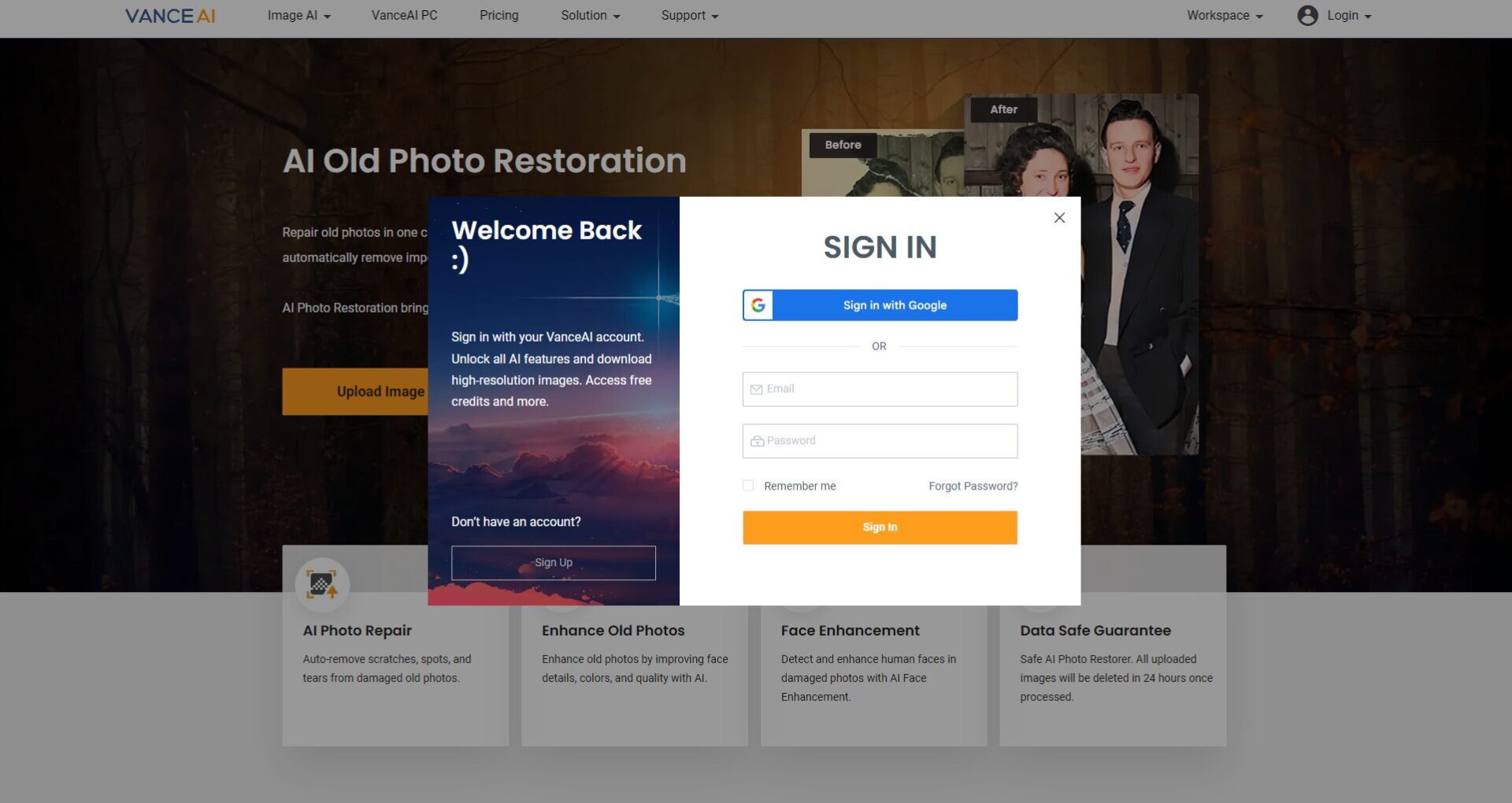
- Visit the official website of VanceAI and sign up to log in
- Select the desired function module
- Upload an image
- Set the relevant parameters
- Commit processing to generate optimization results
- Before and after previewing and comparing, download the finished product
Tips: The number of free account functions is limited, and it is recommended to upgrade the package for advanced needs.
(2) Examples of key scenarios where VanceAI is applicable
| Typical scene | The main problem | VanceAI Solution |
|---|---|---|
| Backlit portrait | The background is overexposed and blurry | AI enhancement + color filling |
| Old photos/low definition photos | Low resolution, spots | AI Repair + Noise Reduction |
| Product main image | Lack of clarity | AI lossless amplification |
| The night scene is dim light | There is a lot of color noise | AI automatic noise reduction |
| Poster/print | The image size is insufficient | Amplify the output |
Product performance compared to the market
Feature comparison table: Mainstream AI image enhancement tools
| tool | Enhanced clarity | Magnification | Batch processing | Noise reduction fixes | Chinese interface | Free credit | remark |
|---|---|---|---|---|---|---|---|
| VanceAI | be | 8x | In the tank | In the tank | In the tank | Yes | Multi-terminal and multi-format |
| Remini | be | 2-4x | less | limited | part | Yes | The mobile end is prominent |
| Topaz Gigapixel | be | 6x | In the tank | In the tank | not | Limited time | Powerful on desktop |
| BigJPG | be | 4-8x | part | So so | In the tank | limited | Easy to operate |
| Adobe Enhance AI | be | 2-4x | In the tank | powerful | In the tank | tryout | Adobe account required |
Conclusion:
VanceAI is friendly to both ordinary users and professional designers, with a high degree of automation, a localized interface, support for desktop and web terminals, efficient batch processing, and excellent cost performance and quality, especially in the field of noise removal and old photo restoration.
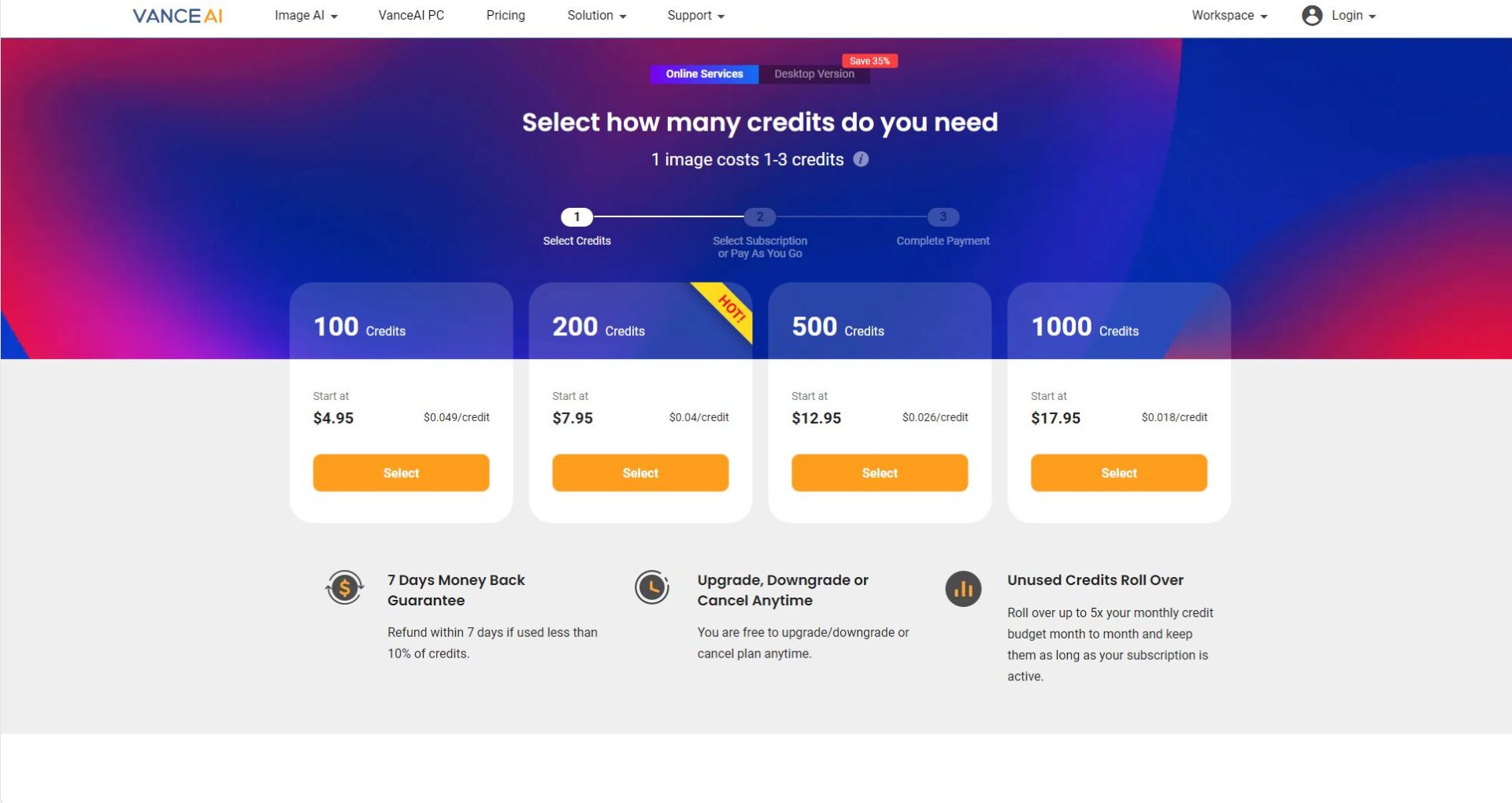
Pricing vs Free Description
VanceAI supports free trials and flexible paid plans, with a limited daily free trial and more premium features for paying users. Please see the official pricing page for details.
VanceAI Image Enhancement Practical Tips and FAQs
- Prioritize the original image: the higher the resolution, the better the AI effect.
- Face selection “Portrait Only”: Enhance the details of the face.
- Batch enhancement available web terminal: suitable for e-commerce owners and photographers.
- Save the original file: Easy to roll back or optimize multiple times.
Frequently asked questions

- Is VanceAI safe? What systems are supported?
The platform adopts SSL data encryption, which is suitable for use worldwide, and supports Win, Mac, mainstream browsers and mobile terminals. More Instructions - What are the limitations for free users?
Sign up for a free trial per day, and the free version has limitations on file size and some features. - What formats are supported? Is there a watermark?
Support JPG, PNG, BMP, in most cases there is no mandatory watermark, depending on the package and activity policy.
In 2025, AI-powered image optimization becomes easy and efficient. Whether you’re a photography enthusiast, e-commerce practitioner, designer, or casual user, VanceAI can be a great helper for optimizing and beautifying digital content. Visit the official website of VanceAI now and experience a new era of AI in efficient image enhancement!
© 版权声明
文章版权归作者所有,未经允许请勿转载。
相关文章



暂无评论...
