

Shadow Blade AI Power
Shadowblade AI Power is a no-code AI office automation platform that helps businesses and users quickly and easily build AI-based office workflows and intelligent applications.
In an era where developer tools are becoming increasingly intelligent, Blackbox AI is emerging with its ability to "ask questions in natural language and obtain complete code and suggestions." It not only supports code completion and generation but can also understand screenshots, design drafts, and even extract code snippets from videos, making it a strong contender in the "programming assistant" field.
 Blackbox AI
In an era where developer tools are becoming increasingly intelligent, Blackbox AI stands out with its ability to "ask questions in natural language and obtain complete code and suggestions." It not only supports code completion and generation, but can also understand screenshots, design drafts, and even extract code snippets from videos, becoming a true leader in its field.“Programming Assistant”Blackbox AI is a strong competitor in the field. This article will provide a detailed introduction to Blackbox AI from several dimensions, including product features, pricing plans, usage process, target audience, and its advantages and disadvantages, to help technical personnel determine its applicable value in daily development.
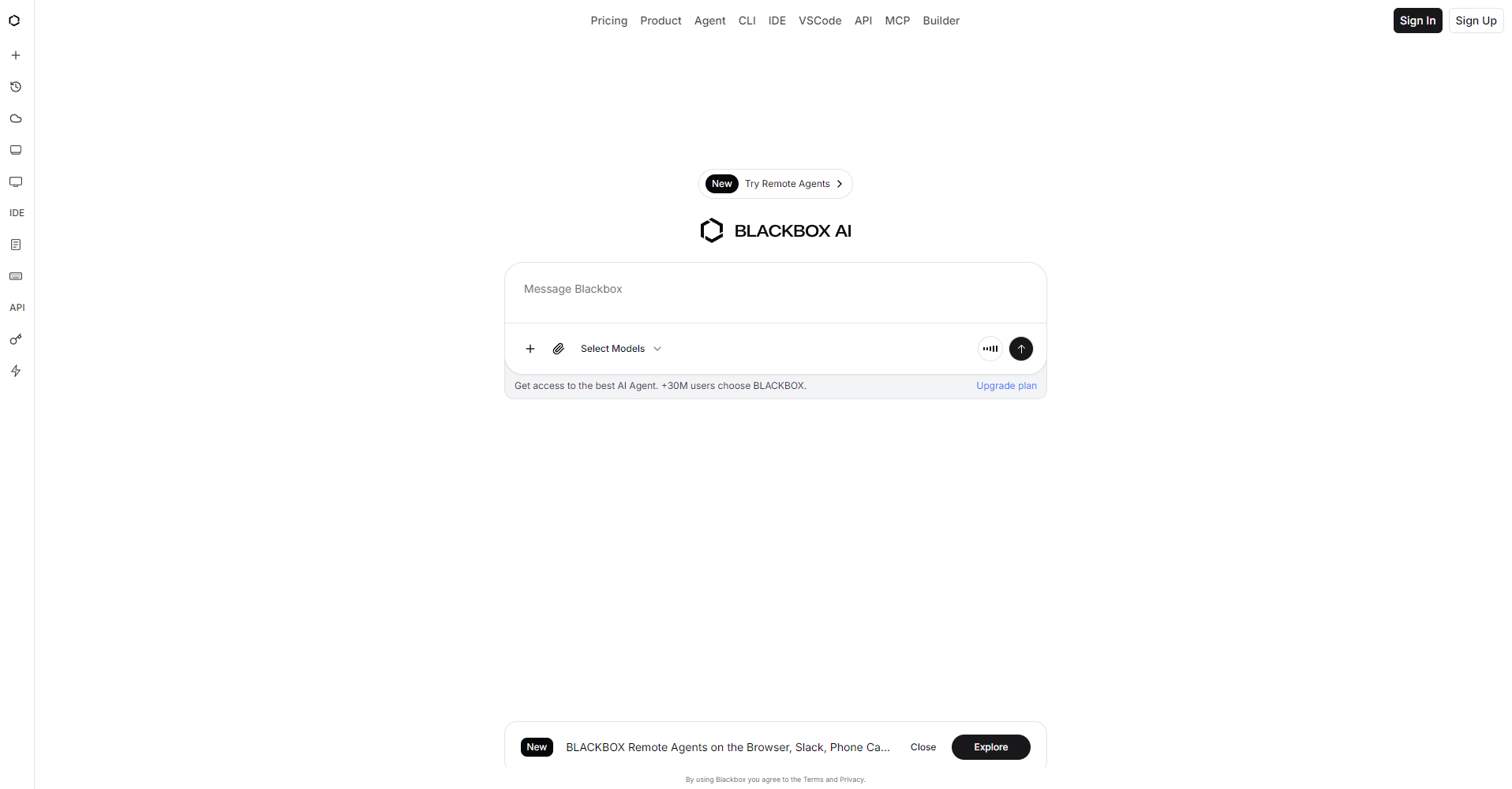
Official website:https://www.blackbox.ai/
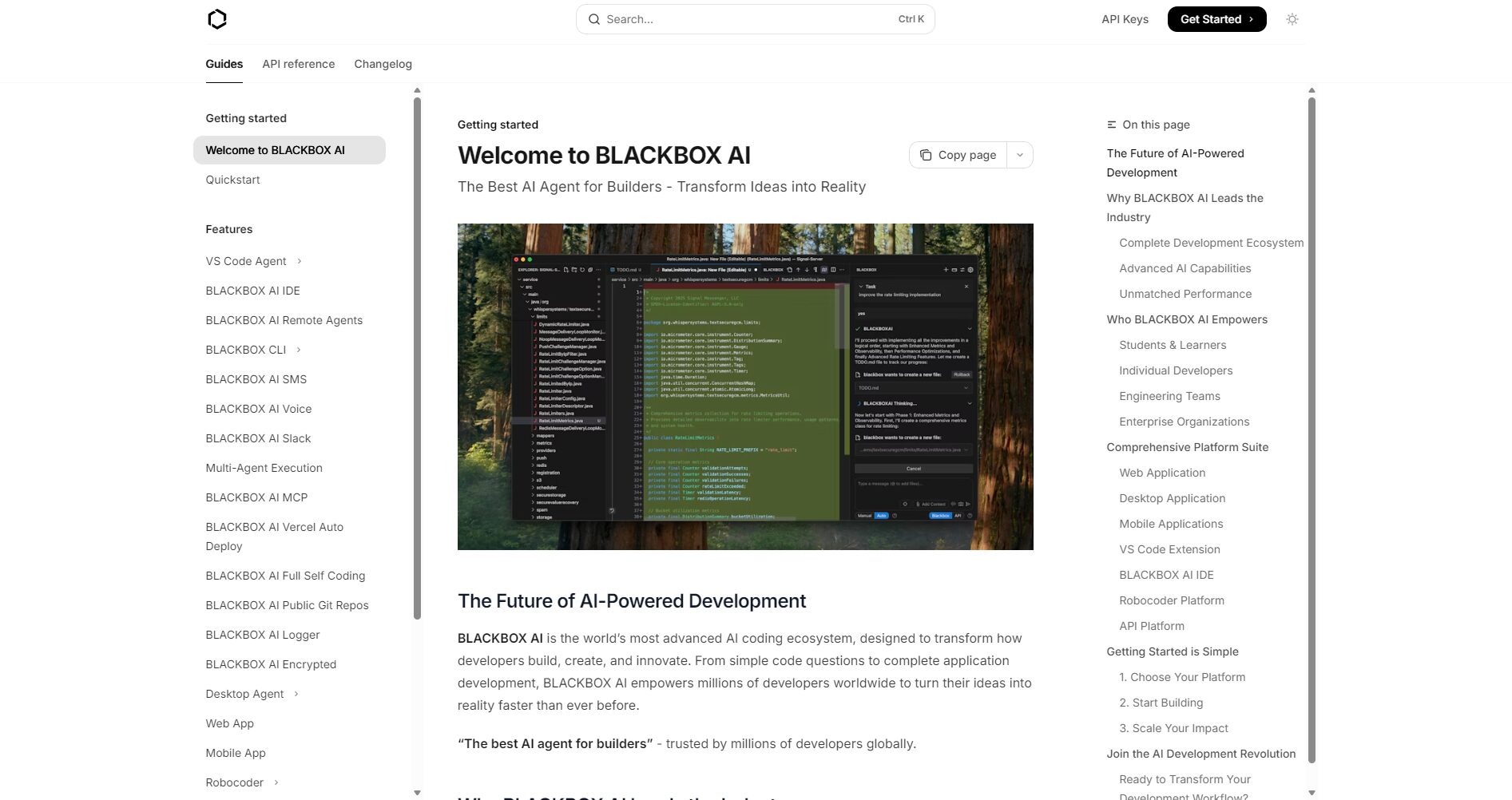
As an AI-assisted tool focused on coding tasks,Blackbox AI The following key capabilities are provided:
Specific pricing details will be updated on the official website. The following is a recent pricing structure and applicable conditions for reference:
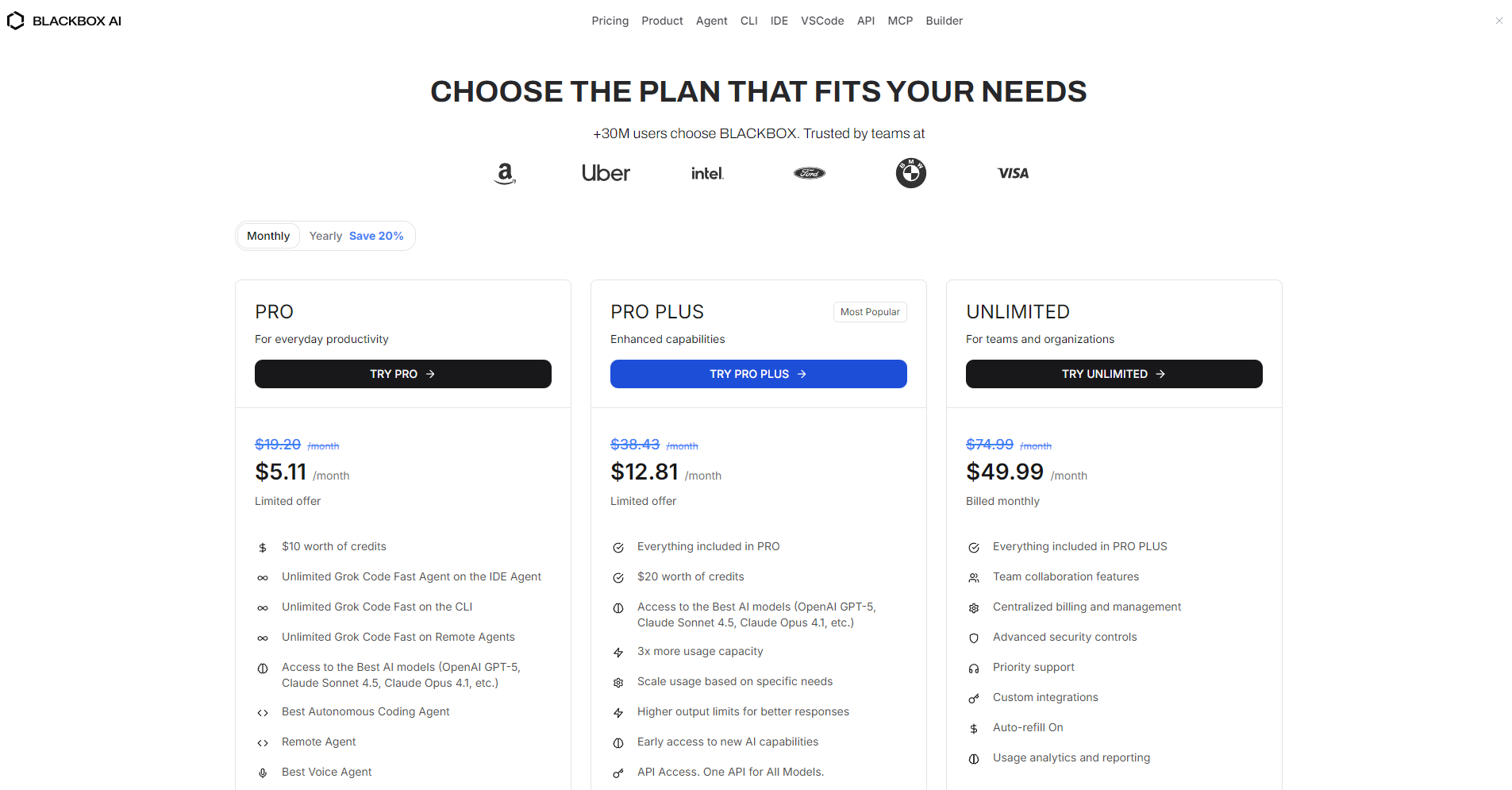

Friendly reminder: The free version has limited features. For team projects that generate frequently or require large-scale integration, we recommend choosing a paid plan for a more stable experience and service guarantees.
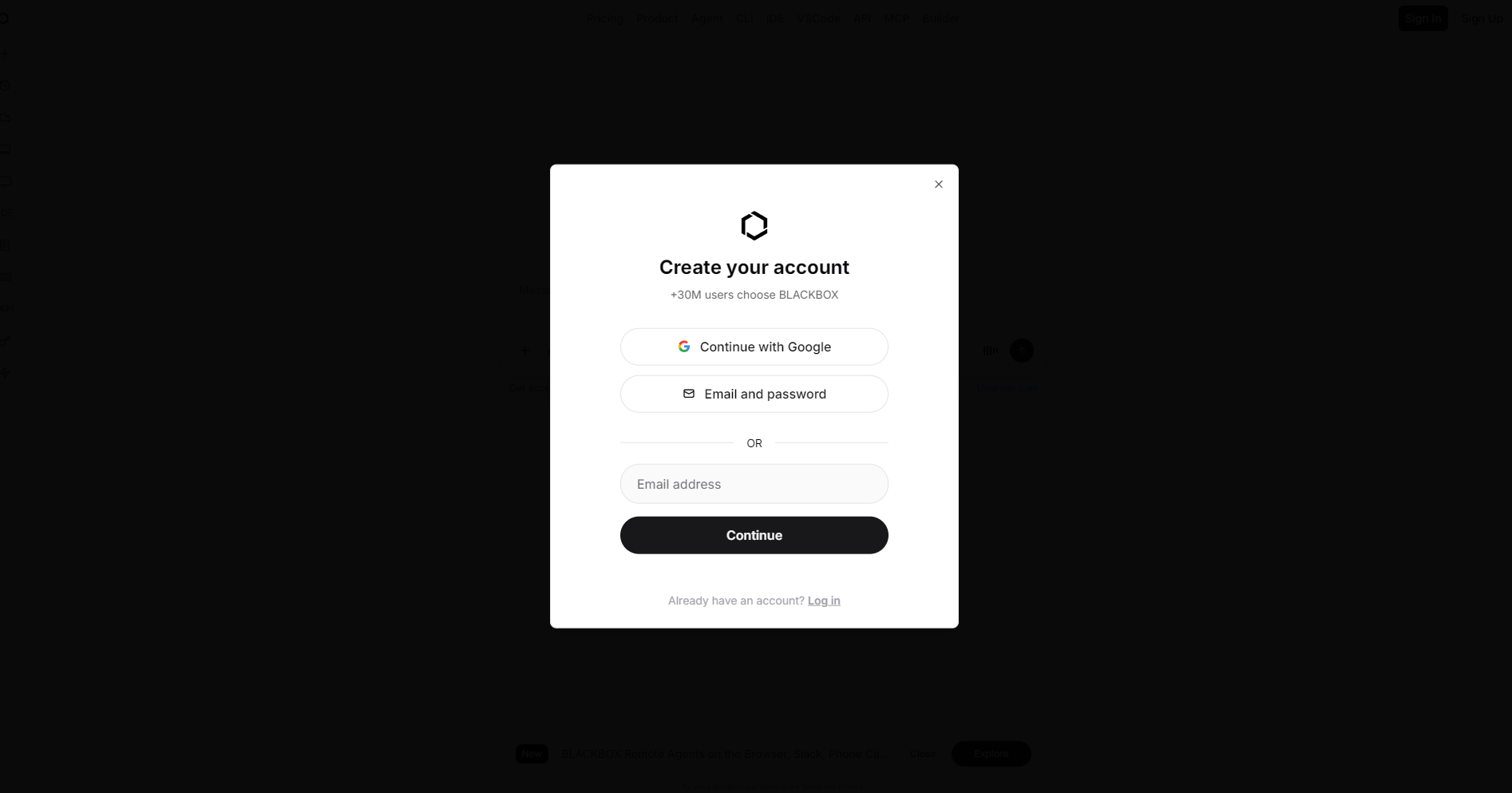
The following is a typical usage process, suitable for new users to get started quickly:
Blackbox AI is suitable for various developer roles. The following are typical user profiles and application scenarios:
| User type | Application scenarios | Typical requirements |
|---|---|---|
| Junior Developers/Students | Learning a new language, completing assignments, and understanding function and library usage. | Quickly obtain runnable examples and explanations |
| Individual developers/freelancers | Building small web projects, scripting tools, and demo prototypes. | Accelerate development and reduce repetitive coding work |
| Team developers/technical staff | Participate in large-scale projects, write components, and optimize existing logic. | Provides standardized code blocks and supports team collaboration. |
| UI/Front-end Developers | Converting design drafts into working UI components, or converting screenshots into code. | Shorten the design-to-implementation process and improve efficiency |
It is important to note that if you are in charge ofHighly confidential environment、Extremely large enterprise systems或Extremely high requirements for model training and data privacy.In such scenarios, it is recommended to first conduct a detailed assessment of the tool's data usage policies and compliance risks.
I. Advantages and Highlights
II. Limitations and Precautions
Overall, Blackbox AI is a feature-rich and versatile AI programming aid. It's an attractive option if you want to shorten the path from idea to code, improve daily coding efficiency, or accelerate learning and prototyping. However, you should still maintain your code review habits and make judgments based on the scale of your project, privacy, and compliance requirements.
This site's AI-powered navigation is provided by Miao.Blackbox AIAll external links originate from the internet, and their accuracy and completeness are not guaranteed. Furthermore, AI Miao Navigation does not have actual control over the content of these external links. As of 6:35 PM on November 6, 2025, the content on this webpage was compliant and legal. If any content on the webpage becomes illegal in the future, you can directly contact the website administrator for deletion. AI Miao Navigation assumes no responsibility.
