

Dream Machine
Dream Machine is an AI video generation tool developed by Luma Labs. Simply input text or images to automatically generate high-quality animated short films, making video creation extremely simple.
TinyWow is a free, registration-free online platform that integrates over 200 office and AI creation tools, covering various needs such as PDF processing, image and video editing, and AI writing.
 TinyWow
TinyWowIt isCompletely free, no account registration required的Multifunctional AI tool platform,integratedPDF processing, image editing, video transcoding, AI writing, and file conversion.Includes 200+ digital office tools. All functions are available instantly on the web version, with no device or system restrictions.Content processing leaves no trace; files are automatically deleted after 1 hour.It highly protects user privacy. Designed for students, office workers, content creators, businesses, developers, and other users, it's a powerful tool for improving work efficiency and content creation. The free version meets most daily needs; advanced features can be accessed by upgrading to a premium membership.TinyWow is becoming a next-generation AI office super assistant with its "free, convenient, and multifunctional" features!
In today's world, with the surge in demand for digital office work and content creation,AI office toolsWith rapid market growth, multifunctional, one-stop platforms have become a popular choice. This article will provide a comprehensive overview of the most highly regarded AI tool platforms in recent years.TinyWow(https://tinywow.comThis will take you to a deeper understanding of the functions, solutions, usage methods and target audience.
TinyWowIt is a completeFree, registration-free online multi-functional AI tool platformDeveloped by Jenni AI team. Platform coverage.PDF processing、Image editing、Video compression/transcoding及AI writing, image generationIt includes five major categories and more than 200 digital tools.
Users can access all the powerful features directly by simply opening a browser, without needing to install or pay.
>> Experience it now:https://tinywow.com

TinyWow's main features:“"Free, unlimited digital work solutions"”With its wide range of functions and convenient operation, it can easily meet diverse needs such as daily office work, study, and content creation.
| Functional Classification | Tool Examples | Entrance |
|---|---|---|
| PDF processing | Edit PDFs, merge/split PDFs, convert PDFs to Word, compress, sign, decrypt, translate PDFs, extract text, etc. | PDF Tools List |
| Image editing and conversion | Background removal, image enhancement, image compression, color restoration, ID photo, AI image generation, text extraction, image merging | Image Tools List |
| AI writing/content rewriting | Article/paragraph generation, SEO blog posts, FAQs, scripts/titles/ad copy, grammar correction, AI rewriting | AI writing tools |
| Audio and video tools | Video cropping, GIF/MP3/WebP conversion, compression and scaling, watermark removal, social audio and video download, speech recognition, TTS (Text-to-Speech) | List of audio and video tools |
| Converting various types of documents | Convert between CSV/Excel/Word/XML/JSON formats, ebook format conversion, compressed files, QR codes, and contract templates. | File Tools |
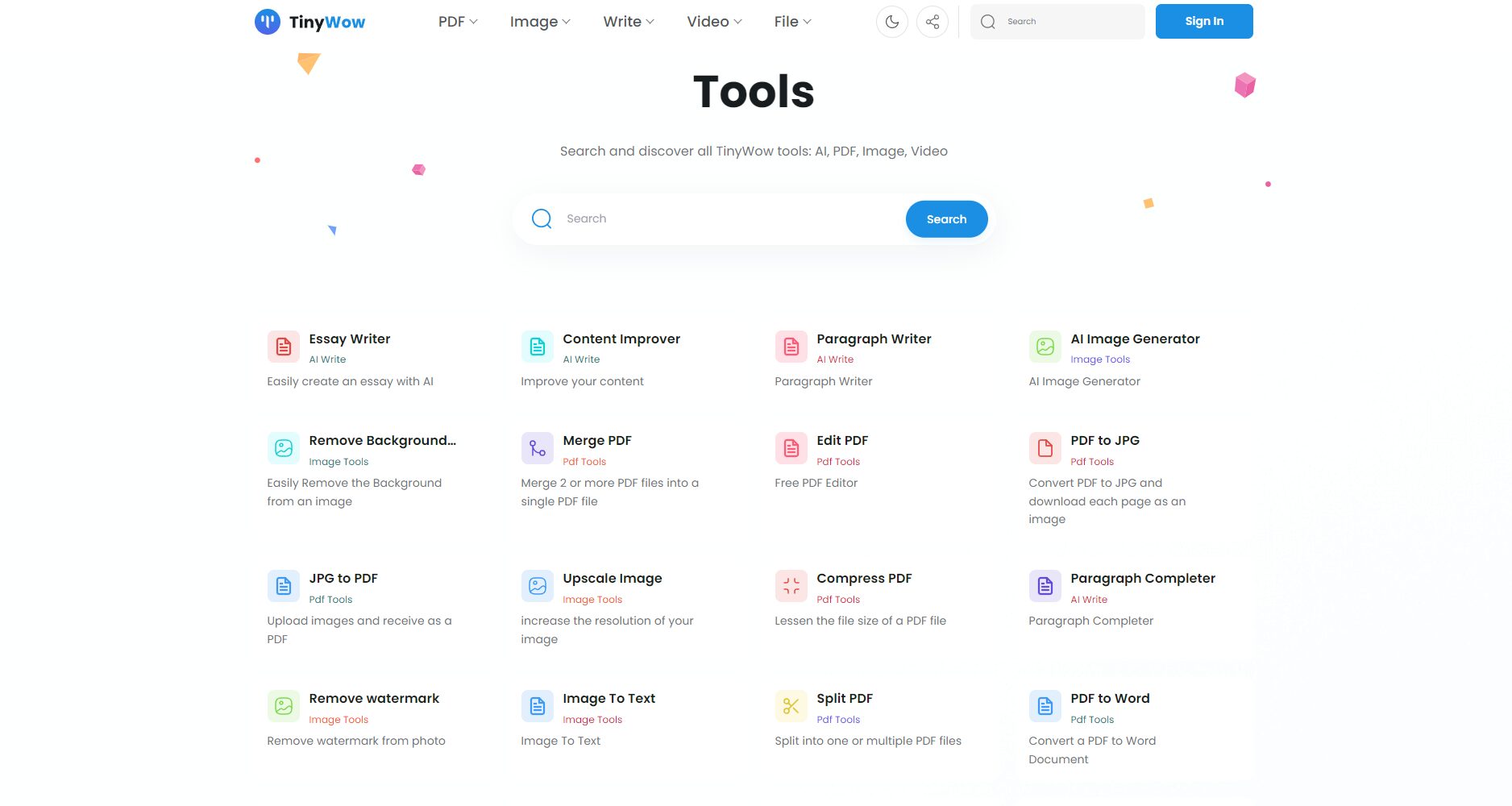

Key highlights:
Although TinyWow's main feature is...Free foreverHowever, heavy users can opt for an advanced membership, whose main advantages are ad-free access, priority processing, and early access to new features:
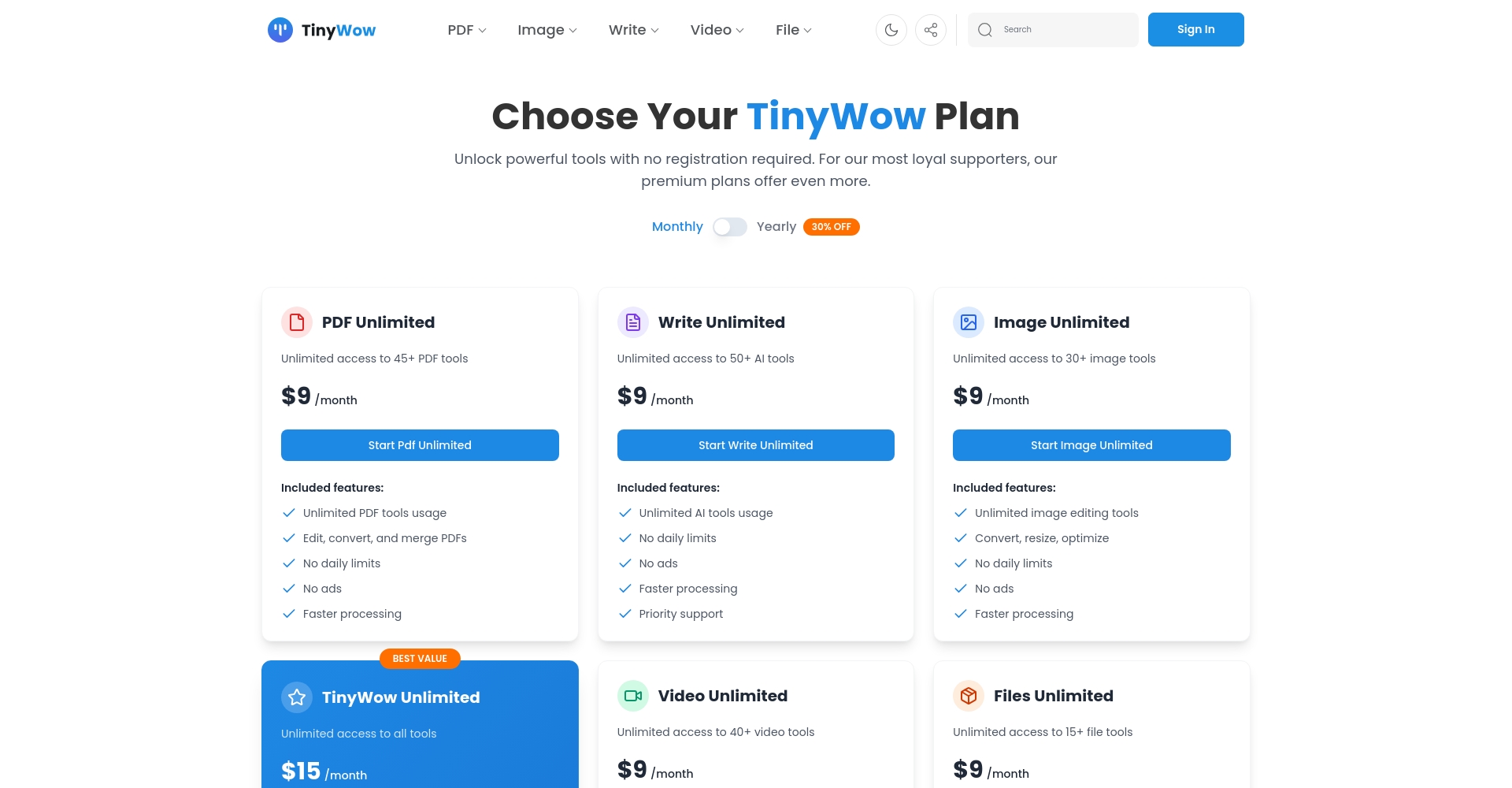
| Solution Name | Function Description | Price Reference | Solution Link |
|---|---|---|---|
| Free Plan | All tools,No registration required, no limit on the number of times | ¥0 (Free forever) | Free Tools Homepage |
| Supporter Plan | Ad removal and CAPTCHA removal, cache priority, early access to new tools, etc. | $5.99/month, $ $50.39/year (30% discount for annual payment) | Upgrade Entry |
| Content Machine | Automatic blog generation, WP/Webflow integration + all Supporter features | $89/month (Suitable for professional organizations/enterprises) | Advanced Content Solution |
The vast majority of usersThe free version is enough.!
Usage processExtremely simple and intuitive:
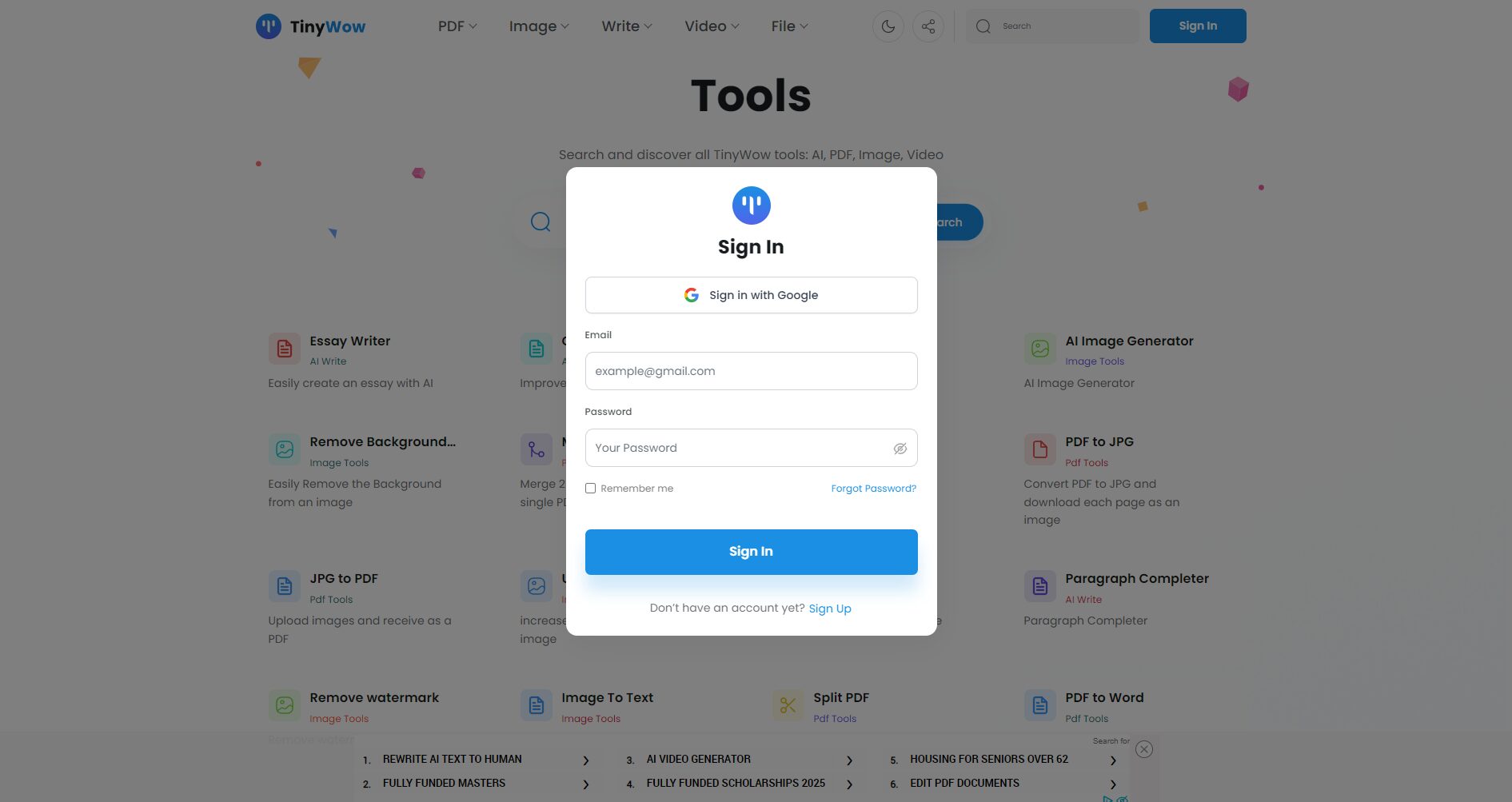
For example: using an AI story generator
Note: If you need Chinese content, simply type "Please write in Simplified Chinese".
For more illustrated tutorials, please refer to [link/reference]. TechMoon TinyWow Application Tutorial
TinyWow is ideal for the following people:
| group | Use cases |
|---|---|
| Students, educators | PDF textbook editing and conversion, paper generation, courseware creation, and automatic homework rewriting. |
| Office workers, enterprises | Automatic contract template generation, image processing, report summaries, and SEO content optimization. |
| Self-media/Creators | AI-assisted blog drafting, script generation, and social media headline copywriting. |
| Marketing and public relations personnel | Press releases, FAQs, promotional slogans, and event copy are automatically generated. |
| Video/Design Industry | One-click video compression, image enhancement/beautification, material creation, and background removal. |
| Development technicians | Data file conversion, batch processing of code and format |
| Individual/Family Users | Document format conversion, ID photo processing, and one-click generation of contracts and agreements. |
No technical skills required, anyone can get started!
Homepage and section access links:
| Tool Name | Function Description | Recommended uses |
|---|---|---|
| Edit PDF | Edit PDFs online, add or delete text or images. | Learning, Contract Modification |
| PDF to Word | One-click conversion, preserving the original format. | Secondary editing file |
| Remove background from image | AI automatically removes background. | E-commerce, document processing |
| Image Upgrade | AI enhances clarity | Old photo restoration and detail magnification |
| PDF Decryption | Remove PDF open password | File Unlock |
| AI Story Generation | Automatically generate scripts, stories, and screenplays. | Self-media, teaching |
| Content rewriting tools | AI rewriting of paragraphs/sentences/SEO copy | Content optimization |
| Convert audio/video to MP3/GIF/WebP | Mainstream format conversion and compression | New media, editing users |
More popular and new tools:Complete list of tools
Yes! Currently, all tools and functions across the entire platformCompletely free, unlimited, and no registration required.The membership plan only provides additional support services for heavy users.
Online webpageIt works on computers, mobile phones, and tablets. It outputs the language you input, supporting mainstream languages such as Chinese, English, Japanese, and Korean.
TinyWow AI WritingEntry-level AI writing solutionSome academic/plagiarism detection systems have a probability of identifying this.It is recommended to refine the color again before official use.Alternatively, it can be paired with more professional and user-friendly rewriting tools.
Free users have virtually no restrictions, while members enjoy higher priority and stability.
All uploaded contentAutomatically and completely deleted after 1 hourEnd-to-end HTTPS encryption ensures zero risk of information leakage.
It can be used freely for personal or commercial purposes without commercial restrictions, which is especially beneficial to small and medium-sized teams and entrepreneurs.
In 2024, a year of flourishing AI-powered office tools,TinyWowWithFree, no registration required, multi-functionalIts overwhelming advantages are making it an irreplaceable digital assistant for students, office workers, creators, and remote workers.Whether you need content optimization, format conversion, or daily file processing, TinyWow can greatly improve your efficiency. Join TinyWow now and start a new era of efficient work!
Official entrance:https://tinywow.com
This site's AI-powered navigation is provided by Miao.TinyWowAll external links originate from the internet, and their accuracy and completeness are not guaranteed. Furthermore, AI Miao Navigation does not have actual control over the content of these external links. As of 8:33 PM on October 21, 2025, the content on this webpage was compliant and legal. If any content on the webpage becomes illegal in the future, you can directly contact the website administrator for deletion. AI Miao Navigation assumes no responsibility.
