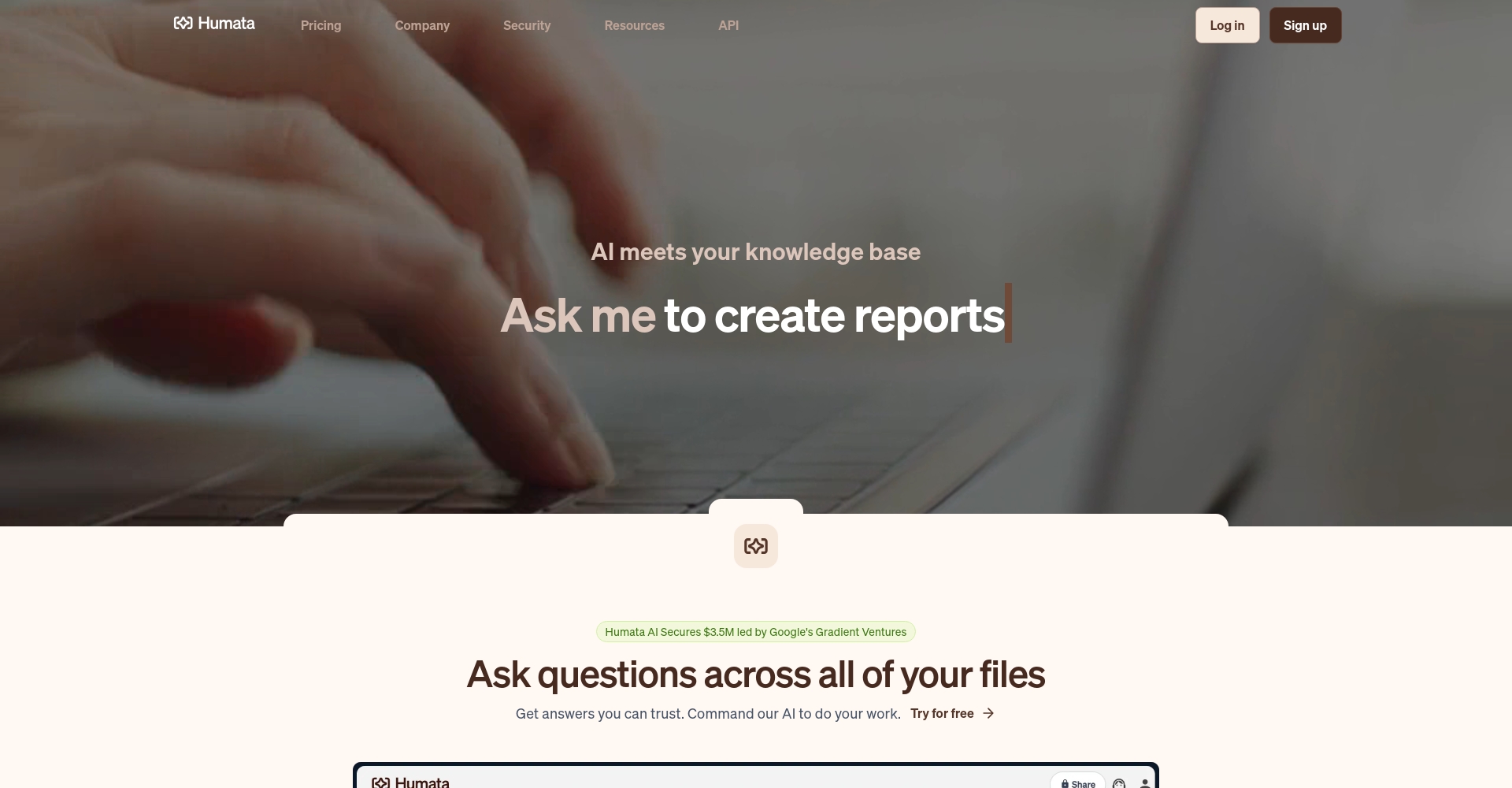
Humata is an AI-powered document analysis platform that supports uploading documents in multiple formats, including PDF, and features intelligent question answering, automatic summarization, and report generation.
Humata is a focusedAI-powered document parsing and question-answering office toolsIt supports uploading documents such as PDFs, and can intelligently analyze, summarize, and generate reports, with precise citations.Widely used in academia, law, and business. The platform homepage supports free registration and upgrades to subscription plans suitable for individuals, students, groups, or businesses as needed.Humata supports one-stop intelligent question answering, automatic document summarization, cross-document comparison, and security management, and also has API integration capabilities.The platform places great emphasis on security and privacy protection, employing enterprise-level data encryption, making it suitable for various scenarios requiring high efficiency and security, such as office work, scientific research, and legal matters.
With the increasing prevalence of digital office work and research, AI office tools have become key to improving efficiency.Humata, with its powerful "intelligent document Q&A" and "document content analysis" capabilities, has rapidly gained favor among professionals and students in academia, law, and business. This article will provide a detailed analysis of the Humata platform, covering its functions, pricing, target audience, and frequently asked questions, helping readers to fully understand and effectively utilize this AI-powered office tool.
Stepping into Humata: The Next Step in File Intelligence
Humata is an AI-based file parsing and question-answering platform.It combines the latest natural language processing technology to automatically help users analyze, refine, and retrieve uploaded documents. Users only need to upload files in formats such as PDF to the platform, and they can ask the AI questions via natural language to obtain accurate summaries, report generation, data comparison, and customized answers.
It saves teams and individuals a huge amount of time reading and analyzing long documents.
Build an intelligent knowledge base to quickly extract key information and insights.
It provides secure and private data management, suitable for high-standard information environments in enterprises and institutions.
Humata's main functions
One-stop AI document processing
Humata offers a wealth of AI-driven features to support the following office scenarios and needs:
1. Intelligent Question Answering and Precise Citation
Image/Official Function Description
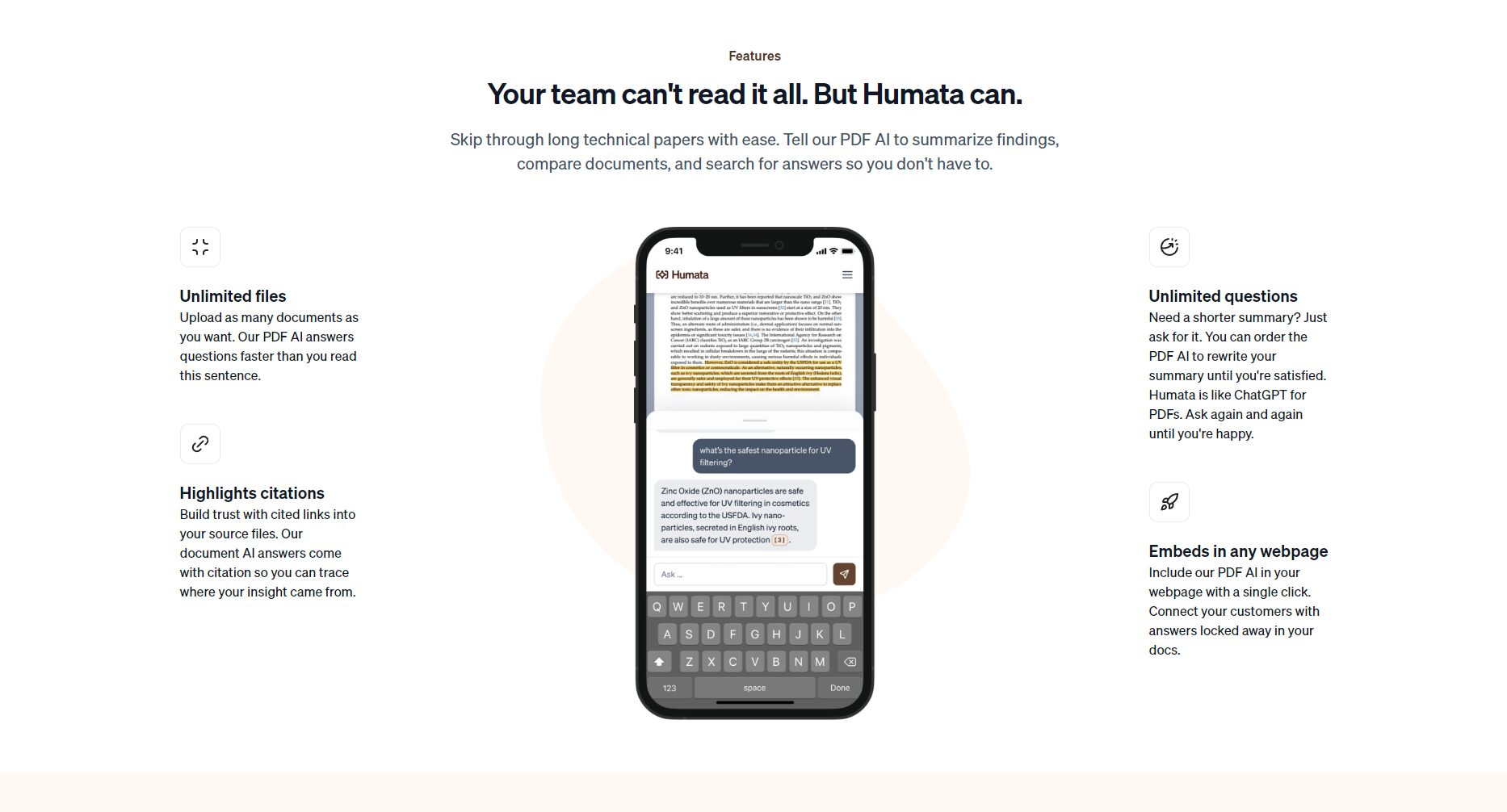
After uploading any PDF, users can ask the AI questions about the document's content, and Humata will provide accurate and concise answers based on the document's content.It also automatically marks the source, making it easy to verify and trace.This is extremely important in academic and legal applications, ensuring the authority and reliability of information.
2. Document summarization and automatic reporting
Humata can automatically summarize lengthy and complex technical documents and research papers, and generate structured reports.It greatly improves the efficiency of document organization and output.
3. Multi-file comparison and analysis
The platform supports uploading and managing large numbers of documents, and can perform...Cross-file content comparison, data merging, and insight generationThis makes it easier for companies and research teams to process batches of data.
4. Embeddable services
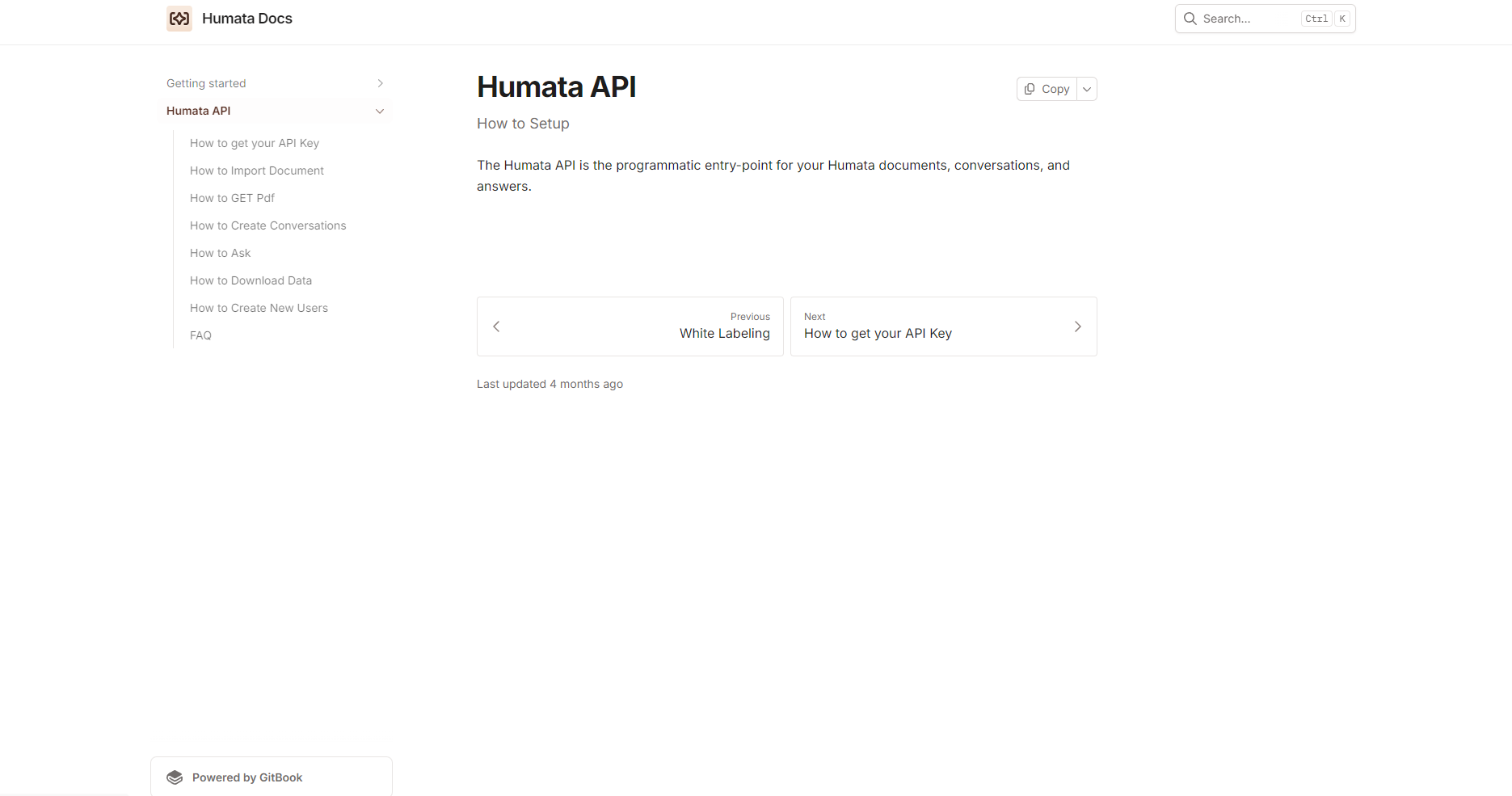
Humata offers API and web page embedding capabilities.Its PDF AI can be directly integrated into company websites, knowledge bases, or other platforms.To improve collaboration and workflow efficiency.
Interact with a vast array of 2D and 3D characters and experience truly unlimited AI role-playing dialogue. Join now! New users receive 6000 points upon login!
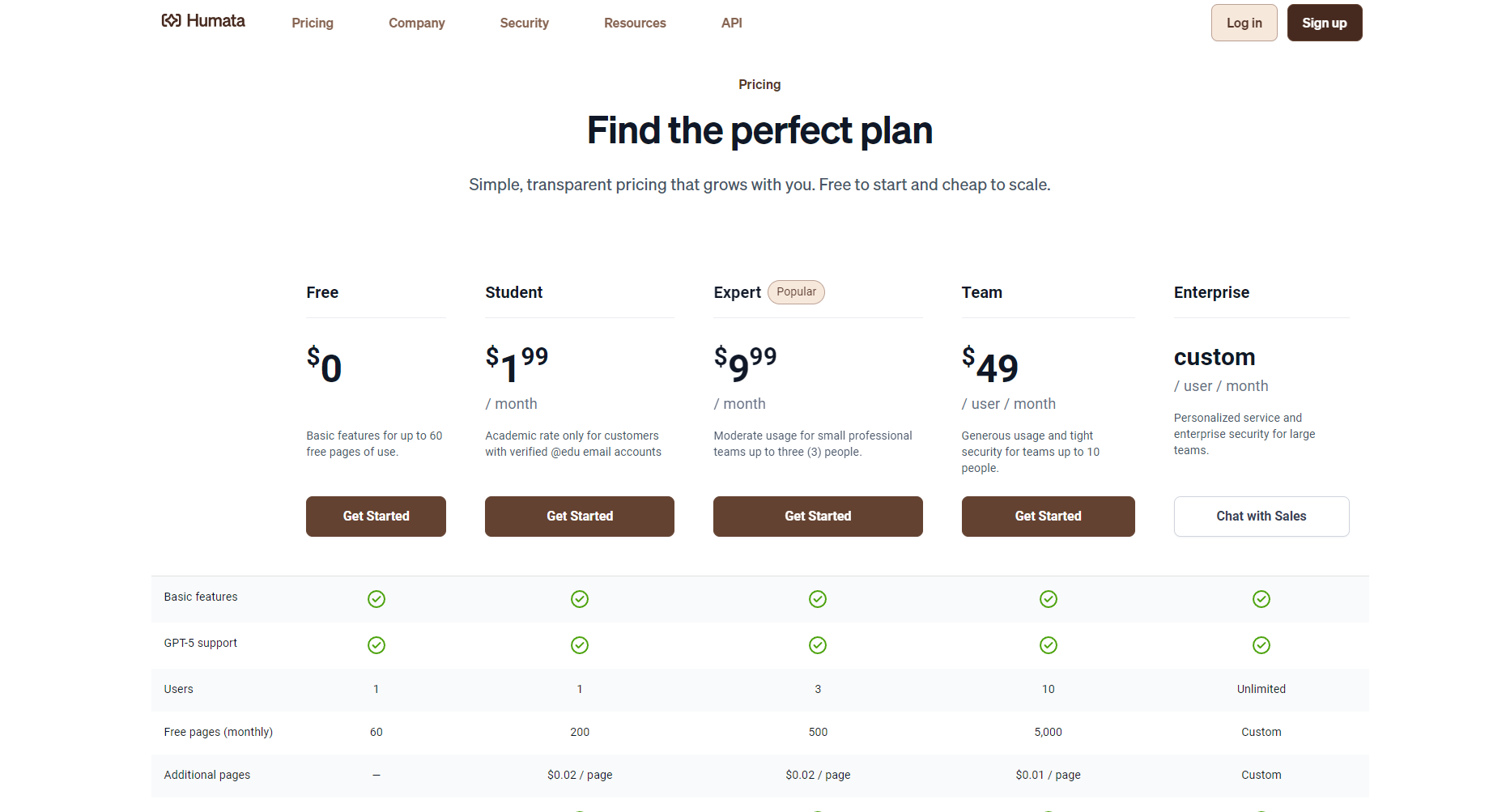
Humata is designed for users of different roles and sizes.Flexible subscription plansIt covers individuals, students, professional teams, and corporate clients:
Basic functions, suitable for trial and light use.
Student
$1.99/month
200 pages
1
$0.02/page
This offer is for students only and requires a .edu email address.
Professional
$9.99/month
500 pages
3
$0.02/page
Support small teams, including 3 members.
Team
$49/person/month
5,000 pages
10
$0.01/page
Suitable for enterprise use, with extended security/permission features.
Enterprise
custom made
custom made
custom made
custom made
Customized services for large organizations
Remark: After the free page limit is exceeded, billing is charged per page, offering flexibility and control; paid plans support more users, OCR scanning, tiered access permissions, security features, and more.
Choose "Sign up" to register an account, and you can choose between a free or upgrade plan.
Step 2: Upload the document
After logging in, click the upload button and select a local PDF or other supported file type to upload.
After the file is uploaded, the system automatically parses it and prepares it for AI processing.
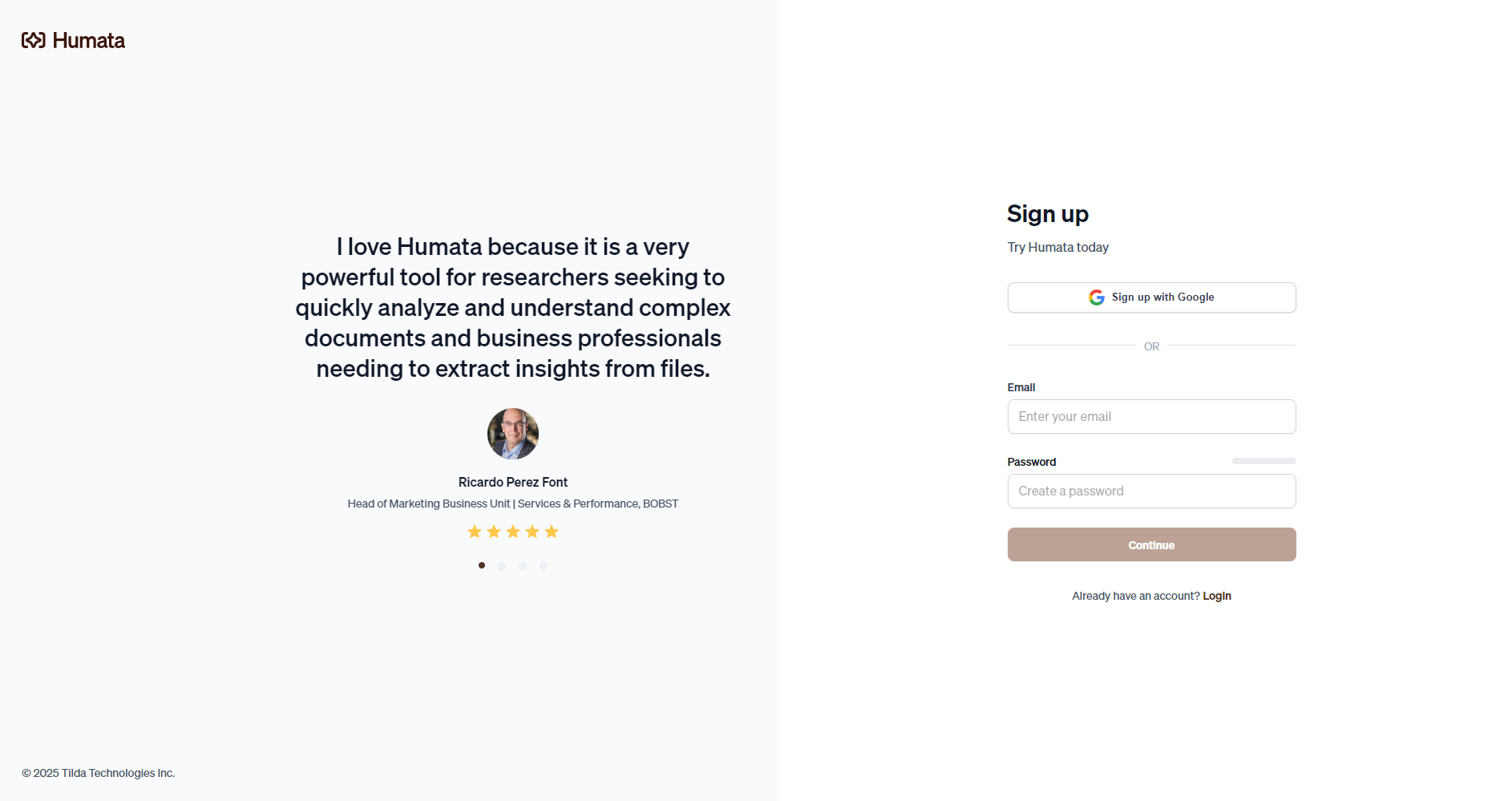
Image/Registration/Login Page
Step 3: Interact with AI
Enter your questions on the document page, such as "What are the main conclusions of this paper?" or "What are the data sources for this paper?"“
AI quickly provides detailed answers, along with cited sources.
Step 4: Export and Analysis
The extracted summaries, Q&As, and analysis reports can be exported and are supported for secondary editing and sharing.
Advanced users can also call APIs to embed functionality into the enterprise platform.
The operation process is intuitive and user-friendly, with low technical requirements.Suitable for any office or academic setting.
Who is Humata suitable for?
Humata's design is highly versatile and widely applicable to the following groups of people:
Academic researchers and students Efficiently organize, understand, and cite a large amount of academic material to improve the efficiency of literature reviews and academic writing.
Enterprise/Management Team Analyze market reports and industry white papers to automatically generate decision support materials.
Legal professionals Analyze legal documents such as contracts and judgments to quickly locate key information and clauses.
educators AI is used to assist in organizing course materials and to provide support for teaching and research.
Knowledge workers It can intelligently search and summarize company manuals, operational documents, technical archives, etc.
Image/User review page
Role
Application scenarios
student
Paper summary, writing assistance, quick Q&A
Management executives
Report generation, strategic decision-making, and information integration
Lawyers and legal professionals
Case analysis, clause comparison, and legal interpretation
Teachers & Trainers
Lecture note preparation, key point summarization, and classroom questioning
Corporate Team
Collaborative editing, knowledge archiving, and information retrieval
Humata's security and privacy protection
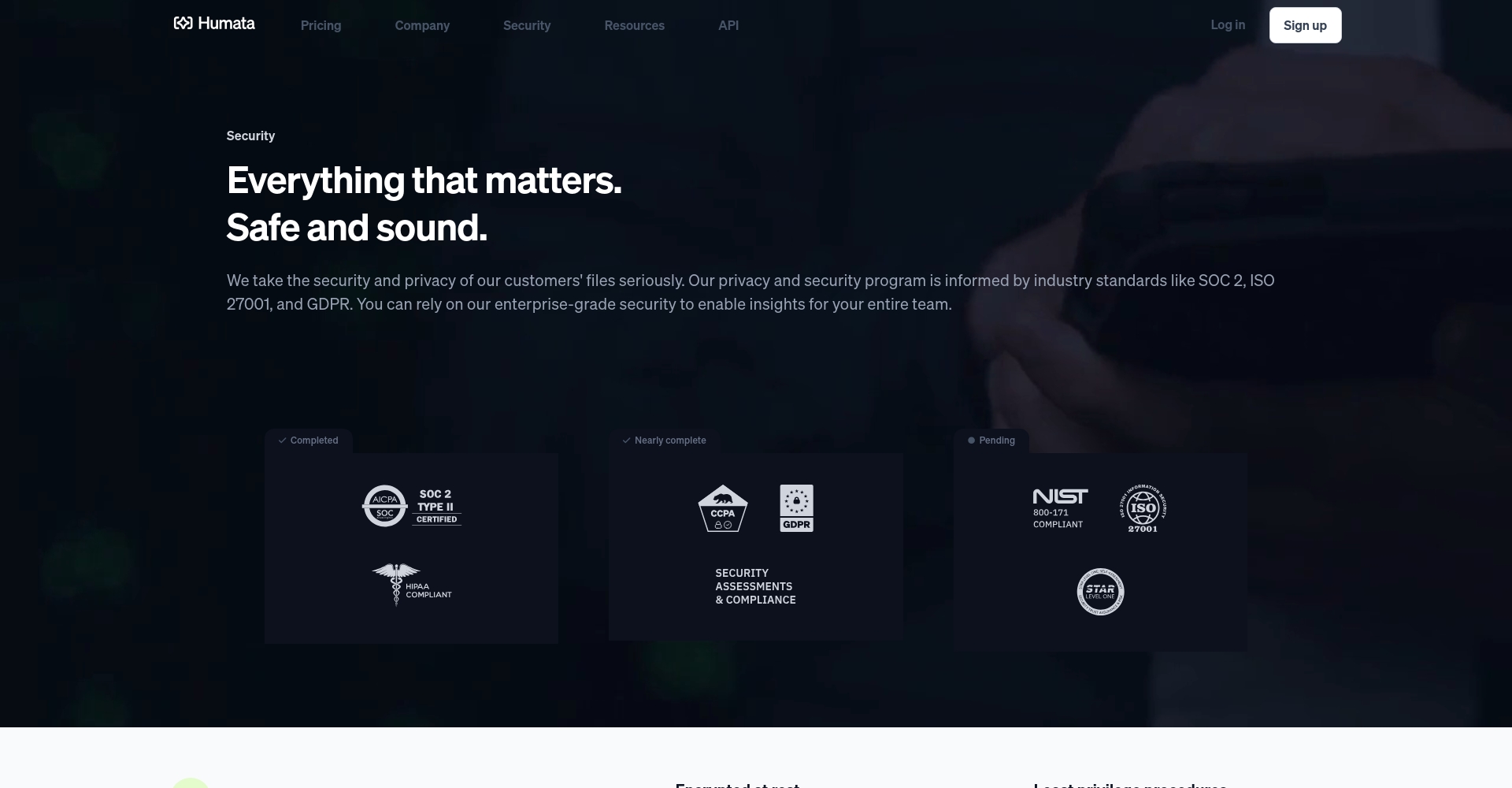
Security remains the primary concern for users of AI-powered office tools.The Humata platform employs an enterprise-grade encryption and access control system, including:
256-bit SHA data encryption ensures the security of file storage and transmission.
Based on role-based access permissions, enterprises can finely define "who can see, who can ask, and who can manage" information at each level.
The data is stored only on dedicated cloud servers, which comply with mainstream international cloud security certification requirements.
Enterprise/institutional users can also apply for customized SOC-2 compliance services to comprehensively improve their compliance and security levels.
“Humata has greatly improved our speed in retrieving and understanding complex research data.Its documentation Q&A and citation tracking have made work more efficient than ever before. — CEO of a research institution
“In contract review and legal research scenarios, Humata's automatic comparison and clause extraction capabilities are extremely powerful.This saved over 70% of manual labor. — Corporate Legal Team
“Students and teachers can easily use Humata to organize lecture notes and literature.It combines practicality and ease of use. — University Lecturer
Frequently Asked Questions
What are the differences between Humata and general AI such as ChatGPT?
Brief answer:Humata is designed for in-depth analysis of document content.It can handle large amounts of information from multiple files, and all answers are based on actual document content, with citation traceability.Conversational AI tools like ChatGPT cannot directly perform deep reading and indexing of local files.
Does Humata offer a free trial?
answer:Supported. Users can directly experience the free plan, which includes 60 pages of documentation and 10 AI Q&A sessions per month. Upgrade to gain more resources and features. See details for more trial instructions.Price page。
How can I ensure that my documents are not leaked?
answer:The platform adoptsEnterprise-level data encryption and multi-level access controlAll files are accessible only to the current user or authorized members. Enterprise customization teams can also deploy higher security levels and dedicated servers; see details below.Security Terms。
In today's world, where AI office tools are increasingly becoming a "necessity" for improving efficiency,With its high efficiency, intelligence, ease of use, and security, Humata is completely reshaping document workflows for businesses and individuals.In the future, with the convergence of office work and data knowledge, Humata is likely to continue leading the way in setting new standards for AI-powered document processing and intelligent knowledge management. For more feature details and practical examples, please visit [website address].Humata Official HomepageFurther exploration is needed.
Interact with a vast array of 2D and 3D characters and experience truly unlimited AI role-playing dialogue. Join now! New users receive 6000 points upon login!
HumataThe number of visitors has reached 16. If you need to check the site's ranking information, you can click "..."."5118 Data""Aizhan Data""Chinaz data""Based on current website data, we recommend using Aizhan data as a reference. More website value assessment factors include:"HumataAccess speed, search engine indexing and volume, user experience, etc.; of course, to evaluate the value of a website, the most important thing is to base it on your own needs and requirements, and some specific data will need to be obtained from [research institutions/resources].HumataWe will negotiate with the website owner to provide information such as the website's IP addresses, page views (PV), and bounce rate.
aboutHumataSpecial Announcement
This site's AI-powered navigation is provided by Miao.HumataAll external links originate from the internet, and their accuracy and completeness are not guaranteed. Furthermore, AI Miao Navigation does not have actual control over the content of these external links. As of 8:25 PM on October 15, 2025, the content on this webpage was compliant and legal. If any content on the webpage becomes illegal in the future, you can directly contact the website administrator for deletion. AI Miao Navigation assumes no responsibility.