

DeepSpeed
DeepSpeed is a deep learning optimization software developed by Microsoft, designed for efficient training and inference of ultra-large-scale models.
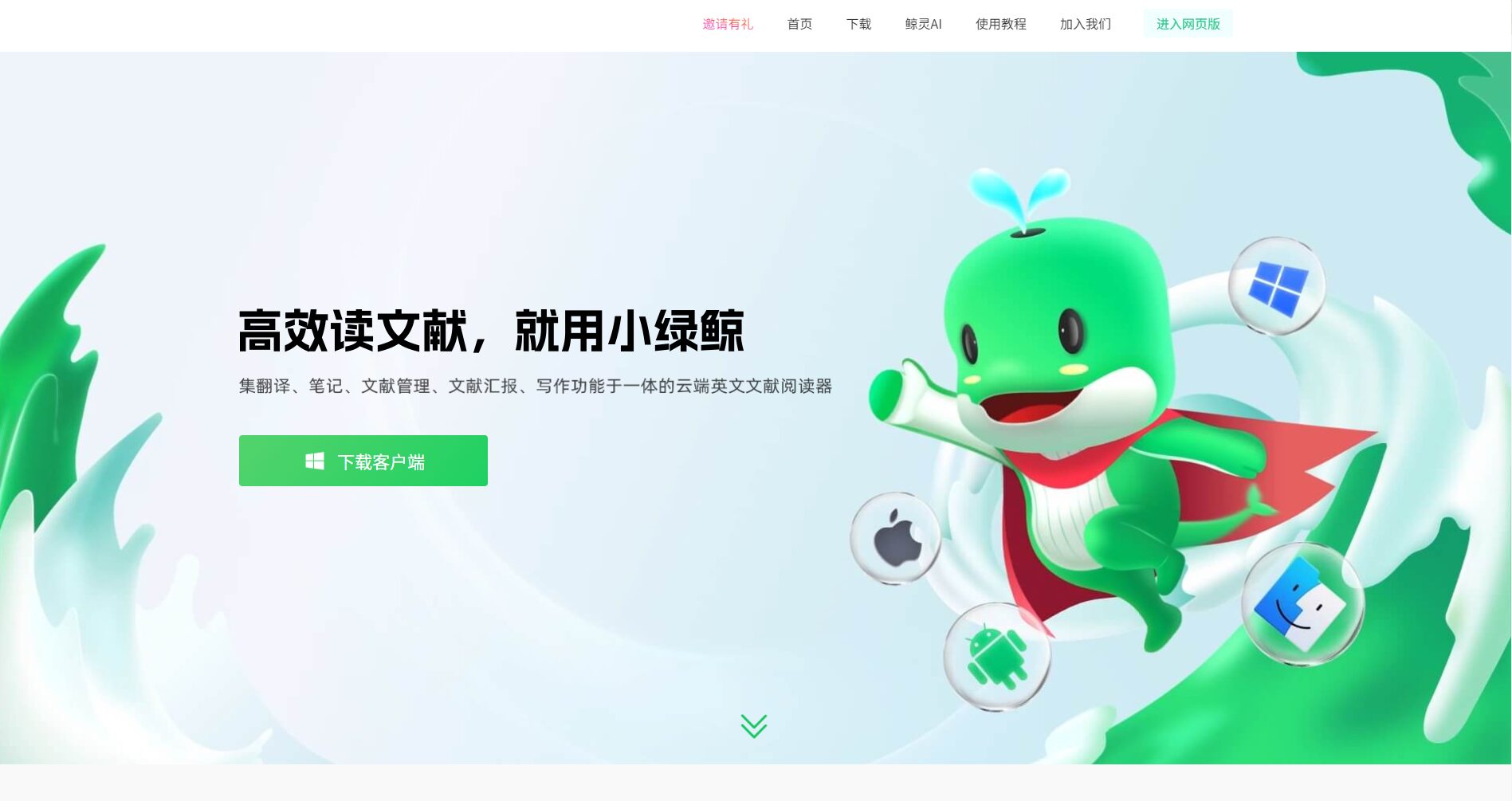
Little Green Whale is a one-stop cloud-based AI office tool focused on reading, managing, and analyzing English scientific and academic literature. It supports functions such as accurate translation, AI summarization, note-taking, material management, and PPT generation.
 Little Green Whale
Little Green WhaleIt is a one-stop AI research and office platform, providingEnglish literature management, accurate translation, AI abstracting, annotation notes, PPT generationThis platform offers end-to-end research tools. It features cross-platform cloud synchronization, integrates multiple AI engines, and focuses on providing a closed-loop service for efficient literature reading and research output for researchers and academics. Suitable for university faculty and students, research institutions, and others, it supports diverse academic needs and ensures data security and compliance.
In today's information explosion, how to efficiently manage and read English scientific research literature has become a common challenge for researchers.With the upgrading of AI technology, scientific research tools are becoming increasingly intelligent.Little Green WhalePositioned as a "cloud-based English document reader"AI office toolsIt is attracting increasing attention from the scientific research community. This article will provide you with a comprehensive analysis of the product appeal and technological advantages of the Little Green Whale.
The Little Green Whale was created by Whale Technology (Nanjing) Co., Ltd., and its main features are "“End-to-end scientific literature management and AI analysis”",setAccurate translation, annotation and note-taking, material accumulation, AI summary, and presentation PPT generation.Features such as literature screening, in-depth reading, organization, and output provide researchers with a closed-loop experience.
Official website entrance:https://www.xljsci.com/
The platform is based onScientific research workflowWith the core, coveringTopic selection, experimentation, writing, and reportingThe four main stages have the following highlights:
For detailed functions, please seeIntroduction to the main functions of Little Green Whale
Little Green Whale applies AI to every detail of document management, emphasizing efficiency and convenience. Main features overview:
| Function | illustrate |
|---|---|
| PDF reading and annotation | Supports multiple PDF reading, flexible annotation, and full chart extraction. |
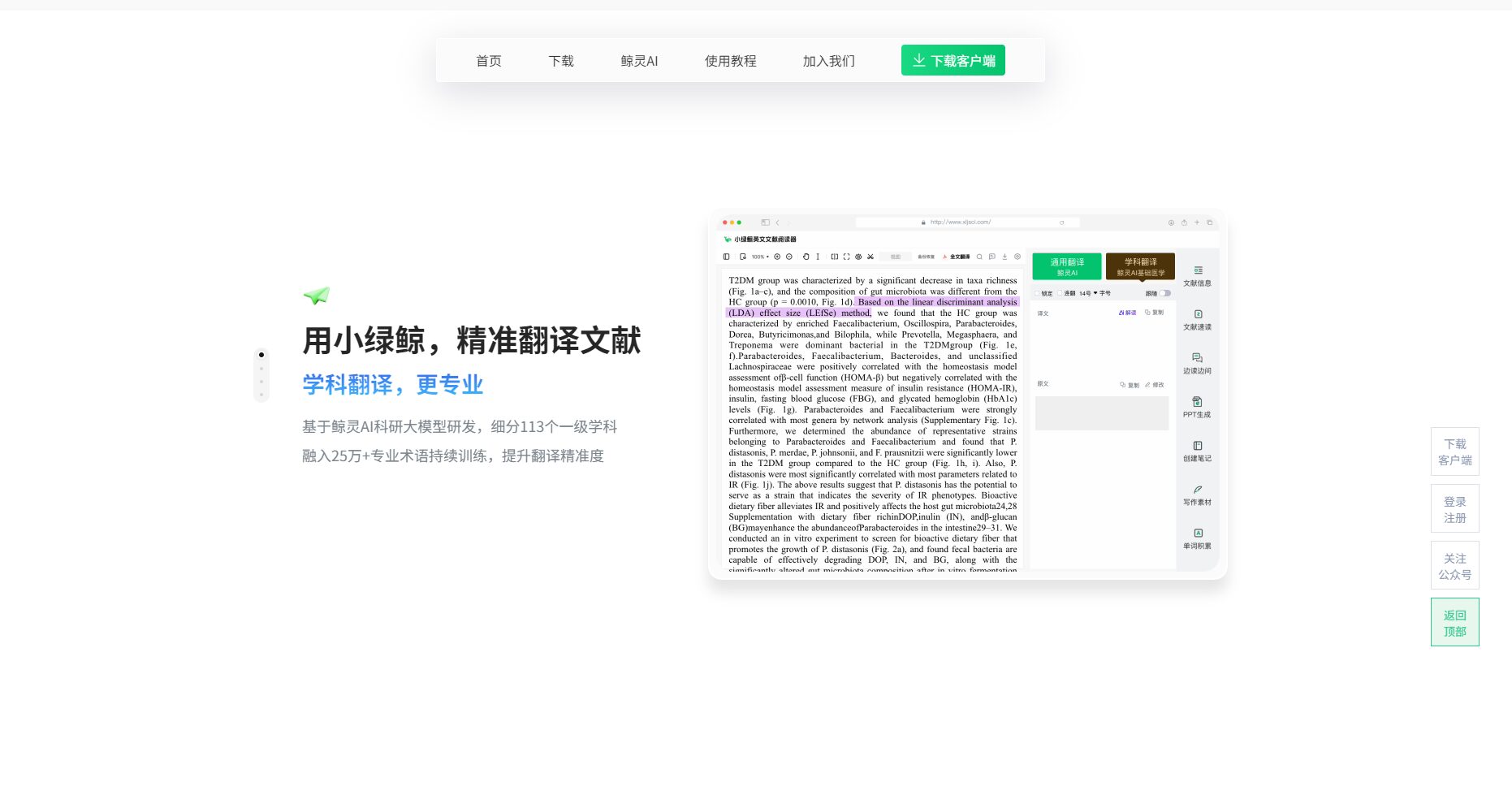
| AI-powered full-text translation | Self-developed + 8 major translation engines, subject-specific terminology |
| OCR Image Recognition | Scanned documents, images, tables, and formulas can be recognized. |
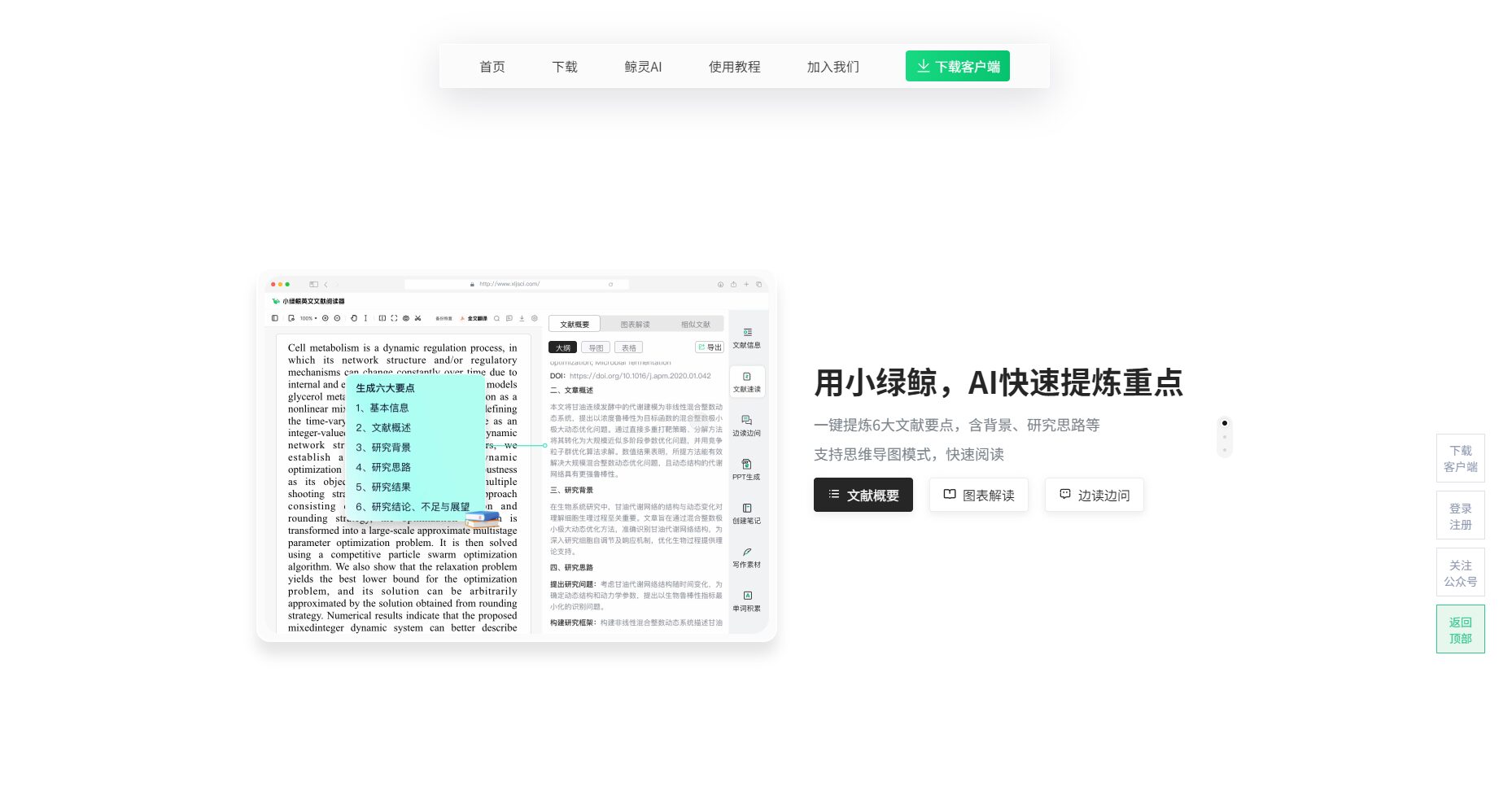
| AI Key Point Extraction & Summarization | AI automatically sorts out 6 key points |
| Science and Technology English Writing Assistant | Rewrite, automatic source tracing, and polishing |
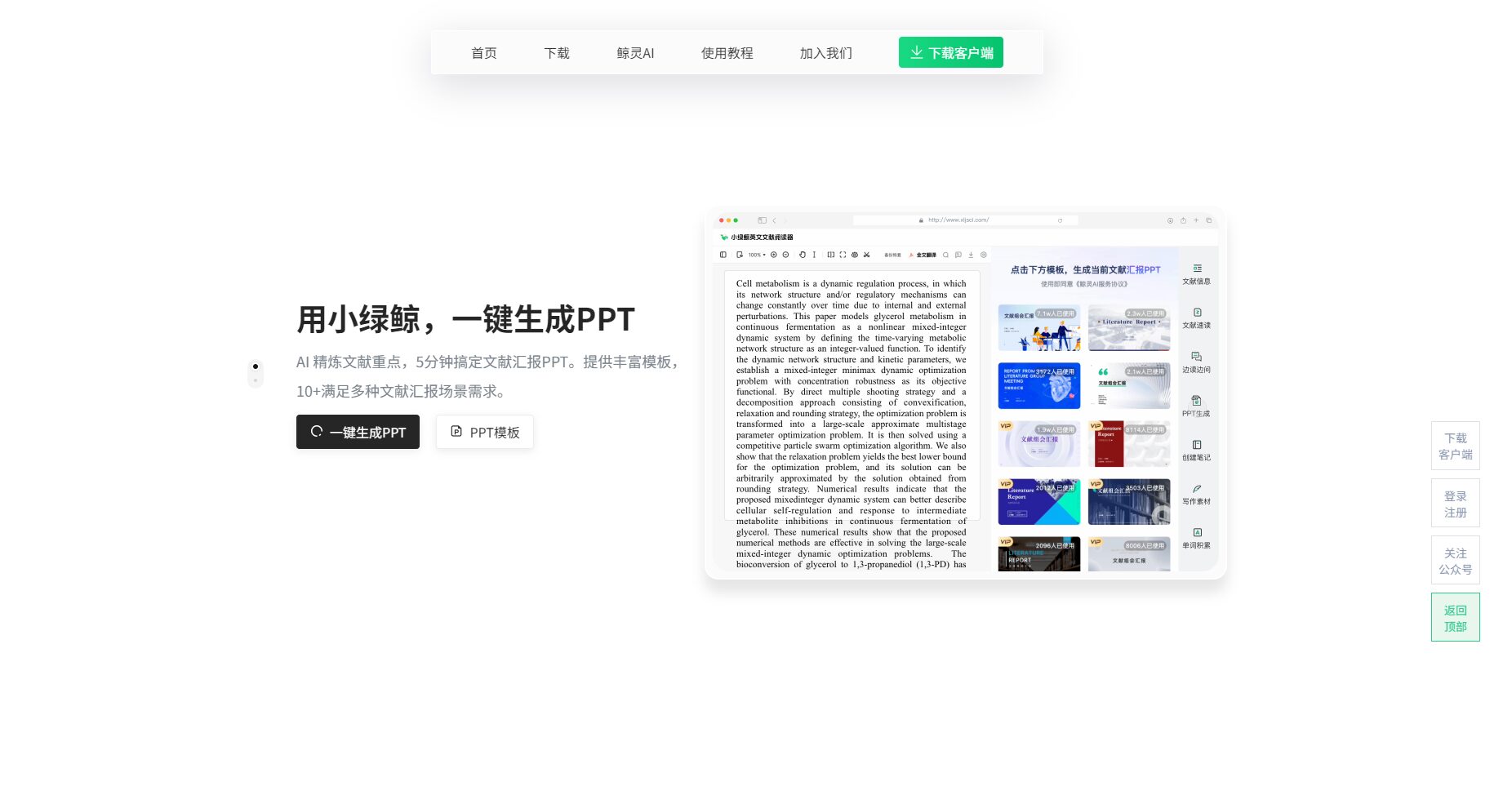
| Quickly create a presentation PPT | AI-generated PPT with one click, multiple templates to choose from. |
| Smart Notes & Mind Maps | Multi-scenario note-taking, cloud synchronization, dual positioning |
| Document organization and archiving | Folders/Tags/Smart Search |
| Intelligent search and recommendation | Supports recommendations from mainstream databases and journals. |
| Secure cloud synchronization | Real-time synchronization across all platforms |

The Little Green Whale comes in two versions, free and paid, officially provided by [website name - implied].Basic service is permanently free + membership value-added servicesTo cater to different needs.
| Version type | Function permissions | Price Explanation |
|---|---|---|
| Basic version (free) | PDF management, annotations, terminology packs, and a small amount of cloud storage. | Free, some advanced AI features require upgrade. |
| Standard Edition | AI analysis, space expansion, PPT templates, batch search | Monthly/yearly subscriptions are available; see the official website for details. |
| Professional/Institutional Edition | All AI services, team collaborative storage | Customization is available; please contact sales. |

New users receive a free gift upon registration.Permanent cloud storage capacity与Full Translation Gift PackFor detailsOfficial website registration page。
For more tutorials, seeOfficial Help Center。
| User type | Typical requirements description |
|---|---|
| On-campus researchers | Literature retrieval, organization, in-depth reading, and translation |
| Master's/Doctoral/Undergraduate students | Efficient English literature reading and thesis materials |
| University teachers | Thesis writing tutoring, presentation templates, archiving |
| Research managers | Team data management and results traceability |
| Academic institutions/enterprises | Team document sharing and collaborative archiving |
Suitable for teachers, students and researchers in life sciences, medicine, engineering, materials, environment and other fields, it can be used in multiple disciplines such as SCI paper writing, hot topic analysis, project collaboration, and presentations.
See detailsPrivacy Policy和Data Security Statement
It supports most mainstream English PDFs, including scanned versions and images. Some features are limited for complex formatting or encrypted PDFs; testing beforehand is recommended.
It integrates eight translation engines and the self-developed Whale AI, and the terminology database is continuously optimized for 113 disciplines, ensuring accurate professional expressions and multi-engine comparison and error correction.
The basic version is permanently free and includes document management, annotation, some translation features, and a small amount of cloud storage. AI deep analysis and PPT presentations have a daily free quota; exceeding this quota requires an upgrade.
With AI empowering scientific research and office workLittle Green WhaleWith its technological innovations in translation, AI interpretation, and material management, it is becoming the preferred choice for research communities both domestically and internationally.AI office toolsIf you need to tackle the challenges of English literature and improve your research output, the Little Green Whale is worth trying immediately.
Visit the Little Green Whale official website nowUnlock a new experience in intelligent office work for scientific research.
This site's AI-powered navigation is provided by Miao.Little Green WhaleAll external links originate from the internet, and their accuracy and completeness are not guaranteed. Furthermore, AI Miao Navigation does not have actual control over the content of these external links. As of 5:15 PM on October 10, 2025, the content on this webpage was compliant and legal. If any content on the webpage becomes illegal in the future, you can directly contact the website administrator for deletion. AI Miao Navigation assumes no responsibility.
