
IMAIGER
IMAIGER是一款智能AI图像搜索平台,专为科研、教育和内容创作领域高效获取图片设计。
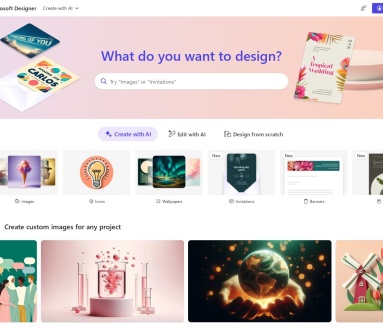
Microsoft Designer is a free AI-powered text-to-image platform launched by Microsoft. It supports multiple models, unlimited use, and global multilingual input, making it suitable for all users to quickly create high-quality original images.
 Microsoft Designer
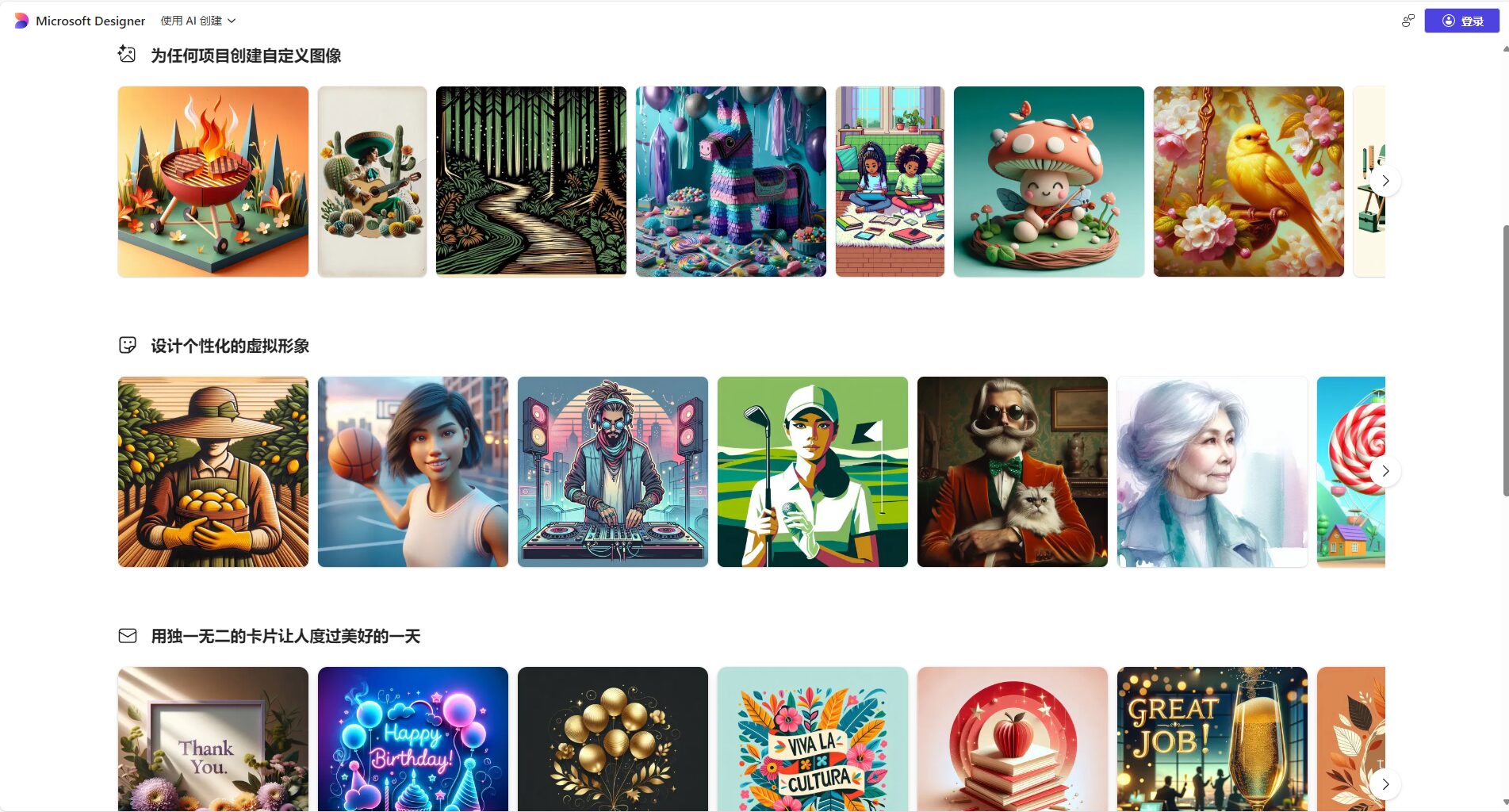
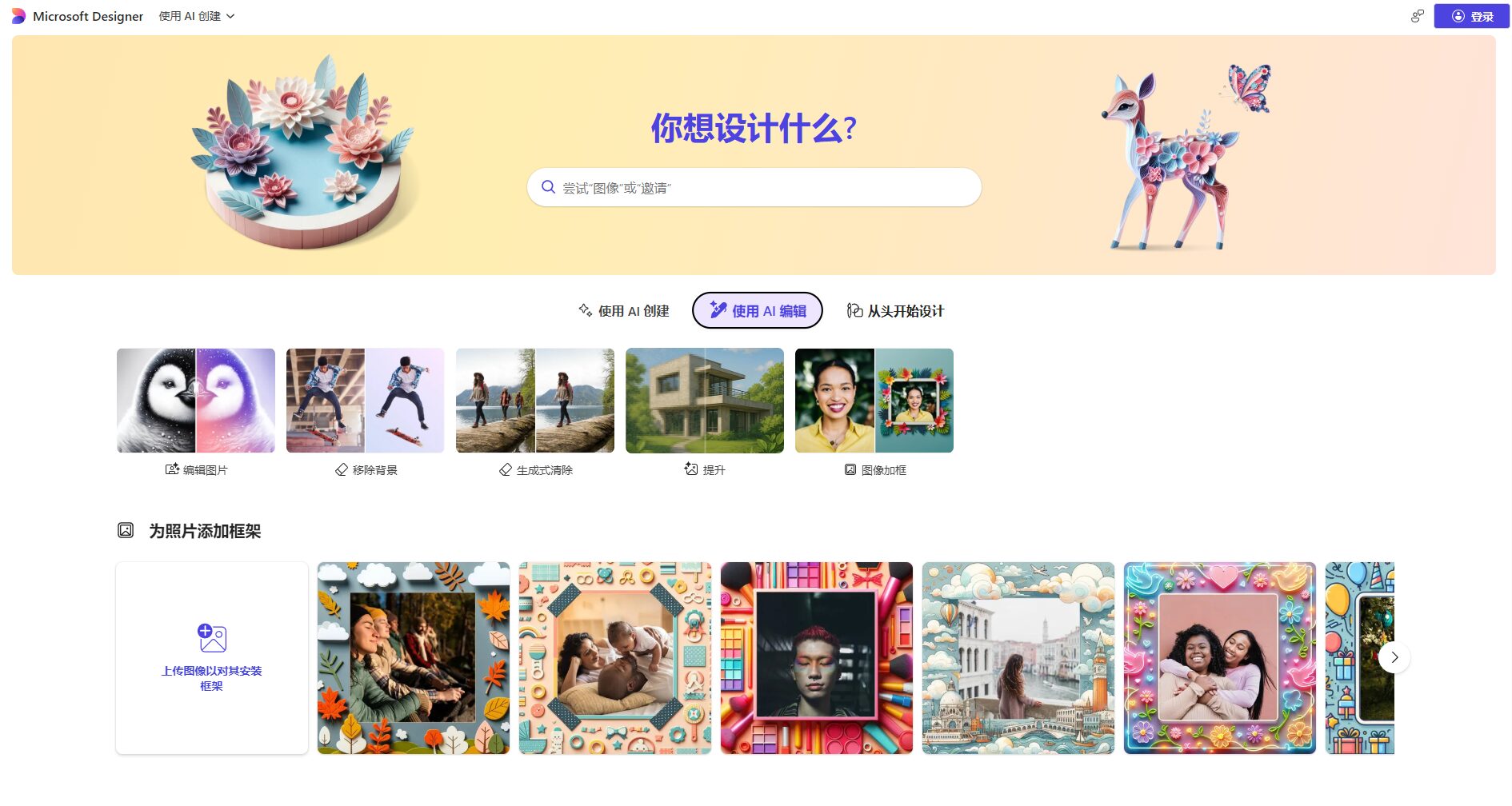
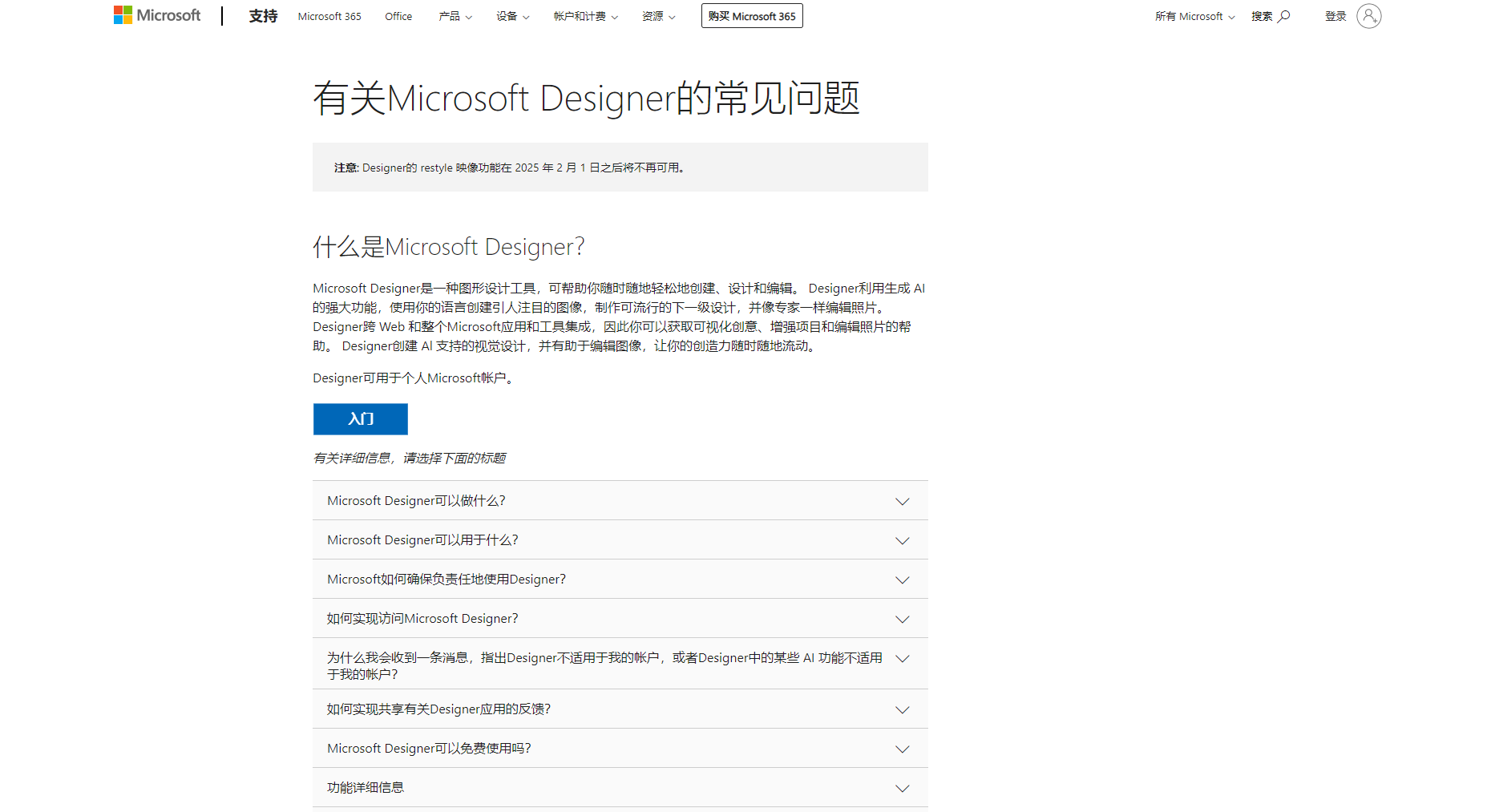
Microsoft Designer is a completely free, one-stop application developed by Microsoft based on OpenAI models.AI Visual Design PlatformIt requires no app download and is available directly from the webpage. Integrating top-tier D-ALL·E 3 image generation and intelligent layout capabilities, it's suitable for various users in education, content creation, brand marketing, and more. The Designer platform also works with Microsoft's points system, offering daily "accelerated generation" credits, which can be used unlimited for free even after they're used up. All AI-generated images come with watermarks, ensuring data compliance and controllability. It's hailed as one of the most user-friendly and powerful one-stop AI design tools available today.
In recent years, the application of AI technology in the design field has developed rapidly, giving rise to a series of commonly used AI design and image tools such as Canva and Midjourney. Microsoft, as one of the technology giants, has also quickly followed suit, launching a suite of AI tools that integrates the latest OpenAI models and is freely available globally. Microsoft DesignerThis report will systematically outline the main functions, pricing and solutions, and usage of Microsoft Designer, as well as its industry positioning and target audience in today's AI design field. It will also include real-world examples, checklists, and tables to help you fully understand this popular AI tool.
Microsoft Designer, launched by Microsoft in 2023, is a free, one-stop online AI-powered visual design tool that deeply integrates OpenAI's DALL·E series models and intelligent layout algorithms. Users only need to input a single design requirement to obtain multiple design solutions within seconds, including layouts, copy, and AI-generated images. This tool is deeply integrated with Copilot and the Microsoft Edge browser and also supports the Microsoft Rewards points system, significantly improving creative efficiency and user experience.
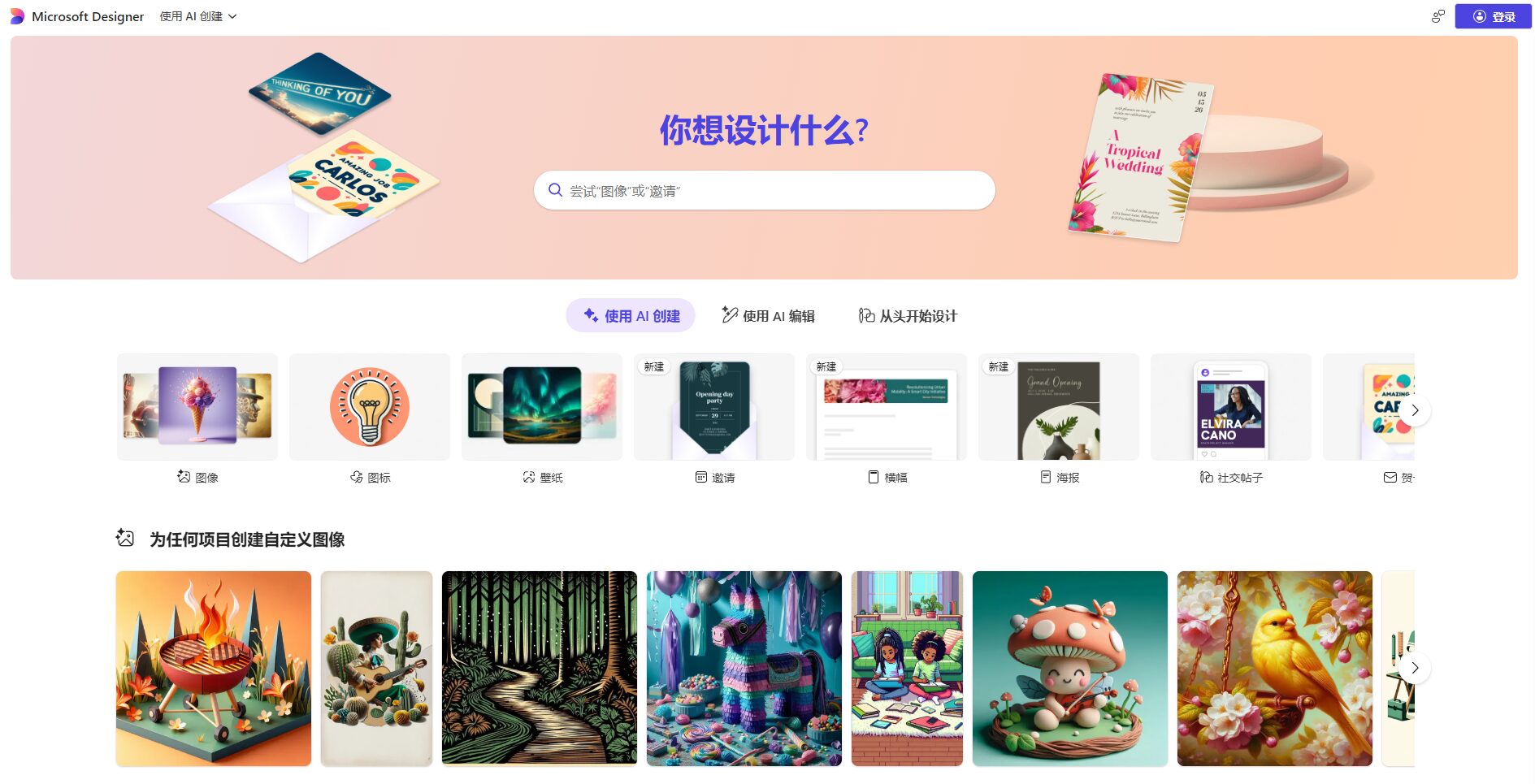
Official website: https://designer.microsoft.com/
As a leading one-stop AI design tool in the industry, Microsoft Designer has gained a large number of users in the market thanks to the following core capabilities:
1. Powerful AI integration capabilities
Image/Comparison of AI design and image generation models
2. Highly user-friendly interactive experience
3. Free and unlimited design services
4. Multi-device integration and cloud synchronization
| Functional modules | illustrate | Experience Entry |
|---|---|---|
| Intelligent Design Generation | Generate complete posters, PPTs, and social media posts in one sentence. | Designer Homepage |
| AI Image Generation | Built-in DALL·E 3, allowing direct generation of illustrations within the design process. | Design Editor |
| Multilingual support | Supports natural language commands in 100+ languages | Multilingual support instructions |
| Data security and privacy | The image has a C2PA watermark; history can be deleted. | Privacy and Control |
| Points redemption | Microsoft Rewards points redemption speed boost, increasing AI generation speed | Rewards Homepage |

The biggest highlight of Microsoft Designer is its core functionality.Completely free, unlimited useSimply register a Microsoft account; no card binding or paid subscription is required.

| Solution Name | Usage limitations/features | cost | Remark |
|---|---|---|---|
| Standard Scheme | Unlimited core design features + 15 AI-accelerated generation sessions per day | free | Meets most daily design and content creation needs |
| Rewards Points Acceleration Program | Earn points to generate more quotas using AI acceleration | Free (points required) | 500 points can be redeemed for 5 speed-ups. |
Microsoft Designer is extremely easy to use, making it suitable for all types of users to quickly experience the fun of AI-assisted design. The specific process is as follows:
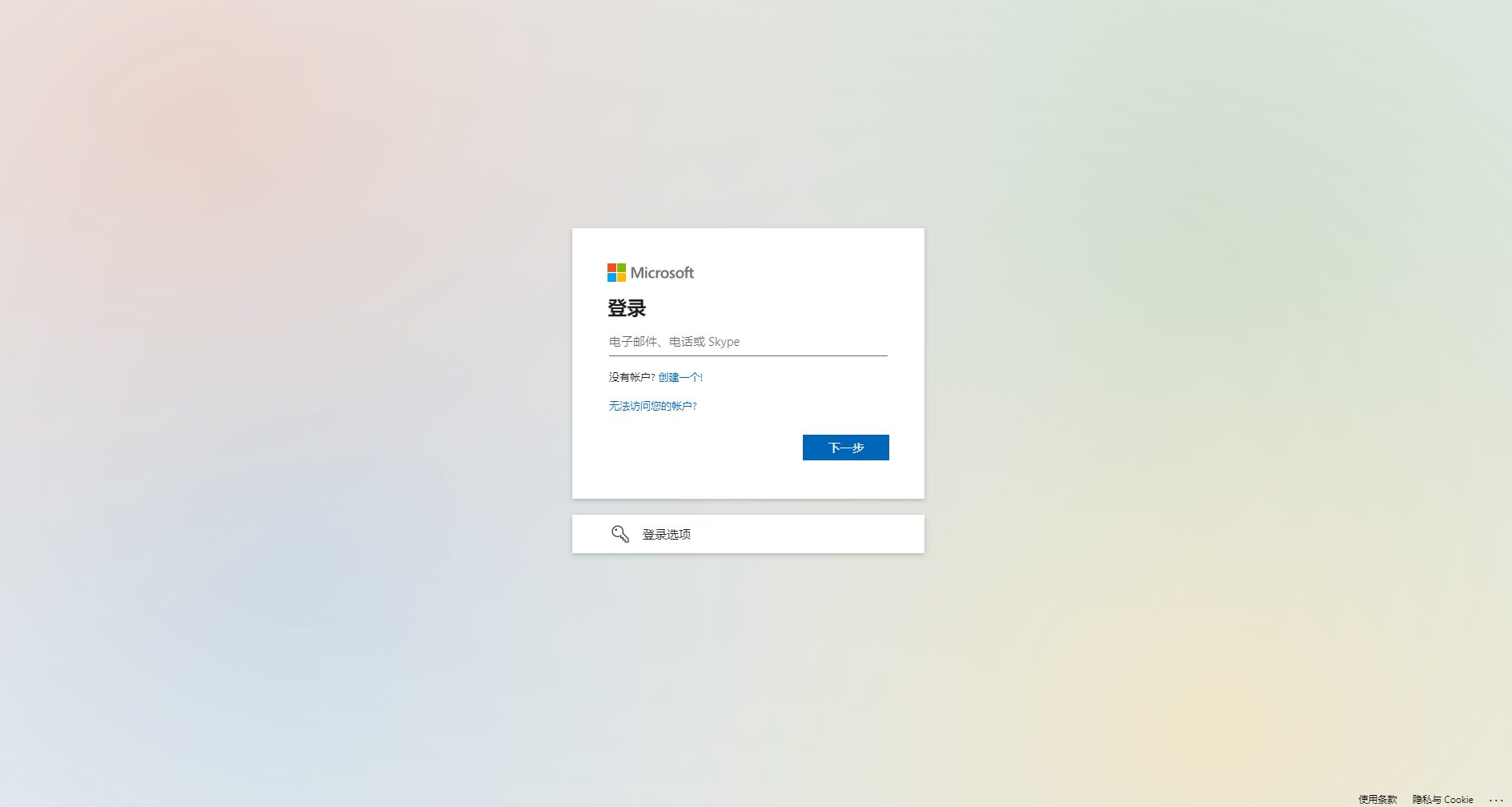
We recommend visiting the official help center for detailed tutorials.
Microsoft Designer, as an AI design platform accessible to everyone, is widely used in various settings, from personal entertainment to professional creation. Typical users include:
1. Education and teaching personnel
2. Content creators and self-media
3. Designers and brand professionals
4. Small and medium-sized business owners and marketing personnel
5. Students and individual users
Below is a table of typical users and use cases:
| User Group | Typical application scenarios | Recommendation feature |
|---|---|---|
| Teachers/Students | Course PPT, assignment posters | Intelligent design generation, one-click layout |
| Self-media/operator | Social media images and video covers | AI image generation, rapid multi-solution return |
| Marketing/Brand | Marketing posters, advertising ideas | Intelligent design generation, multi-language support |
| Small and medium-sized business owners | Product flyers, online store banners | Free template library, fast download |
| individual users | Resumes, greeting cards, club promotional materials | Easy-to-use editor, AI image generation |
Multilingual and Global Accessibility
Microsoft Designer supports natural input in over 100 languages, ensuring that users in different regions around the world can freely express their creativity. It can also automatically recognize mixed language descriptions, greatly reducing language barriers.
Content security and accountability mechanisms
For further privacy and policy information, please see the Content Policy page.
Currently, the main AI design tools on the market include Microsoft Designer, Canva, and Midjourney. The table below summarizes the differences between these platforms:
| Tool Name | Billing Model | Entry/Operation Difficulty | Does it support multiple languages? | Watermark/Restriction | Typical characteristics |
|---|---|---|---|---|---|
| Microsoft Designer | Completely free | Easy to use | 是 | With AI watermark | One-stop AI design, integrated with DALL·E 3, unlimited use |
| Canva | Basic free + paid subscription | Easy to use | 是 | Paid features are limited | Abundant templates, strong team collaboration features, advanced AI functions require payment. |
| Midjourney | Paid monthly subscription | Difficult (requires Discord) | Partial support | Join the group to get free images to download. | Distinctive artistic style, focused on high-quality image generation |
| Stable Diffusion | Local/Cloud Deployment | Requires certain technical knowledge | External support required | No/Customized | Highly customizable, can be generated locally, and boasts a rich community ecosystem. |
Microsoft Designer, with its one-stop, highly integrated, and completely free strategy, has become the preferred choice for education, content marketing, social media, and small and medium-sized business owners.
Q1: What are the differences between Microsoft Designer and Canva and Midjourney?
Microsoft Designer isDesign Platform与Image generatorIt's a combination of two technologies. It's as easy to use as Canva, offering templates and layout features; at the same time, it has built-in DALL·E 3 image generation capabilities comparable to Midjourney, and its core functions are completely free. Canva's AI features mostly require payment, while Midjourney focuses on image generation and doesn't offer design and layout features.
Q2: Why can I still use "accelerated generation" even after I've exhausted all my attempts?
Once the daily 15 "Accelerated Generation" quota is used up, the system will automatically switch to "Standard Speed" mode. In this mode, the waiting time for AI functions (such as image generation) will increase slightly, but it will still be unlimited and free. Speed can be restored through the Microsoft Credits Center.
Q3: Is my design and account information secure? What if I need to delete history?
Microsoft is committed to compliance and privacy protection. All design projects are stored in your personal cloud and can be deleted at any time from "My Projects". AI-generated images are all marked with a clear AI watermark to prevent misuse or infringement.
As a key component of Microsoft's AI strategy, Microsoft Designer has become a daily creative partner for tens of millions of users worldwide. Whether in content creation, marketing, or classroom teaching, it provides a powerful engine for empowering everyone to become a designer. In the wave of AI design, the continuous evolution of Microsoft Designer is lowering the creative threshold and reshaping the possibilities of visual expression. Visit our official website to experience the charm of AI-assisted design firsthand.
This site's AI-powered navigation is provided by Miao.Microsoft DesignerAll external links originate from the internet, and their accuracy and completeness are not guaranteed. Furthermore, AI Miao Navigation does not have actual control over the content of these external links. As of 4:50 PM on September 16, 2025, the content on this webpage was compliant and legal. If any content on the webpage becomes illegal in the future, you can directly contact the website administrator for deletion. AI Miao Navigation assumes no responsibility.
