InVideo AI
InVideo AI is an AI tool that generates high-quality videos with a single click, requiring no editing experience and suitable for content creators, businesses, and educational applications.
One-Click Background Removal is an AI-based online automatic background removal tool that supports precise segmentation down to the hair level and background replacement. It is suitable for image processing in various scenarios such as e-commerce, design, and social media.
 One-click background removal
In recent years,AI Image ToolsIts application in various industries such as design, e-commerce, and education has become indispensable. Taking the image editing scenario of "background cutout" as an example, the complex operations and high-barrier software requirements in the past deterred many users. However, now, with the advent of the [One-Click Background Cutout Platform]...Official website linkWith the advent and widespread adoption of image cutout technology, image cutout has become more efficient, intelligent, and accessible than ever before. This report will systematically analyze...One-click background removalThe tool's features, pricing options, usage methods, and target audience are explained in detail, along with in-depth analysis of common questions, to help users gain a comprehensive understanding of this popular AI product.
One-click background removalIt is a product aimed at the general public.AI Image ToolsMainAutomatic background removal, background replacement and batch processingThe platform intelligently identifies the subject of images, supports efficient processing of various image types including ID photos, portraits, and product images, and provides services for individuals and businesses.Flexible pricing optionsIt includes both free and pay-as-you-go options. The tools are suitable for diverse users such as e-commerce professionals, designers, photographers, social media creators, and developers. They support web pages, client applications, and API integration, facilitating high-quality image editing in various scenarios.
As a professionalAI Image ToolsOne-click background removal focuses on "“Automatic background removal, background replacement and image editing”"Three core scenarios aim to achieve 'one-click operation, instant image output.' Users simply upload images, and the platform, leveraging artificial intelligence algorithms, accurately identifies the main subject, such as portraits and objects, achieving high-quality cutouts at the hair-level and pixel-level. Users can then change the background, adjust the size, and even directly output various application formats, such as ID photos, with a single click."Image cutout experience entry)。
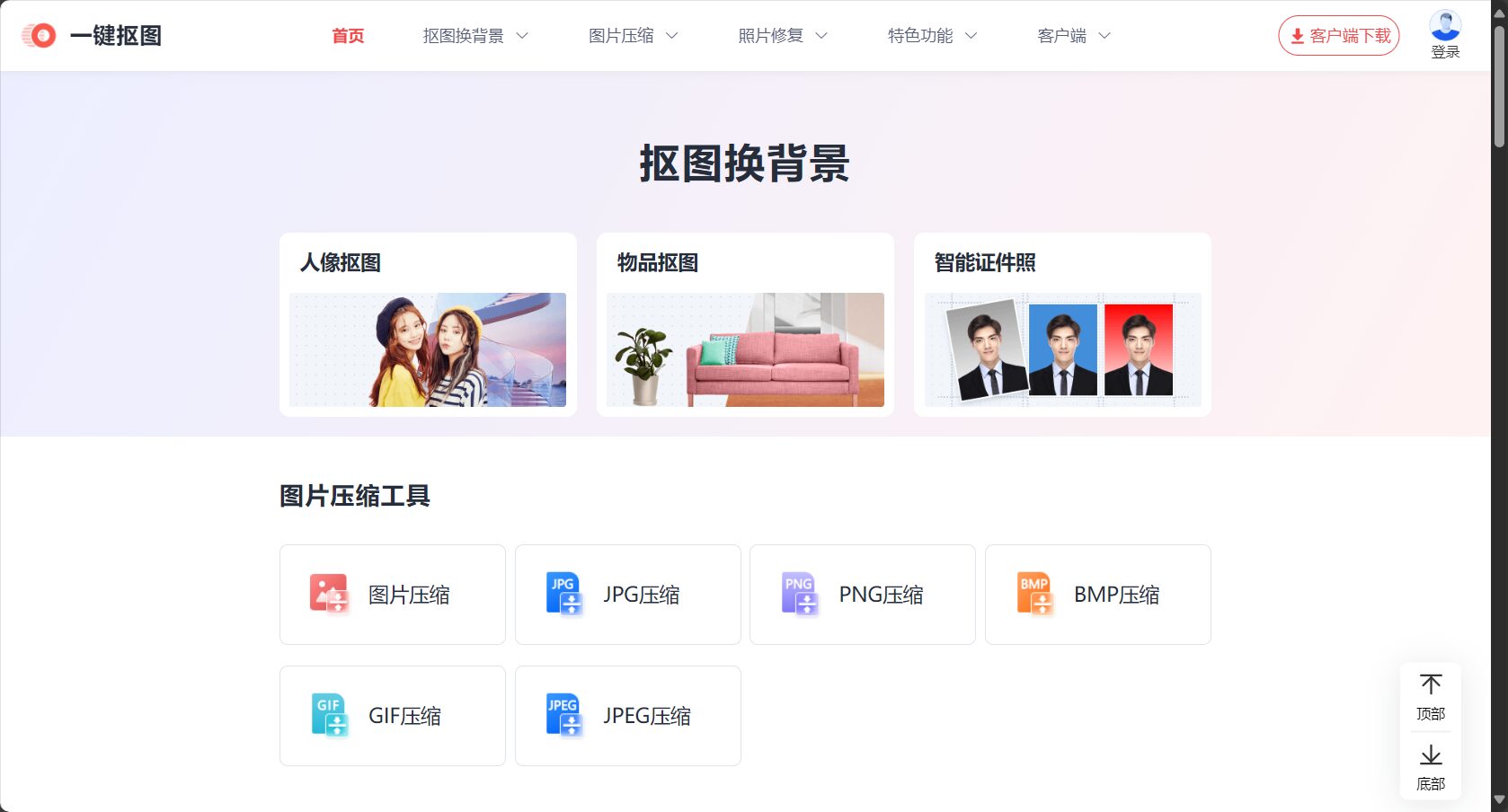
| Functional categories | Typical scenarios | Support methods |
|---|---|---|
| Human portrait cutout | Quickly remove cluttered backgrounds from photos | Intelligent recognition and edge optimization |
| Product/item cutout | E-commerce main image creation and product photography optimization | Batch processing of multiple products, pixel-level segmentation |
| ID photo processing | Passport, student ID and other document production | One-click background color change and cropping |
| Logo cutout | Self-media, posters, and promotional materials | Rounded corner, transparent PNG output |
| Background replacement | Changes in demand for games and marketing materials | Solid color/Custom/Scene background |
| Batch processing | Large-scale product listings and material library organization | Process multiple images at once |
To experience more amazing AI processing, please click here.One-click background removal tool official website。

For different user groups, whether for personal use or enterprise needs...One-click background removalAll are set with flexibilityPricing System and Package PlansWe strive to prioritize cost-effectiveness and meet the needs of all scenarios.
| Package Categories | Suitable for | Main interests | Price Explanation |
|---|---|---|---|
| Free version | Ordinary users, scattered needs | Standard definition cutout, basic batch processing | 0 yuan |
| Pay-per-use packages | E-commerce merchants, designers | High-definition download, batch processing | As low as a few cents per session |
| Monthly/Annual Membership | Enterprises, institutions, and photography studios | Unlimited batch processing, ultra-fast channel | Annual discounts available |
| API Development Package | Enterprise developers, platform providers | Standardized interface calls and flexible expansion | See the official website for details. |
Note:For specific pricing and packages, please visit [website address].Official website price pageGet the latest information.
The operation is simple and intuitive.One-click background removalThe key to its widespread acclaim: Whether you're a computer novice or a seasoned designer, you can complete the operation simply by using a mouse and a webpage.
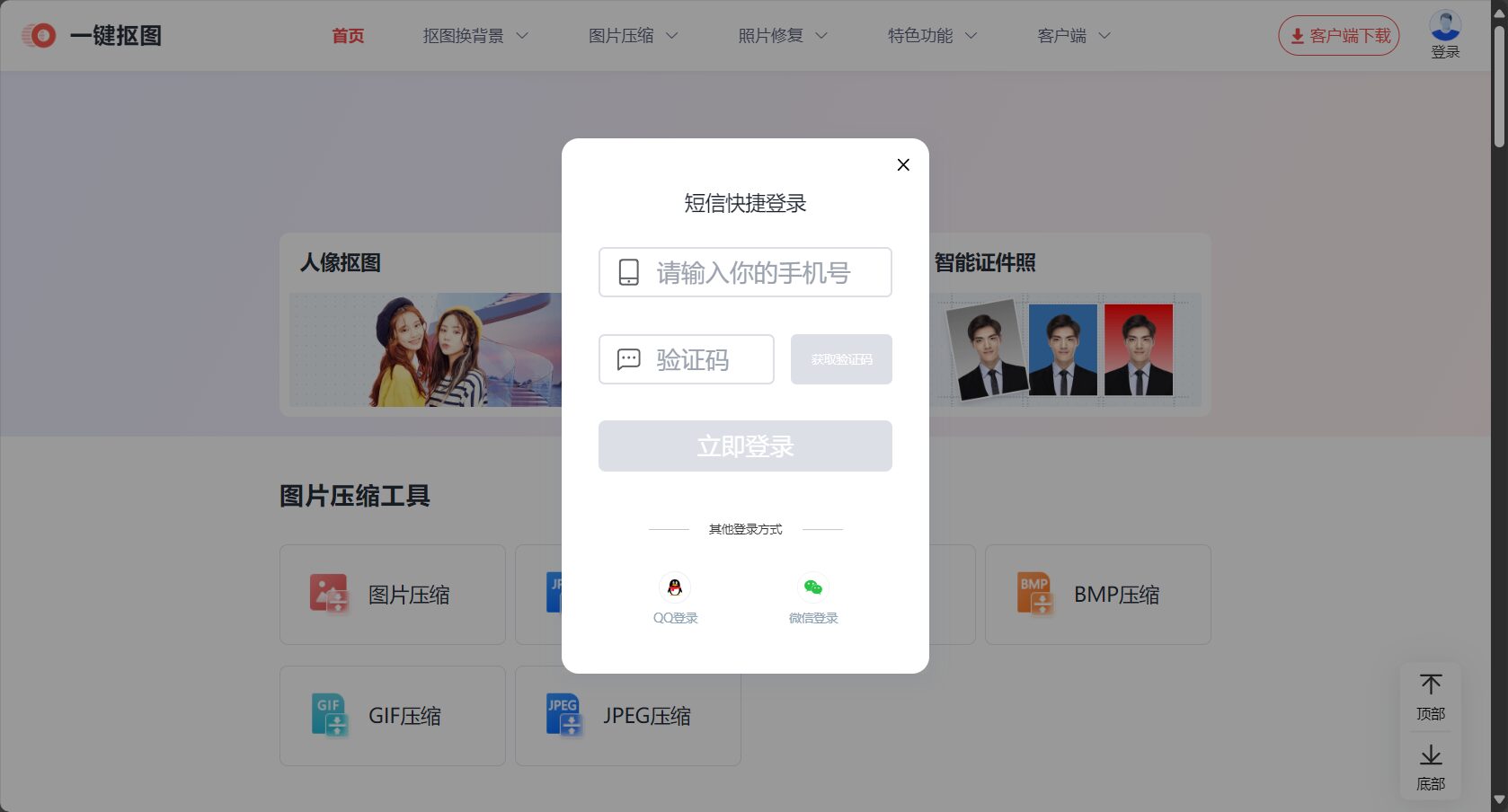
| step | User interface | illustrate |
|---|---|---|
| first step | Image upload area | Drag/paste/file selection |
| Step 2 | AI automatically recognizes the page. | Real-time display of cutout results |
| Step 3 | Editing and Adjustment Area | Replace background, crop size |
| Step 4 | Download button | Output high-definition lossless images |
One-click background removalIt not only simplifies the complex image production process, but also greatly expands its user base and application industries.
| Occupation/Industry | Common Applications |
|---|---|
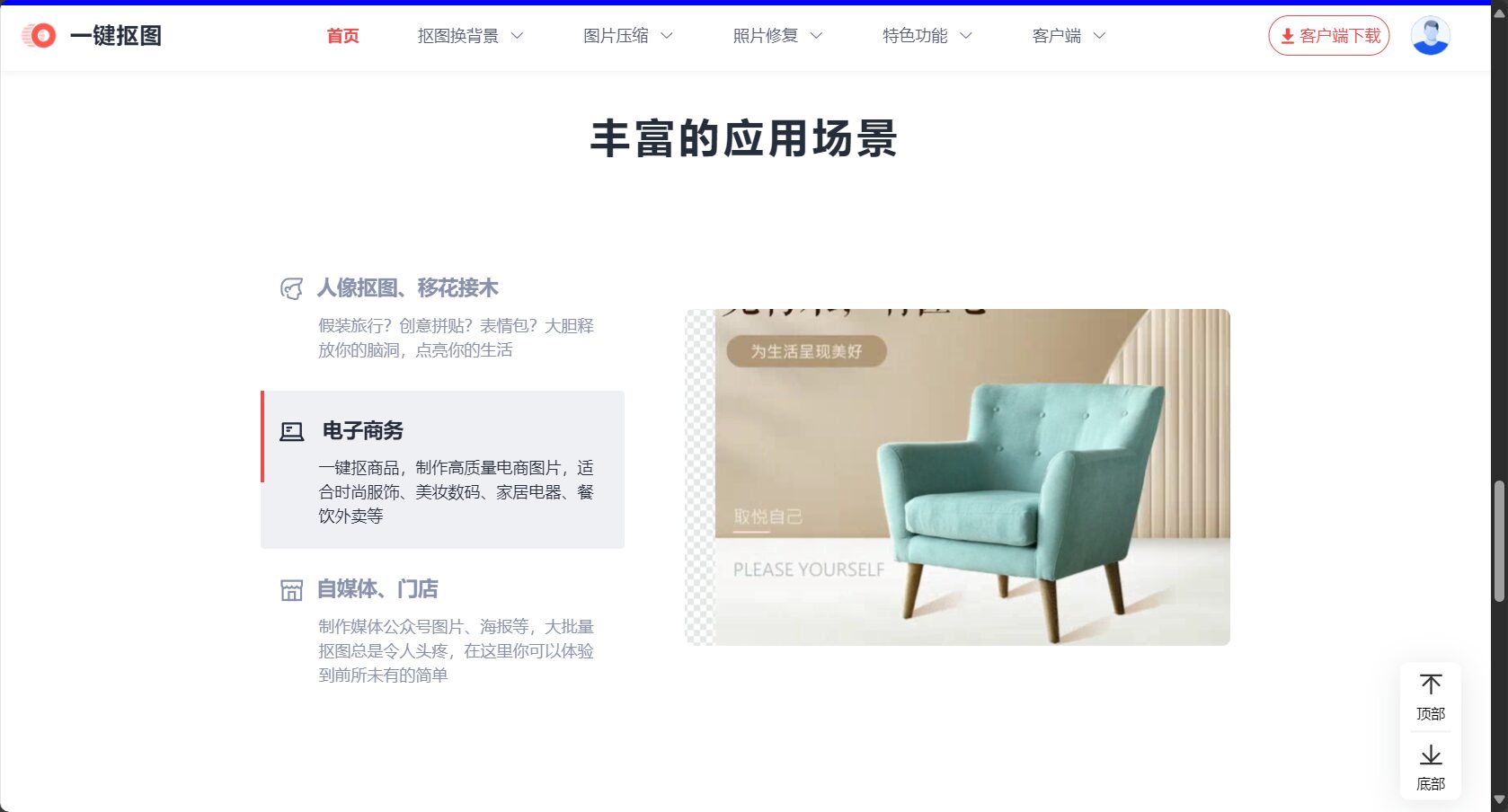
| E-commerce operations | Batch processing of white background main images and marketing images |
| Post-production photography | ID photo background color, artistic portrait, portrait cutout |
| Advertising and Design | Poster and logo replacement, background switching |
| Media and self-media | Cover, illustrations, emojis, interactive content |
| Development and Platform | API automated processing, batch processing of material libraries |
As AI technology evolves, one-click image cutout continues to expand its boundaries:
Since its launch, the one-click background removal feature has been praised for its...High efficiency, intelligence, convenient experience, and high-quality outputIts compatibility and performance have earned it widespread praise from users.
“"E-commerce main images are always a headache. Using one-click background removal to generate high-definition white background images in 3 seconds saves time and effort. I highly recommend it to my fellow e-commerce professionals!"”—A Taobao shop owner
“"Changing the background is so easy, the brush function is not even needed. The AI automatic background removal is extremely accurate, even the hair strands are preserved very well."”—Editor at the photography studio
“"Batch processing of 100 product images only takes a few minutes, saving a lot of labor costs."”Pinduoduo merchants
In today's era of rapid development in digitalization and visual content creation,One-click background removalSignificantly improve the efficiency and expressiveness of image content creation with ultimate intelligence, convenience, and wide applicability. Whether you are an e-commerce merchant, graphic designer, social media influencer, or developer, simply visit [website address].One-click background removal official websiteYou can then begin your intelligent background removal journey.
This site's AI-powered navigation is provided by Miao.One-click background removalAll external links originate from the internet, and their accuracy and completeness are not guaranteed. Furthermore, AI Miao Navigation does not have actual control over the content of these external links. As of 3:30 PM on August 23, 2025, the content on this webpage was compliant and legal. If any content on the webpage becomes illegal in the future, you can directly contact the website administrator for deletion. AI Miao Navigation assumes no responsibility.