

MagicForm.app
MagicForm.app是一款AI驱动的自动测验与问卷生成平台,支持文本、PDF、视频、图片等多种数据输入,可快速生成多语种高质量题目,广泛应用于教育和企业培训。
Background Eraser is an online platform that uses AI technology to automatically remove the background from photos with one click. It supports batch processing and various image formats.
 Background Eraser
Background EraserIt is a professionalAI Photo Background Removal Tool,Supports one-click automatic removal of complex backgrounds, batch processing, uploading of multiple image formats, and customizable background color and resolution output.It is suitable for various users, including e-commerce, photography, design, and new media operations.Basic features are available for free without registration. The paid version supports high resolution, watermark-free mode, and more customization options.The platform prioritizes privacy protection, is easy to use, and boasts strong compatibility, making it an excellent tool for improving the efficiency of visual content production.
In recent years, with the rapid popularization of AI image tools, image editing has become simpler and more efficient than ever before.Background EraserAs one of the most acclaimed AI background removal tools on the market, it is quietly changing the way visual content is produced in many fields such as photography, design, and e-commerce. This article will provide a comprehensive and in-depth analysis of the core functions, pricing plans, target audience, and typical scenarios of this tool platform, and answer frequently asked questions in daily use.
Visit the official website:Background Eraser official page
In the AI image tools marketBackground EraserKnown for its "simplicity, automation, and high precision," it is designed for users who do not require professional image processing experience.
Through itsOnline operation interfaceYou can then experience the following main functions:
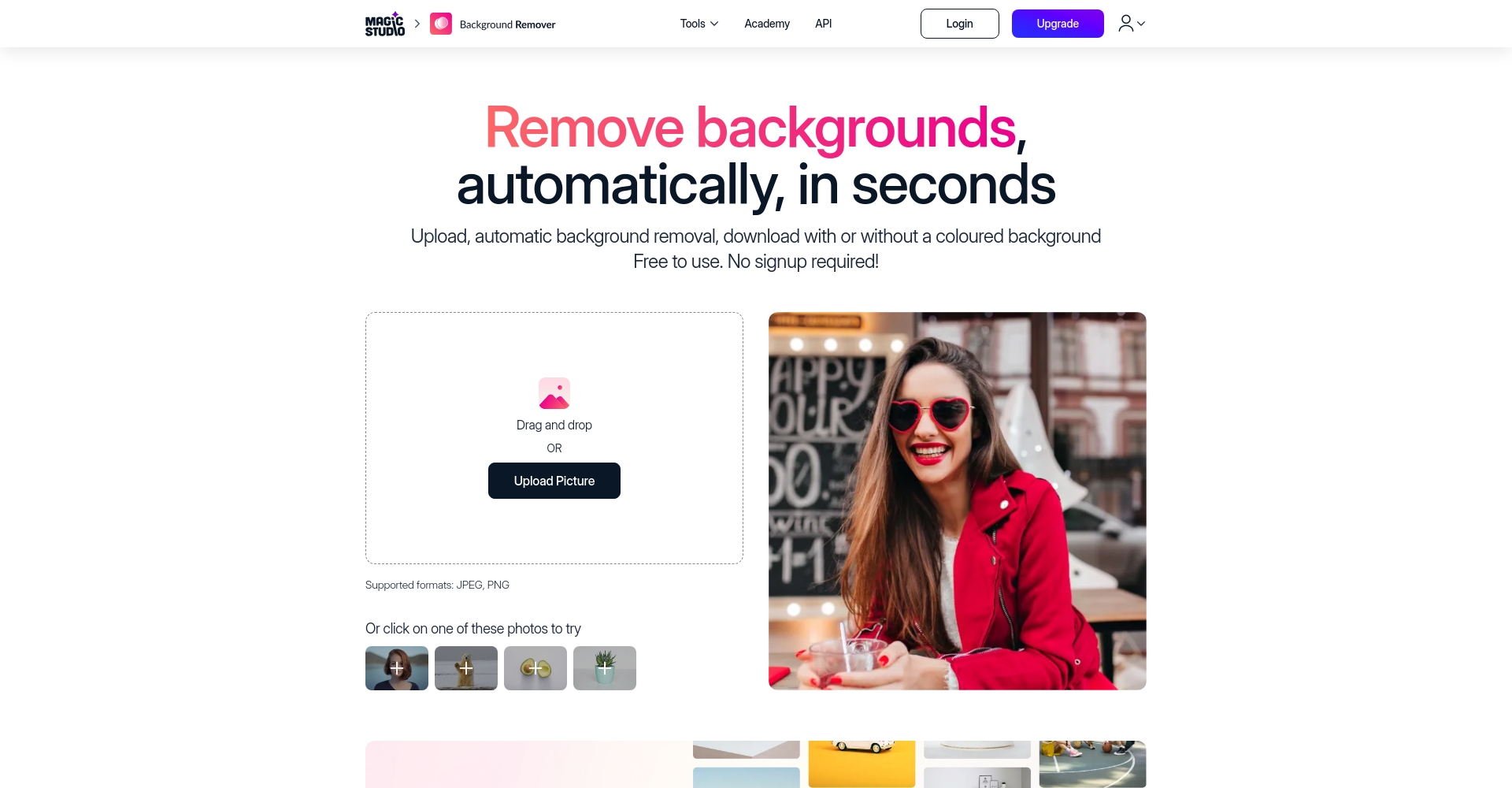

The following table summarizes the main features currently available in Background Eraser:
| Functional categories | Detailed Explanation | Highlights |
|---|---|---|
| AI Background Removal | Automatically identifies the foreground subject, distinguishes it from the background, and accurately cuts out the image. | Automated and efficient, requiring no manual operation |
| Batch processing | Batch uploading and batch background removal are supported. | Suitable for high-volume users |
| Multi-format support | JPG, PNG, HEIC, WEBP multi-format adaptation | Upload without any barriers |
| Custom Background | Can be set to transparent, solid color, or any color | Meets diverse business scenarios |
| Privacy and security | No registration required, no data retained. | Enterprise-level security protection |

Experience website:https://magicstudio.com/zh/backgrounderaser
Unlike many AI image tools,Background EraserIt adopts a dual-service model of "free basic version + paid advanced version", which is truly user-friendly for the general public while meeting the high-quality needs of professional users.
Users can access directlyPricing Plan PagePlease see the following details:
| Scheme type | Functional limitations | Does it have a watermark? | resolution | advertise | Target audience |
|---|---|---|---|---|---|
| Basic Free Version | Single/batch background removal, basic color settings, limited resolution, includes logo watermark. | 是 | Low-medium | 有 | Regular users |
| Professional Paid Version | Batch processing, watermark-free, high-resolution download, custom backgrounds, ad-free. | 否 | Full resolution | 无 | High-frequency applications such as e-commerce, photography, and design |
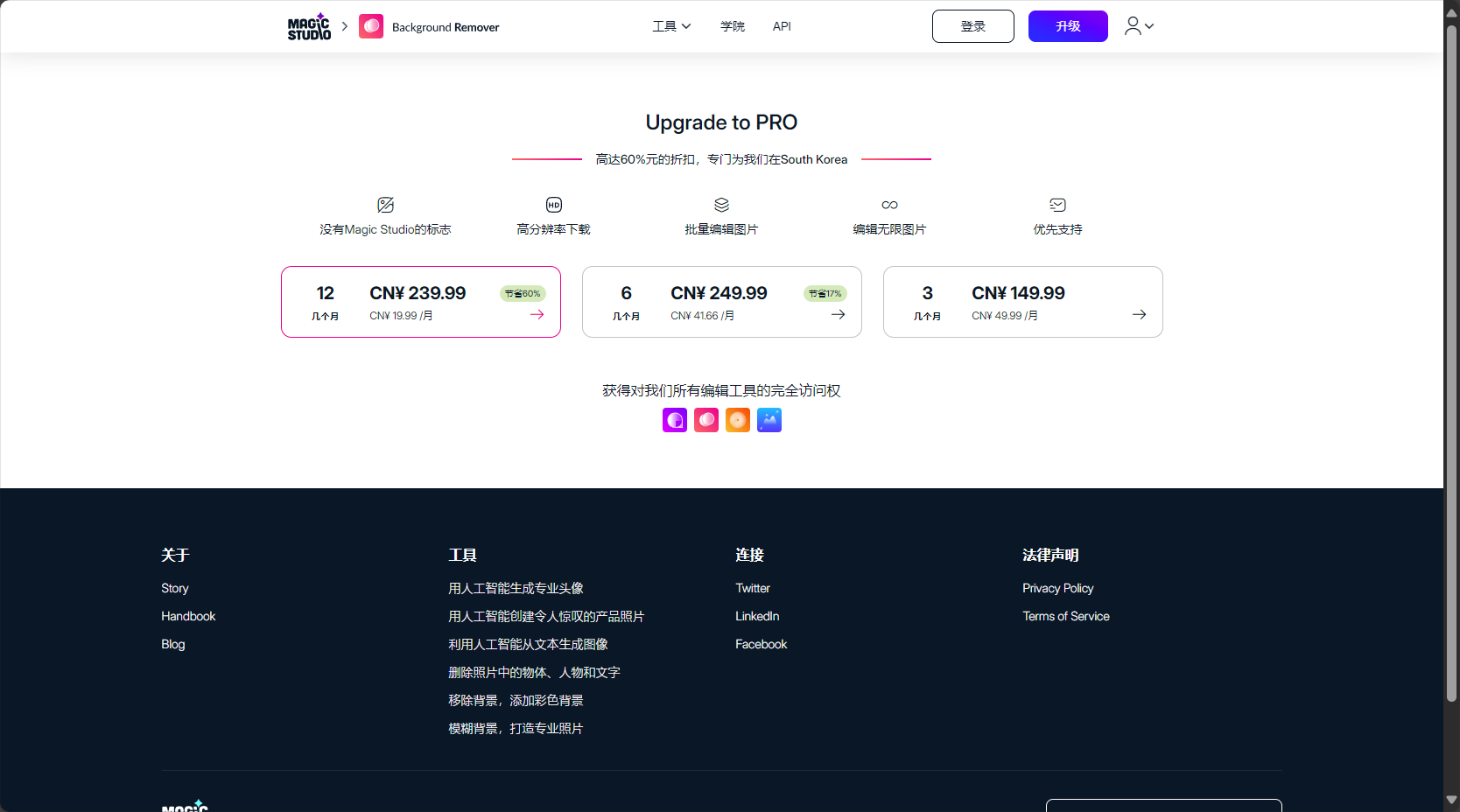
Free trialNo registration or credit card required; use immediately online; suitable for light users or those with temporary needs.
Paid upgradeSuitable for business users and professionals who need large quantities of watermark-free, high-resolution images.
The usage process is extremely simple, and even first-time users can easily get started. (For reference...)Official tutorial pageoperate:
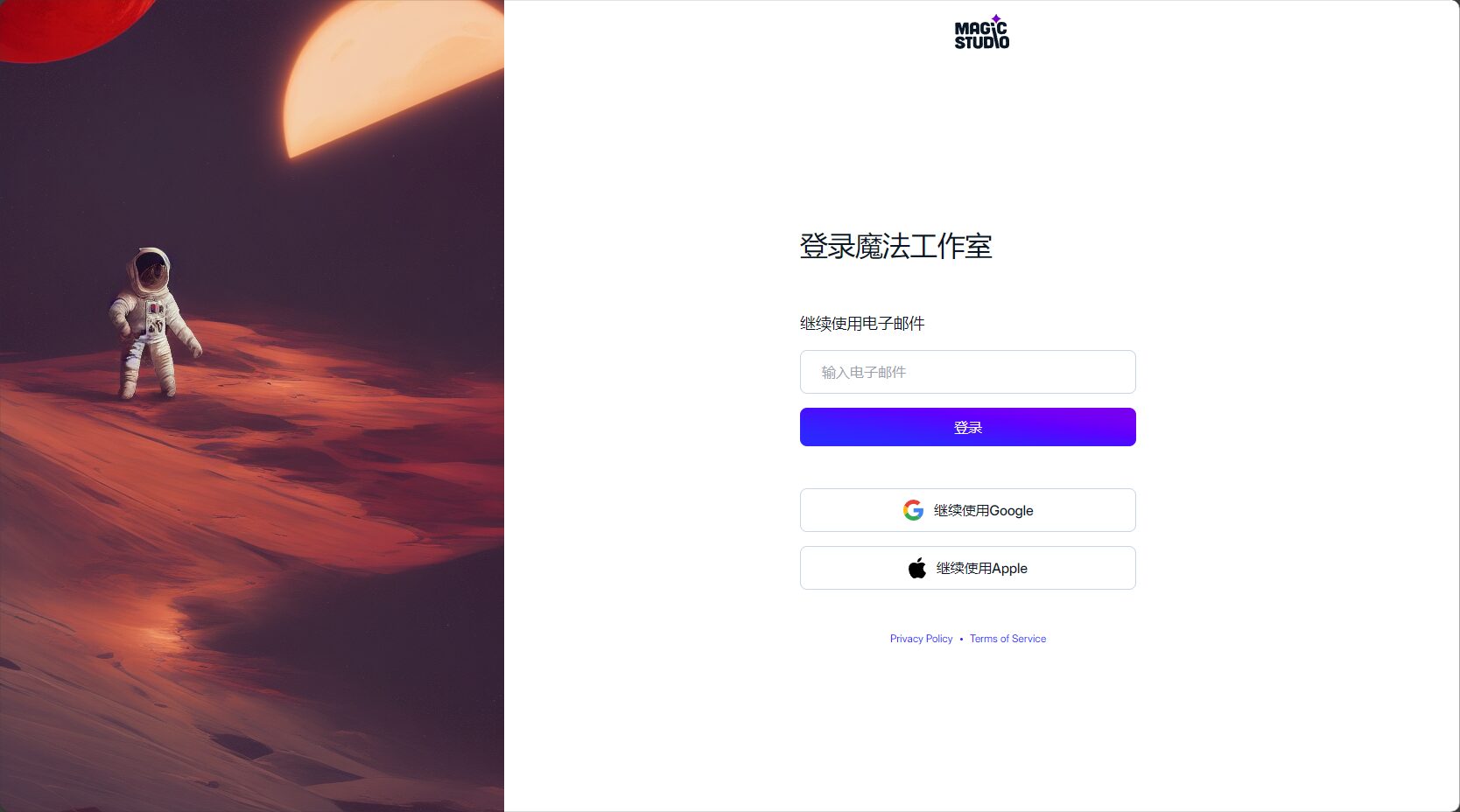
Operation Flow Chart:
| step | Operation content | Highlights Description |
|---|---|---|
| Upload | Drag/select local images | Supports multiple mainstream formats |
| Automatic recognition | AI detects and segments foreground/background. | Excellent results, no manual correction required. |
| Custom | Set background color or transparency | Flexible adaptation to multiple scenarios |
| download | Choose the output format, no watermark (paid version) | Directly uploaded for commercial use |
This AI image tool is highly inclusive and can be used efficiently by both individuals and businesses. Suitable for, but not limited to:
| Applicable identity | Scene | Special needs |
|---|---|---|
| e-commerce merchants | Product background removal/color change/standardization | High efficiency, batch processing, watermark-free |
| Photographer | Post-processing of portraits and objects | High resolution and fast processing |
| Design/Graphic Design | Poster, materials, and collage composition | Flexible and controllable background |
| Content Operations | New media advertisements and short video covers | Transparent/Colored background (multiple selection) |
| Regular users | ID photos, social media profile pictures, aesthetic creations | Zero barrier to entry |
Compared with a large number of similar AI image toolsBackground EraserIt has the following outstanding advantages:
| Tool Name | No registration required | Batch processing | AI accuracy | Resolution guarantee | Paid watermark-free |
|---|---|---|---|---|---|
| Background Eraser | 是 | 是 | 高 | 是 | 是 |
| Remove.bg | 是 | 否 | 高 | Partially restricted | 是 |
| Canva background removal | 否 | part | Medium-high | 是 | Subscription required |
| FocoClipping | 是 | 否 | 中 | Restricted | 是 |


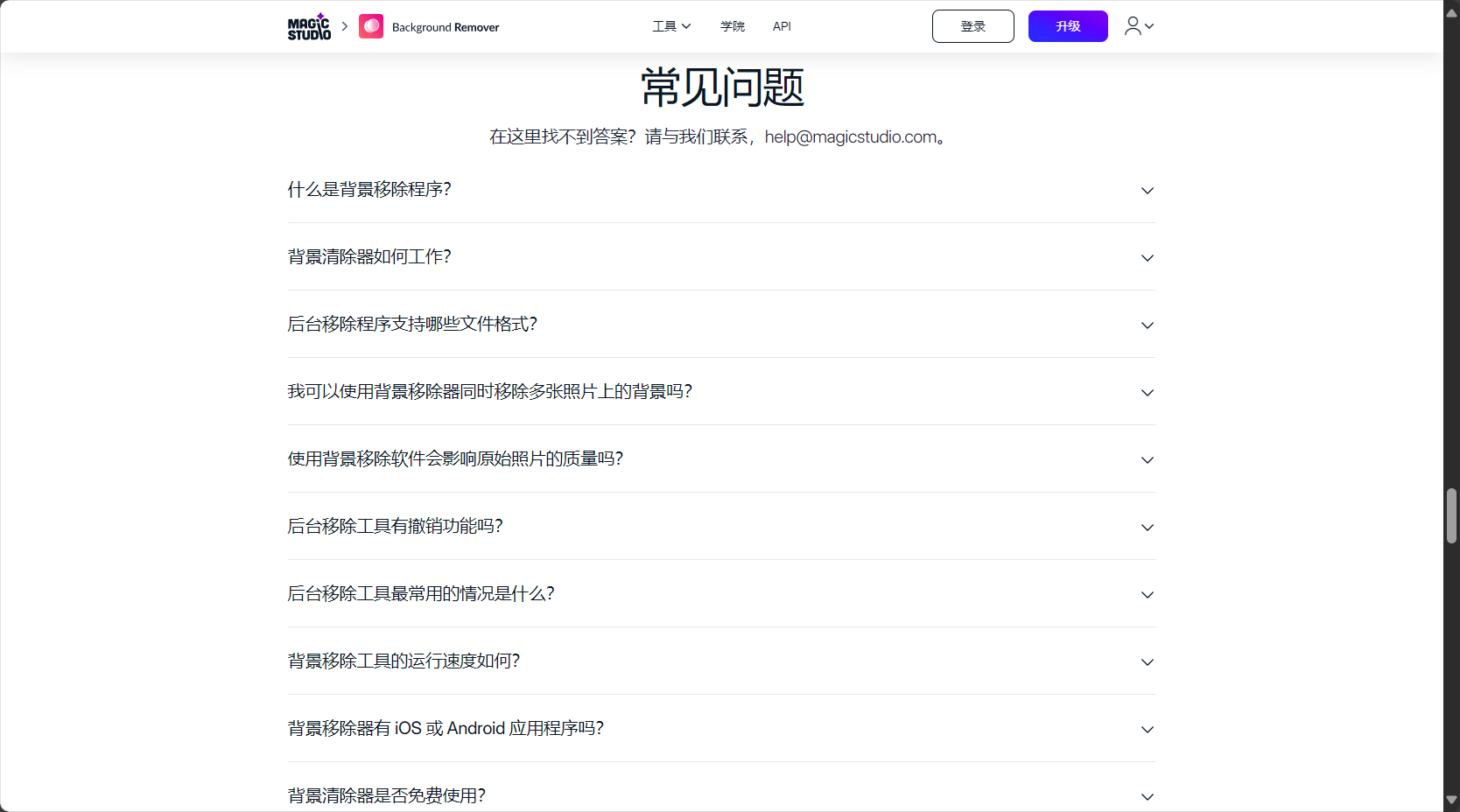
Background Eraser currently supports mainstream image formats such as JPG, PNG, HEIC, and WEBP, so users don't need to worry about compatibility issues. Simply upload your image files to the platform, and the system will automatically recognize and process them. See details.Official Support Information。
unnecessary!Users can upload images and use all free features without registering any account. This maximizes privacy and security while also raising the bar for new users.
If you have a large number of images that need to be processed in batchesBackground Eraser provides a batch background removal function.This is especially suitable for high-frequency users such as e-commerce merchants and design studios. The premium package supports batch, efficient uploading, processing, and downloading of all images, significantly saving work time. See details below.Batch Processing Zone。
With the continuous advancement of AI image tools, Background Eraser has become a powerful tool for individuals and businesses to enhance visual content productivity. Its simple and efficient design, fully automated AI background removal, user-friendly multi-functional settings, and extremely low learning curve have helped thousands of users save significant time and costs. If you need a flexible, efficient, and secure AI background removal tool, Background Eraser is undoubtedly your top choice. Try it now:https://magicstudio.com/zh/backgrounderaser。
This site's AI-powered navigation is provided by Miao.Background EraserAll external links originate from the internet, and their accuracy and completeness are not guaranteed. Furthermore, AI Miao Navigation does not have actual control over the content of these external links. As of 12:11 PM on August 16, 2025, the content on this webpage was compliant and legal. If any content on the webpage becomes illegal in the future, you can directly contact the website administrator for deletion. AI Miao Navigation assumes no responsibility.
