

Humantic AI
Humantic AI是一款面向B2B销售场景的人格洞察及客户画像AI工具,通过人格分析和账户智能,帮助销售团队提升获客效果,实现个性化销售跟进。
Fotor AI Image Upscaler is an online AI image upscaling and enhancement tool that allows for lossless image upscaling and enhancement with a single click, making images high-resolution with zero learning curve.
 Fotor AI Image Upscaler
Fotor AI Image UpscalerIt is currently a leader in the field of image editing.AI lossless image enlargement toolThis app allows you to instantly upscale low-resolution images to 4K without installing any software, automatically fixing blur and noise issues. It supports batch processing and multiple formats. Its cloud-based high-speed processing and user-friendly interface make it suitable for various industries including design, e-commerce, and photography. The free version meets basic needs, while the premium version unlocks all AI enhancements and high-definition output.It is a smart and efficient new choice for high-definition image processing.。
In June 2025, a highly innovative AI image tool is attracting enthusiastic attention from the global image editing community—Fotor AI Image Upscaler(Official websiteIn the field of AI image enhancement and lossless upscaling, Fotor's product uses cutting-edge algorithms to significantly improve image quality without complicated operations, upscaling low-resolution images to 4K with a single click, greatly facilitating the diverse needs of designers, e-commerce merchants, and ordinary users.
Fotor AI Image Upscaler It's an image upscaling and enhancement tool based on advanced deep learning AI, capable of automatically upscaling images up to 4x.Without loss of detail and clarityIts core functions include:
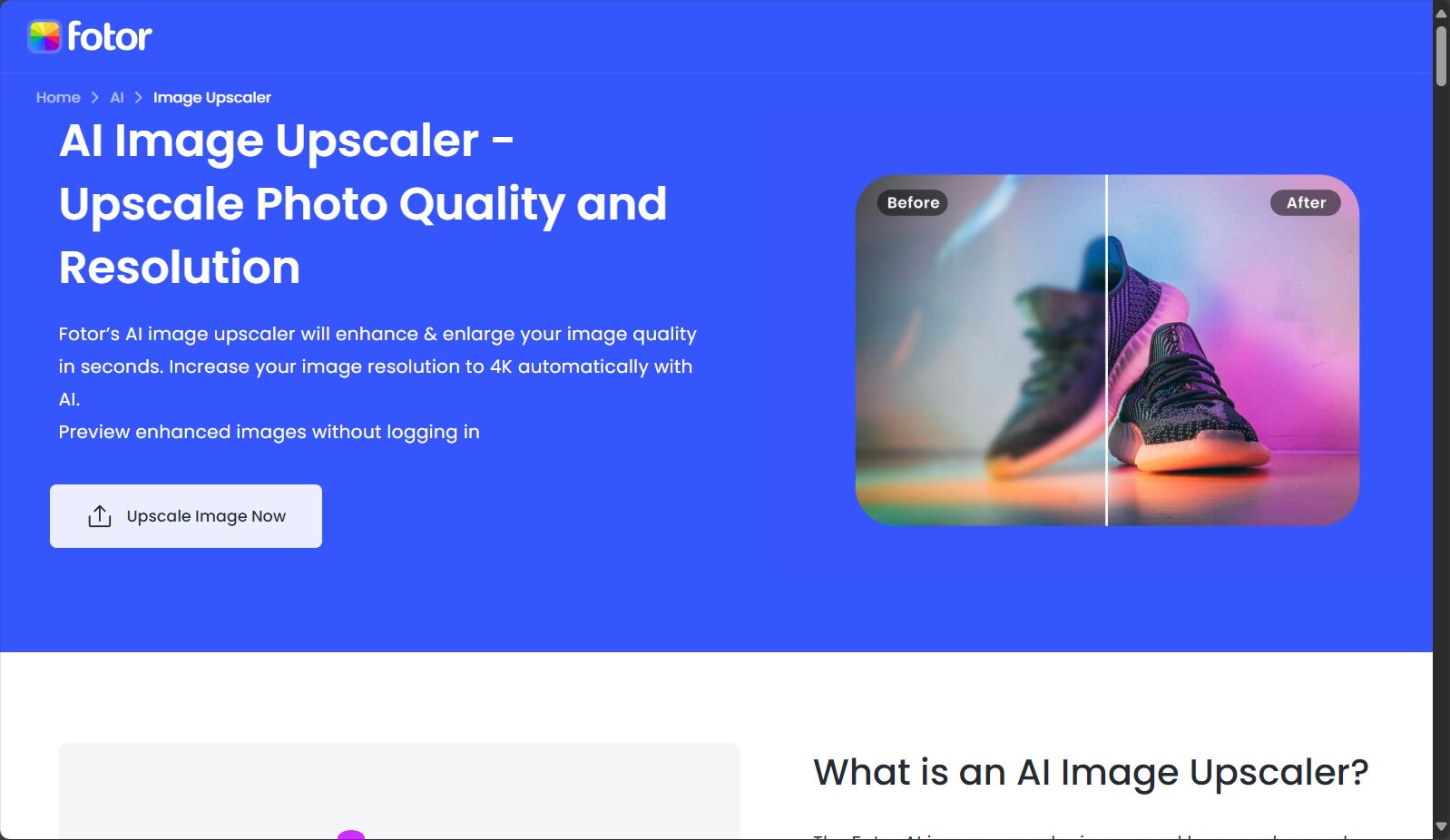
| Function | describe | Supported formats |
|---|---|---|
| AI magnification | Image magnified up to 4x or higher | JPG, PNG, HEIC, BMP, WebP |
| Image sharpening | Fix blur and enhance details | Same as above |
| AI noise reduction | Automatic noise removal | Same as above |
| Batch Upload | Supports batch image processing | Same as above |
| Live Preview | Zoom-in preview | Same as above |
In addition to the basic enhancements,Fotor AI Image Upscaler It also offers specialized optimization solutions for different scenarios such as anime, products, ID photos, and scanned documents. For example, for anime images, it can fix jagged edges and restore lines, making the two-dimensional images clear and delicate; for e-commerce images, it automatically enhances product details and color appeal.
For detailed information, please refer to [link/reference].Official feature page。
Fotor official statementAI Image ToolsAdopting a "basic free, advanced paid" pricing strategy, it meets the needs of individual users and enterprise users.
| plan | Monthly fee | Supported features | limit |
|---|---|---|---|
| Free version | ¥0 | Basic image enlargement, watermark-free download | Low-resolution output limits some AI functions. |
| Pro | Approximately ¥45-70 | Advanced AI upscaling, lossless enhancement, batch processing, and high-definition download. | Full-featured, ad-free, 2GB cloud storage |
| Pro+ | ¥120 | All Pro features + batch acceleration processing, 10GB cloud storage | Monthly points are awarded for advanced AI effects and specific generation. |

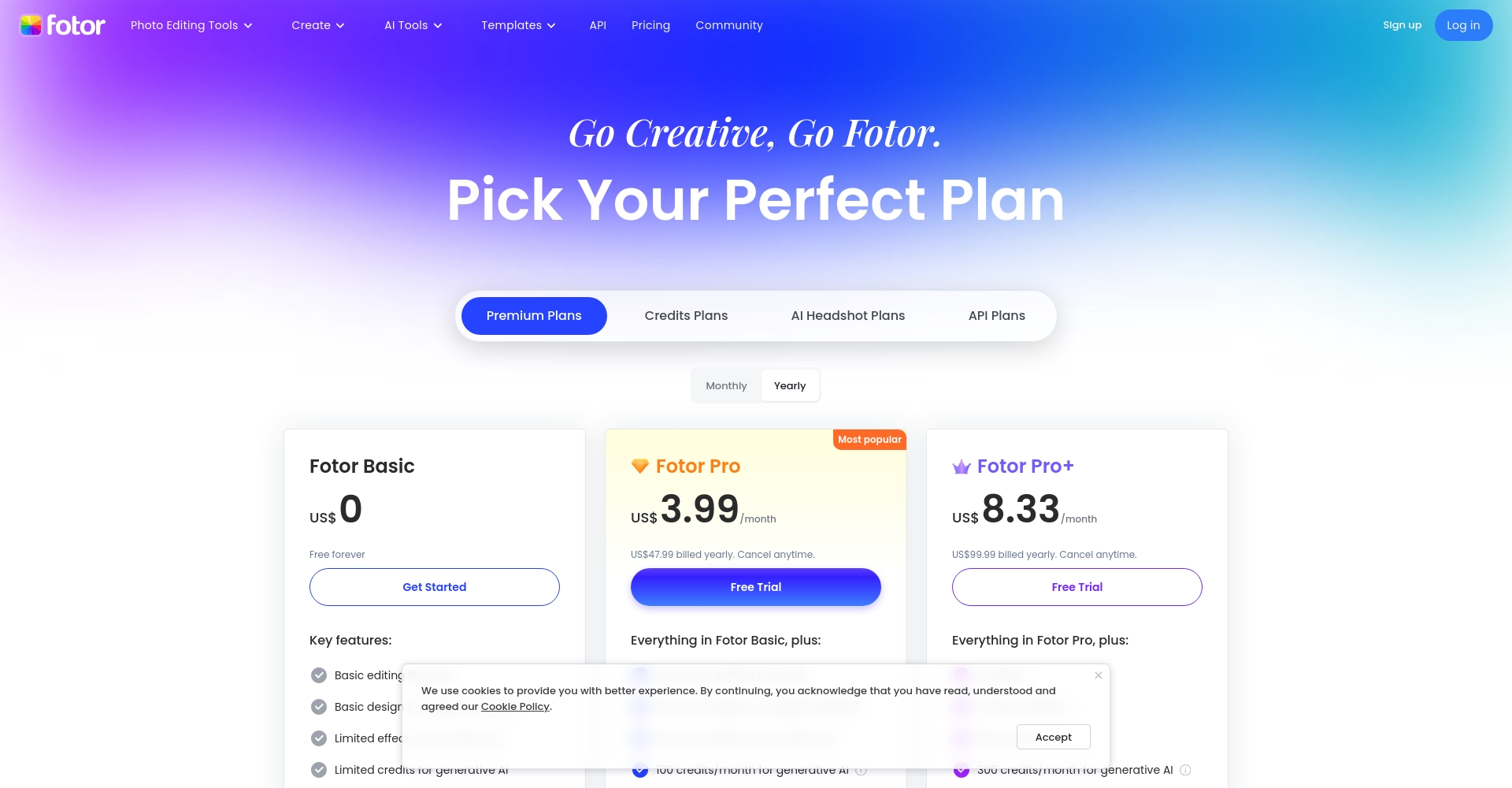
The actual price is based onOfficial website announcementFor reference only, promotional activities may be held from time to time.
The free version allows you to experience most image enlargements and high-definition output. If you need batch processing or ultra-high resolution output, it is strongly recommended to upgrade to Pro or Pro+.
Photo/Price Plan Comparison
Fotor advocates that "simplicity equals efficiency." (Use...)Fotor AI Image UpscalerJust follow these steps:
| step | illustrate | Link |
|---|---|---|
| Upload Image | Select local file | Upload entry |
| Setting parameters | Adjust magnification and enable AI noise reduction. | |
| Preview | Automatically generate before and after magnification images | |
| Download high-resolution images | Save to local |
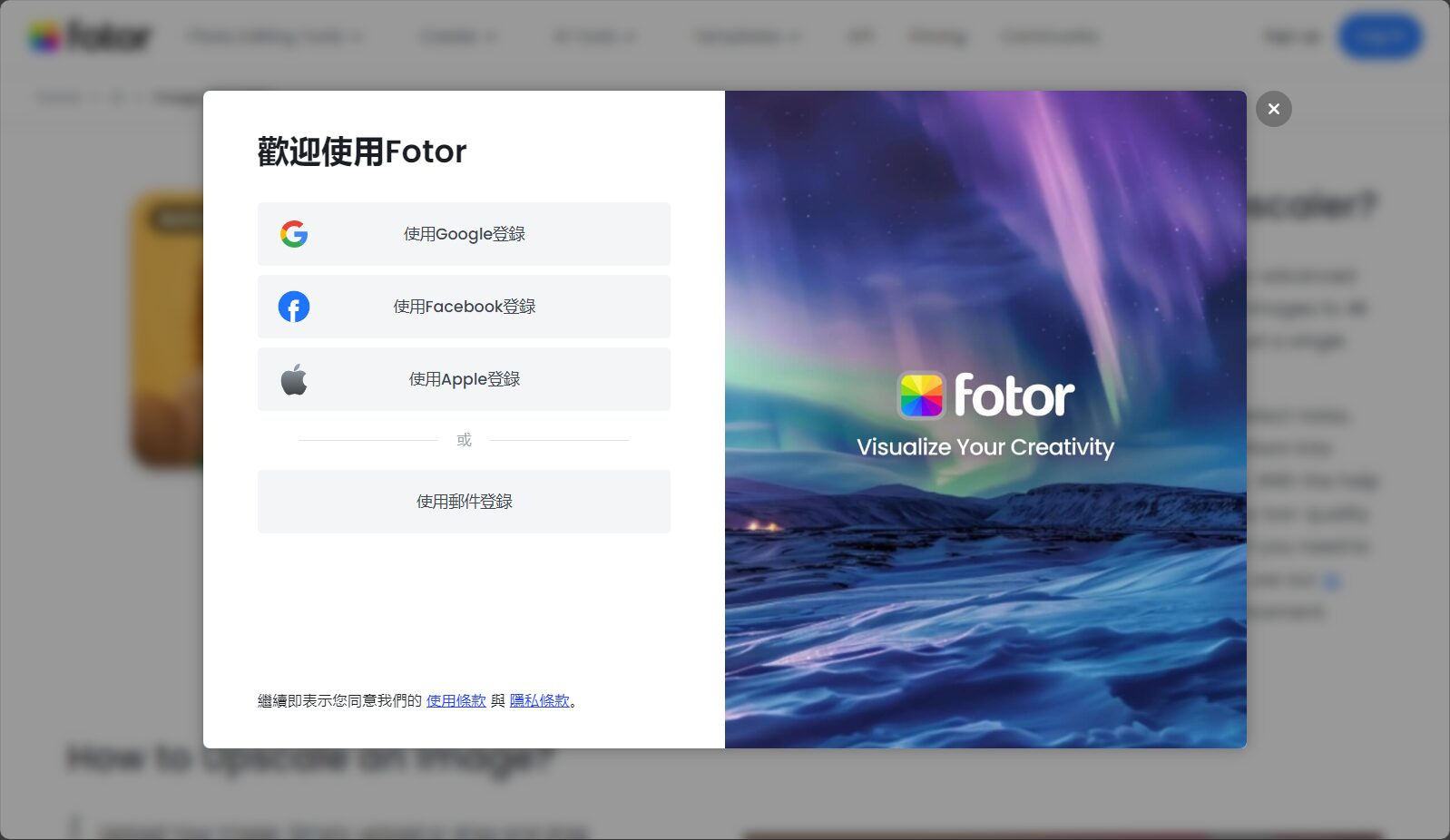
By deeply understanding user needs, Fotor AI Image Upscaler has become the preferred choice for image optimization across multiple industries.AI Image Tools。
Main applicable scenarios and user groups:
| User type | Typical requirements | Upscaler Advantages |
|---|---|---|
| E-commerce operations | Enhance product images and highlight details | Supports batch processing to enhance product appeal. |
| Photography/Designer | Enhance photo details and increase clarity. | Supports large image zoom-in with excellent detail reproduction. |
| Regular users | Repair blurry expressions, travel photos, etc. | Extremely simple operation, no technical skills required |
| Corporate/Advertising | Massive image high-definition conversion, album production | Stable output of 4K image quality, saving on material procurement and production costs. |
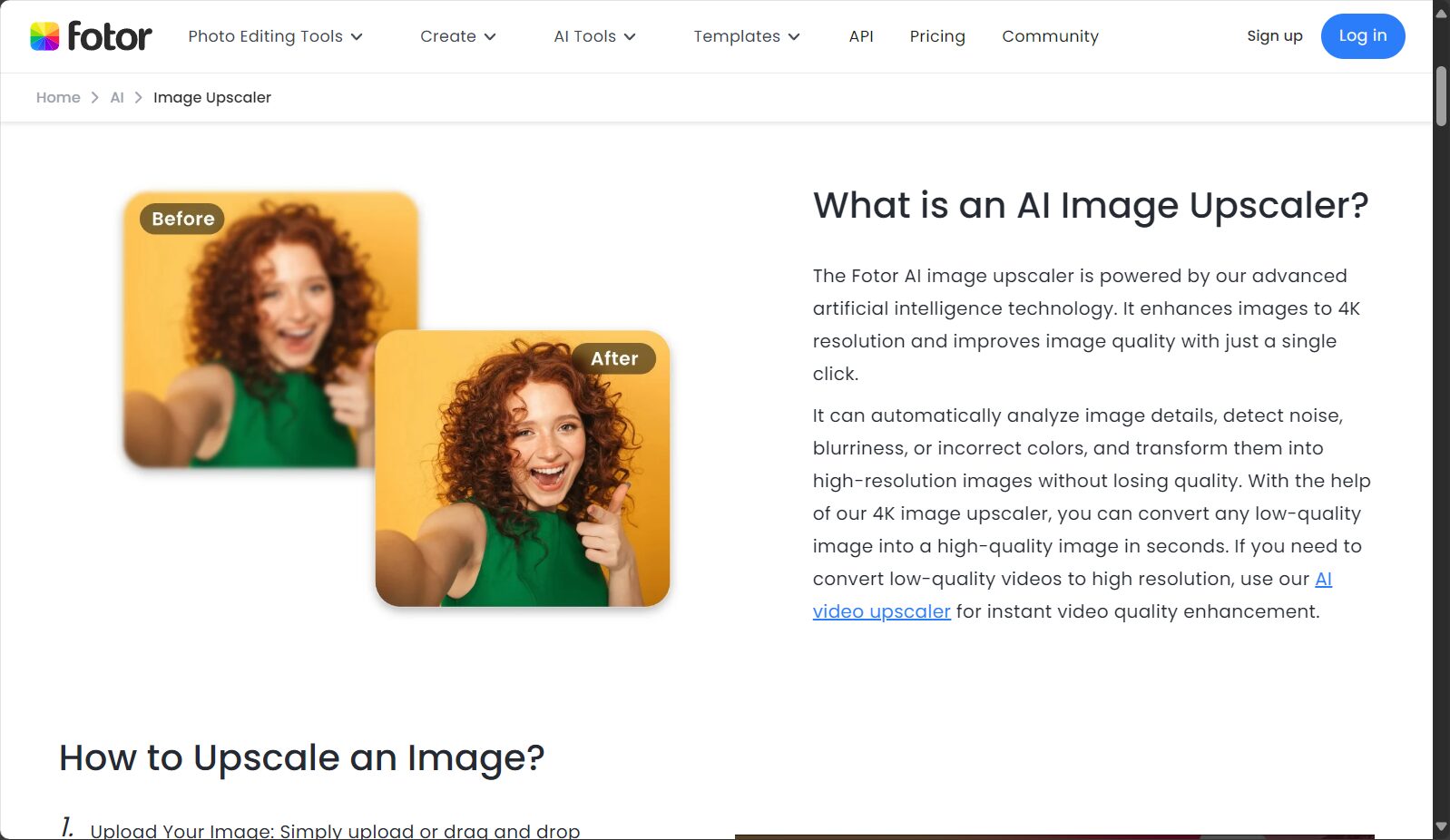
How does AI image upscaling differ from traditional algorithms?Fotor AI Image UpscalerThe integrated AI model is trained on millions of image data and can automatically identify edges, details and color information. Combined with intelligent noise reduction technology, it can achieve "intelligent reconstruction", while traditional interpolation algorithms often lose image quality or produce jagged edges and blurring.
| Way | accuracy | speed | cost | Detail restoration |
|---|---|---|---|---|
| AI Intelligent Magnification | 高 | Seconds | Basic free | Real intelligence |
| Traditional amplification algorithm | lower | Faster | free | Prone to distortion/loss of detail |
| Manual photo editing using Photoshop and other methods | Extremely high | 慢 | 高 | Dependence on manual level |
Photo/AI magnification versus traditional interpolation comparison
Free usersNo registration is required to try it out. Exported images will not have watermarks, but there are some resolution limitations. For ultra-high-definition output, it is recommended to upgrade to the paid version.
Fotor promises that all uploaded images are...Encrypted storage, automatic deletionThe data will not be stored on the server after processing and will comply with strict data protection policies.
Yes, increasing the image resolution and pixels will increase the file size accordingly, but this helps ensure output image quality. Different output resolutions can be selected based on actual needs.
Fotor AI Image Upscaler is becoming a powerful tool in design, photography, e-commerce, and content distribution with its revolutionary AI + cloud-based image enhancement solution. Whether you are a creator or a general user, you can leverage this powerful...AI Image ToolsEfficiently and intelligently transform old photos and low-resolution images into high-definition, high-detail, high-quality new works, enhancing your portfolio. For more detailed features and experience, please visit [website address].Official website。
This site's AI-powered navigation is provided by Miao.Fotor AI Image UpscalerAll external links originate from the internet, and their accuracy and completeness are not guaranteed. Furthermore, AI Miao Navigation does not have actual control over the content of these external links. As of 7:29 PM on August 13, 2025, the content on this webpage was compliant and legal. If any content on the webpage becomes illegal in the future, please contact the website administrator directly for deletion. AI Miao Navigation assumes no responsibility.
